
NumCapsScroll 6.12 for Windows
SHA-256 listed
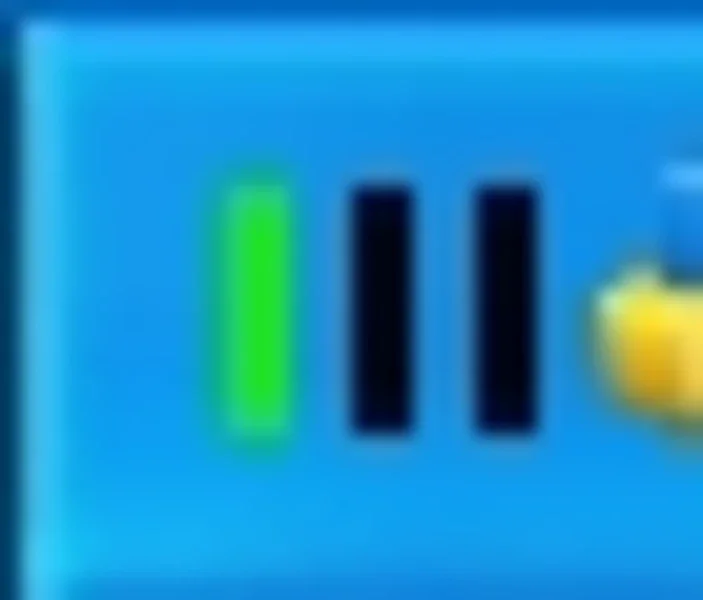
System tray icon showing Num Lock, Caps Lock and Scroll Lock states
All ages
Age rating
Screenshots
Description
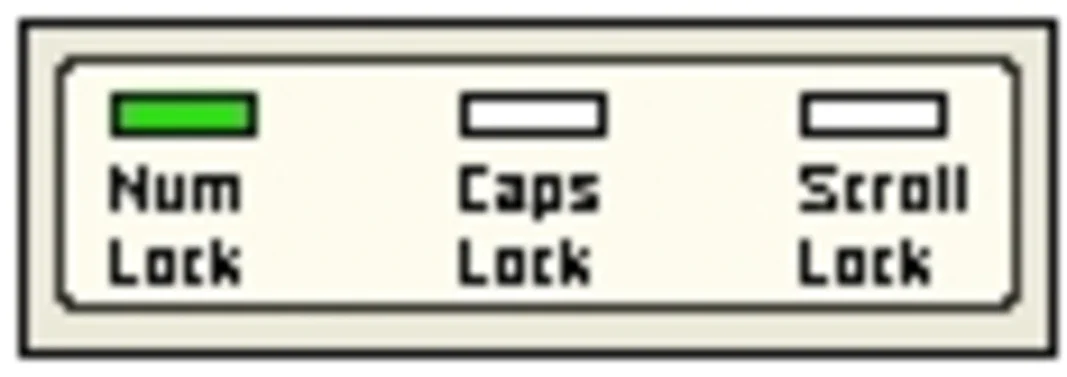
NumCapsScroll is a Windows utility that shows the state of the Num Lock, Caps Lock and Scroll Lock keys on screen. It sits as a small icon in the system tray.
The icon has three small black bars, one for each key in that order: Num Lock, Caps Lock, Scroll Lock. When a key is active, its bar turns green. That is the whole readout, and it stays visible while you work.
It is free and runs under Windows. The readout helps when the keyboard has no LEDs for those keys, or the existing ones are hard to see.
Download files
File6.12ZIP
Version6.12
ReleasedSep 24, 2007
Size1.6 MB
SHA-256
Get
c38aaa7f3a700ebad8d6f4ecb27d3b1a34bfda05824a119d2bc24d71f947dd6d
System requirements
Available on:
Additional information
Developer
Latest release
6.12 · Sep 24, 2007
Size
1.6 MB
File type
ZIP
SHA-256
c38aaa7f3a700ebad8d6f4ecb27d3b1a34bfda05824a119d2bc24d71f947dd6d





