
oCam 550 for Windows
Screen recorder for Windows that captures apps, games and desktop audio
Screenshots
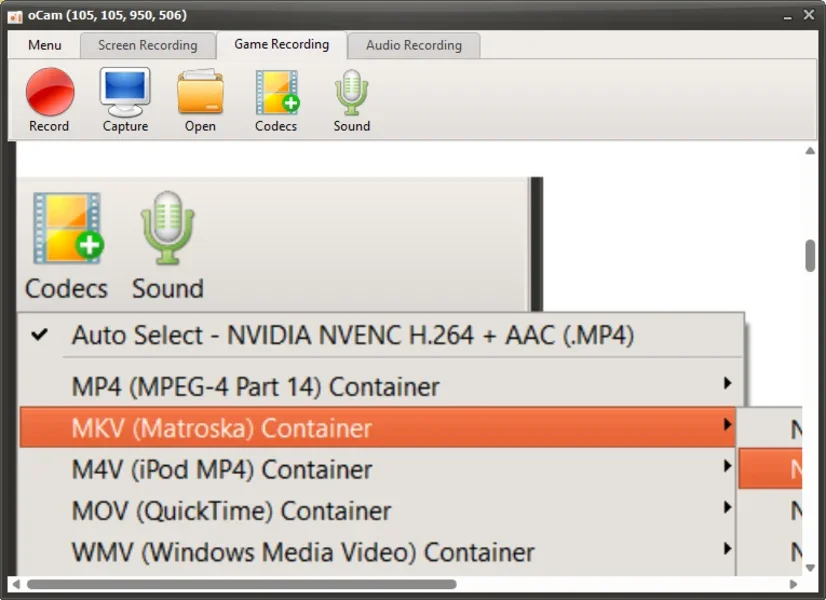
Description
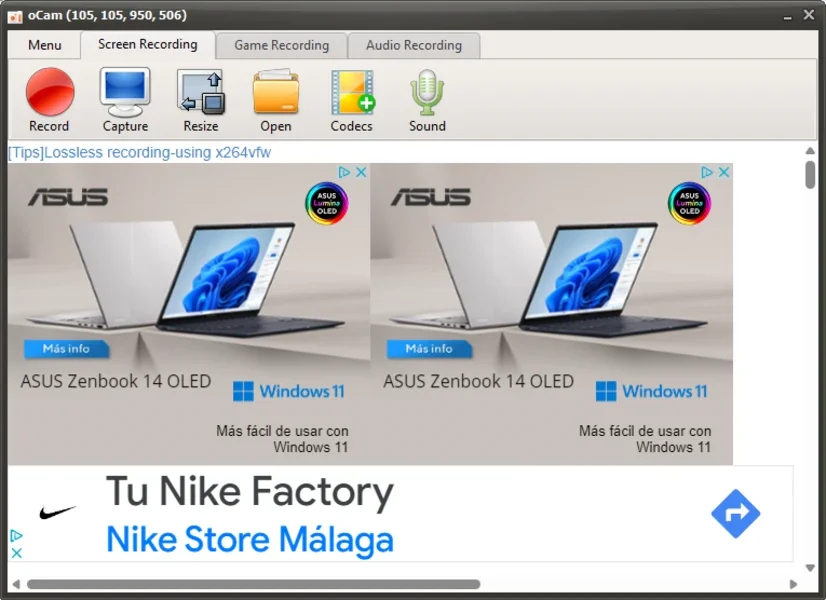
oCam is a screen recorder for Windows. It captures everything shown on the computer screen, including audio from any source, so what you see and hear is what ends up in the file. You pick the area to record, click record, and capture continues in that area until you stop it. Recording can be paused and restarted at any time.
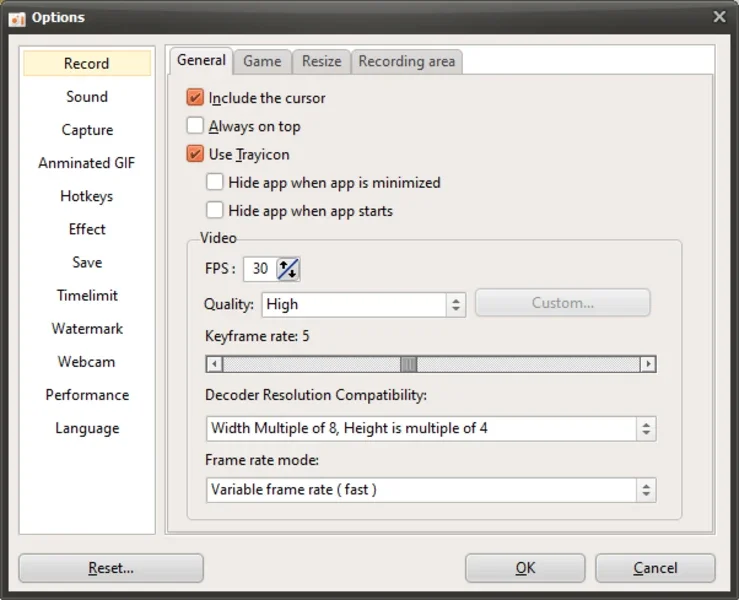
Apps and games can be recorded. A webcam and microphone can add other image and audio sources to the recording, and watermarks can be added. The program can also find the recording area for you. Hotkeys can be set up for recording, and there are many codecs and configuration options to choose from.
Supported video formats include MP4, MKV, MOV, WMV, FLV, AVI, TS, and VOB, along with many other video and image formats.
Download files
9bc3c938f73d6713147d85e8e60cc2c37645c1b1ca31e0eee26363b8aceb7b06
Signed by OORT Inc. · valid until May 21, 20249bc3c938f73d6713147d85e8e60cc2c37645c1b1ca31e0eee26363b8aceb7b06
Signed by OORT Inc. · valid until May 21, 2024729a910181a35d4028cfc2ed8a45c319dc3d1f699537e7710c500331724a582e
Signed by OORT Inc. · valid until May 21, 202428537bd24ea27e6b7affd8f5a2820109f600e8f5725717afe15199b4f955efa7
Signed by Mediawave Corporation · valid until Jul 31, 201328e1adb8ee1d488b61b79c05c58efd31b5495c2764cdaba6be25a6bd4056b9bd
Signed by OORT inc. · valid until Jan 9, 2021System requirements
Available on:
Minimum OS:
Windows Windows 2003 or later
Additional information
Developer
Latest release
Size
Category
File type
SHA-256
9bc3c938f73d6713147d85e8e60cc2c37645c1b1ca31e0eee26363b8aceb7b06