
OpenClaw Companion 2026.11.3 for Windows
Runs the OpenClaw assistant on Windows through WSL2
Screenshots
Description
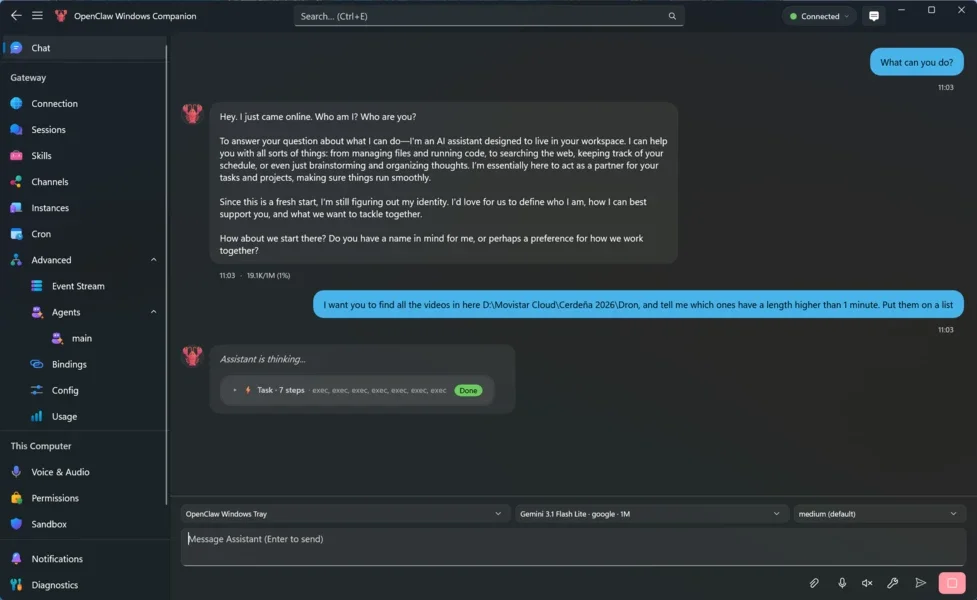
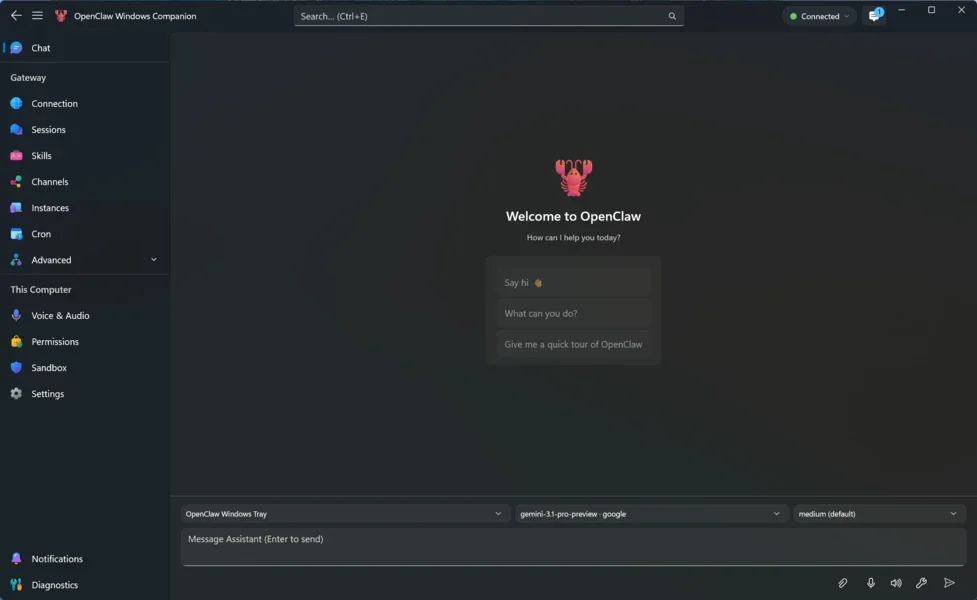
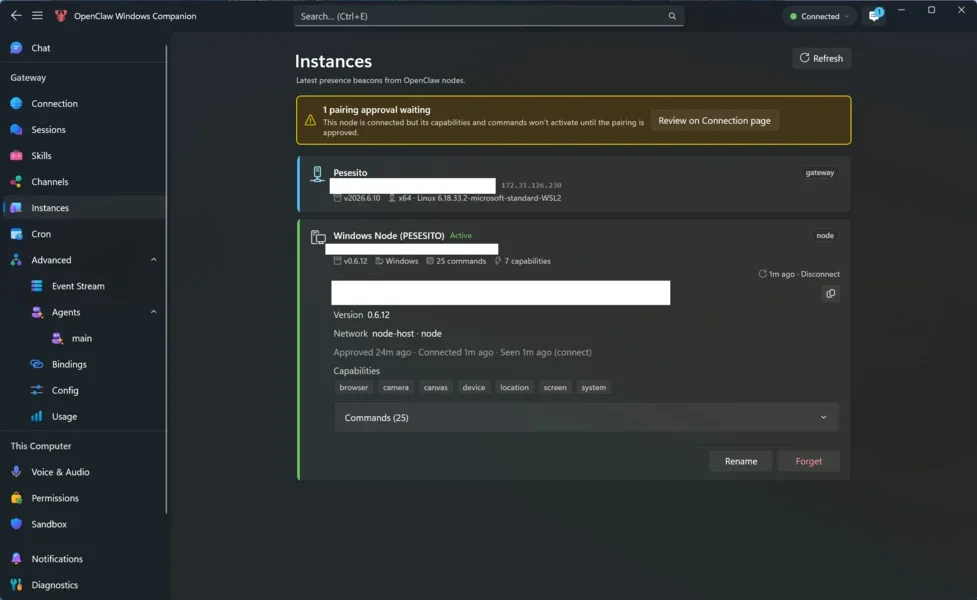
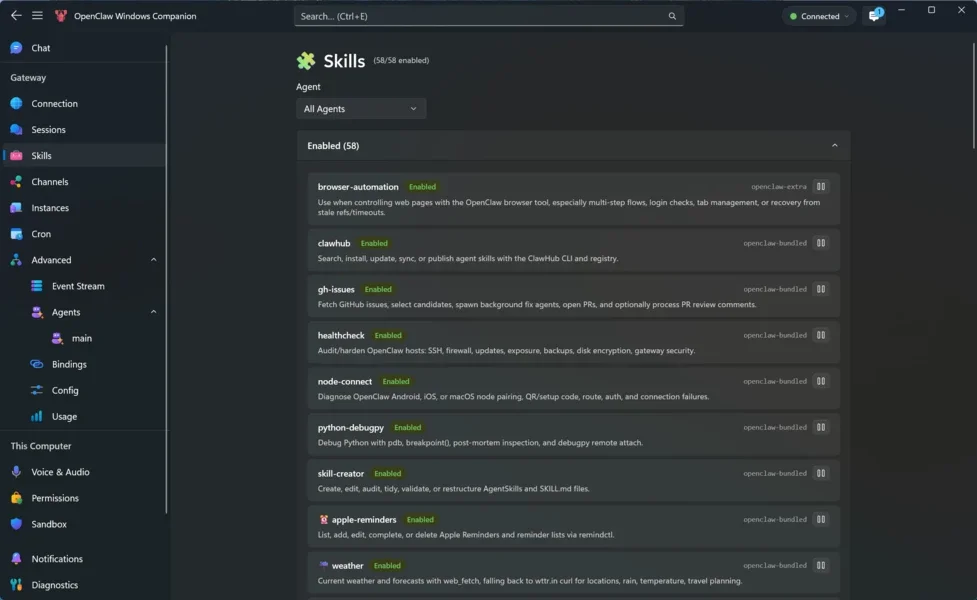
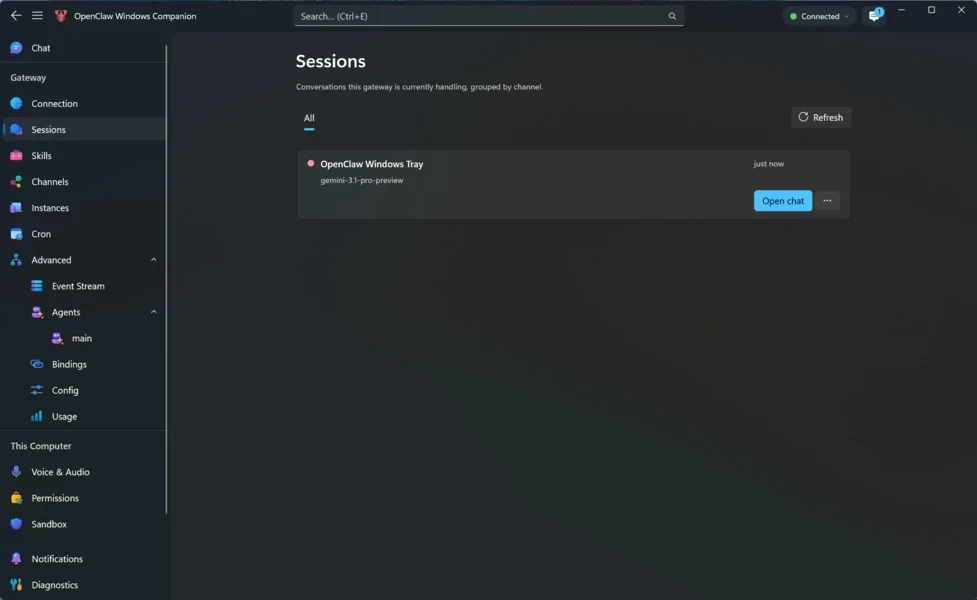
OpenClaw Companion runs the OpenClaw assistant on a Windows PC through WSL2. A chat window is built in with WebView2, so you can talk to the AI without touching the command line. The app manages the assistant's sessions, channels, and notifications, and you can reach it from the system tray without keeping a browser open.
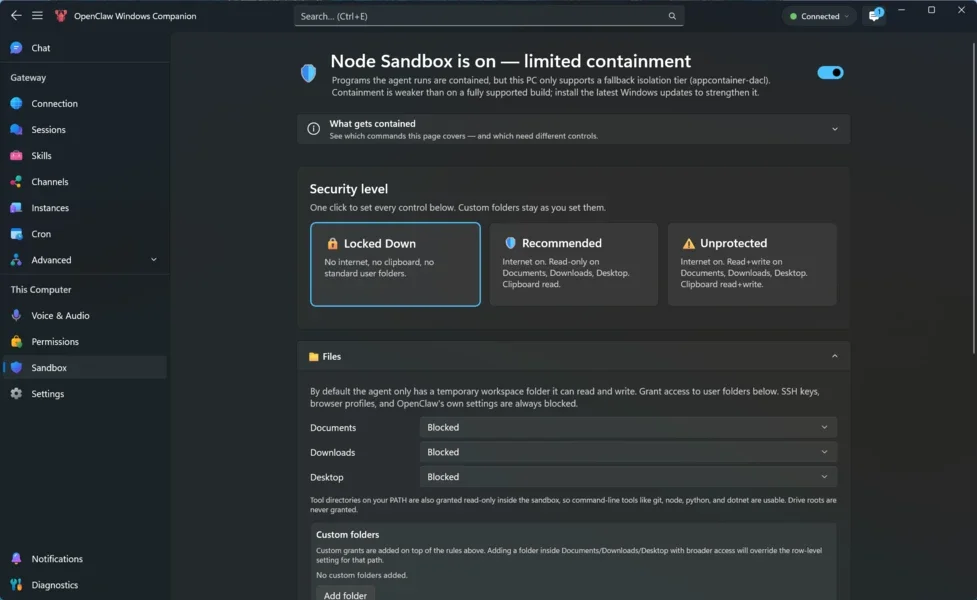
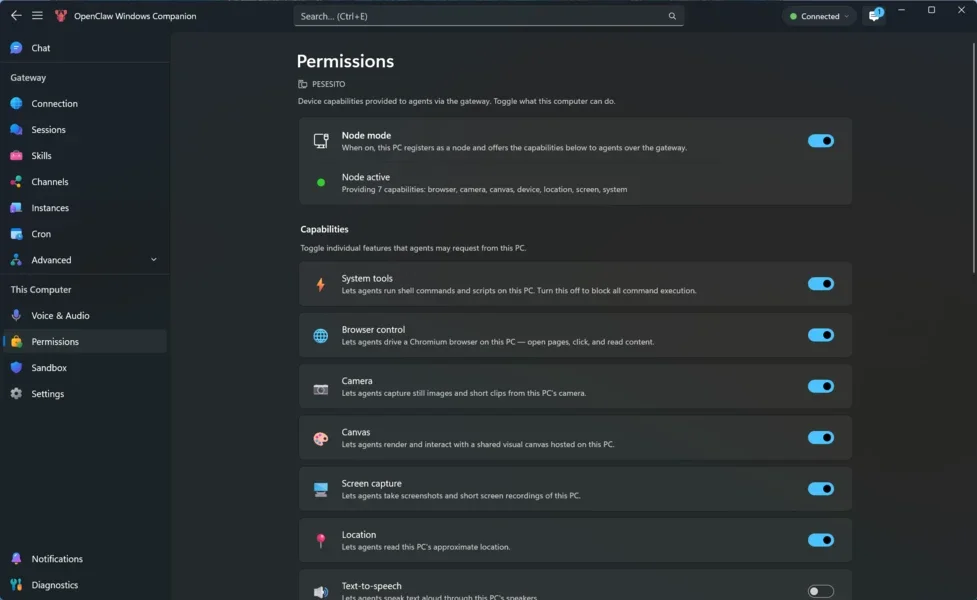
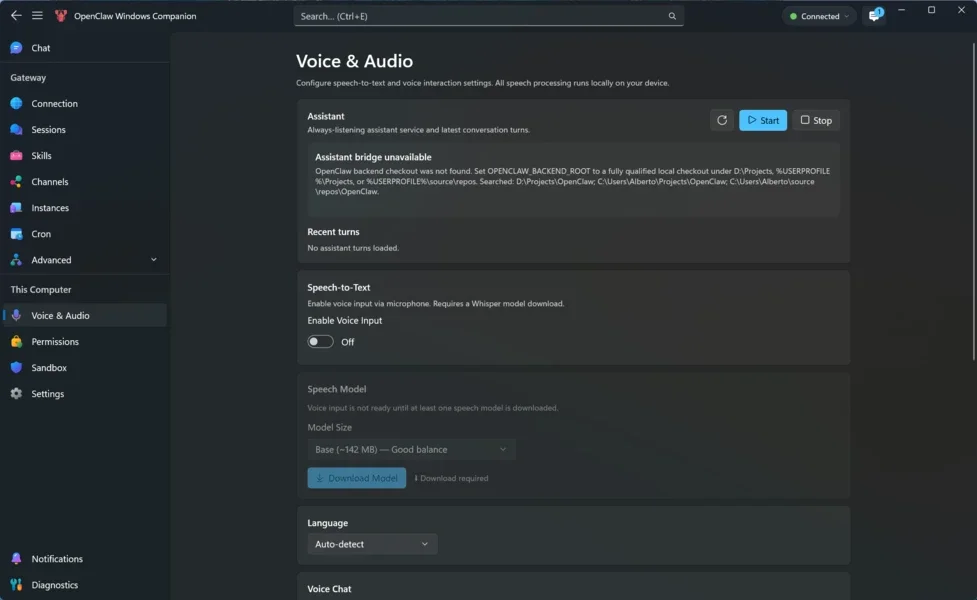
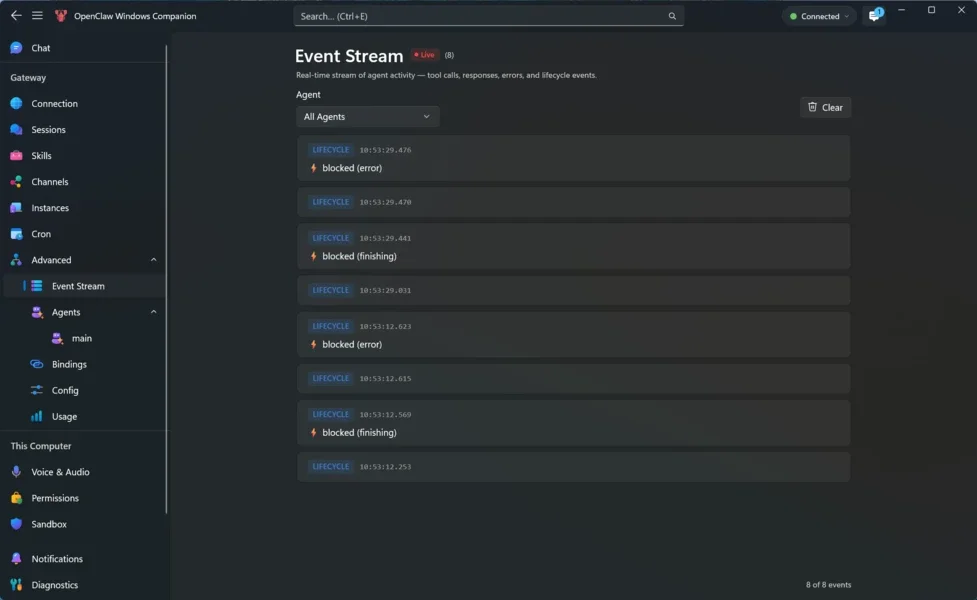
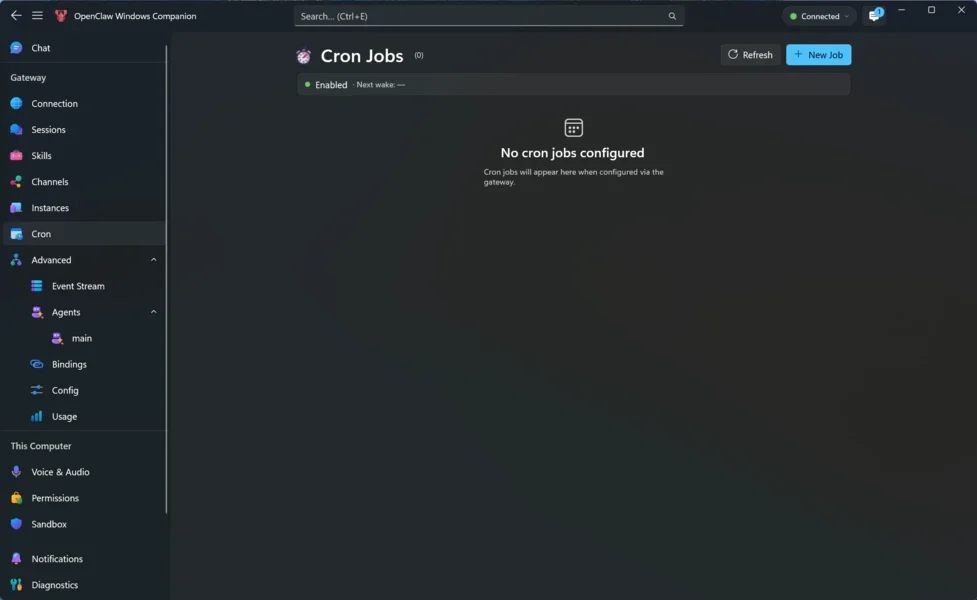
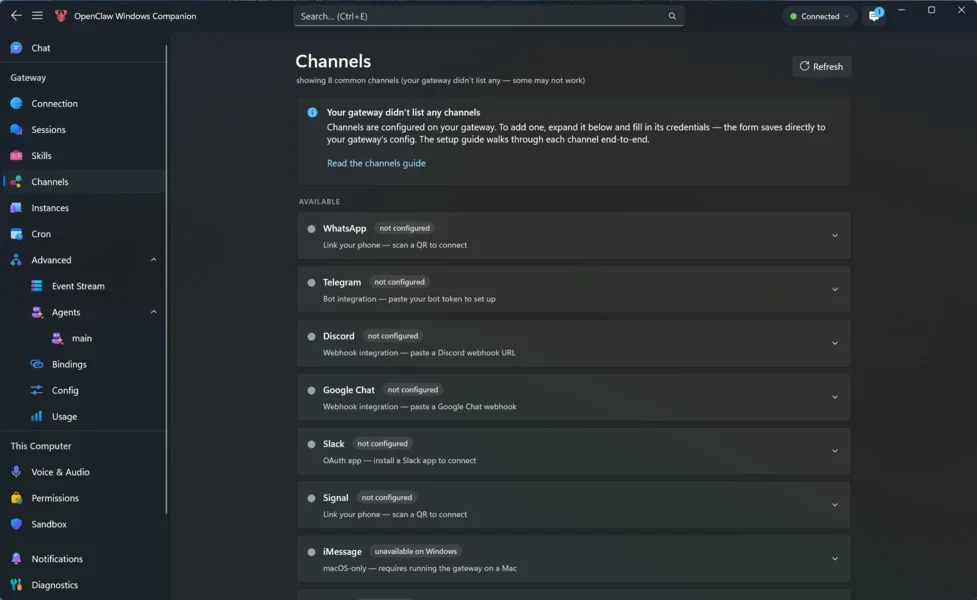
First launch brings a setup wizard that runs past a dozen screens. It configures service providers and how much device access the app gets, covering system permissions for notifications, camera, microphone, screen capture, and location. The wizard ends with a test conversation and a summary of what the app can do. You pick an AI provider by entering an API key; Claude, ChatGPT, and Gemini are among the choices. Node Mode is where the assistant acts on the PC: it can show notifications as Windows alerts, grab a screenshot, capture a short video, snap a picture from the camera, or read text out loud. Screen recording and camera access stay off until you enable them. You also set which folders the app may touch and whether it reads only or can modify content. A separate approval policy for system commands is stored independently of the gateway's general configuration, and each command needs explicit approval at the gateway. The Command Center shows active sessions, consumption by provider, channel status, and an inventory of nodes. Channels like Telegram and WhatsApp start or stop from the in-app menu. An activity panel lists recent events for troubleshooting, and repair commands can be copied straight from the panel. Clicking a notification opens the matching section, and openclaw:// links do the same from other apps. Ctrl+Alt+Shift+C sends a message to the assistant at any time.
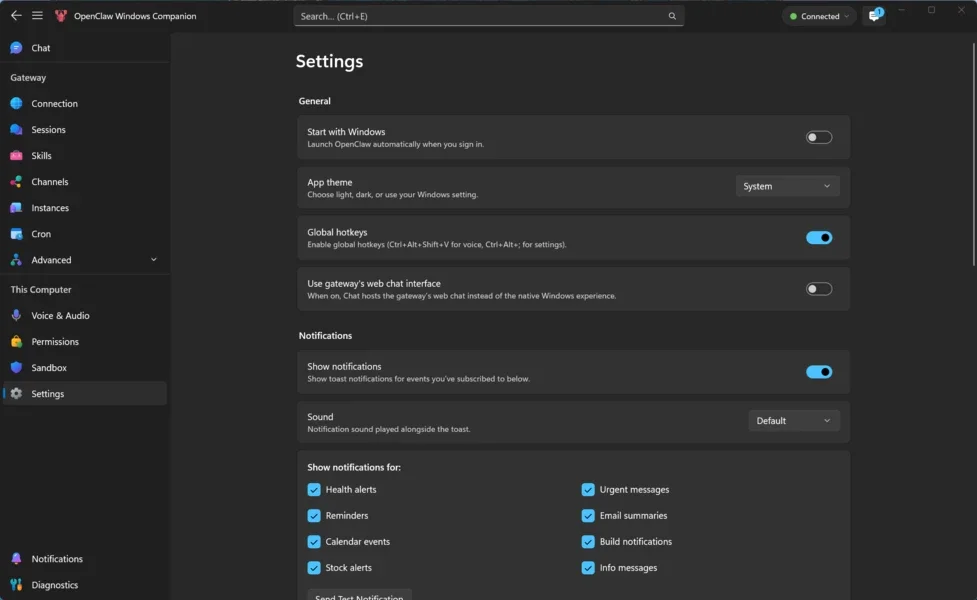
The gateway can be local or on a remote server. The app can launch at startup. It requires virtualization enabled, which means no other emulator can run at the same time. Changing the Gemini model has to be done in the WSL2 terminal; the chat has no option for it. The license is MIT.
Download files
42d73eedf62dfe03228c0573f84ac353d21a08e6495e3f3485aaad60a9b123ef
Signed by OpenClaw Foundation · valid until Nov 17, 2026372b2adb72673d2b969e05766ccfca3e1b5783b0cb4018b43e3a0161e463d062
Signed by OpenClaw Foundation · valid until Nov 8, 2026e4f0eee5a47b3c92f619870cca1a3c6082a67a0faec4ded233314612e9213b19
e99929aaa0f5be3e956a31b2fc0eb3e785cce13c907f11e6bad892a90271e5f3
9c7f546b035e885895574948751075ef96f8f24cef8d016ef474432ee828ec1c
System requirements
Available on:
Additional information
Developer
Latest release
Size
Category
File type
SHA-256
42d73eedf62dfe03228c0573f84ac353d21a08e6495e3f3485aaad60a9b123ef