OpenScreen 1.5.0 for Windows
Screen recorder with built-in annotation, zoom and export
You are on macOS — this is the Windows version. See the macOS version
Screenshots
Description
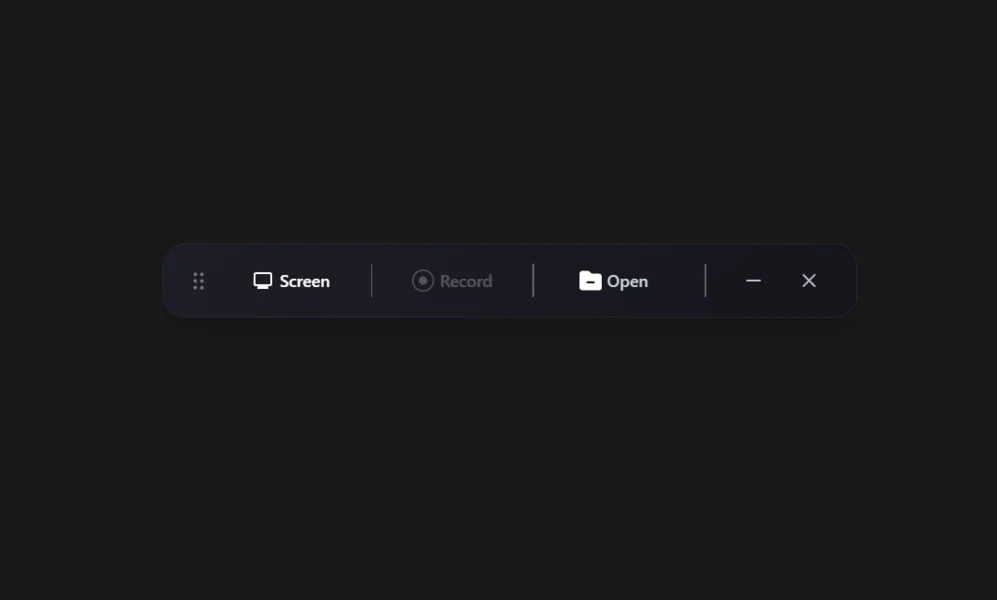
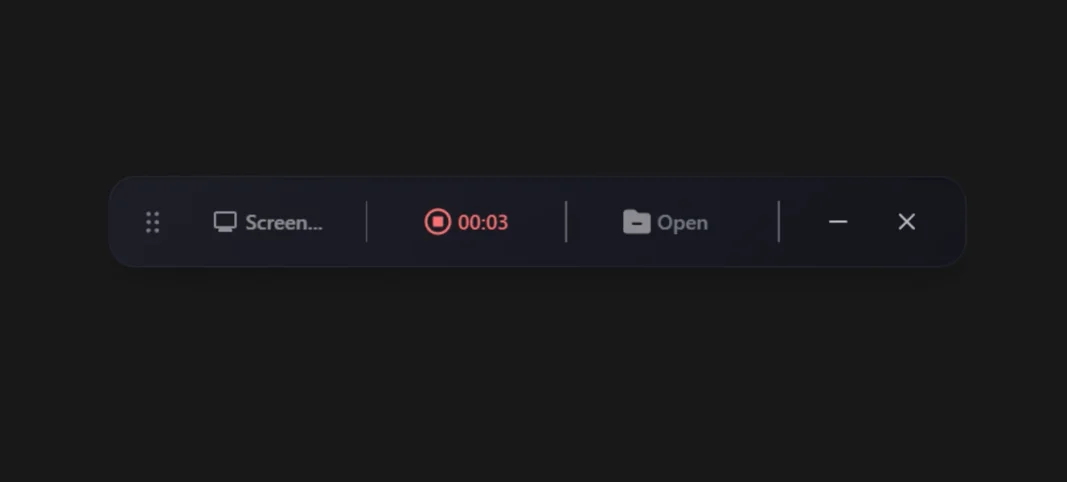
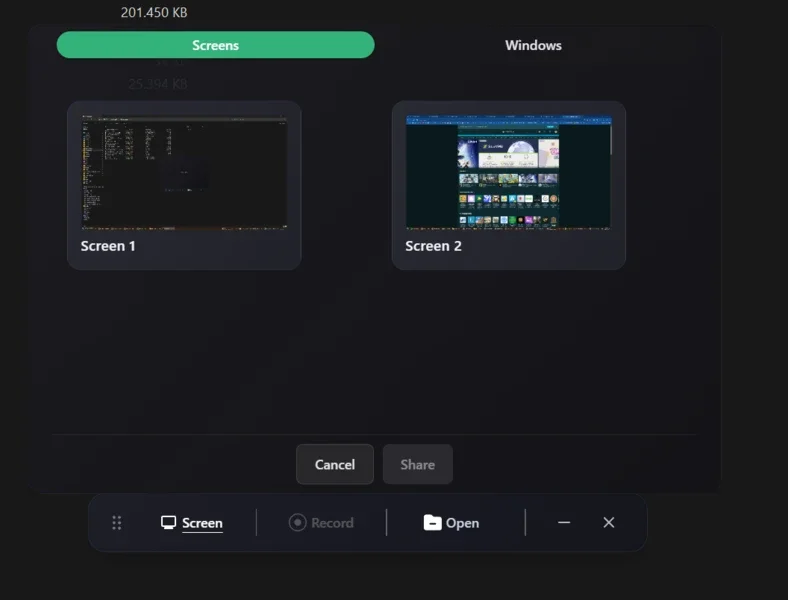
Run the file and OpenScreen opens without installing anything. A small floating window is where recording starts. From there the app lists every monitor showing content and every open window, so you pick a full screen or just one application before you hit record.
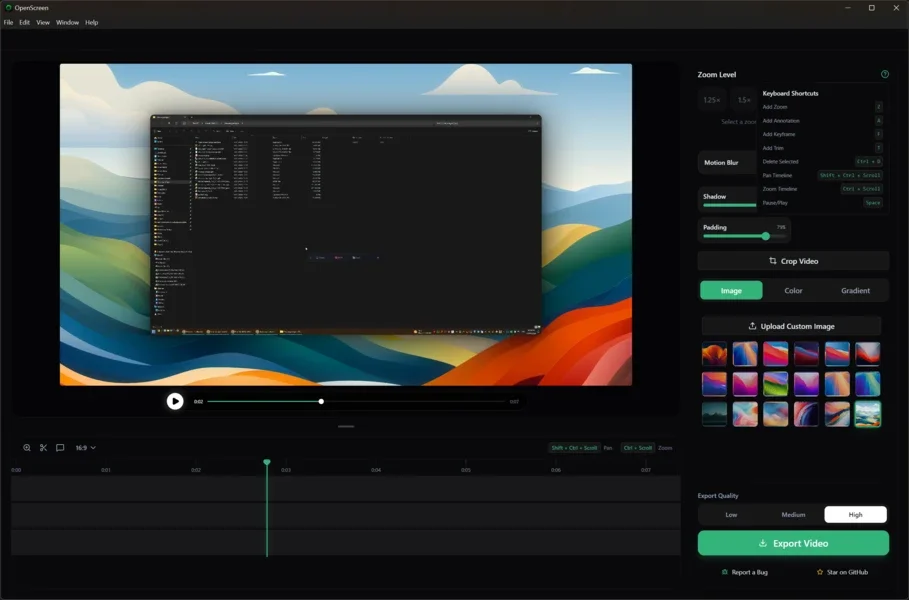
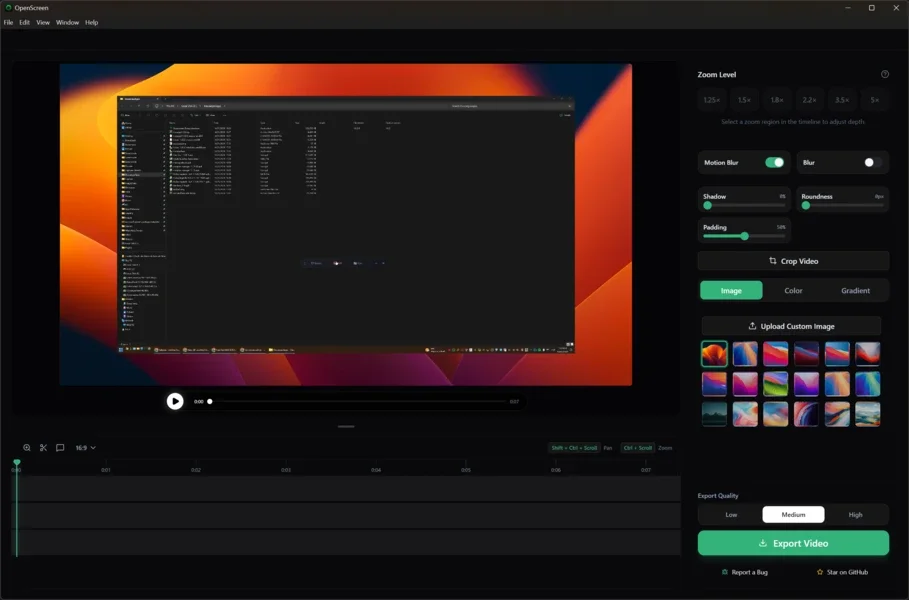
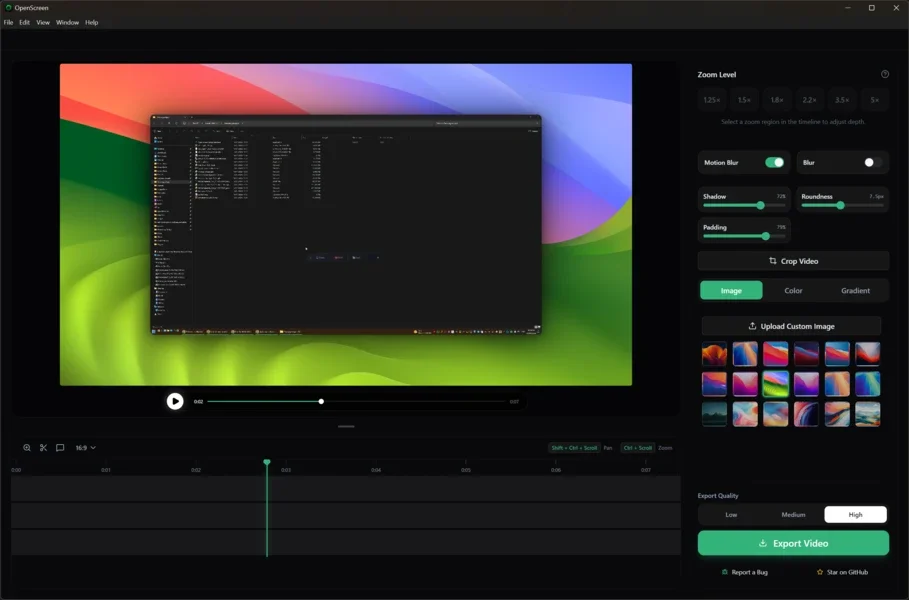
When recording stops, an editing screen opens. You can trim excess footage and crop the video to hide parts you don't want. Text, arrow and image annotations go in at chosen moments. A zoom effect can be added at a chosen time, with its duration, position and size set by you. Backgrounds come in several kinds: solid images in the style of macOS wallpapers, gradients, your own photos, and a motion blur effect that smooths movement. Finished videos export in various formats and resolutions.
The program is open source, needs no subscription, and adds no watermark to finished videos. It is free for personal and commercial use.
Download files
9bf826d66f76e9f9a32ff1adfd3cbe0cd78bb4b78471cd3f6420acca13ea8267
No digital signature0aa46d36335e209b3b9222f029f0d76d5ab3eaa90aa8e661241ffb68e6fc4be1
No digital signaturefa50bc49468f5b1ab18d39b95dee836d4f7652e02bc4c0b6ef17dc0f009a05f3
No digital signature2d65d868522bb0ed0ebc0e8160d2227acc40aa1434b2652e422e4ca7707d72c5
No digital signature4f8e66ee97588e8b7b8505719d1856a8616c85fab58e18f6206d9b846bbd8542
No digital signatureSystem requirements
Available on:
Minimum OS:
Windows XP or later
Additional information
Developer
Latest release
Size
Category
File type
SHA-256
9bf826d66f76e9f9a32ff1adfd3cbe0cd78bb4b78471cd3f6420acca13ea8267