Operation Center: File Manager 18.2 for Windows
File manager with tabs, robust copy, batch imaging and disc tools
Screenshots
Description
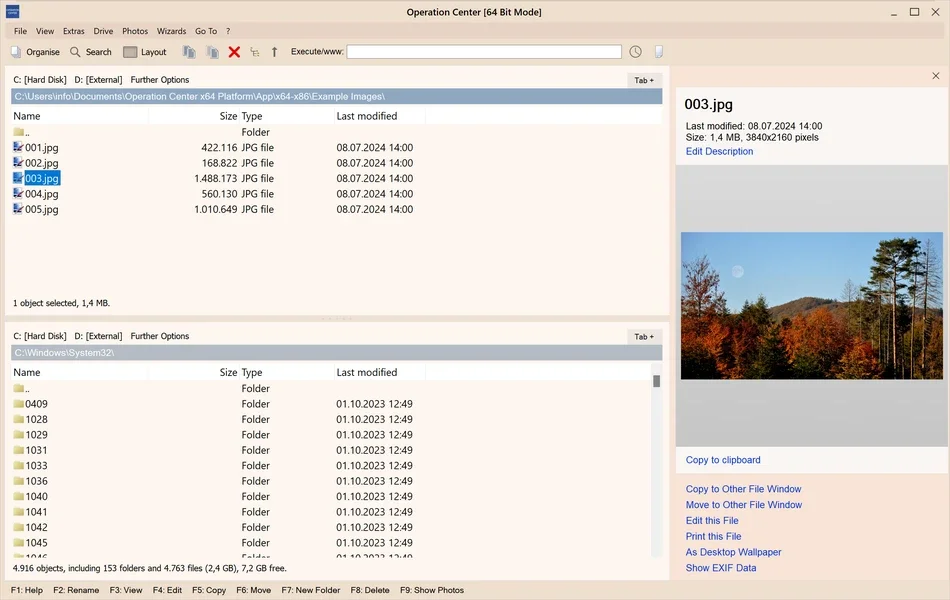
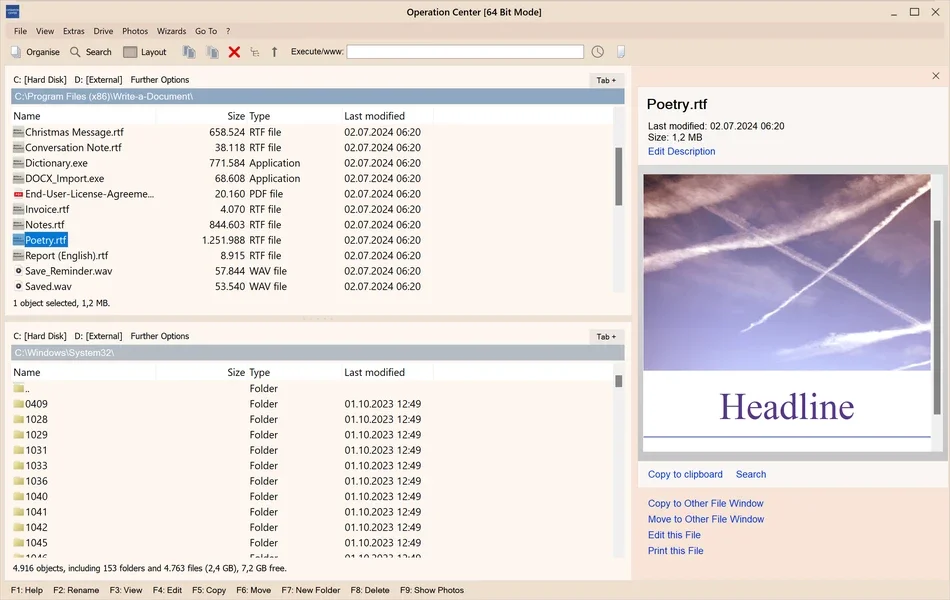
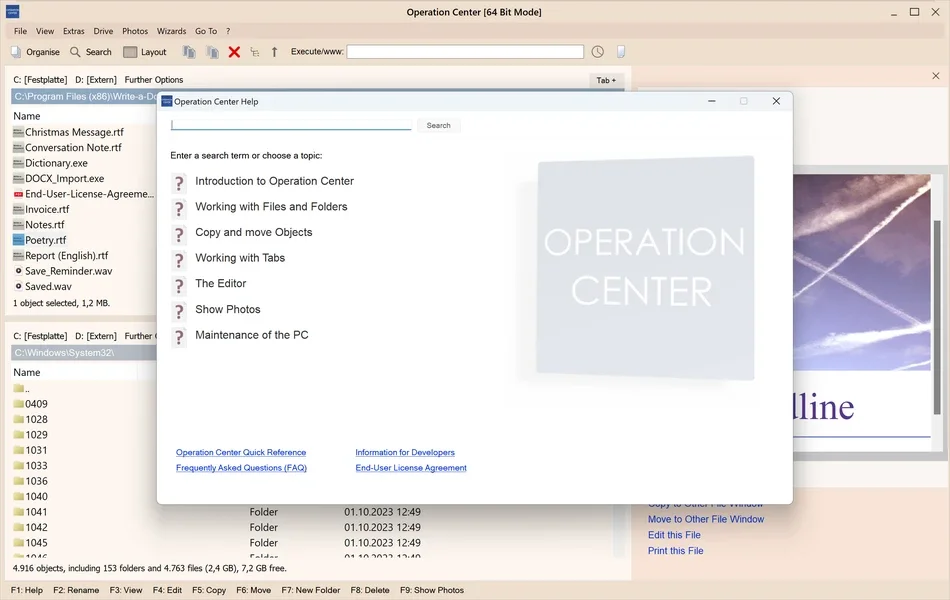
Operation Center: File Manager is a file manager for Windows. You move documents by clicking an item and dragging it to the destination. Multiple tabs can be modified or edited so you can work with several folders at once, and several folders or files can be renamed at the same time. The interface is simple and intuitive. Basic functions work without a time limit, and it runs on Windows 7, 8, 10 and 11.
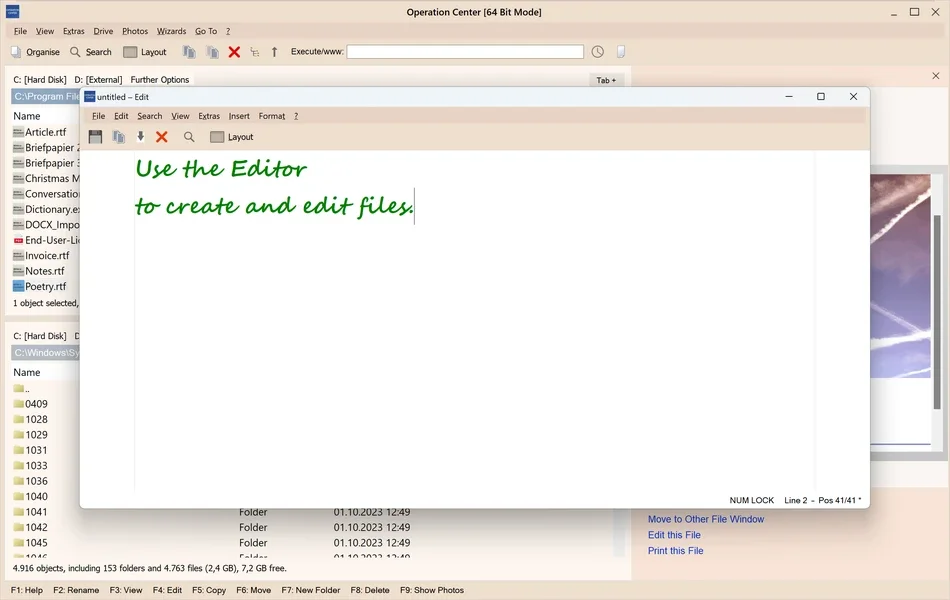
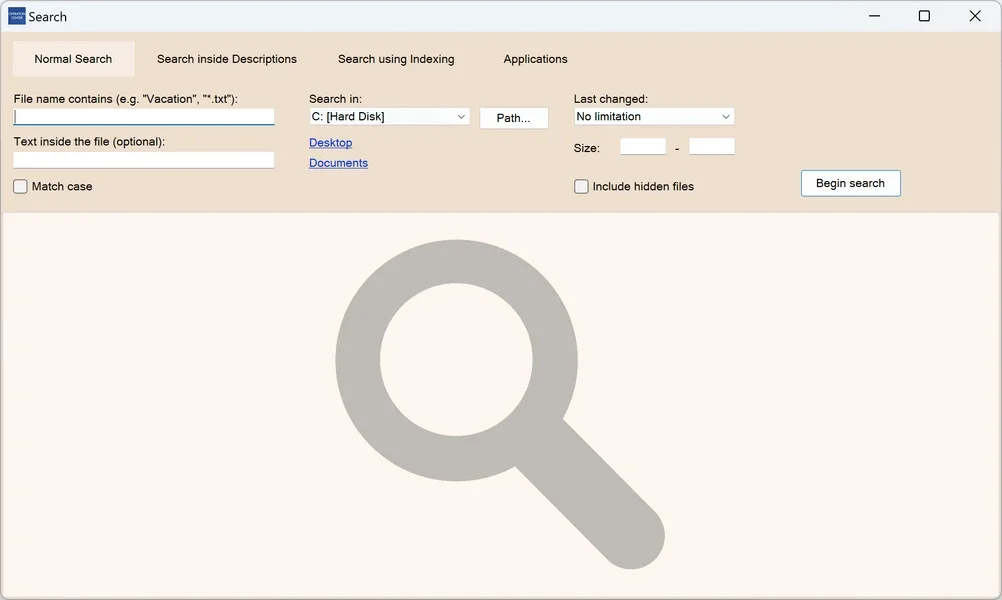
Copying is handled by robust copy, and the program supports FTP and ZIP. There is direct access to the OneDrive folder, and a search that works with and without indexing. An editor handles RTF, DOCX and CSV text files, and images can be converted in batches by size or format.
It can also analyze memory allocation, format volumes and clean drives. For damaged media, it can recover data from scratched CDs and DVDs.
Download files
db8970c0d8d81bf999f492f10afadaad760c6faaead2e226d59cbe518ce0a654
Signed by Jochen Moschko · valid until Jan 28, 2028bef369cb3a8b4c790f4462113377dd812e582f45a0b00b089a3ee19bbf295a2f
Signed by Jochen Moschko · valid until Jan 28, 202807ecd57819404198658f1a2fb215745a91b5c6fd737998073fac86101c5068df
Signed by Jochen Moschko · valid until Jan 28, 2028df55eeca1e0cfc58ba13233c9f71bcfcdbd02d1301b2de105a158314ab55101f
9cd469f4a3da93c426a9fd3727d90206b50068da1588b73e4f8bd081ddb3ad8b
Signed by Jochen Moschko · valid until Jan 28, 2028System requirements
Available on:
Minimum OS:
Windows 10 or later
Additional information
Developer
Latest release
Size
File type
SHA-256
db8970c0d8d81bf999f492f10afadaad760c6faaead2e226d59cbe518ce0a654





