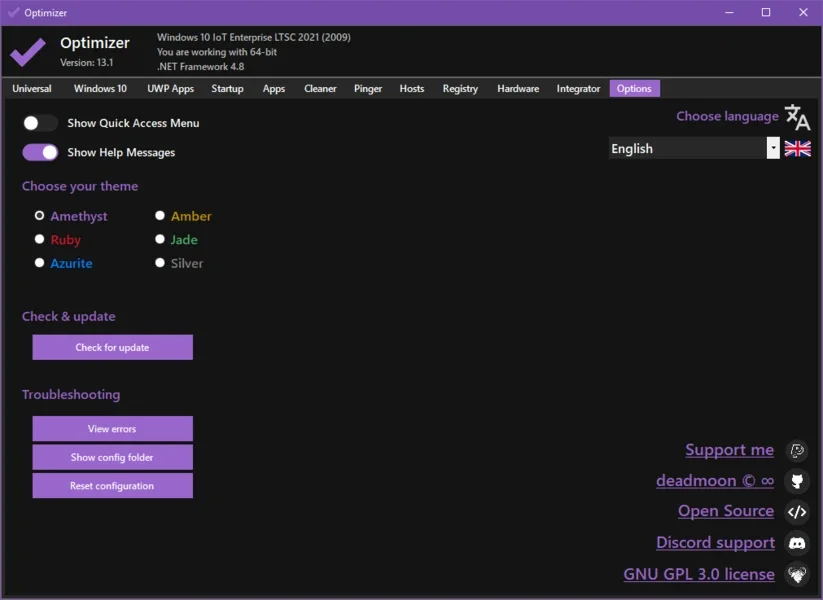

Screenshots
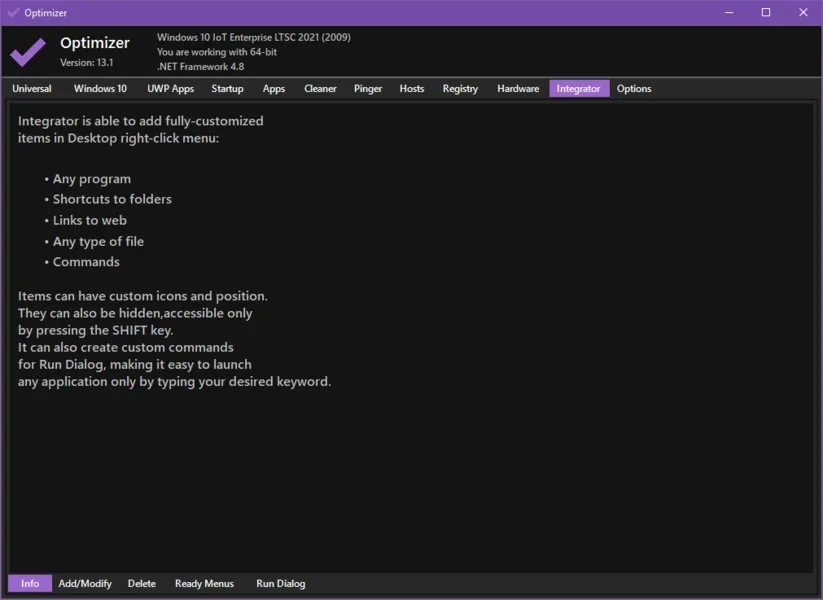
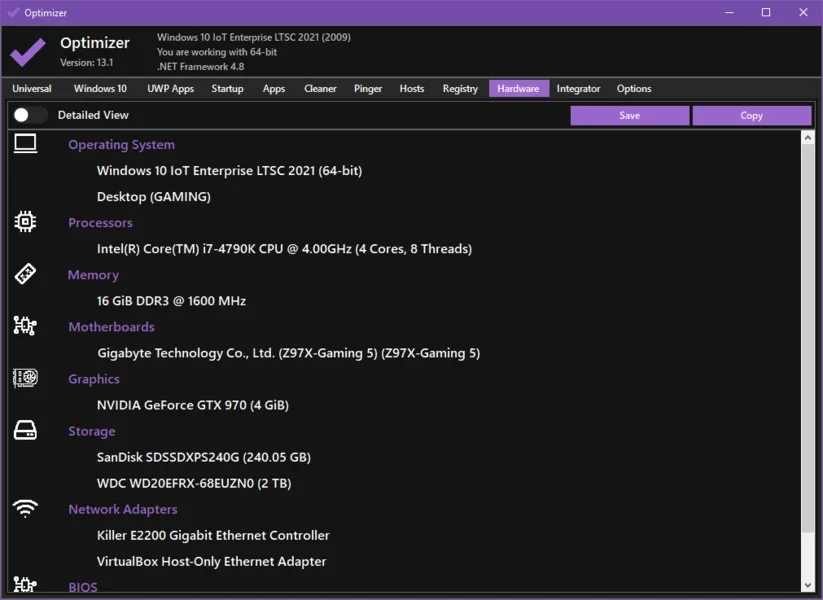
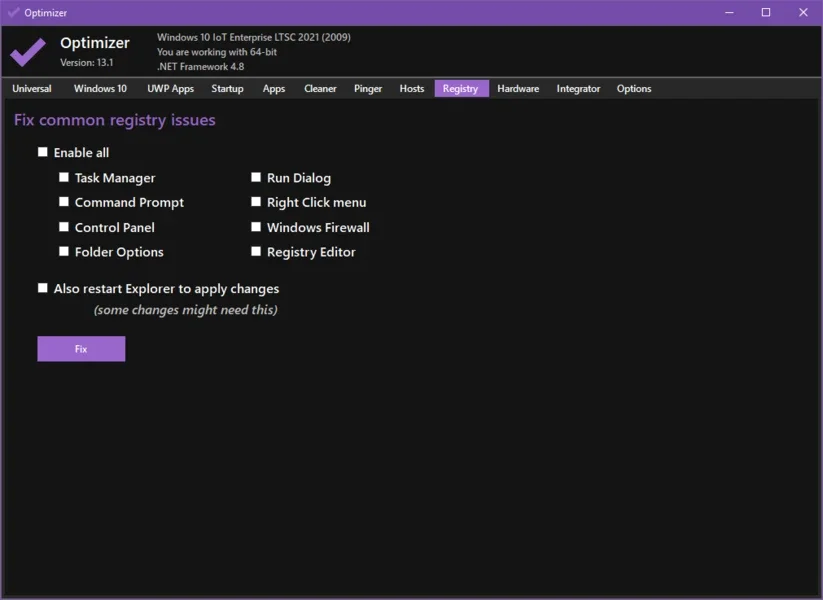
Description
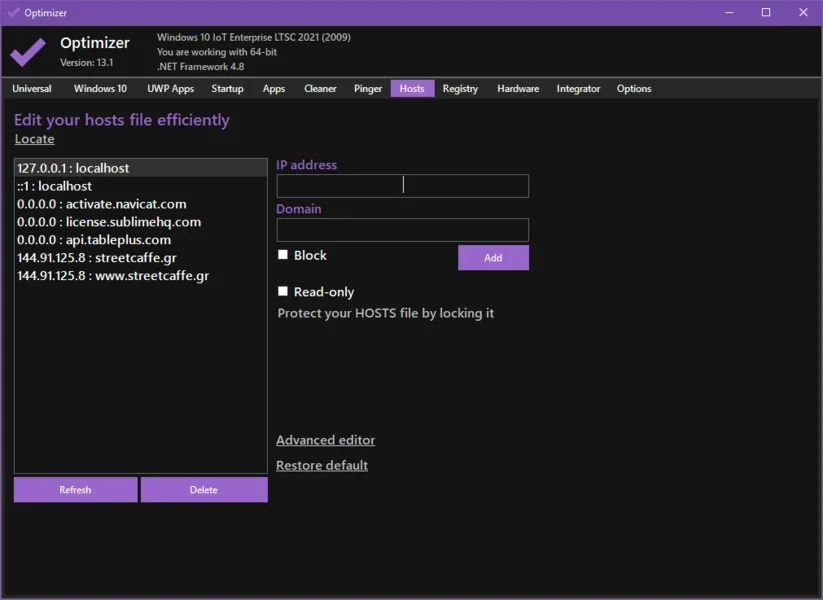
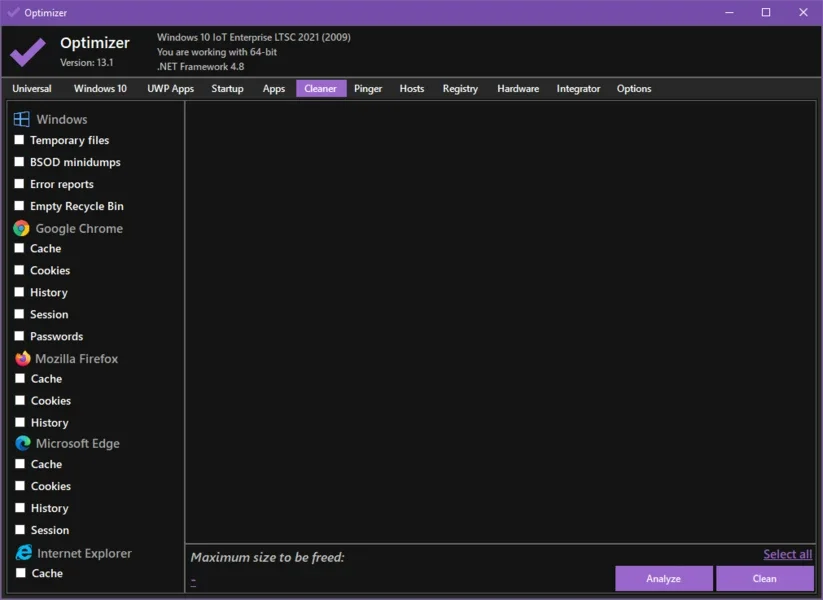
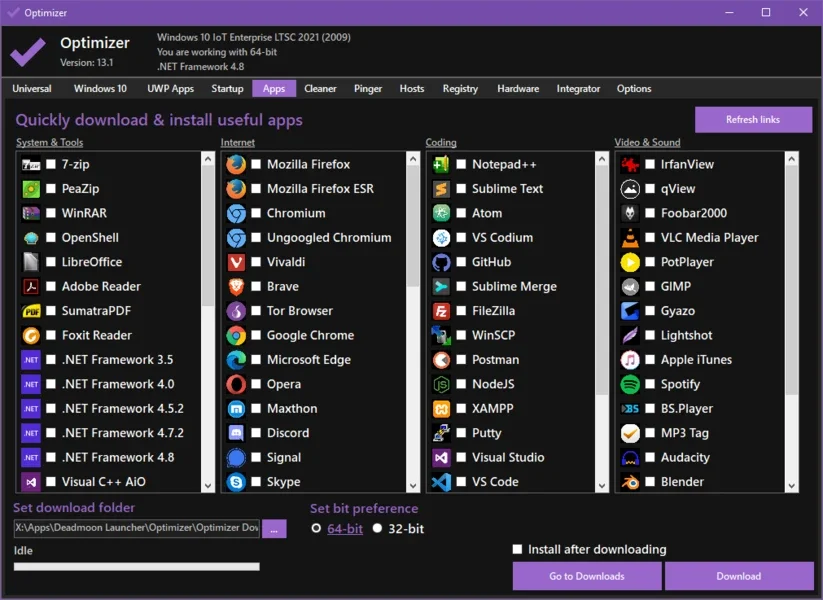
Optimizer is a Windows utility you run after installing the operating system. It is a portable program, so it doesn't need installing itself.
- On Windows 10 it repairs common registry problems.
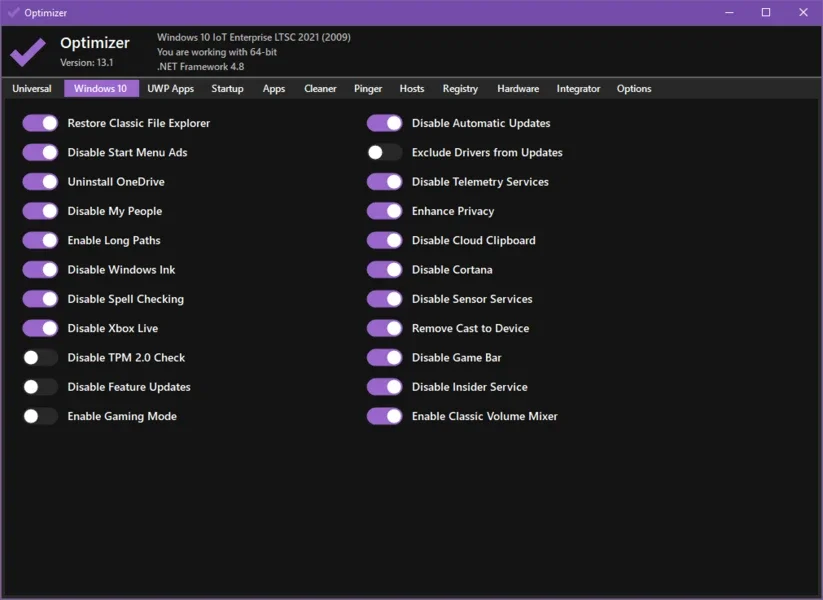
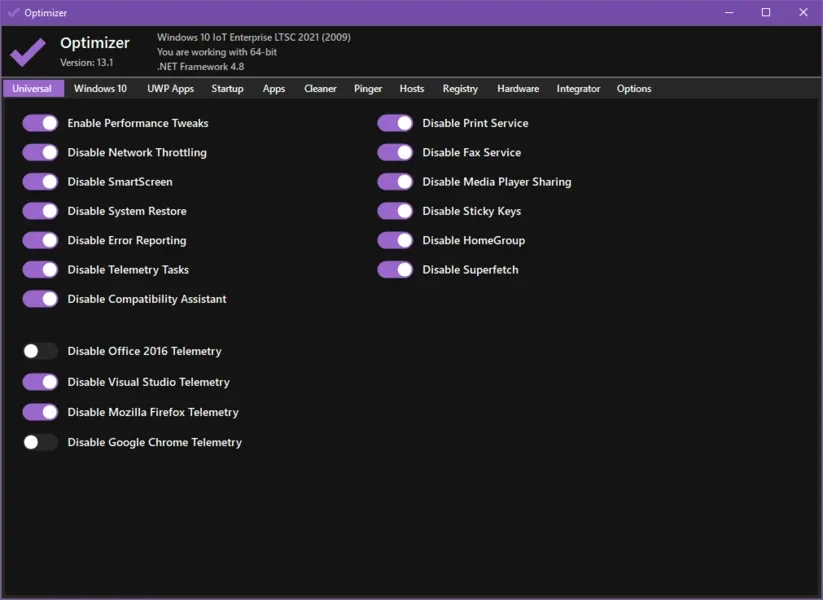
- Services it considers unneeded, telemetry and Cortana among them, can be switched off, and turning them off is how it goes about improving performance.
- System processes can be shut down as a way of guarding privacy; the stated aim throughout is better privacy and security.
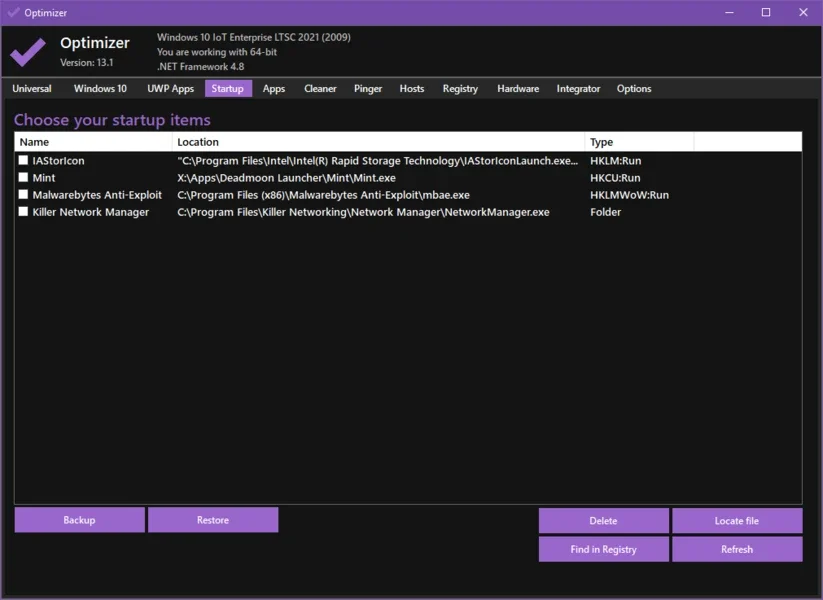
- Programs you pick can be stopped from launching at boot.
- Automatic updates are turned off on Windows 10.
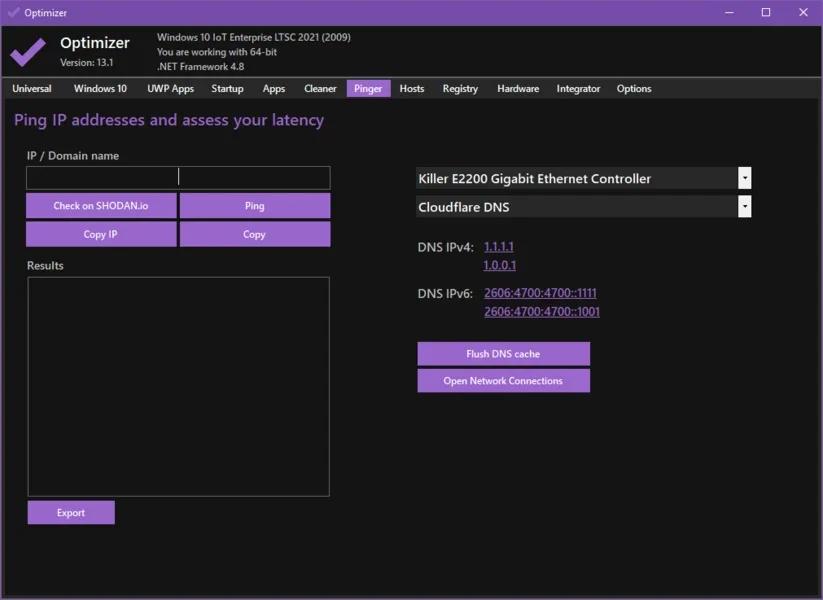
A connection speed meter is built in. The program can also look up IP addresses on SHODAN.io.
Download files
Fileoptimizer-17-0.exeEXE
Version17.0
ReleasedNov 23, 2026
Size2.8 MB
SHA-256
Get
eeb367f0b8c651c10934d985bfa53a94ca56f7c6bff39a44d9bd944514a6dafb
No digital signatureFile16.4EXE
Version16.4
ReleasedApr 19, 2024
Size2.3 MB
SHA-256
Get
f4775567ca9941b4fb3224d97b0741ae669eedfcb0d8b3c71106b21bdb1aee28
No digital signatureFileoptimizer-16.3.exeEXE
Version16.3
ReleasedDec 22, 2023
Size2.3 MB
SHA-256
Get
a70eeca600155efb57a52bb29493b5cd33409f475b9293af38677b26ebb9f79b
Fileoptimizer-16.2.exeEXE
Version16.2
ReleasedOct 30, 2023
Size2.3 MB
SHA-256
Get
d97a8782b1563f7c7ca71b9094f90c1737e8a04119501196e5c7ea7f30857393
Fileoptimizer-15.8.exeEXE
Version15.8
ReleasedAug 28, 2023
Size2.3 MB
SHA-256
Get
2839b3e6f7bd5b3f530c2c4283ca5b16f6231358660a3ac05066fd432eab9bc9
System requirements
Available on:
Minimum OS:
Windows XP or later
Additional information
Developer
Latest release
17.0 · Nov 23, 2026
Size
2.8 MB
File type
EXE
SHA-256
eeb367f0b8c651c10934d985bfa53a94ca56f7c6bff39a44d9bd944514a6dafb
Digital signature
No digital signature





