Screenshots
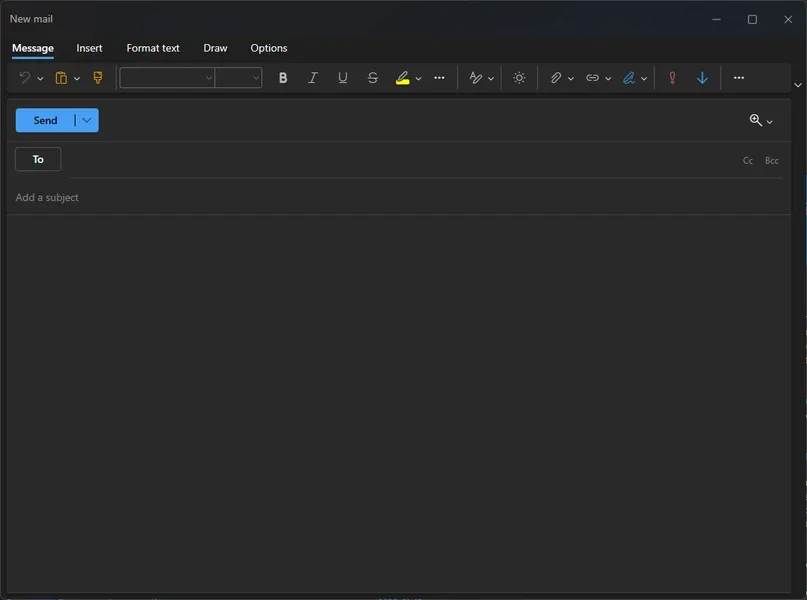
Description
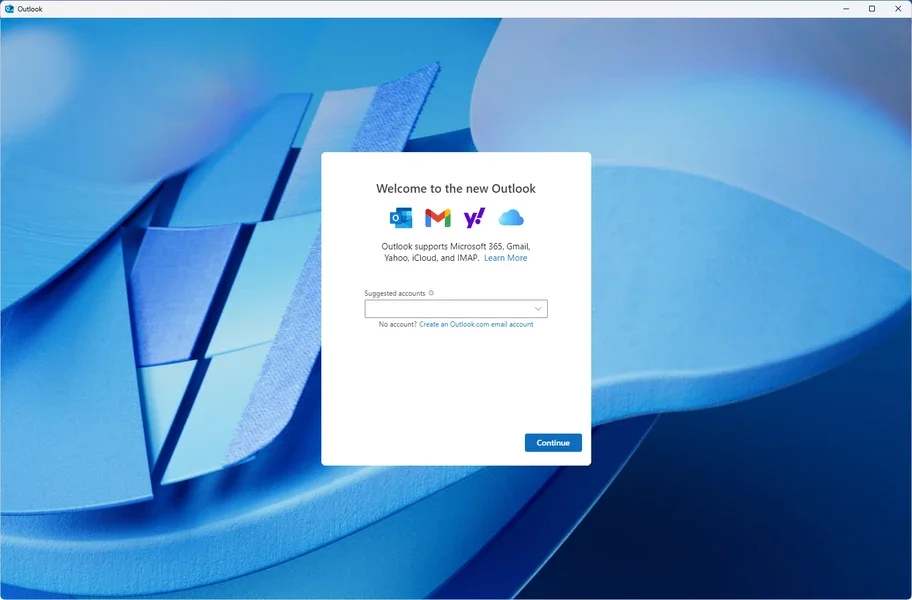
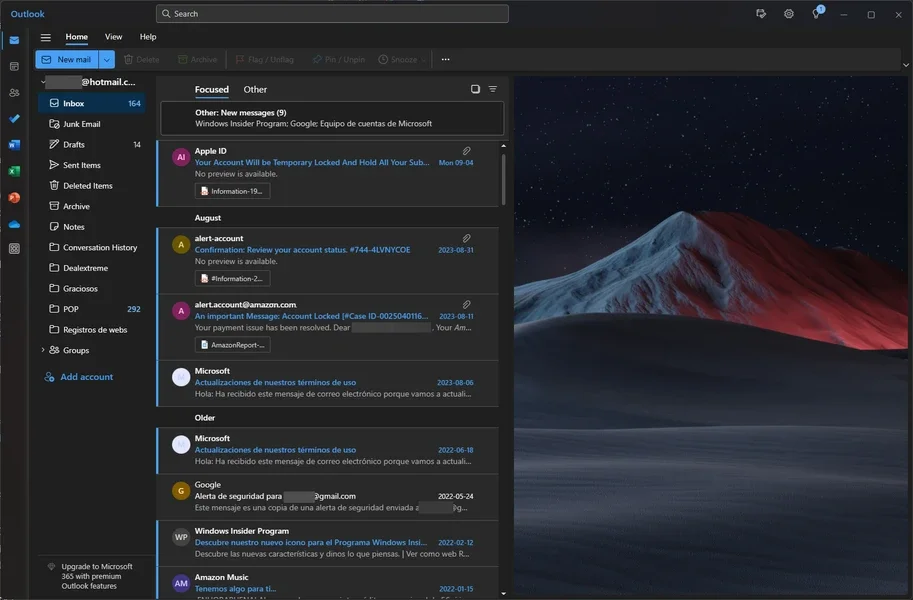
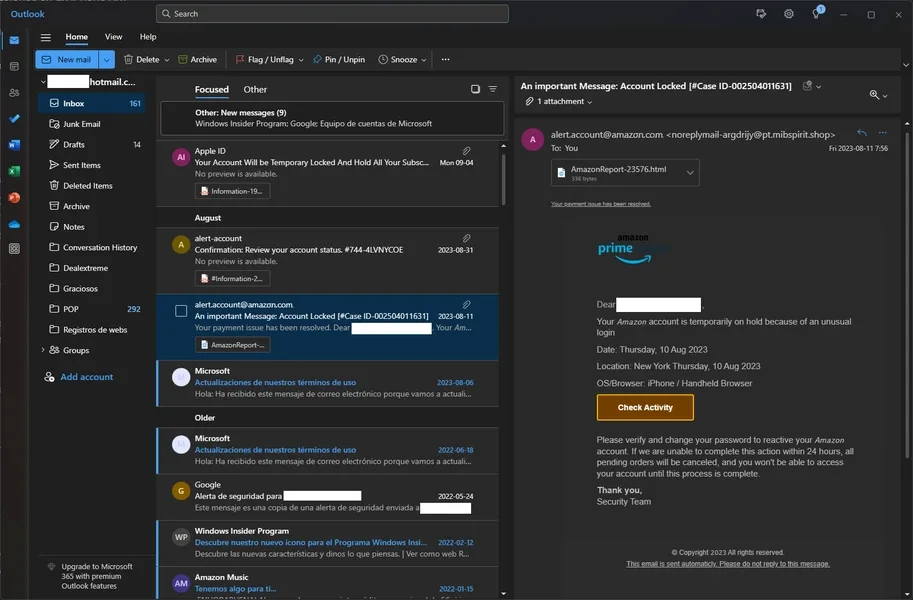
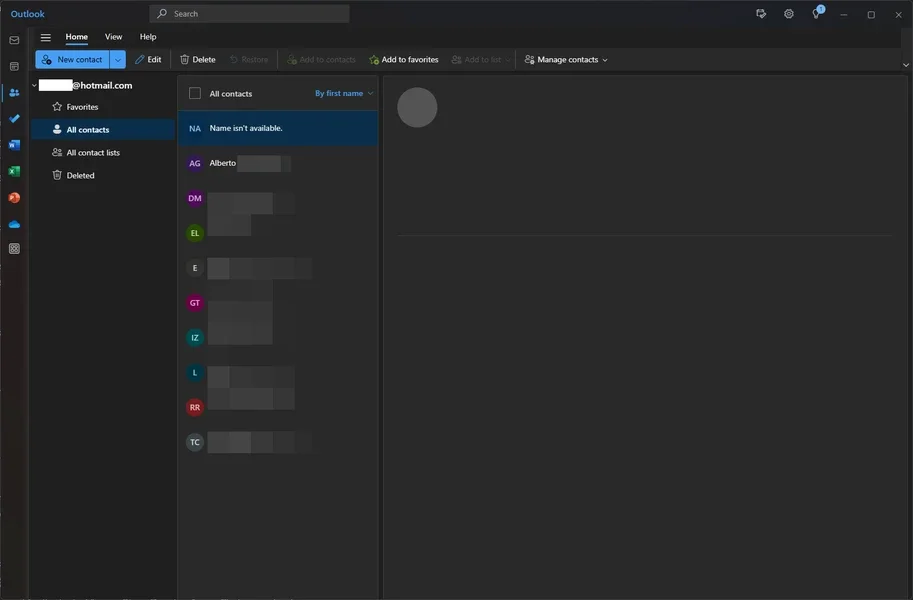
Outlook is a mail client from Microsoft for Windows. Log in and your messages land in the inbox; selecting one opens it in the right panel. From there a single click deletes, archives, or files it into another folder. Accounts from Microsoft and elsewhere are accepted, including Gmail, Yahoo, and iCloud; within Microsoft's own domains, Hotmail, Live, and Outlook all work.
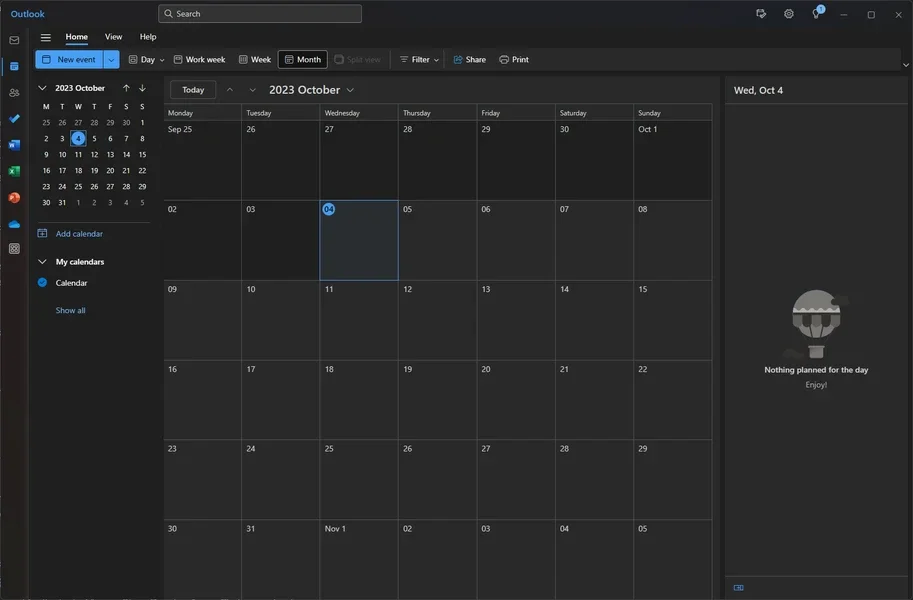
The Calendar is part of the same window. You can add events and change them later, attach a reminder to one, and keep it in step across your devices. Outlook also reaches into Microsoft's other services, To-Do among them, and lets you start a Word document, Excel spreadsheet, or PowerPoint presentation without leaving the app, then edit what you made.
New installs get this app in place of Mail and Calendar, a swap Microsoft began making in 2024.
Download files
4d5ff38f139fd8ca67b09a8eebfaf9f4251745b732779aa5afa04d37280610a6
Signed by Microsoft Corporation · valid until Aug 30, 202672edf3642444f520f6195e3080c2bd07cdf9764f41dd336f50f955cfaa995386
Signed by Microsoft Corporation · valid until Aug 13, 2026a9a02383ba7527380087092e4fd539b016b01ad7046664ce8cab4236d13345fd
Signed by Microsoft Corporation · valid until Jun 4, 2026c33b4c5311329e98fc20d74fdc5f30c95c4d0e0baae1f1f28a3ac846b559f9c9
Signed by Microsoft Corporation · valid until Mar 13, 202660de04c17826712d13935641e941b18021b8cfa03137db9e679255946441b5af
Signed by Microsoft Corporation · valid until Mar 13, 2026System requirements
Available on:
Additional information
Developer
Latest release
Size
File type
SHA-256
4d5ff38f139fd8ca67b09a8eebfaf9f4251745b732779aa5afa04d37280610a6