
Panda3DS 0.9.b18e658 for Windows
Runs many 3DS games on modest hardware, with a community compatibility list
You are on macOS — this is the Windows version. See the macOS version
Screenshots

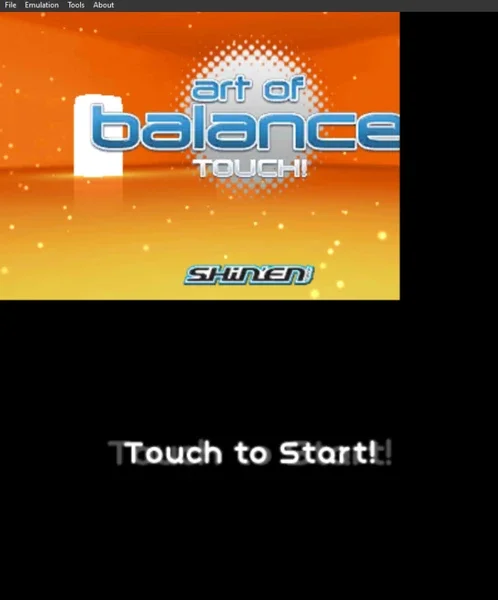
Description
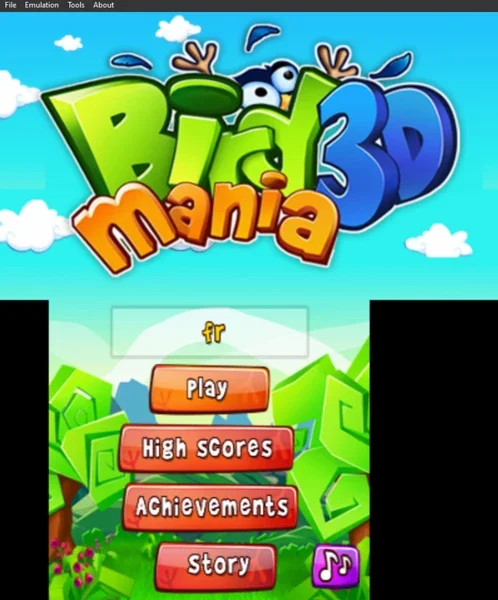
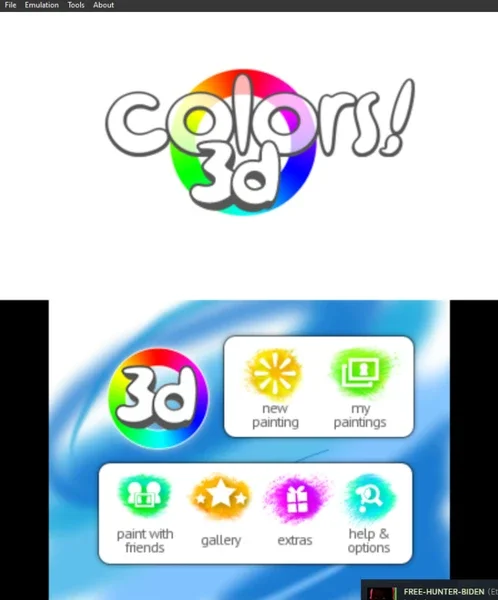
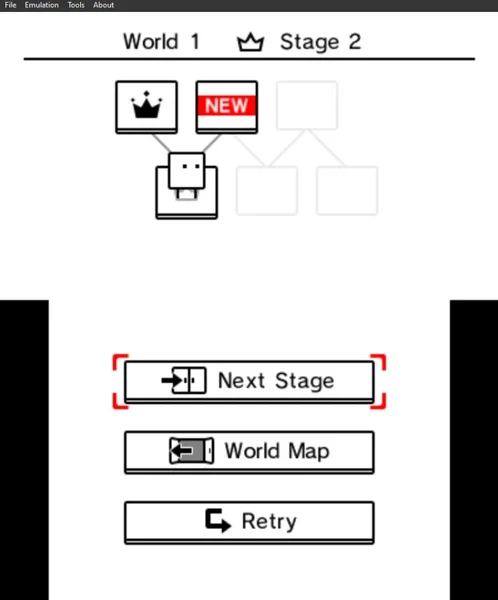
Drag a ROM onto the executable and it starts. You can also launch it from inside the emulator. Panda3DS runs many Nintendo 3DS games properly, and most of the major titles work almost flawlessly. Some games show graphic errors, and glitches are gradually fixed with each new version. The authors' GitHub page holds a compatibility list the community maintains, and anyone using the emulator can add notes about the games they test. You have to find the ROMs yourself.
The emulator was written in C++ and began as a fun project by its developers. It consumes very few resources, so mid-range and low-end devices can handle it, and it takes up very little hard disk space.
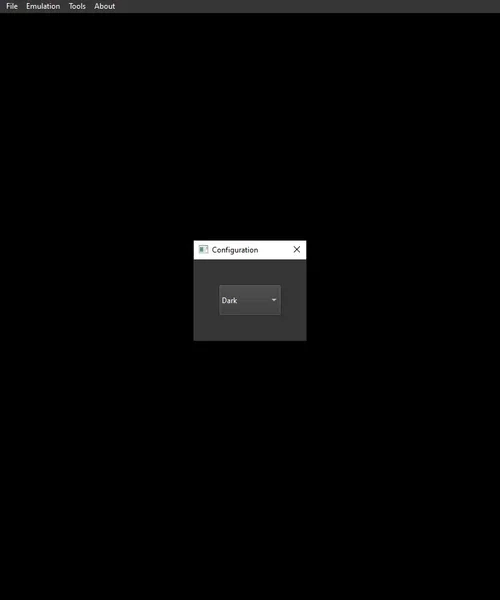
Setup is unzipping the compressed file into a folder and opening the .exe as administrator. Configuration options are few: you can change the interface style and little else.
Download files
74d655476015e0cce1dd2d8f316c1010d58b3333c660c4d4335b3352d7b72225
5f77fa970712aa122dc18ceeb4f9bf784cc5cedce34b08d50be081f8bddab51c
098ecd476d7ec4d3d6bfda17157660114404392946d435faf8653506d0a87709
b62ba22b0dad6a320a6cc24e4f233b73385d7b65d867d680dd34c521f4d93acb
926ef02854f16812ea095df437fb105757c14304185041a35179eef14d237a38
System requirements
Available on:
Minimum OS:
Windows XP or later
Additional information
Developer
Latest release
Size
File type
SHA-256
74d655476015e0cce1dd2d8f316c1010d58b3333c660c4d4335b3352d7b72225





