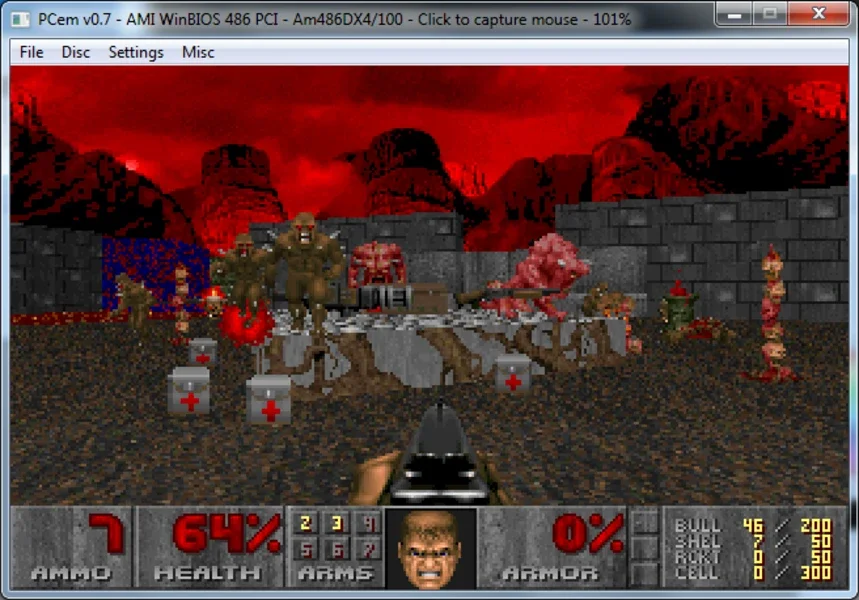
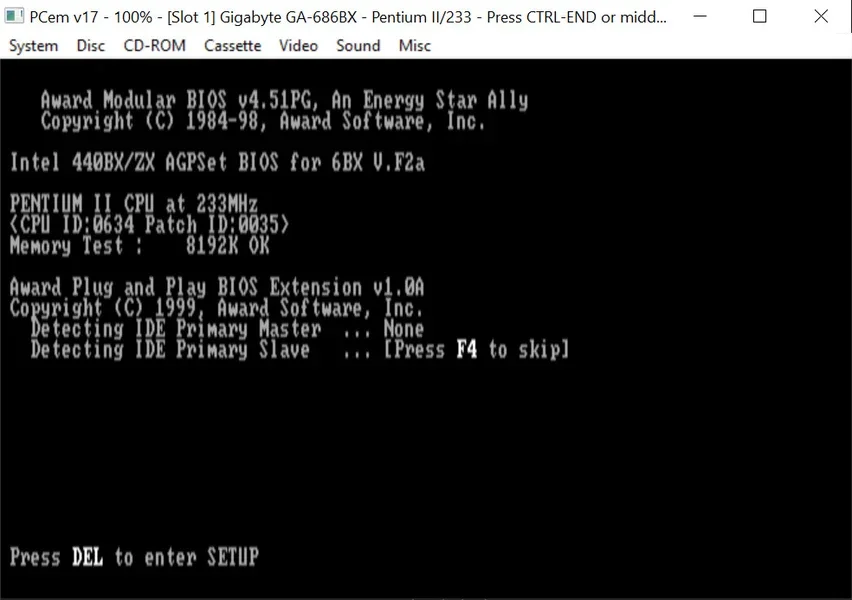
Screenshots
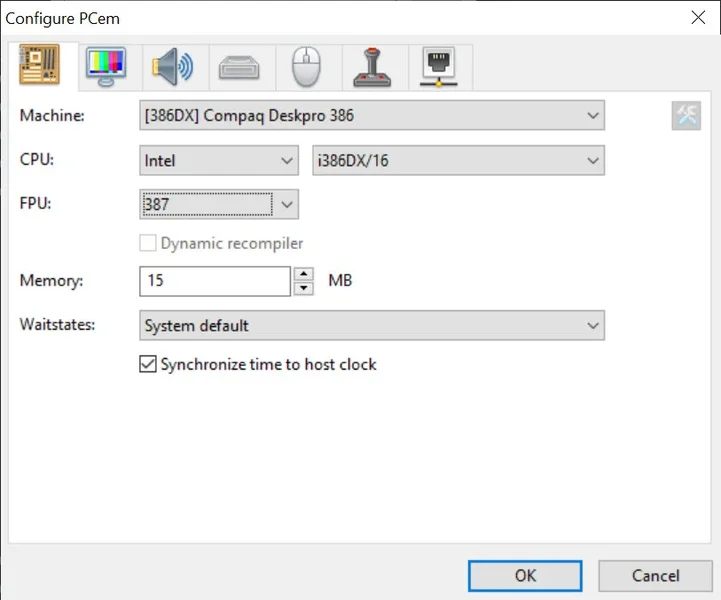
Description
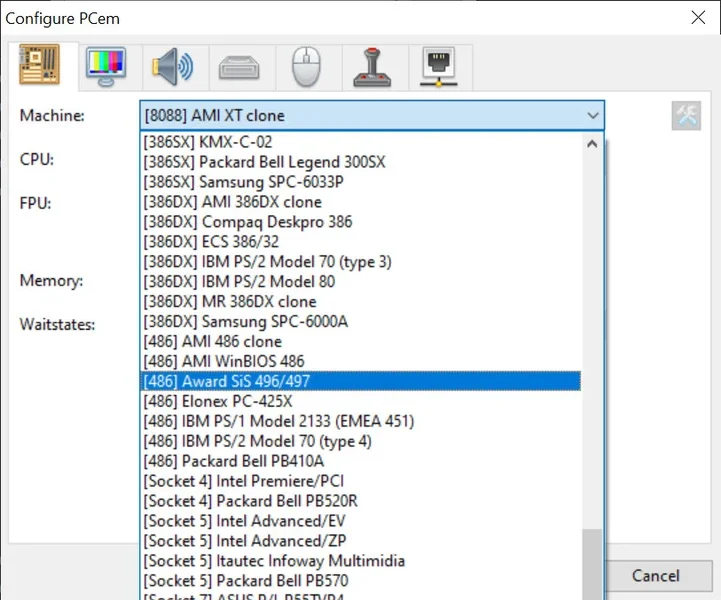
PCem builds a virtual PC from the 1980s or 1990s, one whose parts you choose yourself. It emulates many classic machines from those two decades, and you set the processor, the amount of RAM, the graphics hardware, the network adapter, the mouse, the sound hardware and the display. With the parts in place, you start emulation from the program; the good ROMs go in the folder that matches the system first.
ROMs and the operating system
The ROM only gives you a virtual environment, roughly an assembled machine with no operating system on it. After starting, install the appropriate operating system, and then old programs and games can be emulated. Each emulated system needs its own matching ROMs. You have to get them yourself, since the emulator developers do not officially provide them, though complete ROM packs for all compatible systems can be found online.
Download files
3f309d6b19f9c3a1fc4c256c53589f812fc5a4c4bfb84636ad325e02149460e1
System requirements
Available on:
Additional information
Developer
Latest release
Size
File type
SHA-256
3f309d6b19f9c3a1fc4c256c53589f812fc5a4c4bfb84636ad325e02149460e1





