
Screenshots
Description
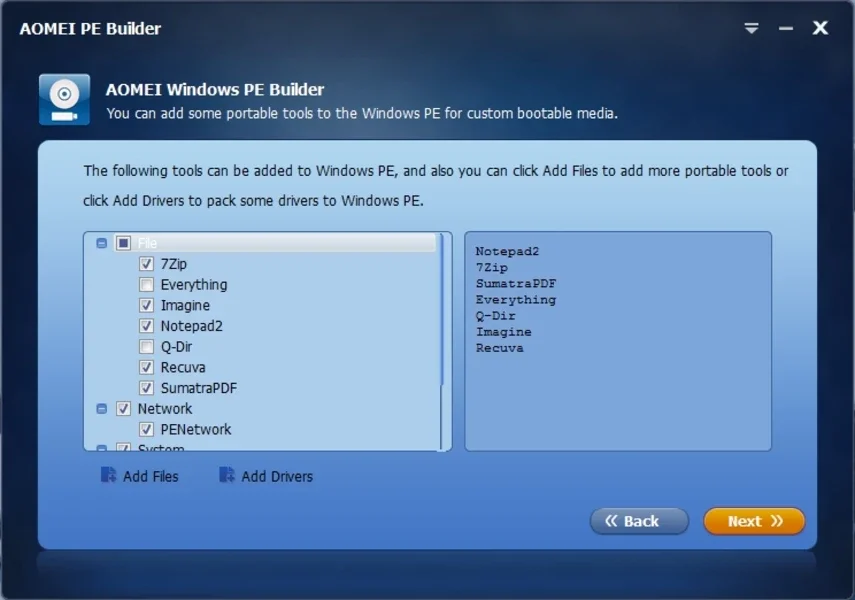
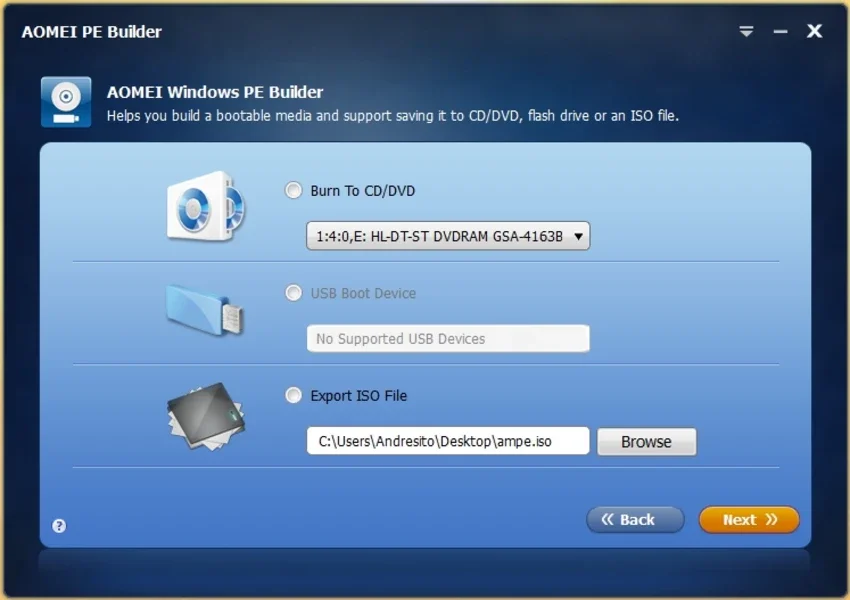
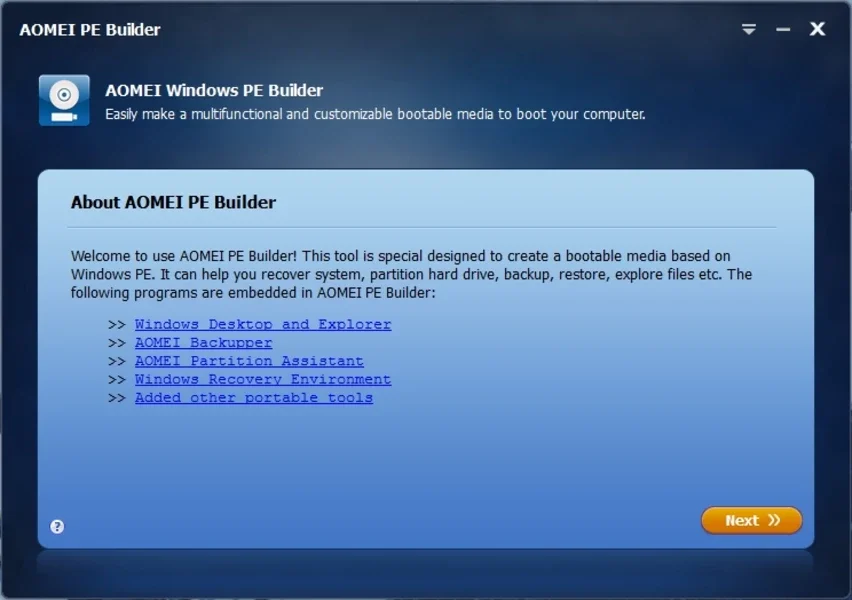
PE Builder builds a boot drive for Windows PE. You start by picking what kind of drive to make: a DVD, a USB drive, or an ISO image. From there you choose the programs and drivers to put on it, so the boot drive carries what you need.
If you are making a USB drive, plug the device in before you launch the application. Otherwise it may not be detected at all.
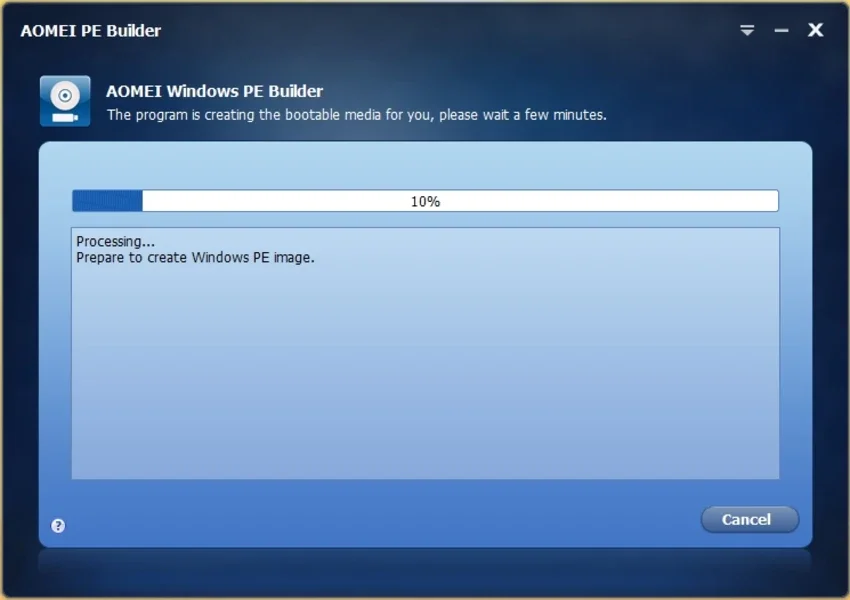
The interface is simple and intuitive, but a build still takes a good amount of time. Ten minutes is typical, though the length depends on which options you pick. A plain build goes faster; adding programs and drivers stretches it out.
Download files
File1.0.0EXE
Version1.0.0
ReleasedSep 29, 2014
Size61.5 MB
SHA-256
Get
2255ed5603291b0301931d76c80d1b853c36c52dd449e149e975cdf0dcb24b6b
Signed by ChengDu AoMei Tech Co., Ltd · valid until Jun 25, 2016System requirements
Available on:
Additional information
Developer
Latest release
1.0.0 · Sep 29, 2014
Size
61.5 MB
File type
EXE
SHA-256
2255ed5603291b0301931d76c80d1b853c36c52dd449e149e975cdf0dcb24b6b
Digital signature
Signed by ChengDu AoMei Tech Co., Ltd · valid until Jun 25, 2016