
POP Peeper 6.0.1 for Windows
SHA-256 listed
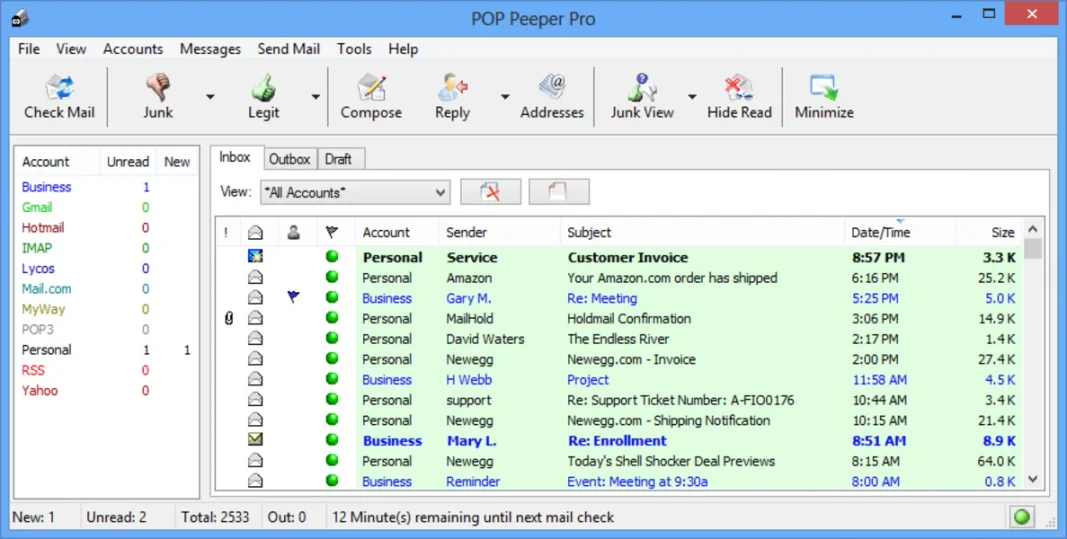
Tells you when mail arrives in your inboxes and shows each account's status
All ages
Age rating
Screenshots
Description
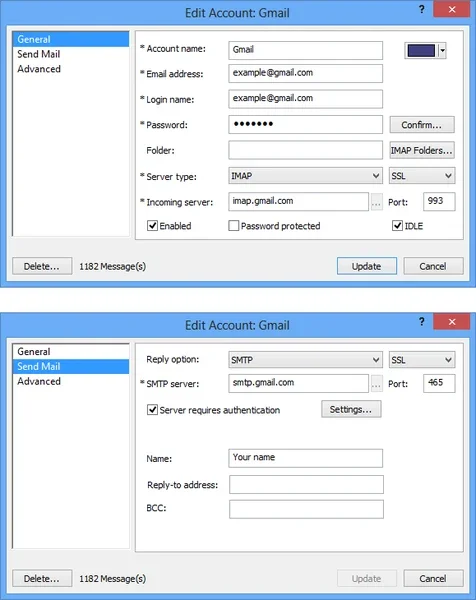
POP Peeper tells you when a new message reaches your INBOX, and you can read it without opening your mail client. Setup takes little effort. It also works with a single account, so one address is enough to know when new mail comes in. Account status is visible at any moment.
- Monitoring runs in real time across your accounts.
- Several accounts can be on screen at once; you set how many.
- Each account can have its own color.
- Alerts and notifications are configurable.
People with two or more e-mail accounts get the most out of it, since every account sits in one view.
Download files
Filepop-peeper-6-0-1.exeEXE
Version6.0.1
ReleasedAug 27, 2026
Size7.7 MB
SHA-256
Get
cc400b17e5376d726c855a11b700bcb3c9de55697847fbbd5c9309e8403bc035
Signed by Esumsoft · valid until Mar 13, 2027Filepop-peeper-5.6.3.exeEXE
Version5.6.3
ReleasedMay 8, 2025
Size5.2 MB
SHA-256
Get
07649d2b307a972bd417c05e3c7b103727e3c906c2a228e32328a0fdd1e6a100
Filepop-peeper-5.6.exeEXE
Version5.6
ReleasedMar 18, 2025
Size5.2 MB
SHA-256
Get
1c61f3abb918f4b89baac3a269c7672a5cfdcf4cb6332df724d4c9c098db592a
Filepop-peeper-5.5.3.exeEXE
Version5.5.3
ReleasedJul 24, 2024
Size5.2 MB
SHA-256
Get
3e22093a4fe162af6141fb0c5a57065700e08d3e24da55598354de570b7d0d8e
Filepop-peeper-5.5.exeEXE
Version5.5
ReleasedMay 3, 2024
Size5.2 MB
SHA-256
Get
4fa2912d3ba3902a0a9de211fe3a4d401d0af3a58899752ee0a597b8a975c83a
System requirements
Available on:
Minimum OS:
Windows XP or later
Additional information
Latest release
6.0.1 · Aug 27, 2026
Size
7.7 MB
File type
EXE
SHA-256
cc400b17e5376d726c855a11b700bcb3c9de55697847fbbd5c9309e8403bc035
Digital signature
Signed by Esumsoft · valid until Mar 13, 2027