
Screenshots
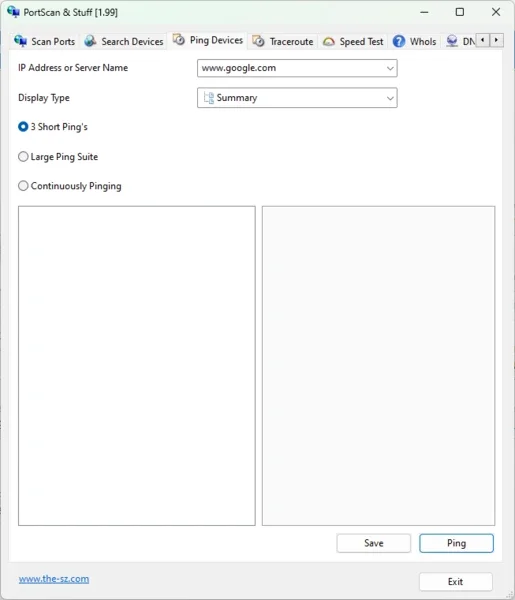
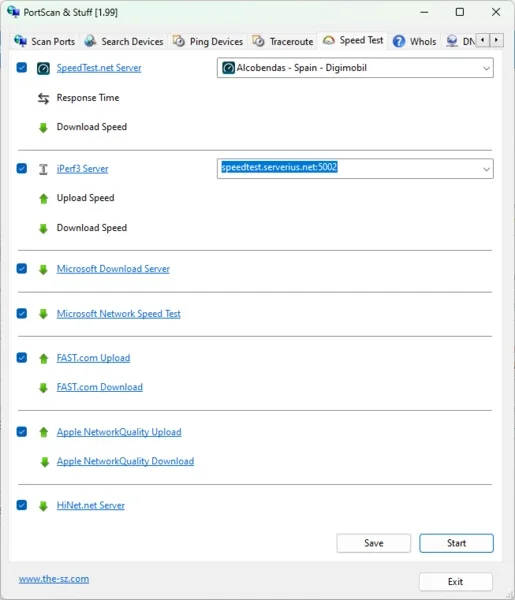
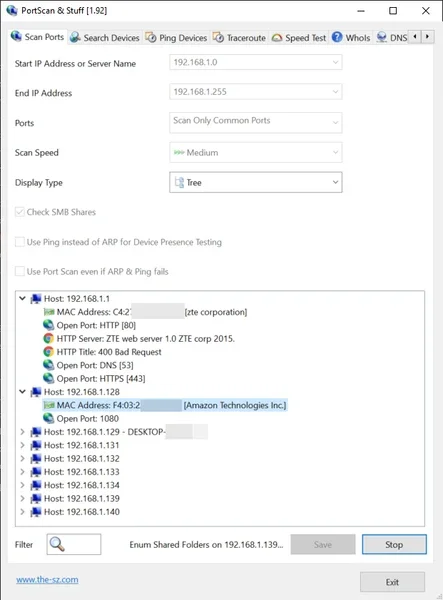
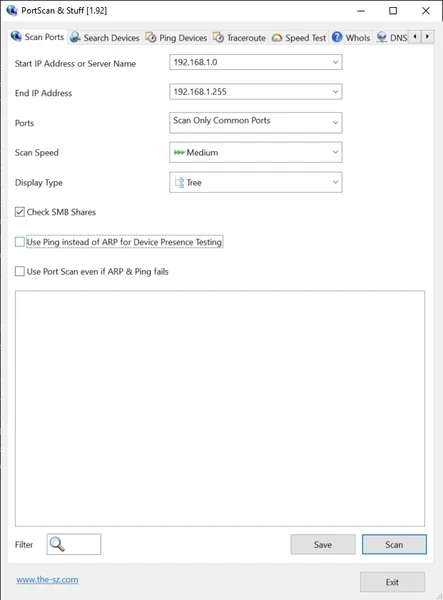
Description
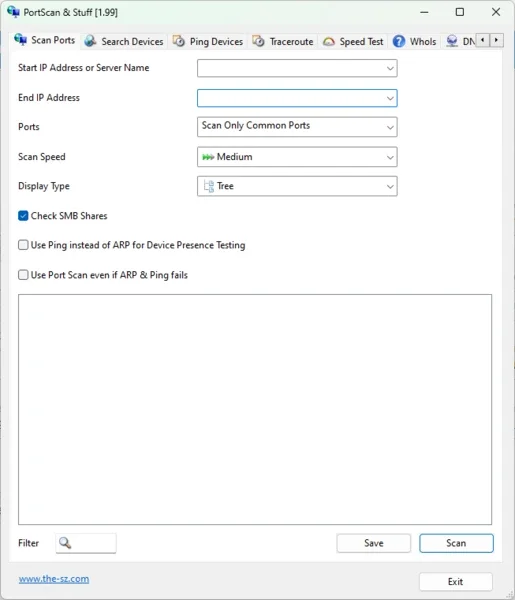
PortScan surveys a local network: it finds the devices attached to it, the services they expose, and the open ports. You set the IP ranges to scan, decide how long to wait on each response with custom timeouts, and apply filters when you want the results narrowed down. Start a test and it reports live network data as the scan finishes.
Host names can be resolved, which makes it easier to see what an active connection is and what it is for. The tool also describes the surrounding network infrastructure, and its speed tests show how the link is performing while it runs. That information about devices and services is what you use when a connection problem needs tracking down.
Every modern version of Windows will run it. The design is lightweight, and the interface suits someone new to this as well as someone who does it often. The program is meant for a small network or a large enterprise one.
Download files
4cc713c9357fa5577220791ade83321c0b23fe1916cc0a484ae0c25fbd6547ac
ee8b3bbf25f7b4af2cd2bd2d423f2be05b983ba26de54598e4a356732c03bfd4
ce5f1ef30086d6457d49ccf1440d22bbb992a17002c114bbb5ff24352adca8ef
88677a87920e41c38fea504d80de02c0c59d5333799d35bd497255ea77634381
3eec87b893911afd083b39c90156052de54b20d63d40e6c3b7bcf1292c57260e
System requirements
Available on:
Minimum OS:
Windows Windows 11 or later
Additional information
Developer
Latest release
Size
File type
SHA-256
4cc713c9357fa5577220791ade83321c0b23fe1916cc0a484ae0c25fbd6547ac