
Postman 12.37.4 for Windows
Free app for building, testing and organizing API requests
You are on macOS — this is the Windows version. See the macOS version
Screenshots
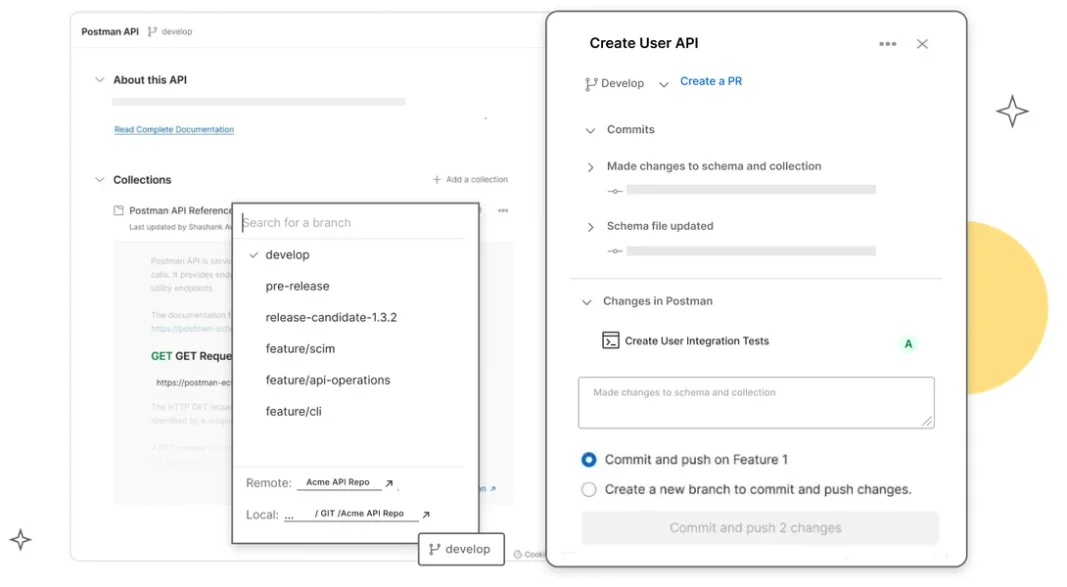
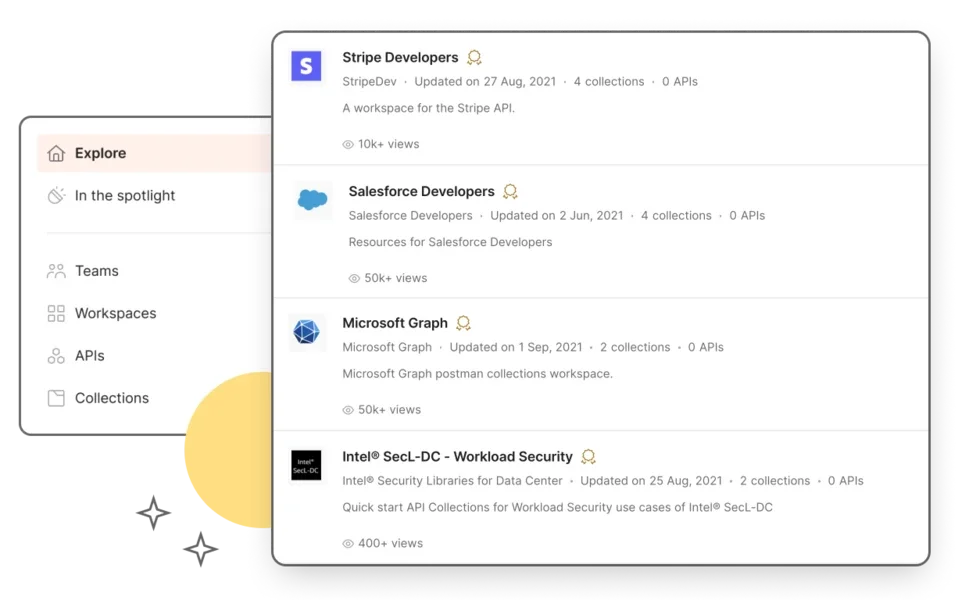
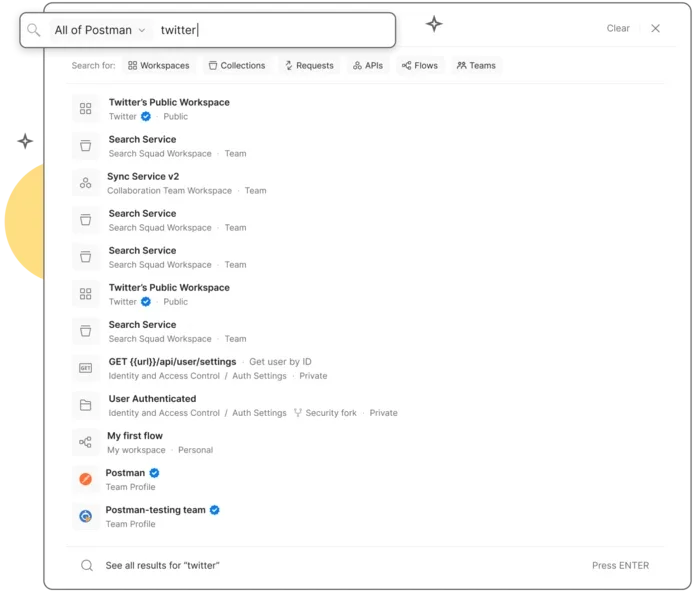
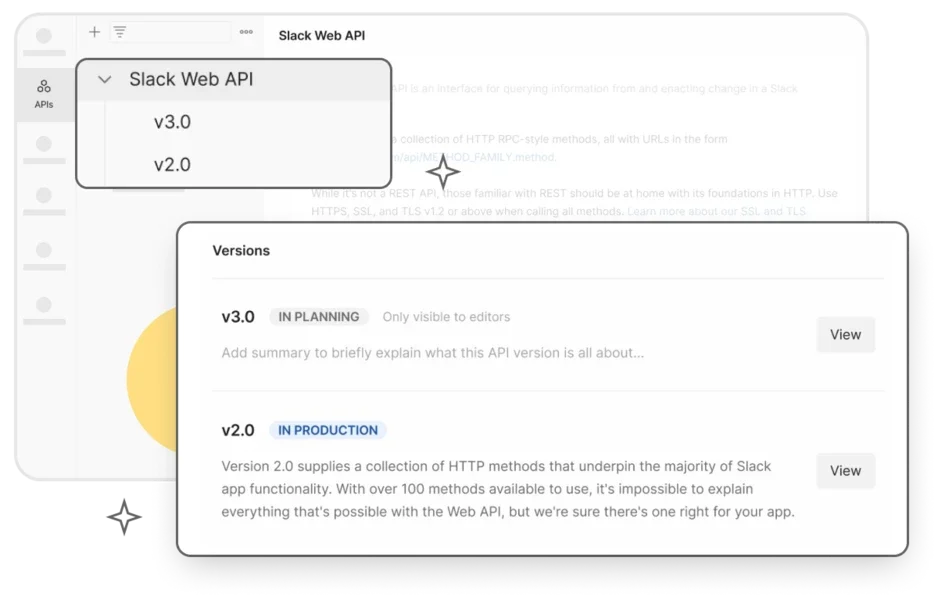
Description
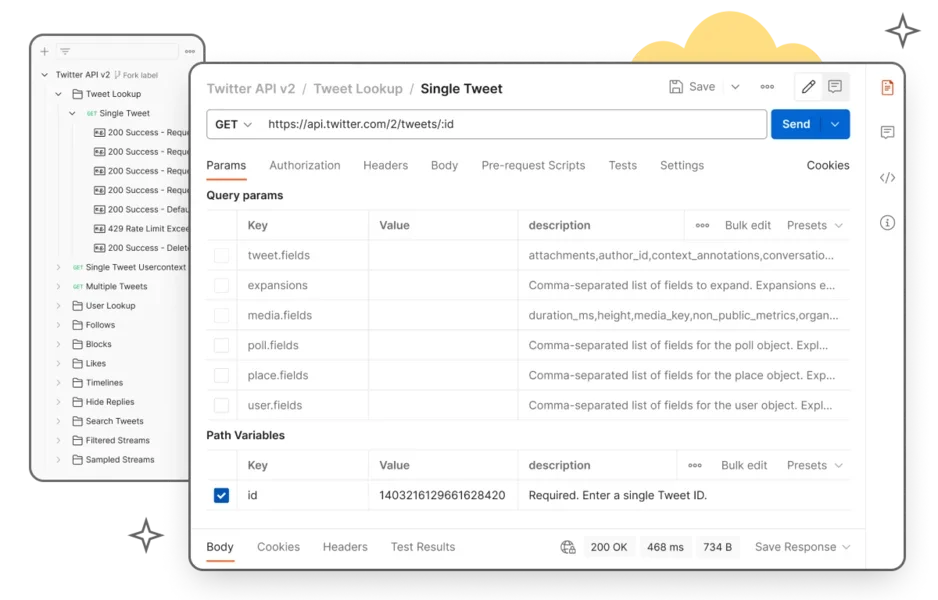
Postman is a free app for developing APIs. You build HTTP requests such as GET, POST, COPY and DELETE, with GET and POST being the ones people test most. The Request URL button sets the link the API talks to, and the body section customizes the details of a request. Params holds the parameters a request needs. The headers section sets headers like content type JSON, and the authorization tool sets authorization such as a username, password or bearer token. A request without a title is named Untitled Request by default and can be renamed, and the request tab shows the titles you are currently working on. Changes to a request have to be saved so new changes are not lost or overwritten.
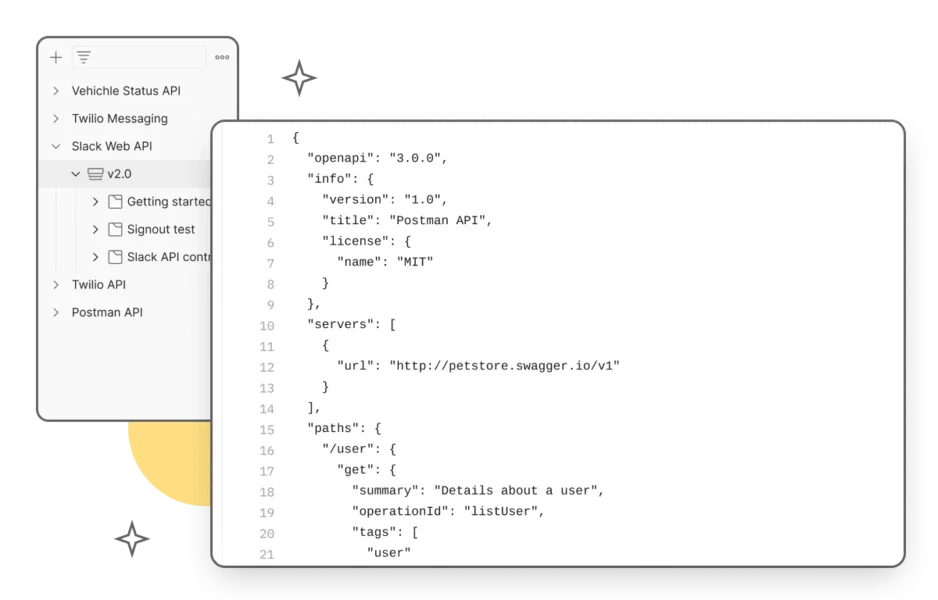
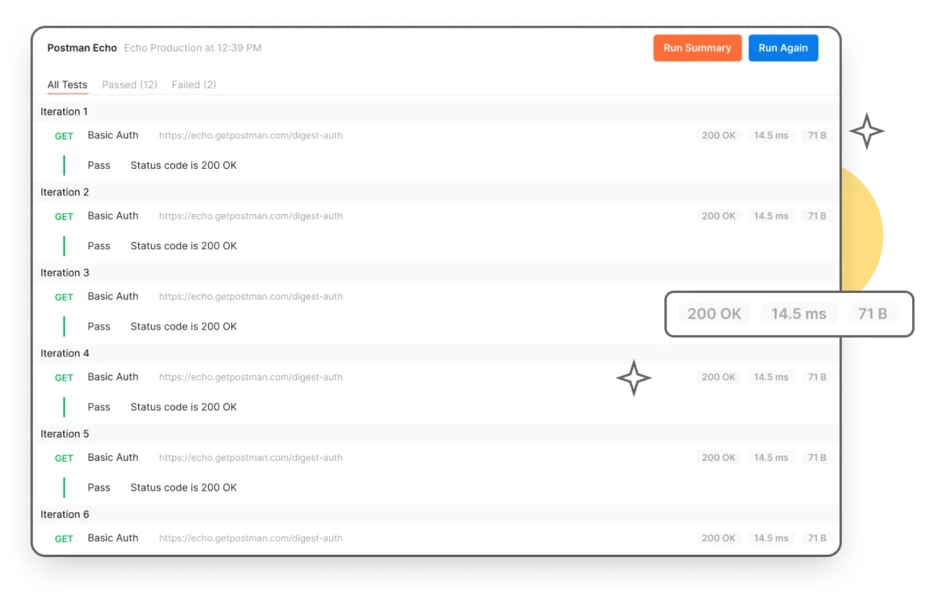
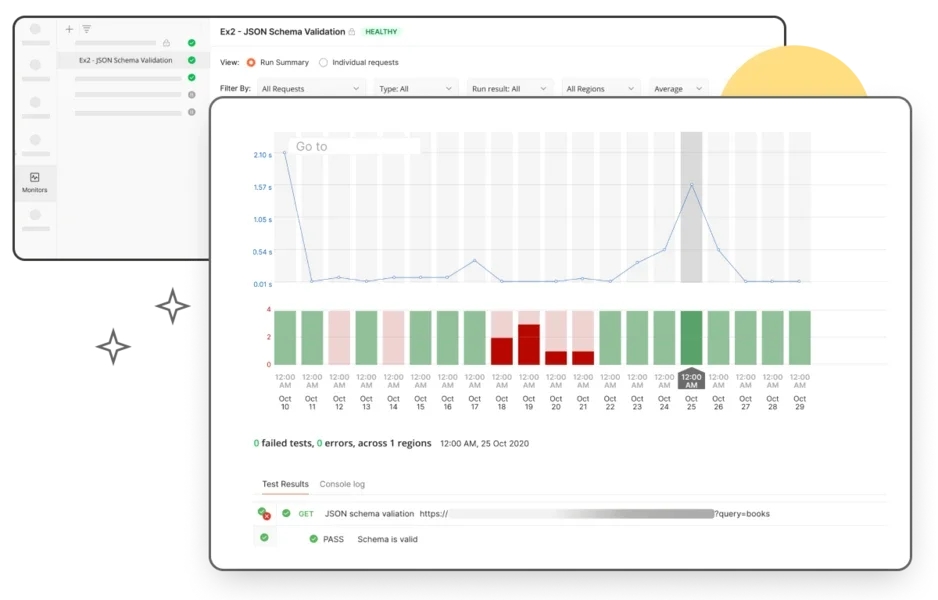
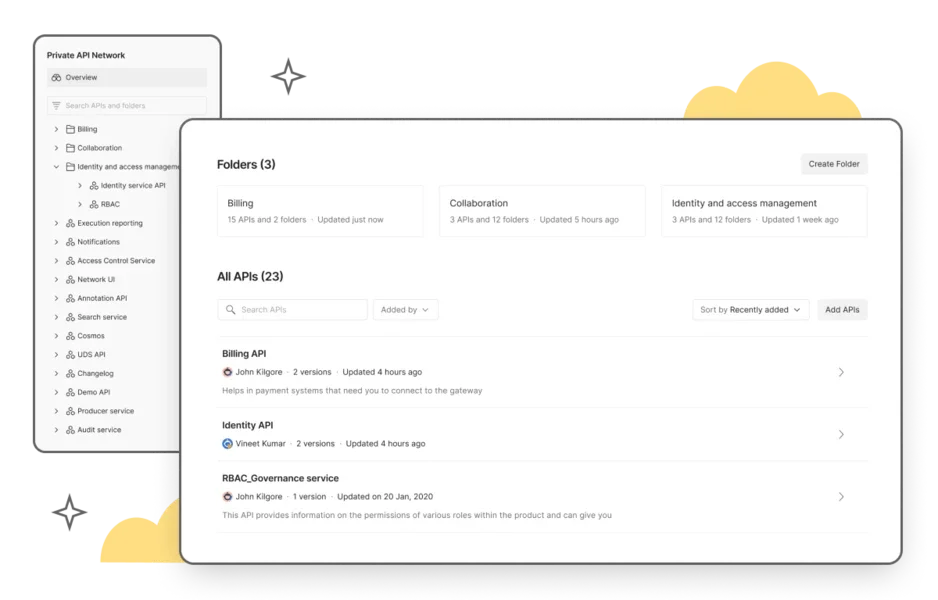
A console shows what data was retrieved, which helps when debugging tests. Test checkpoints can be added to each API call, for example checking for a successful HTTP response status. Pre-request scripts run before the request and test scripts run during it. Collections hold API calls, and each one can carry subfolders and multiple requests to keep test suites organized. Collections can be duplicated or shared through a direct link. The History tab keeps past requests, and the dashboard shows saved requests, collections and environments. Creating environments cuts down or prevents repeated tests. The Import button next to New brings in a collection or environment from a file, folder or link, or by pasting raw text, and teams can import and export collections and environments to share files.
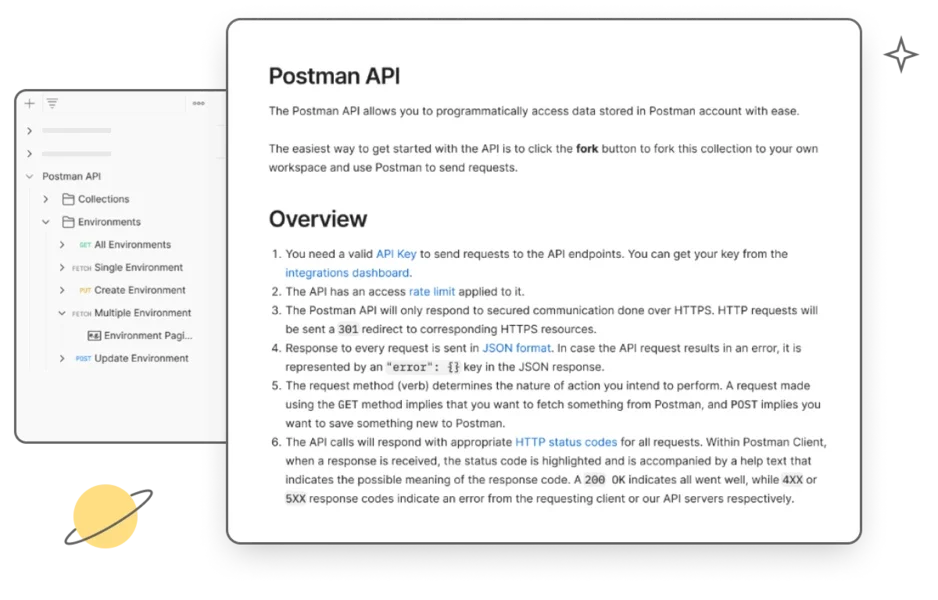
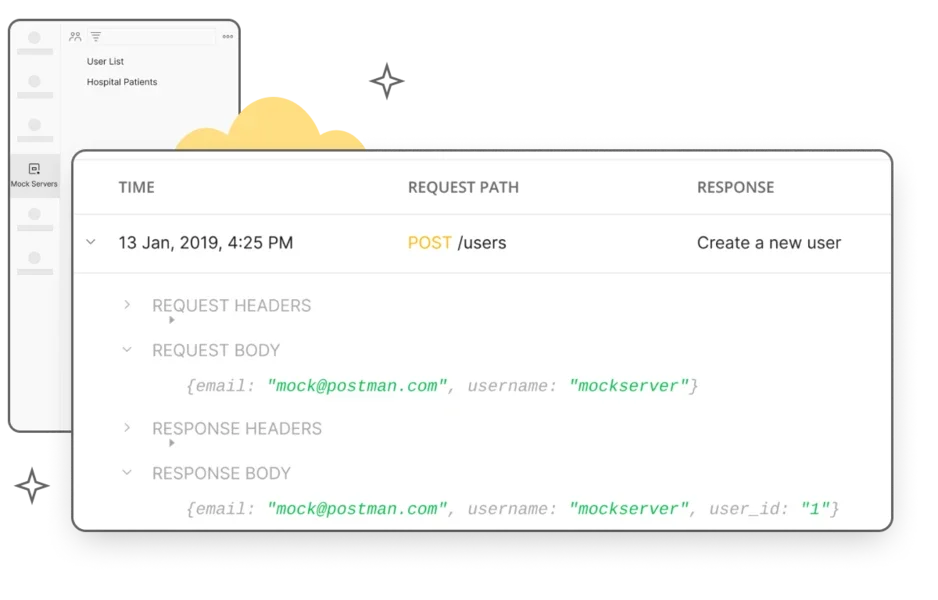
My Workspace lets you create a workspace alone or as a team and invite team members to collaborate. Detailed API documentation is viewable in a web browser, and mock servers support split-stack development. The app runs on Windows 11 and is compatible with continuous integration. Apps share an underlying layer that keeps user experience and performance consistent. New users create an account as a Postman account or with a Google account; tools can be used without logging in, but signing up lets you save collections and get back to them later by logging in on a computer with the app installed.
Download files
6f84d7252ef6167348d88db3af83673cc214589b3f435eb32761268a5c4dce94
Signed by Postman, Inc. · valid until Apr 8, 202745024875545ef30a49a7ce4af86a97bf2110c5929ca53bf614a22c6390453269
Signed by Postman, Inc. · valid until Apr 8, 20272a35d775ebb853c77b7dc2fdcb67dfd9fcdeb0cb4b94e7adf6993e24d50a7e4d
Signed by Postman, Inc. · valid until Apr 8, 20278a8a52837236262887d6da293065532ee7209bc76925b29ce372f385fa2cd8b7
Signed by Postman, Inc. · valid until Apr 8, 2027086c3f3b26dd99a48603f7ab1846551c3fc58366f63cd7ac3e2cfdef0ac85756
Signed by Postman, Inc. · valid until Apr 8, 2027System requirements
Available on:
Architecture:
64-bit
Additional information
Developer
Latest release
Size
Category
File type
SHA-256
6f84d7252ef6167348d88db3af83673cc214589b3f435eb32761268a5c4dce94