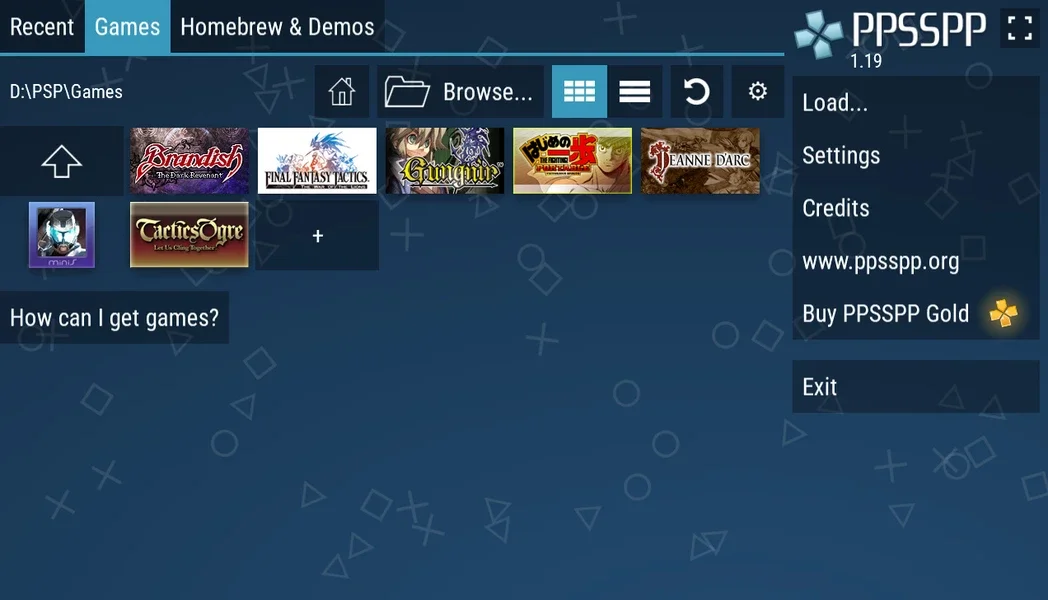

PPSSPP 1.20.4-5123 for Windows
PSP emulator with savestates at any point and automatic controller detection
You are on macOS — this is the Windows version. See the macOS version
Screenshots
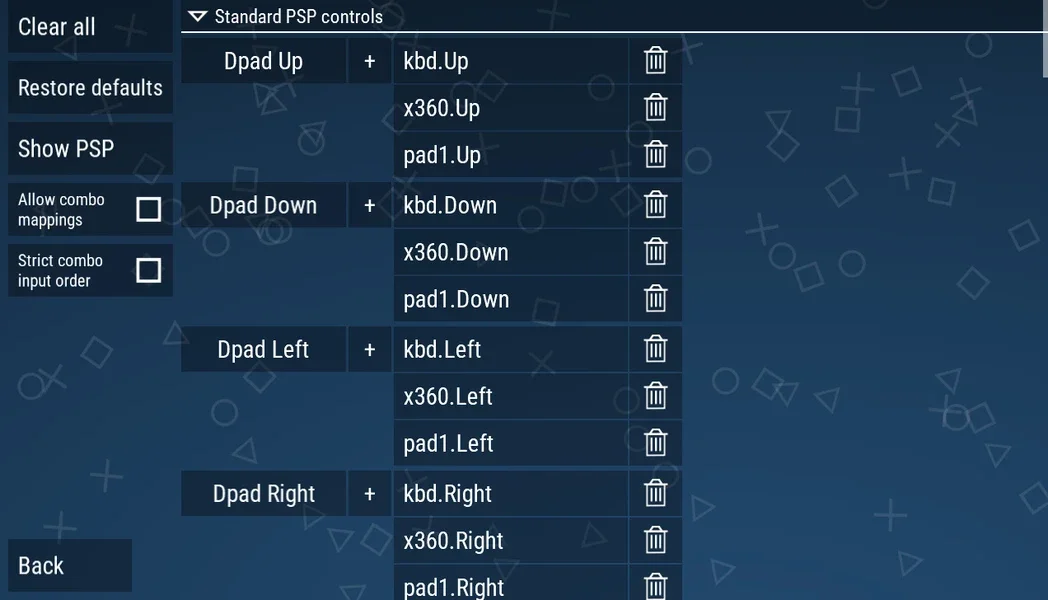
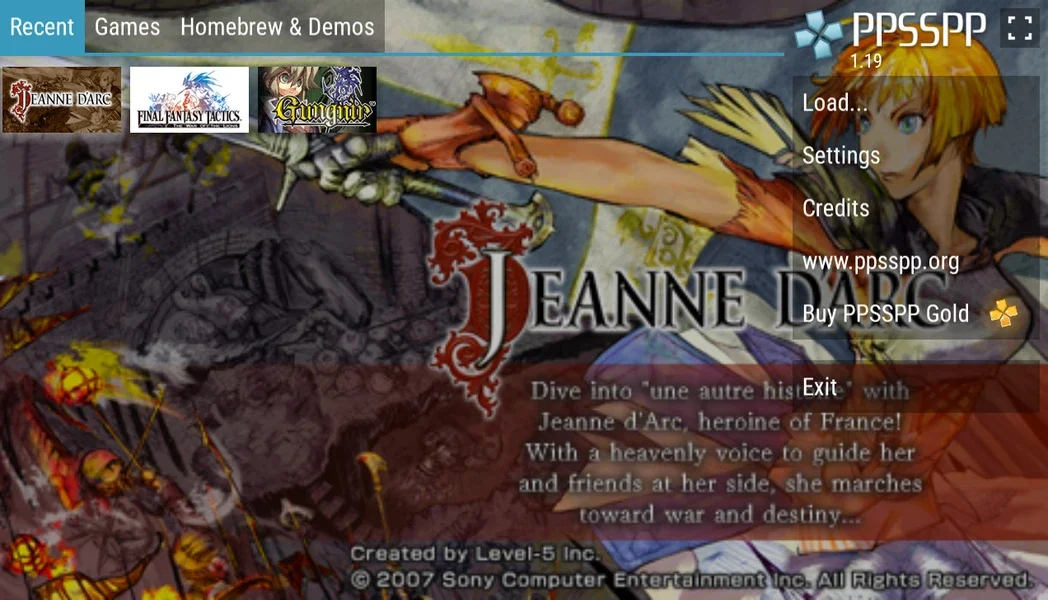
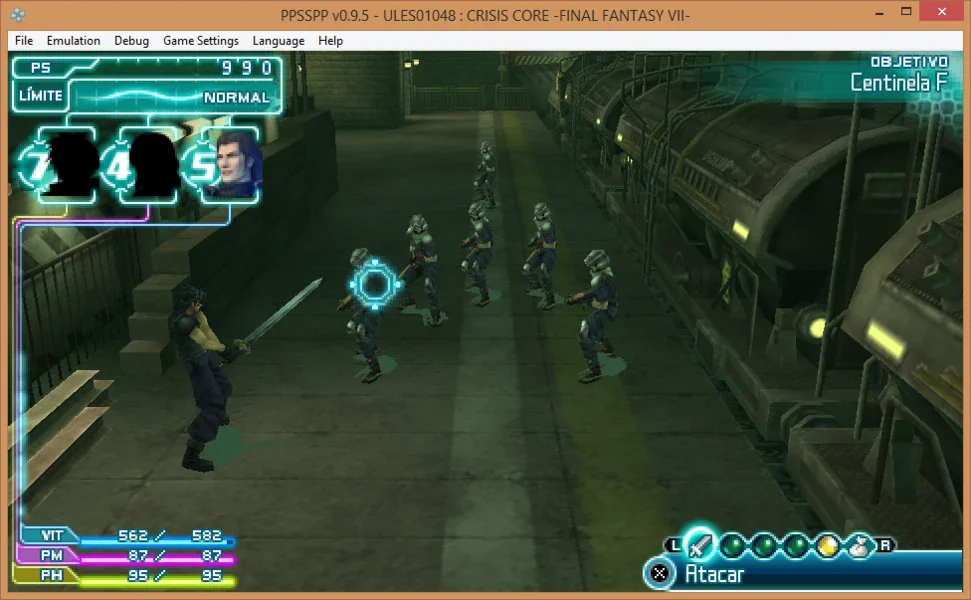
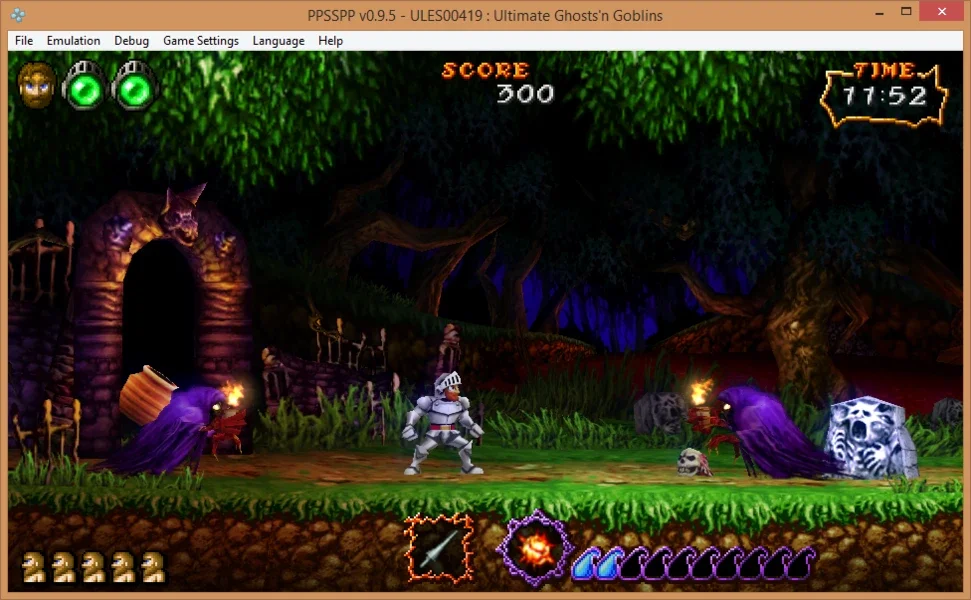
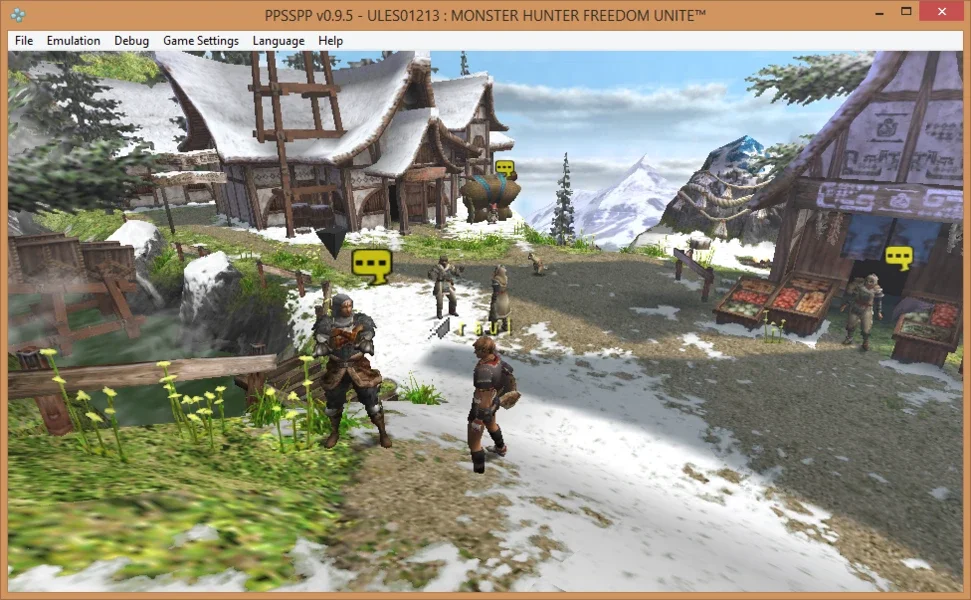
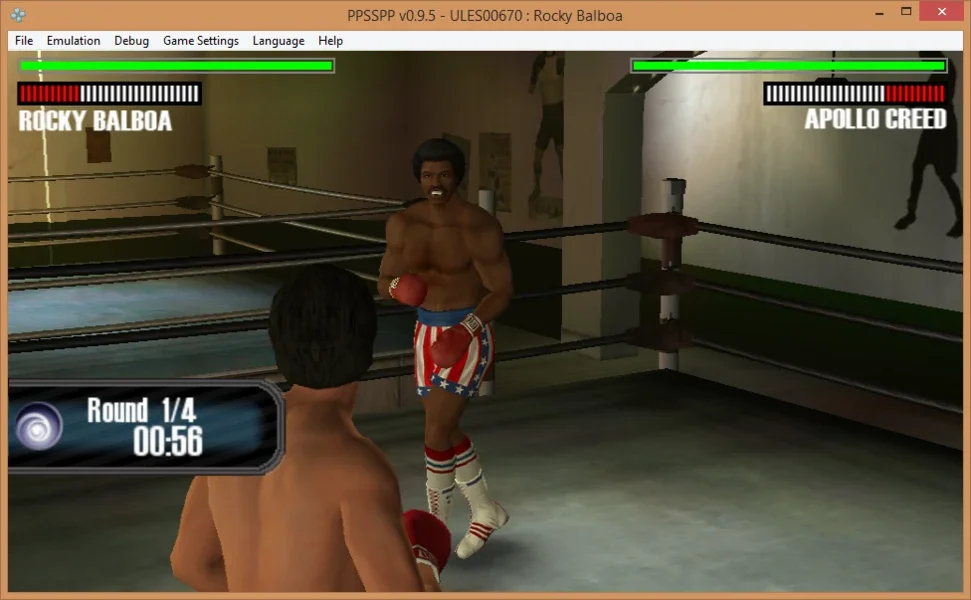
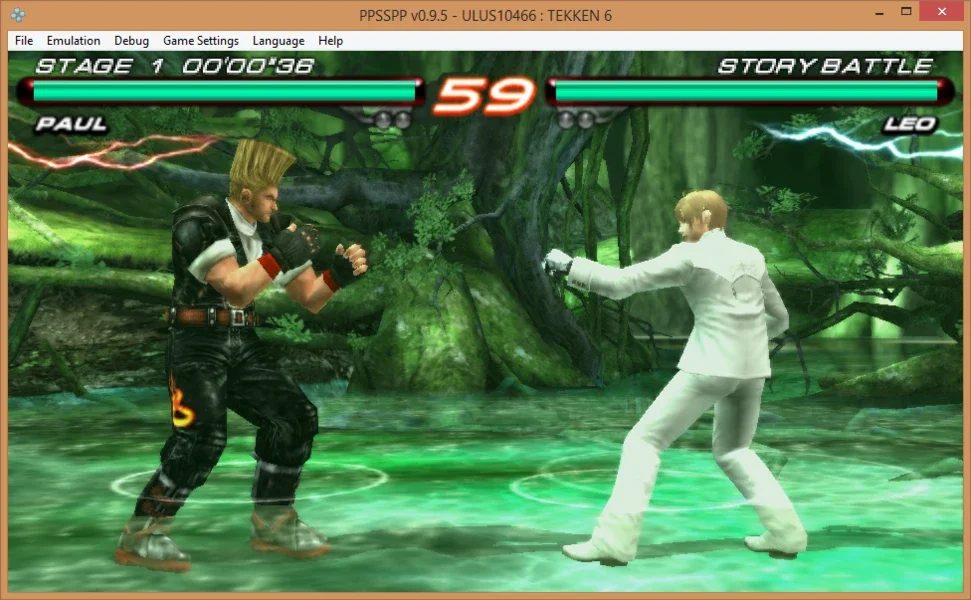
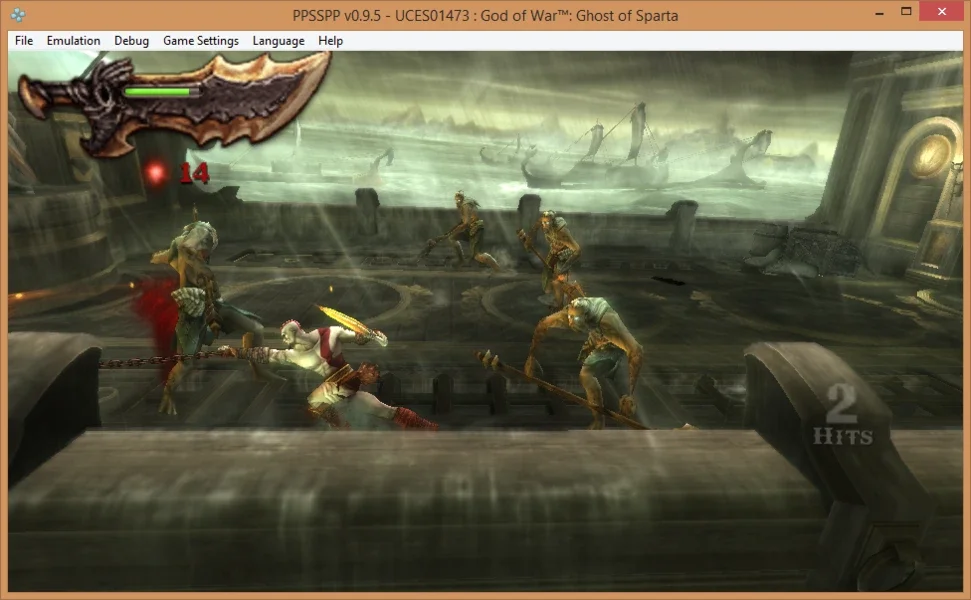
Description
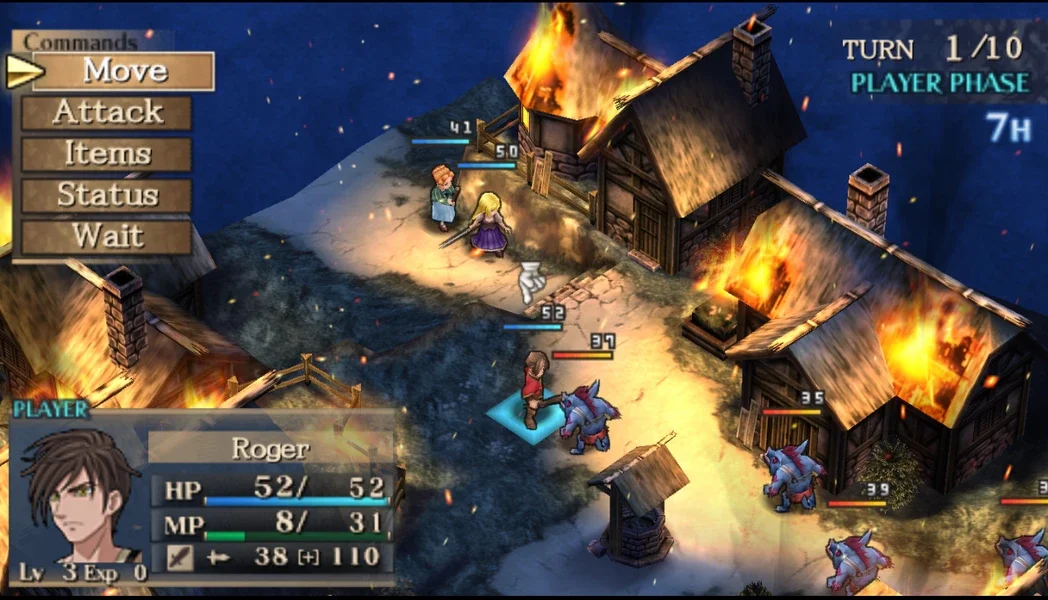
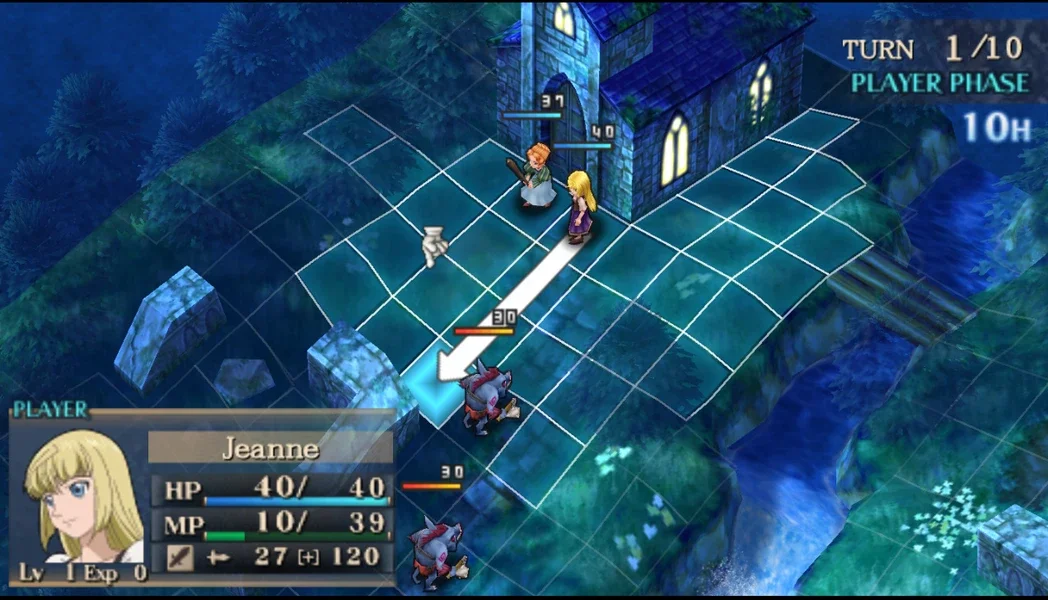
PPSSPP is a PSP emulator for Windows that can save at any point, including mid-cutscene or in the middle of a battle. Everything else is set up around getting a game running quickly.
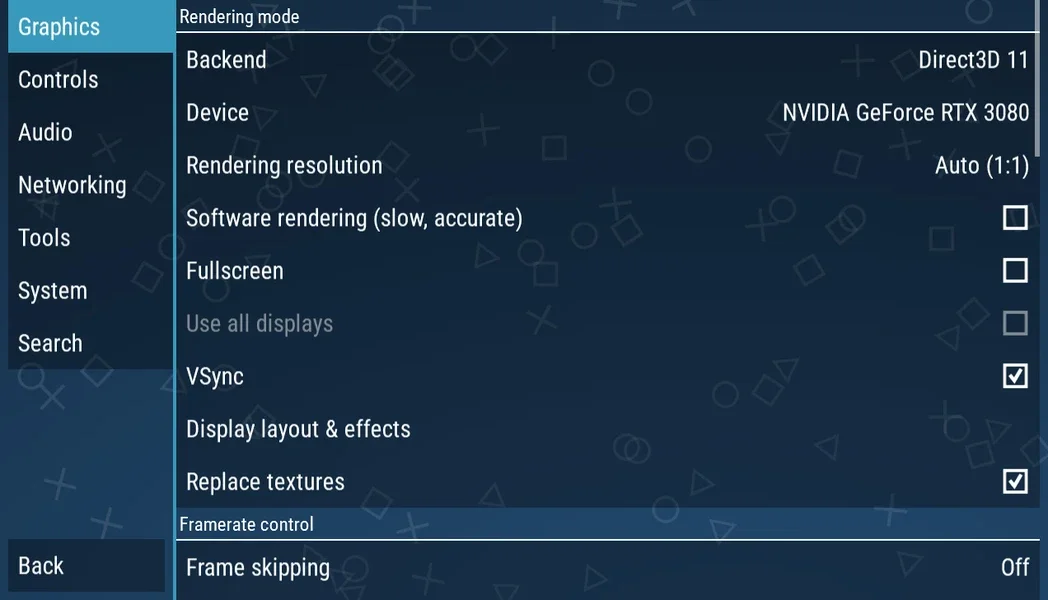
You install it in a directory you choose, drop .ISO or .CSO files in the same folder as the emulator, and play can start on the first launch. There is no BIOS to download or install. Original releases work, and so do demo discs, homebrew and patched, hacked or modified games, as long as they are .ISO or .CSO. The emulator covers 99% of the console's catalog, several hundred titles. Resolution can be changed, and you can raise the game's resolution to match your monitor. Graphics options include VSync, anisotropic filters, forced filtering and interlacing. Any connected controller is recognized automatically, Xbox and PlayStation controllers included. With a RetroAchievements account, achievements activate automatically when you start a game that has them. Savestates do the rest, letting you keep progress wherever you are.
One of the developers also worked on Dolphin, the Gamecube and Wii emulator. A quick start guide is on the author's official website.
Download files
ad76cf47c7869cfc02a642ce9c483b2c088c60f4b1cdf3a611a28400b507eb3e
400156b5bc955b812f32f586c7aee068a975a436f2d0c723d1846c1960a05793
35904f551ca0dd9070ccc4320db63a2890874e1bd929e16e6629e6f0535ee377
ab6f162b4c519c74aeb5acc12a6696ca9f267d9d23988621765a7762e79ffc00
f7c27d57a440cd039af6df0d9c6027bf8c5b09d3707293284f85681cd5d488fe
System requirements
Available on:
Minimum OS:
Windows XP or later
Additional information
Developer
Latest release
Size
File type
SHA-256
ad76cf47c7869cfc02a642ce9c483b2c088c60f4b1cdf3a611a28400b507eb3e





