
Controls a 3D printer over USB with G-code and a console
You are on macOS — this is the Windows version. See the macOS version
Screenshots
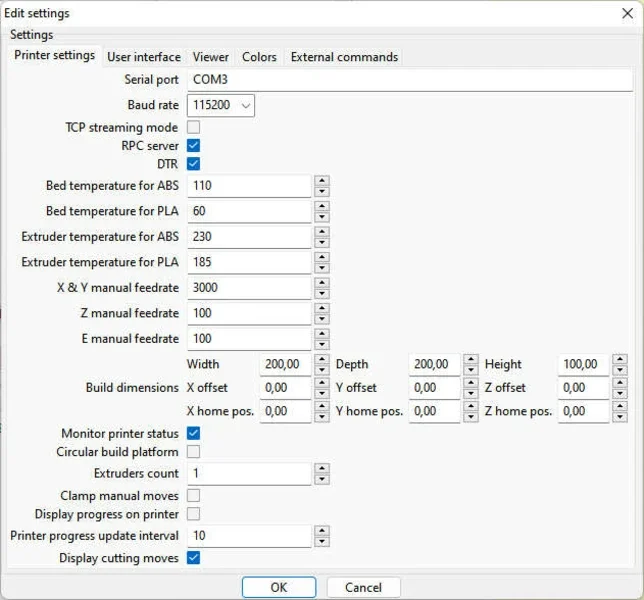
Description
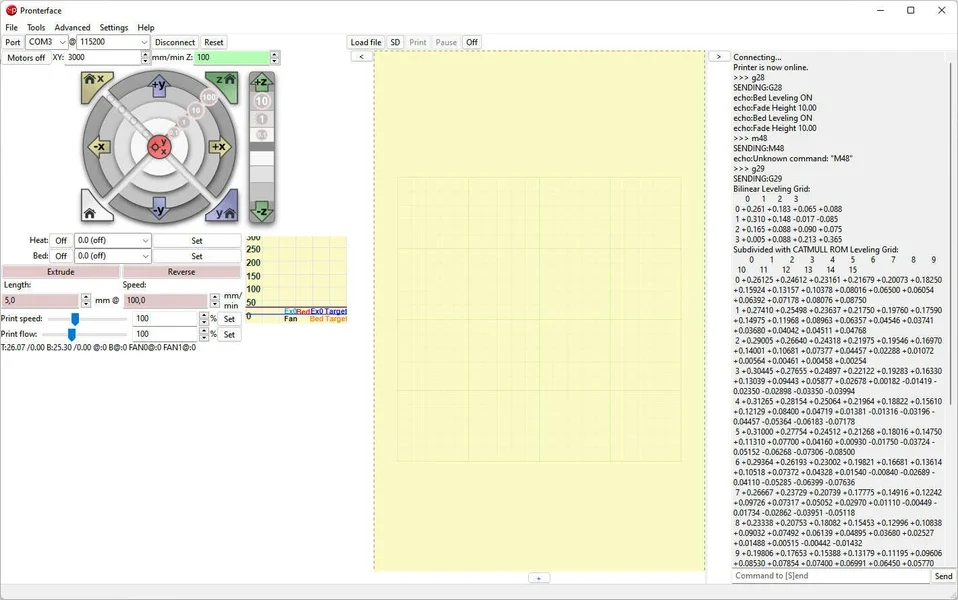
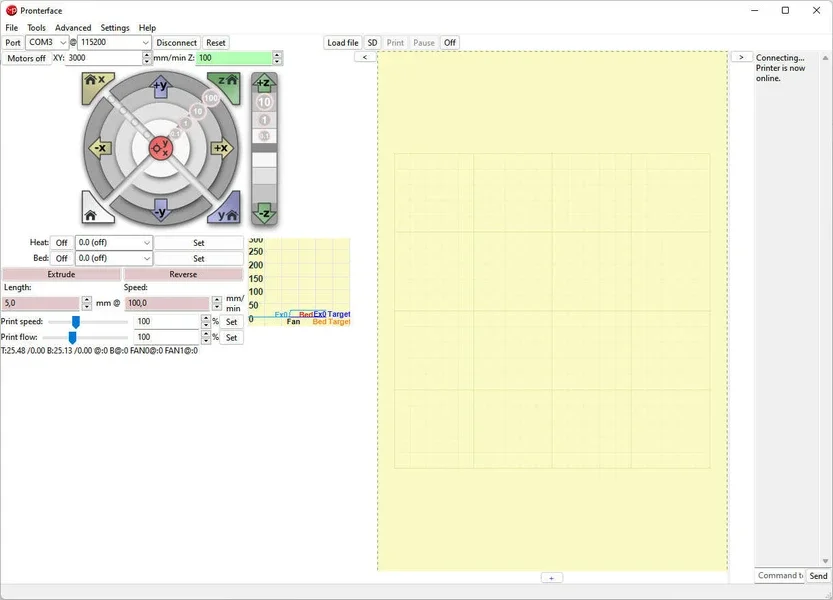
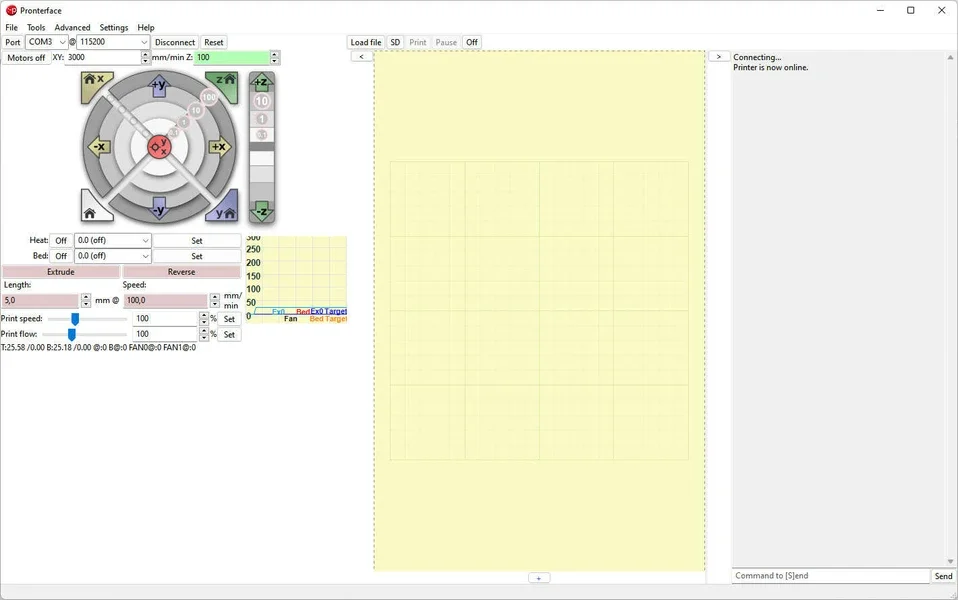
Pronterface gives you a graphical interface for driving a 3D printer over a USB connection. From the main window you can move the motors on all three axes and set the nozzle or bed temperature, and everything the printer does goes through G-code. That covers a lot of ground: nearly any setting can be changed or the head moved where you want it, and the same commands can calibrate a BLTouch sensor, check component temperatures, restart the printer, or reset memory. A console sends G-code straight to the machine when you would rather type it out.
You can also set up buttons that fire off a series of G-code commands at a click. They suit the commands you run all the time, like disabling the motors so you can move an axis by hand, sending the head to a set position, or switching strands.
To connect, pick the printer in the Port section and click Connect. The program is portable, so there is nothing to install.
Download files
828559b08f957986eade7c0b6a547cbe68b72924a4d2d3961820f8f1d578e423
3a35834a2f84a985cb36164ba18ca5e886e971c127a961d56721ae7d44582d92
a80a821393ef7287269ce3fcb2734408a542fcad0e6b6b4e7c031d5274391db4
3d6a2ed084e6d222c9e7e7613bfd19b3930962634de36bf87b8f78cee91e7f7a
System requirements
Available on:
Additional information
Developer
Latest release
Size
File type
SHA-256
828559b08f957986eade7c0b6a547cbe68b72924a4d2d3961820f8f1d578e423





