
Screenshots
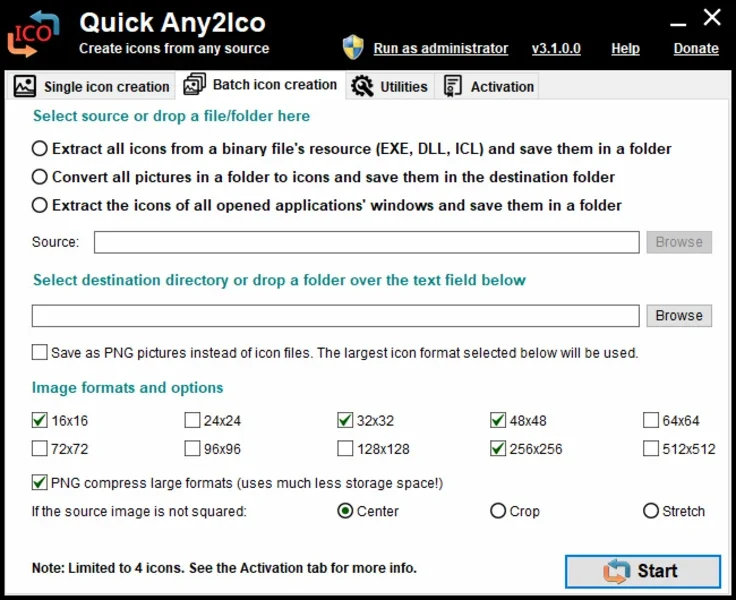
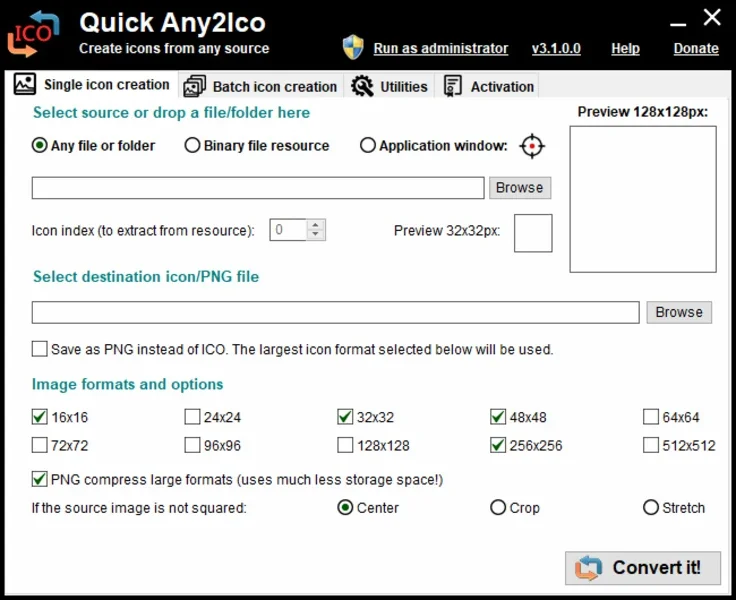
Description
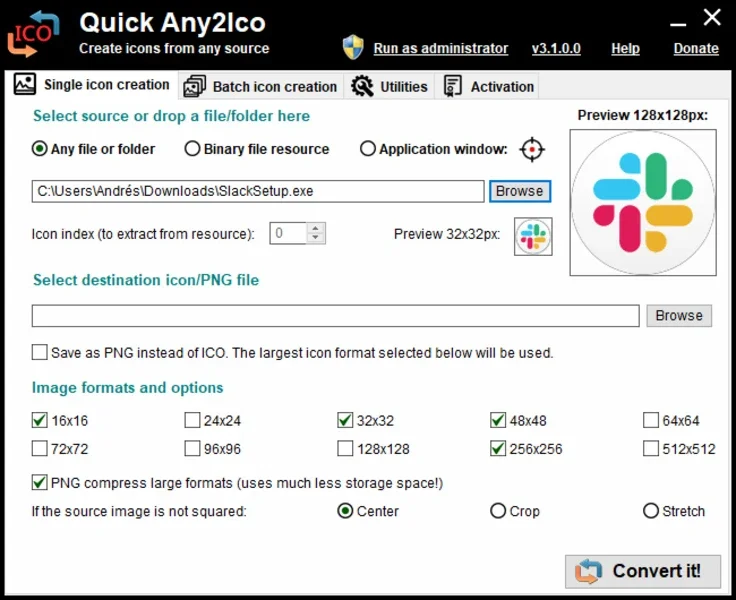
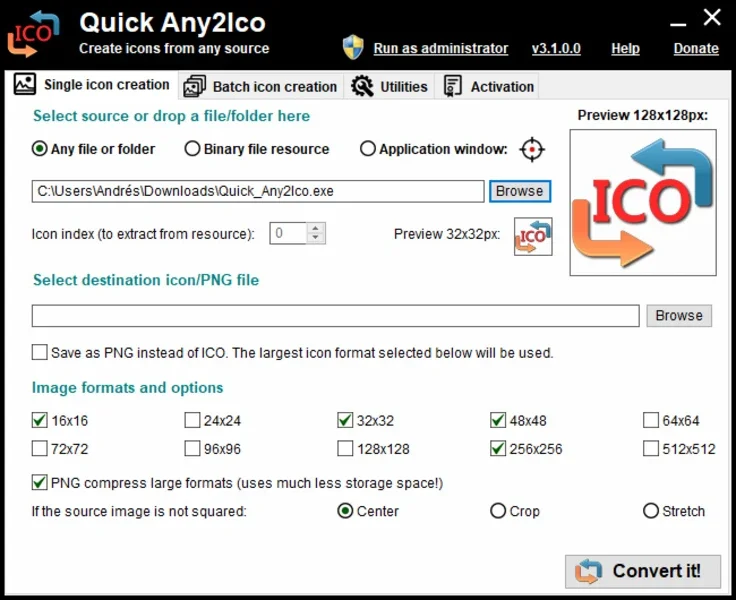
Quick Any2Ico pulls icons out of apps, files, folders and resources on a Windows machine. The main tab holds the tools for that: drag a file into the program window and the icon comes out; put the crosshairs on an open app window and it captures that icon instead. The preview shows up right away, and you can download it as a PNG.
Saving the icon of any executable, wherever it sits, takes one click. Extracted icons come out as high-quality PNG.
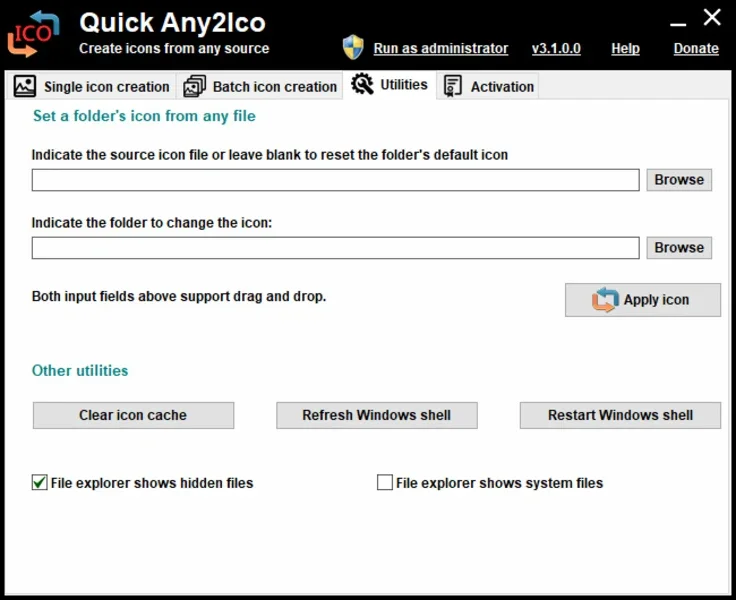
A second tool handles folder icons. Drag the folder onto the first field, then drag the icon you want over it, and the folder takes that icon. There is nothing to install, so it runs from wherever you put it.
Download files
File3.5.0.0EXE
Version3.5.0.0
ReleasedSep 9, 2024
Size615.4 KB
SHA-256
Get
54d3a584a530619cba599776f7d51c54bce81d061d192523096e756632367ac9
Signed by DOS SANTOS DA SILVA ALFREDO · valid until Jan 9, 2025Filequick-any2ico-3.4.3.0.exeEXE
Version3.4.3.0
ReleasedMay 23, 2024
Size611.8 KB
SHA-256
Get
0033d9baac72da5e7298025e9400ba29b3b46f06d4cbe4441e7f14f40b47e51d
Filequick-any2ico-3.2.0.0.exeEXE
Version3.2.0.0
ReleasedJul 18, 2022
Size594.8 KB
SHA-256
Get
9b846105633d2d3d811a6e38786b6a2f06325519256c81b22f9f391414797987
Filequick-any2ico-3.1.0.0.exeEXE
Version3.1.0.0
ReleasedMay 6, 2022
Size590.3 KB
SHA-256
Get
f29ccb769243e0f83d5a8e495b9feedd2ee0477b4bf8cd454a94833462783e55
System requirements
Available on:
Additional information
Developer
Latest release
3.5.0.0 · Sep 9, 2024
Size
615.4 KB
File type
EXE
SHA-256
54d3a584a530619cba599776f7d51c54bce81d061d192523096e756632367ac9
Digital signature
Signed by DOS SANTOS DA SILVA ALFREDO · valid until Jan 9, 2025