QuickTextPaste 9.61 for Windows
SHA-256 listed
Assign keyboard shortcuts to text notes and paste them in any app
All ages
Age rating
Screenshots
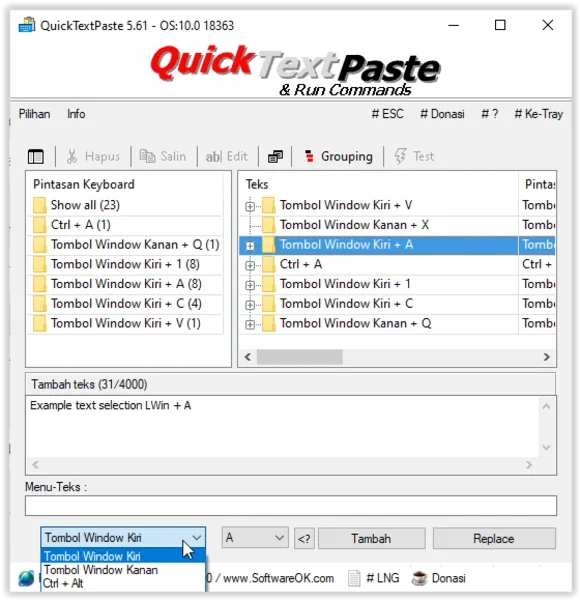
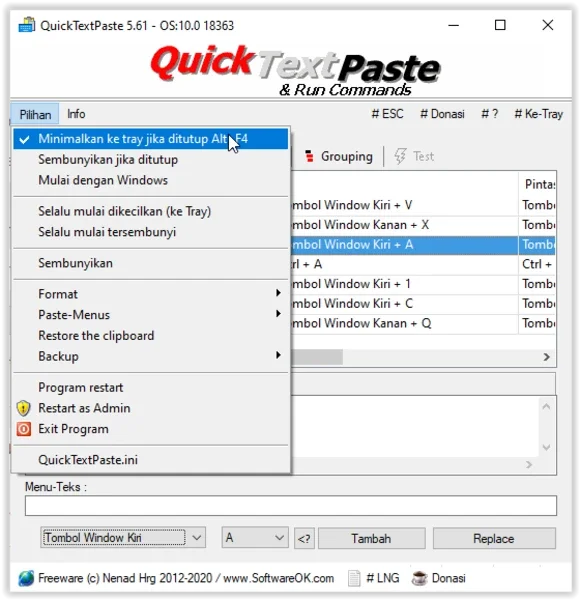
Description
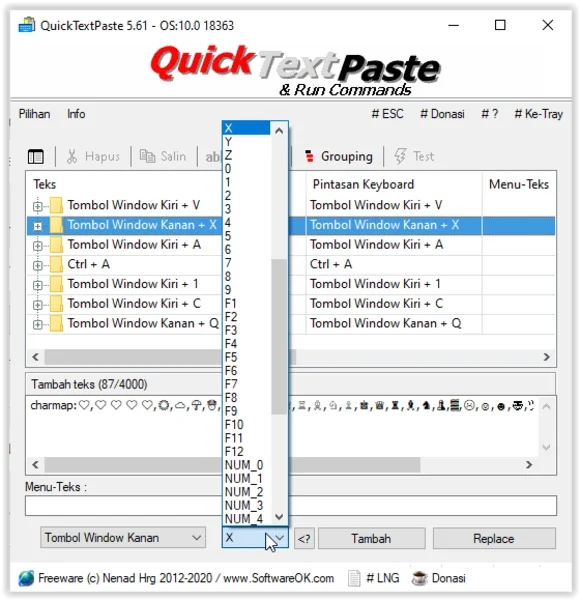
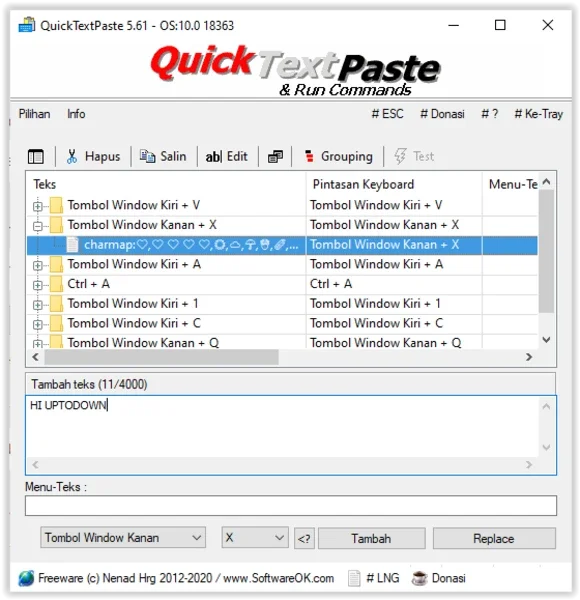
QuickTextPaste works by creating keyboard shortcuts. Click a note in the main window, choose the keys to use, and from then on typing that shortcut makes the text appear automatically. The main window shows folders containing notes, and each note can have its own shortcut. You can create as many notes as you want, and the interface is simple and the application is easy to use.
Any note can be pasted into any text field at any time. The program lets you paste many text blocks without doing them one at a time.
It runs on Windows.
Download files
File9.61ZIP
Version9.61
ReleasedNov 5, 2026
Size355.0 KB
SHA-256
Get
d6ee54497aff0952c3406db4c25da16020f4889490b053918fc00be2f821104f
Filequicktextpaste-9-61-0-0.zipZIP
Version9.61.0.0
ReleasedOct 15, 2026
Size355.0 KB
SHA-256
Get
d6ee54497aff0952c3406db4c25da16020f4889490b053918fc00be2f821104f
Filequicktextpaste-9-55-0-0.zipZIP
Version9.55.0.0
ReleasedJun 8, 2026
Size354.9 KB
SHA-256
Get
4cf3ec712e5b3768eb3cc87a4f9420fc5b45111b59363e914d3eda70161dd33e
Filequicktextpaste-8-9-8-0.zipZIP
Version8.9.8.0
ReleasedMay 11, 2026
Size355.4 KB
SHA-256
Get
74d3559de06c5b874dbaf5bb9133f074b0c3765df24f980c6b7912681ad0316b
Filequicktextpaste-9.45.0.0.zipZIP
Version9.45.0.0
ReleasedApr 7, 2026
Size433.3 KB
SHA-256
Get
4ffdbc644762a738dd1dd6c08d08e30f567879223b9ccac4ea37146bef44ada0
System requirements
Available on:
Minimum OS:
Windows Windows 11 or later
Additional information
Developer
Latest release
9.61 · Nov 5, 2026
Size
355.0 KB
File type
ZIP
SHA-256
d6ee54497aff0952c3406db4c25da16020f4889490b053918fc00be2f821104f





