
RAPTOR 4.1.0.0001 for Windows
Makes and runs flowcharts to teach programming logic
You are on macOS — this is the Windows version. See the macOS version
Screenshots
Description
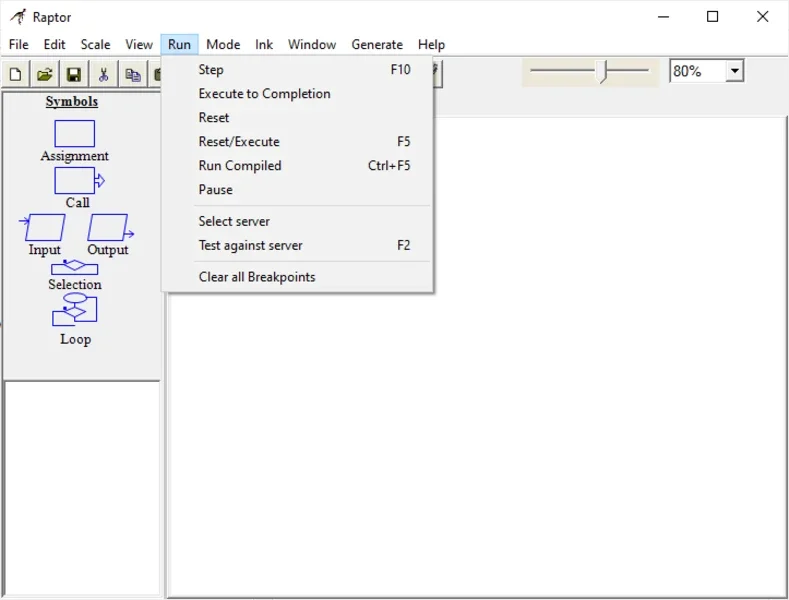
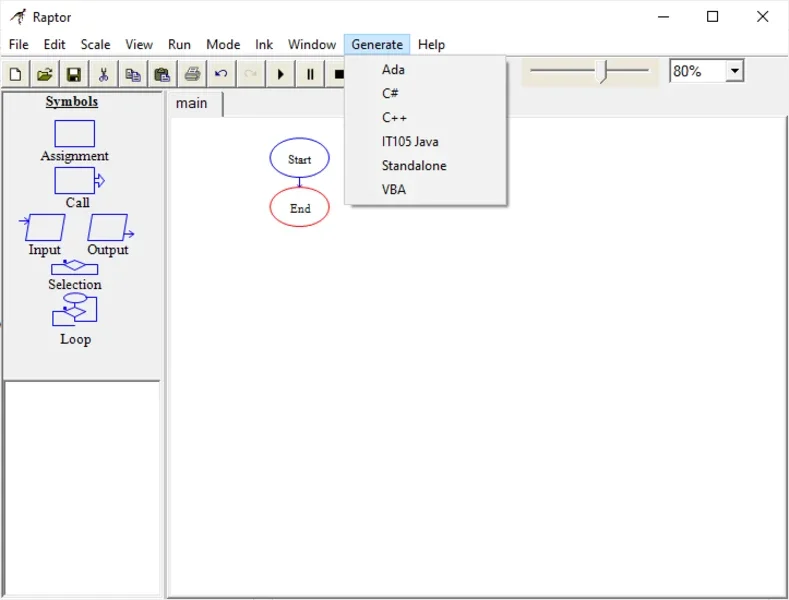
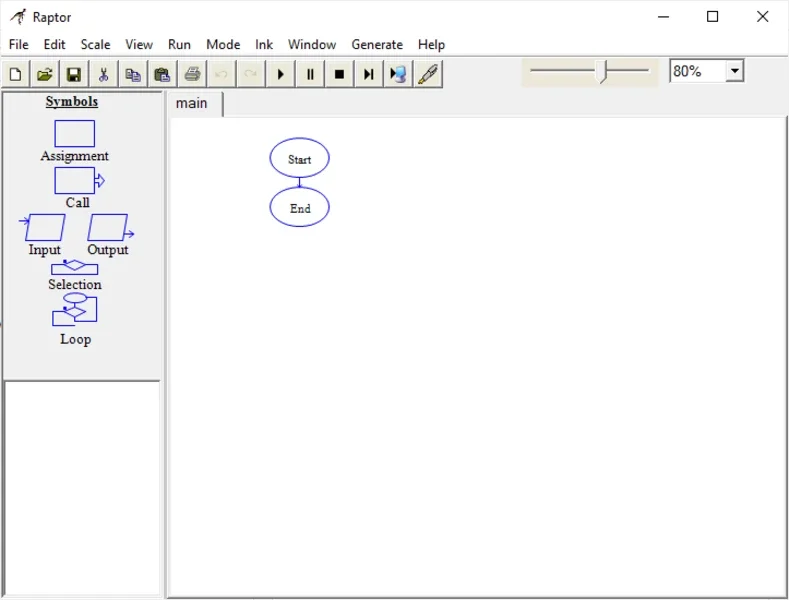
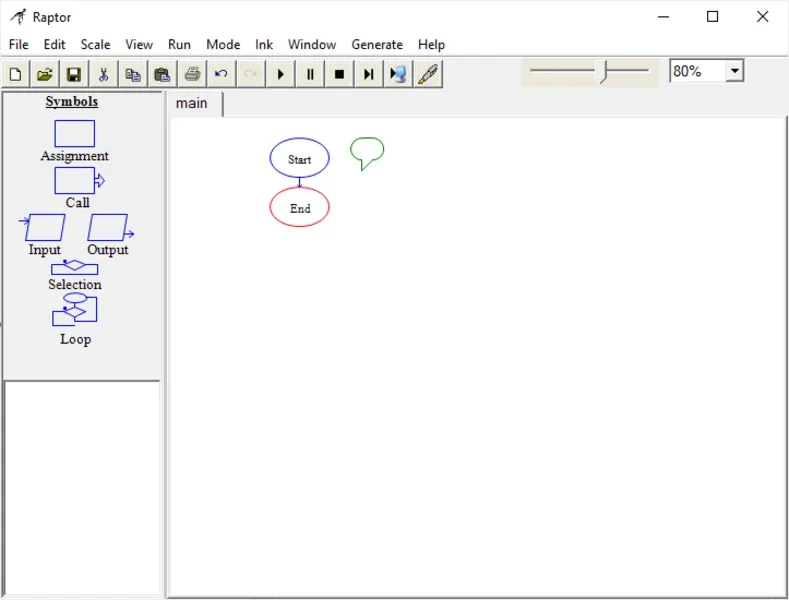
RAPTOR is built for drawing flowcharts and watching them run, mainly in classrooms where students are learning programming logic and algorithms. You create a flowchart, review it, and then step through it to see what happens.
Loops, conditions and decision structures are all supported, so you can try out different kinds of programming logic and see how each one is implemented in a flowchart. Running a program shows how variables and control flow change as it goes. Debugging functions let you run flowcharts step by step, which helps in finding logic errors and seeing how each step adds up to the result. Diagrams are visual representations of algorithms and programming steps, and that picture can make it easier to understand how a program works.
The interface is intuitive, and there are educational features around the debugging. You can start from the basics and work up, learning little by little how flowcharts are generated and how variables affect their creation.
Download files
d911875ece7548124cefdd740b73958d8c771a04d41dc33e590a40a877c4abeb
No digital signatureSystem requirements
Available on:
Minimum OS:
Windows XP or later
Additional information
Developer
Latest release
Size
Category
File type
SHA-256
d911875ece7548124cefdd740b73958d8c771a04d41dc33e590a40a877c4abeb