
Simple Disable Key 12.18 for Windows
Turns off chosen keyboard keys, generally or per program
Screenshots
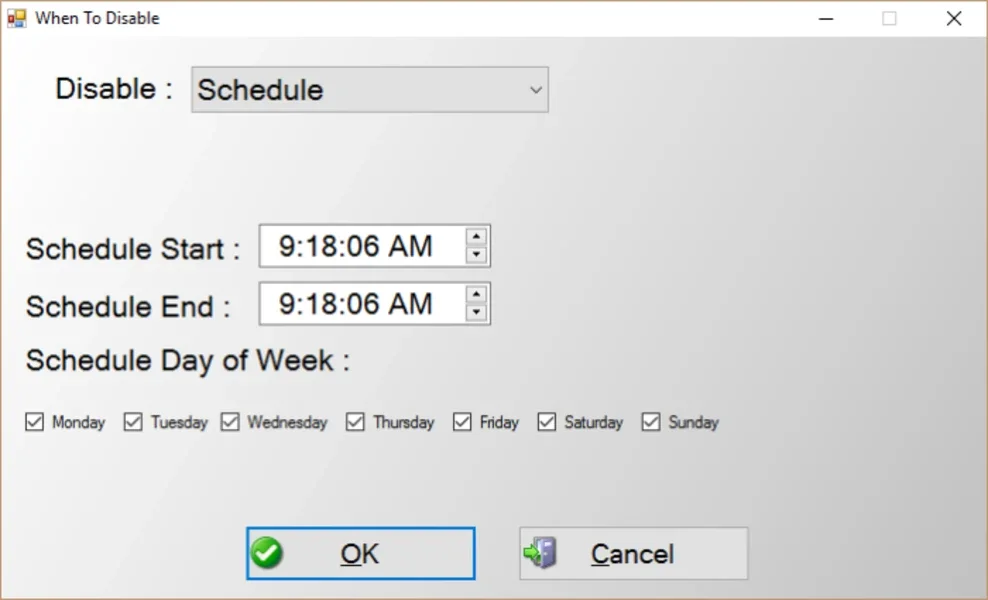
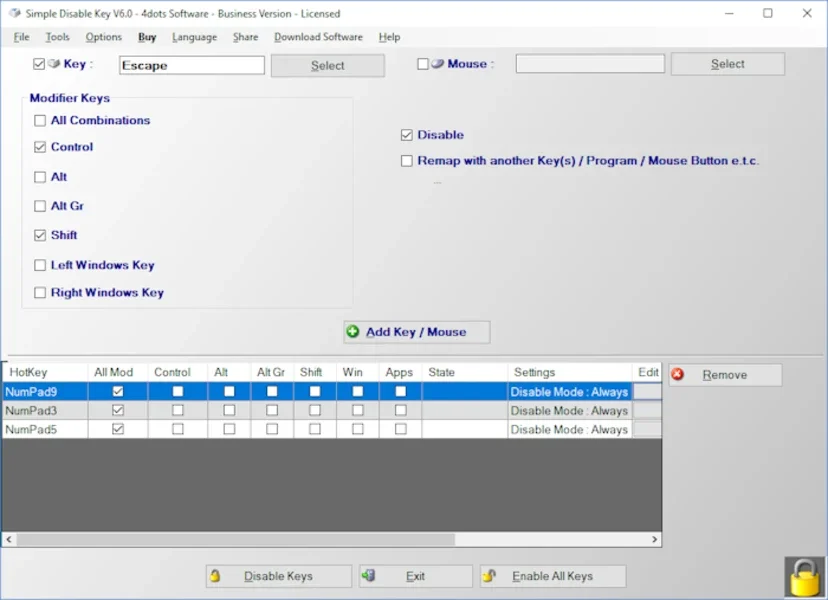
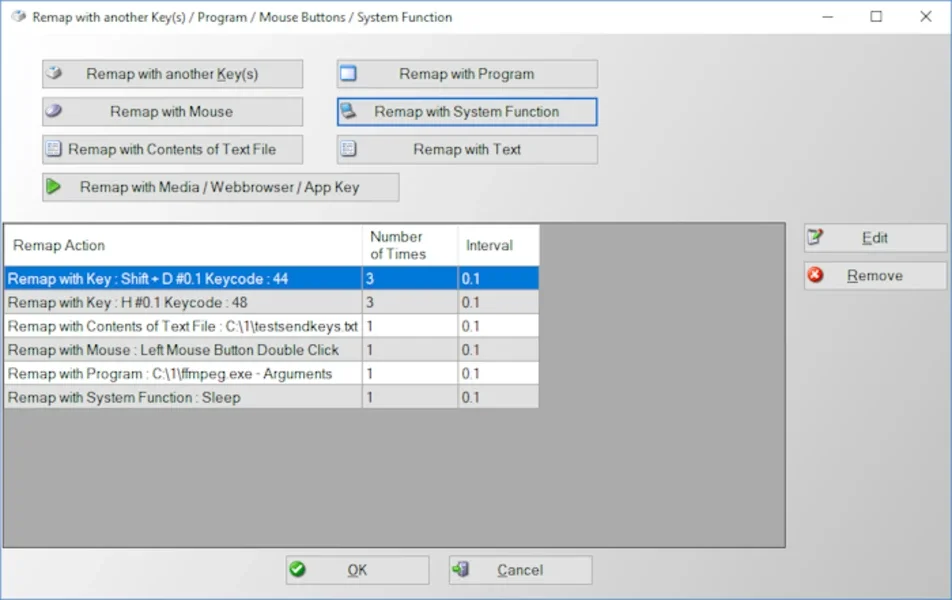
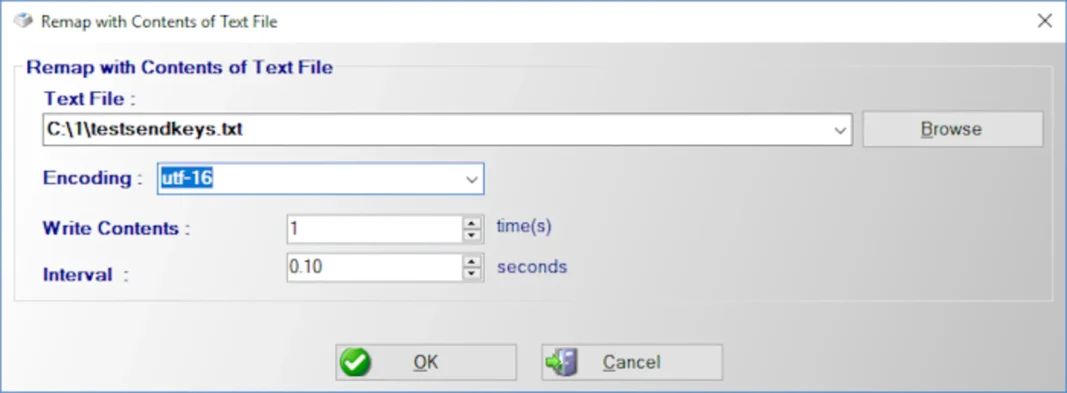
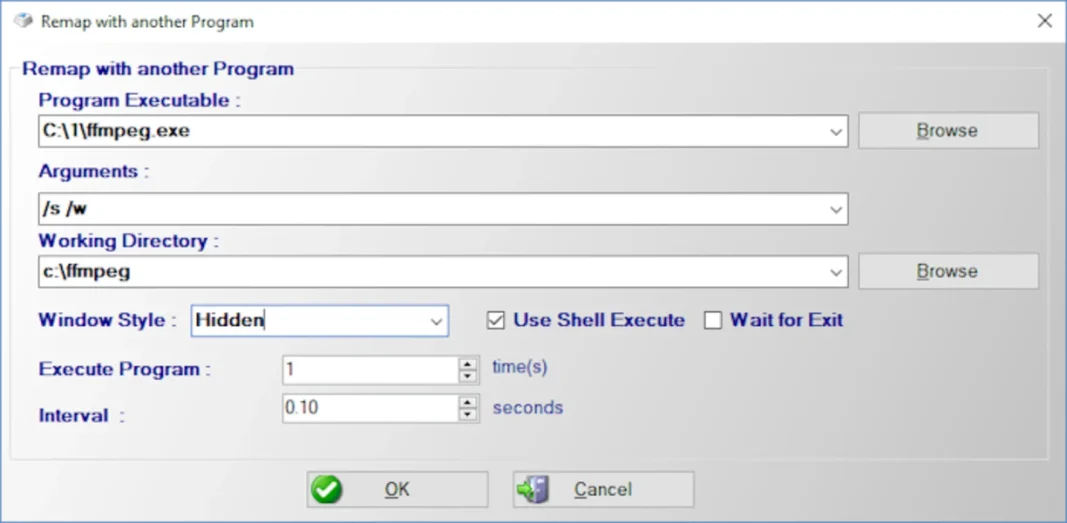
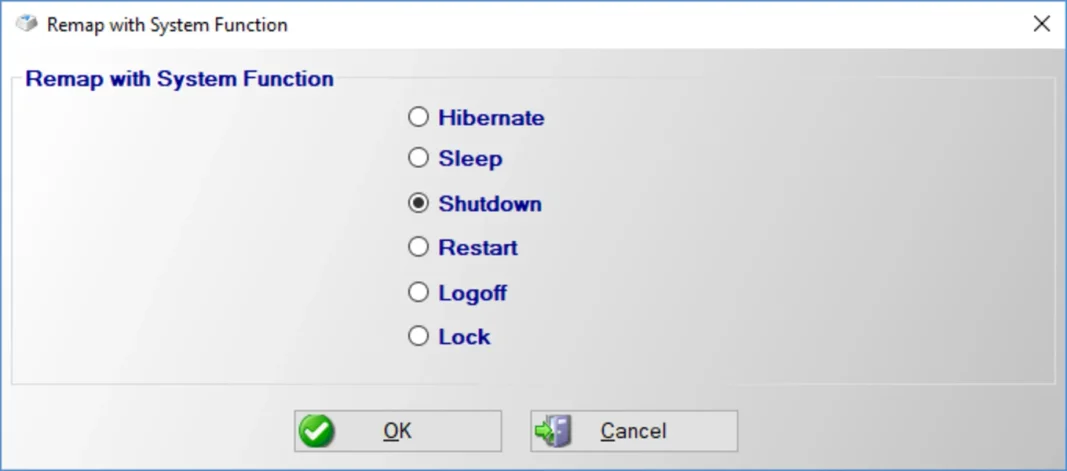
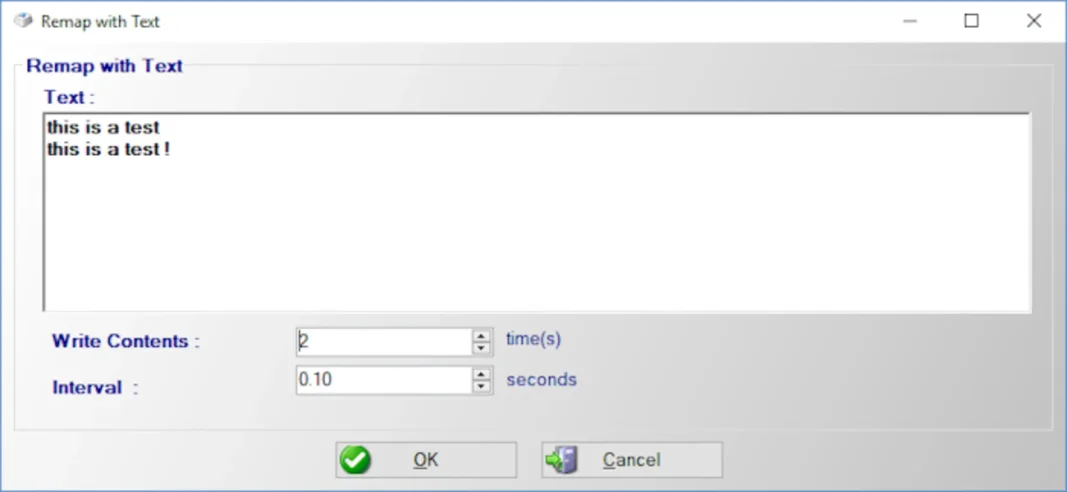
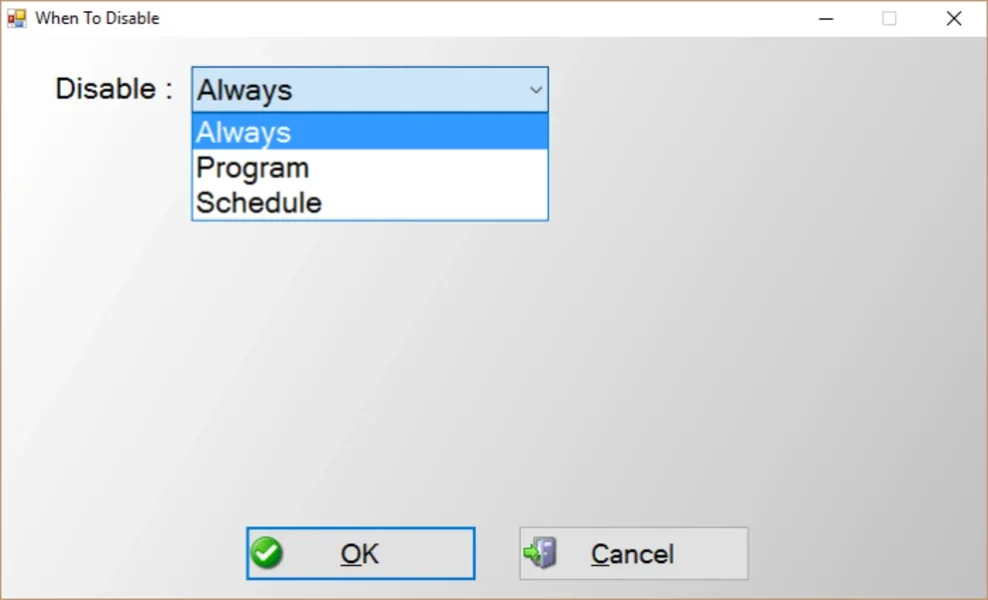
Description
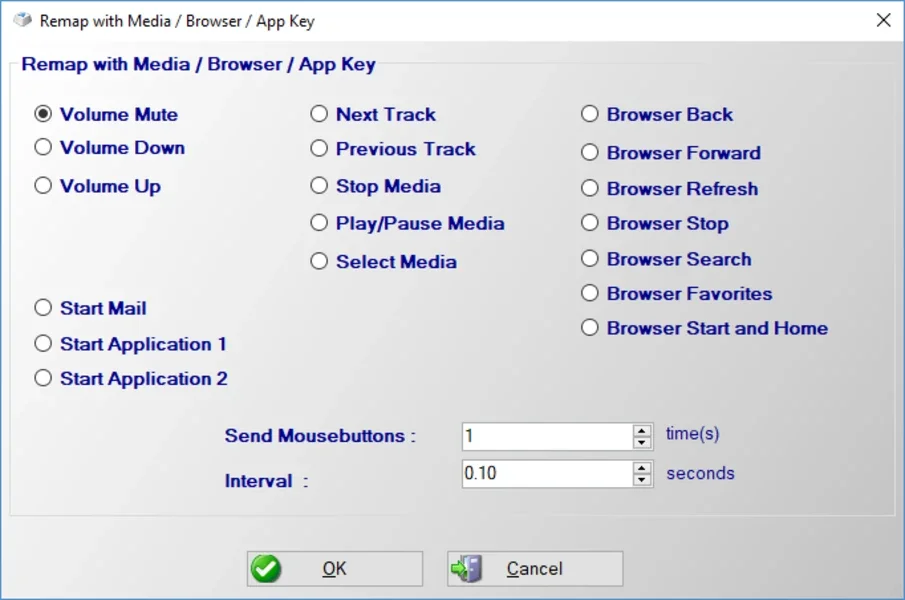
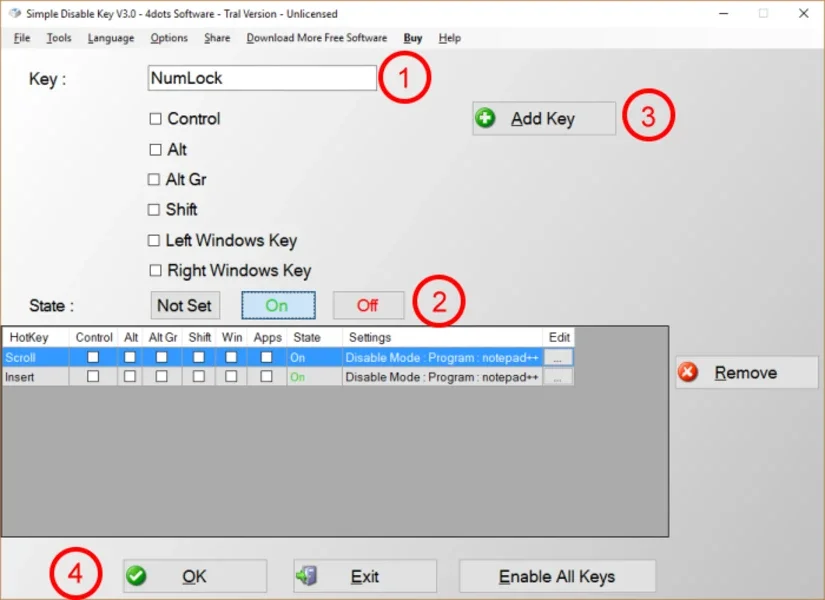
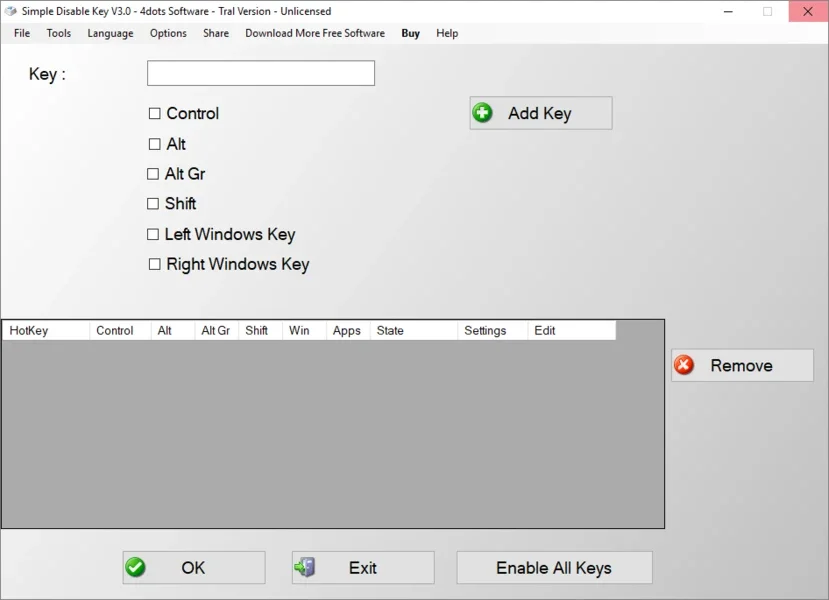
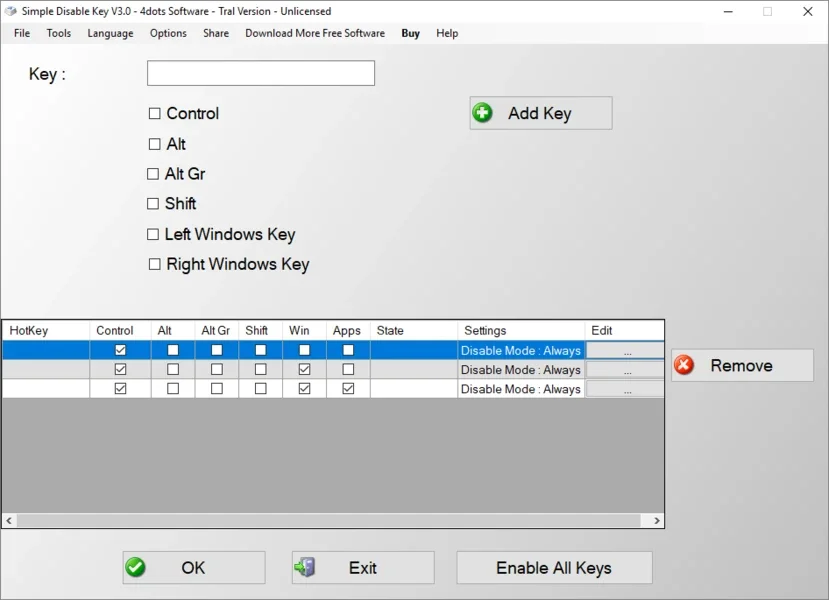
Simple Disable Key turns off the function of any key on a computer keyboard. Key limitations can be applied generally or to specific programs. To configure it, you choose the key to disable, select the program it applies to, and accept the configuration. The configuration can be changed at any time to re-enable keys.
Disabling a key is useful when a key is broken and constantly pressed, when access to the task manager should be limited, or when shortcuts are unavailable in certain programs. Num Lock, Caps Lock, and Scroll Lock can also be set to stay permanently on rather than switching off.
It is a Windows utility from 4Dots Software, distributed under a proprietary license with a trial available.
Download files
dbaabd8737d9450041fdd6b8b0e5b4f09ac7025c3a8a8a96a46dcc4b78745317
Signed by CHRISTOS CHRISTODOULELIS · valid until Oct 25, 20269b18c9847f8b03d274962b7ed22f711c2f512b9dd4d40621bc4b2dd3ac1a72bc
2011ef14847d704242b65f97cae3b0d78c9d86bcecb2aa6b0439e77101e02f91
a1bf5aa299d5c4f7eda1f2e09c9ada54370a842d9d750d2c2ea0bdfc9466c178
6da56d4ea6a75d1d0a69668cc0d4a023cc2eab4ed17099b5c0f8890323b483e8
System requirements
Available on:
Minimum OS:
Windows XP or later
Additional information
Developer
Latest release
Size
File type
SHA-256
dbaabd8737d9450041fdd6b8b0e5b4f09ac7025c3a8a8a96a46dcc4b78745317





