
Slack 4.53.292 for Windows
Cloud messaging and calls for teams, with channels, huddles and shared files
You are on macOS — this is the Windows version. See the macOS version
Screenshots
Description
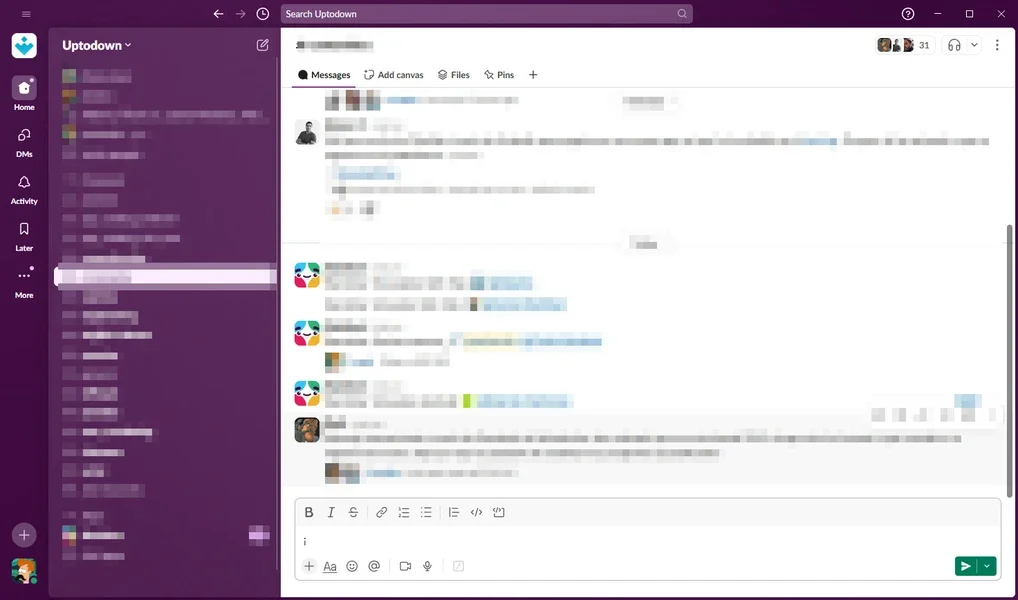
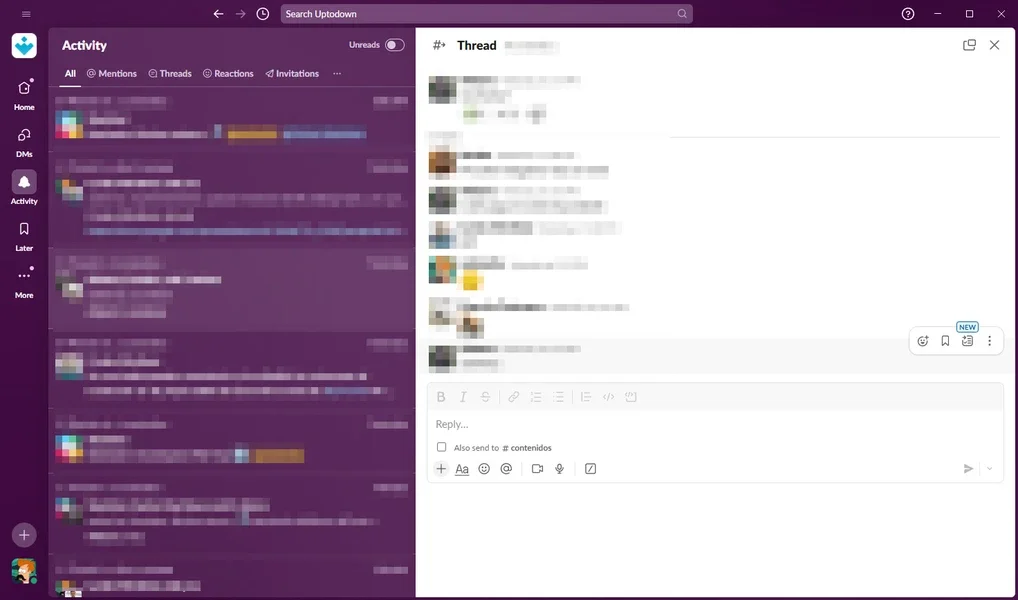
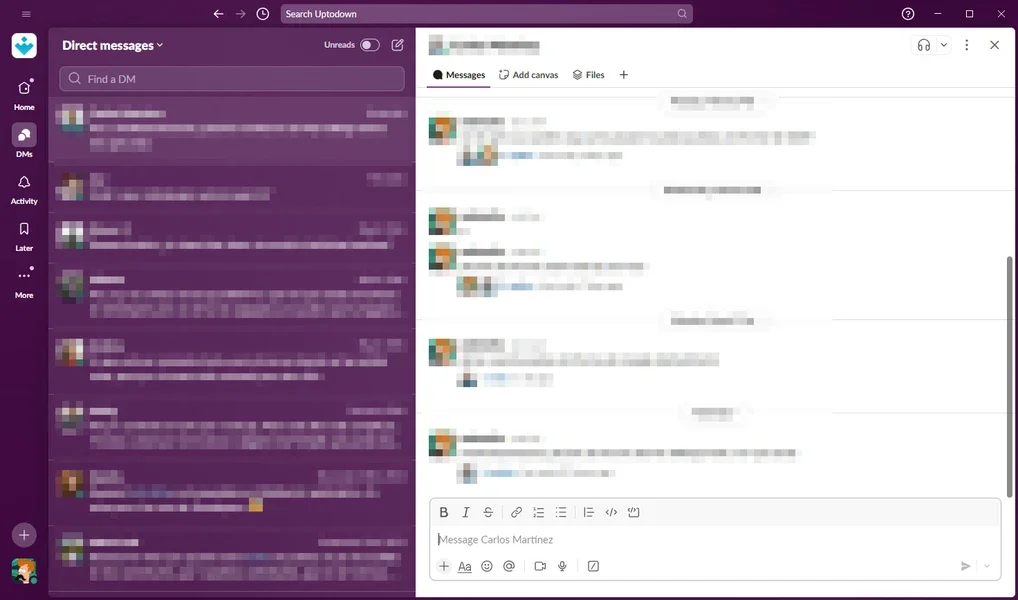
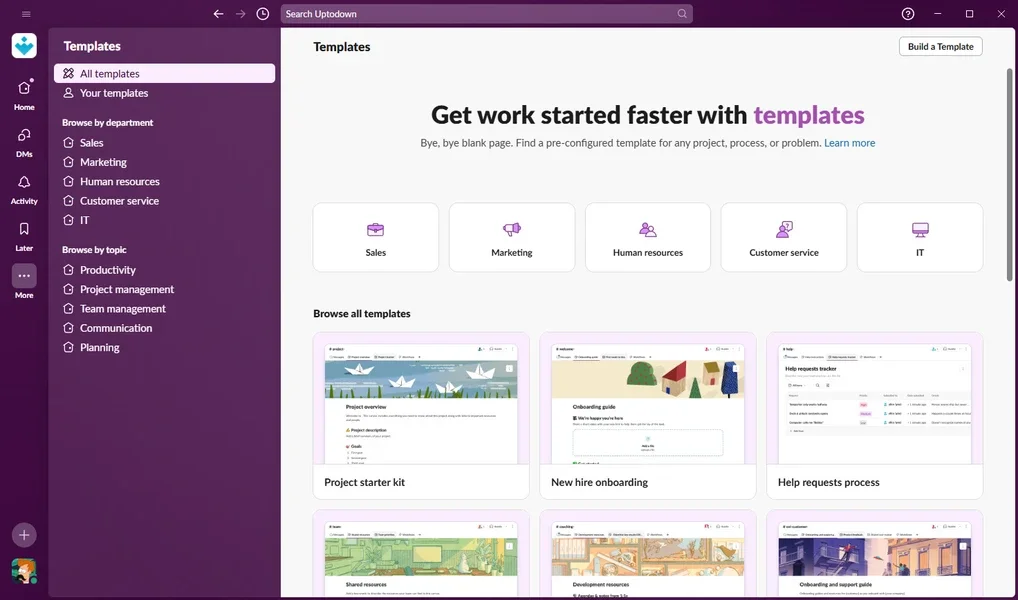
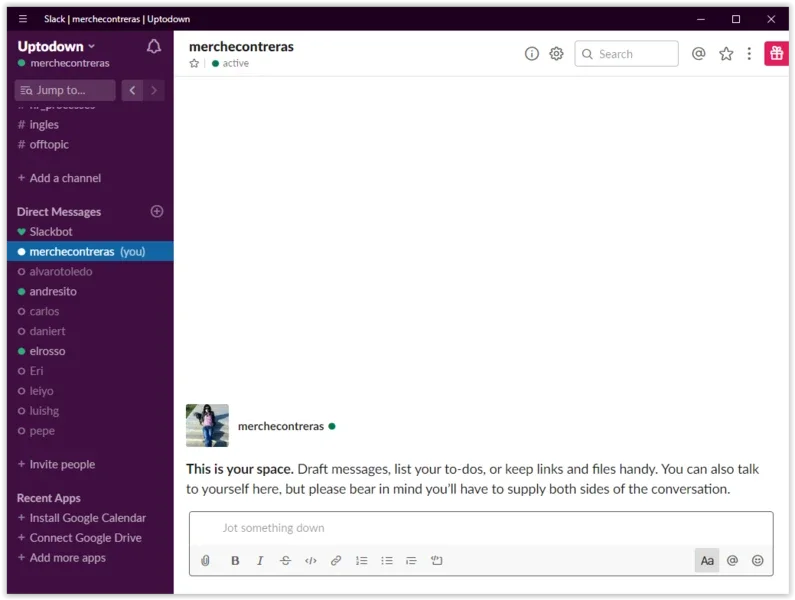
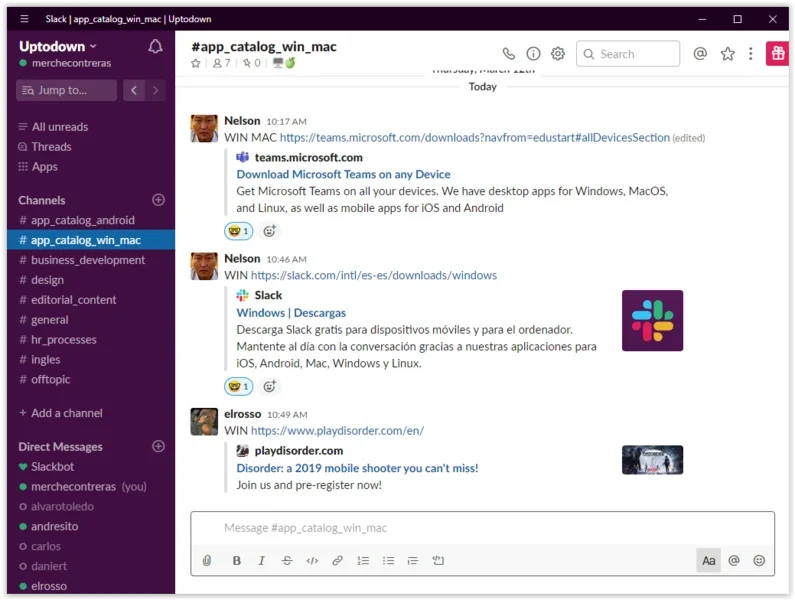
Slack is a cloud-based collaboration platform for Windows. Teams exchange messages in real time in channels, which can be public or private and set up for projects, departments or shared interests. Threaded replies keep context and cut clutter, and direct messaging is there when a channel is not the right place.
Conversations beyond text
Voice and video calls are built in, along with screen sharing. Huddles start an instant audio conversation, and clips record short video updates. Emoji reactions, mentions, reminders and scheduled messages fill in the rest. You can send files too.
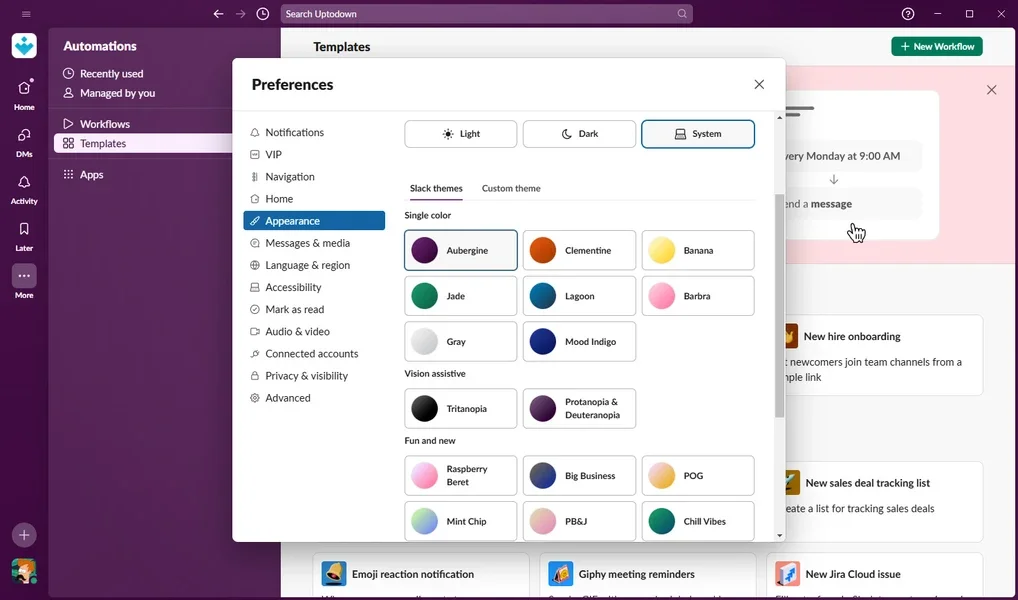
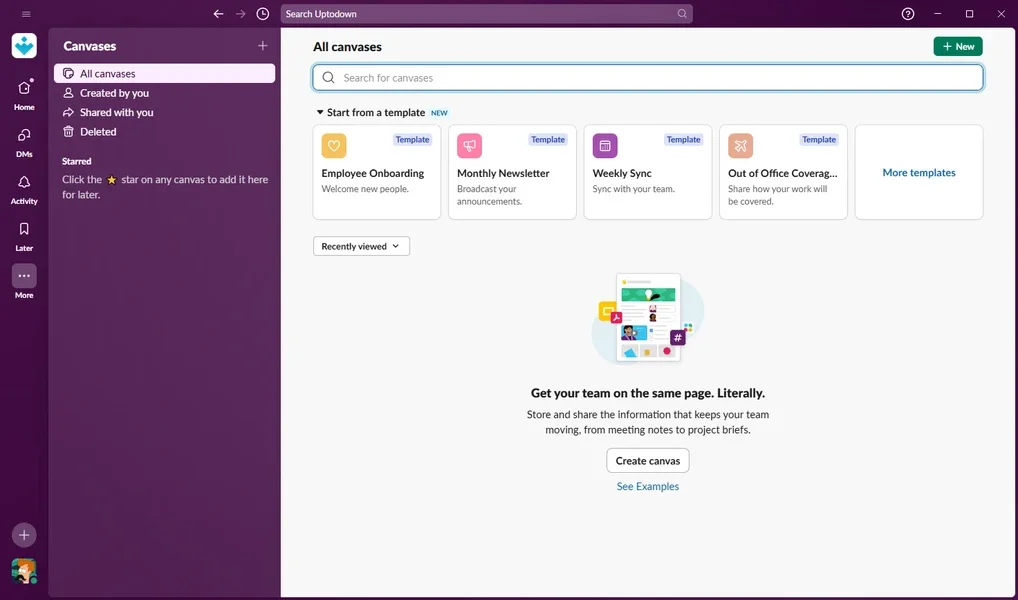
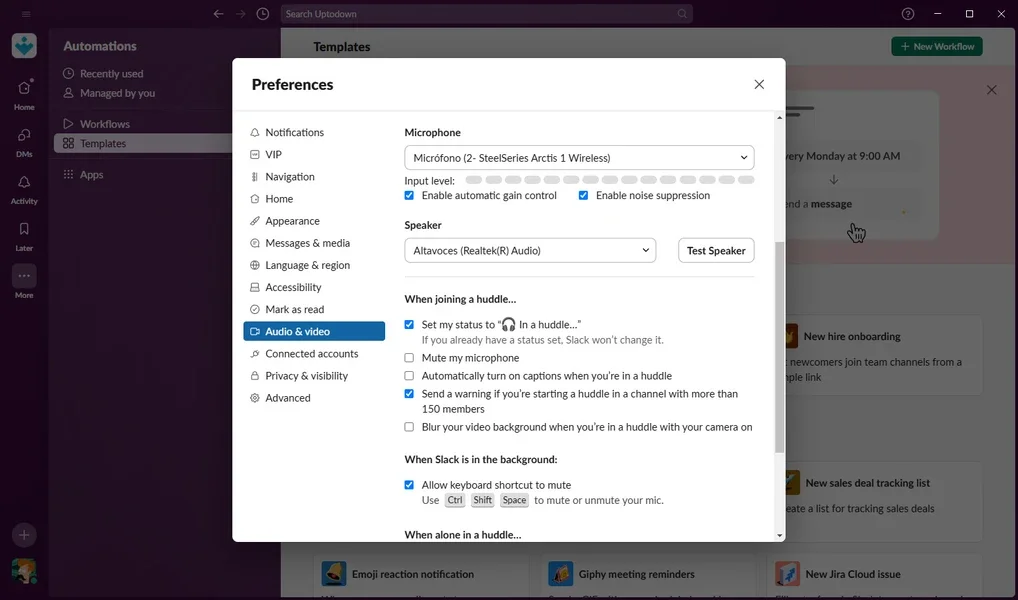
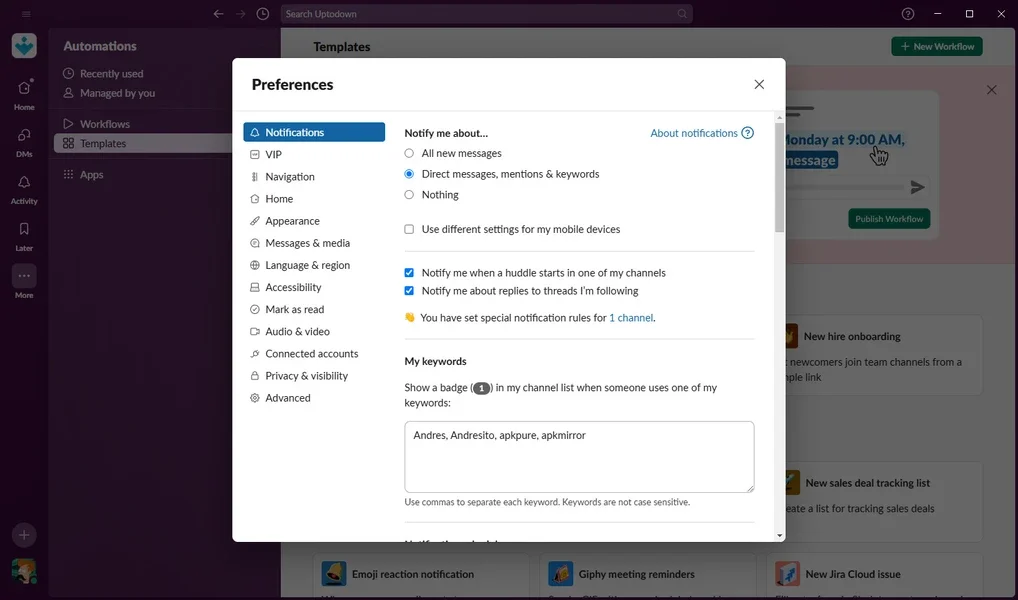
Notifications and other preferences are yours to set: channel behavior, accessibility options and visual themes can all be adjusted. The volume of notifications can still break focus. Search runs on message history and takes filters and keywords; AI assistance is available as well. Canvases and lists let a team write plans and track tasks inside a conversation.
Connections, automation and controls
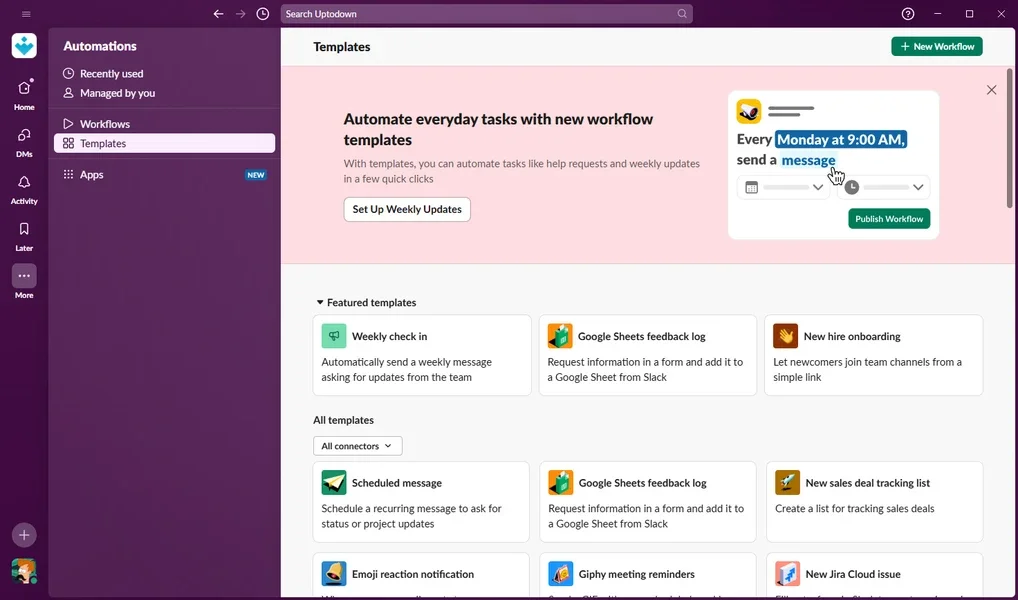
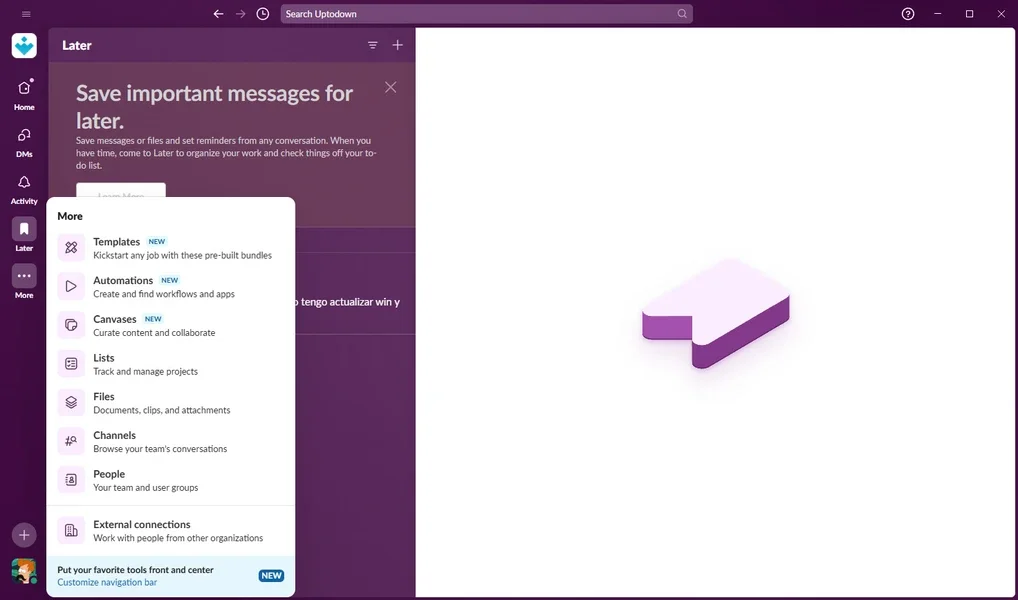
Integrations reach Google Drive, Microsoft 365, Zoom, Trello, GitHub, Salesforce and Jira, and thousands of third-party apps and services are supported. Bots, automation and AI features cut manual effort, and no-code workflows handle steps such as onboarding, approvals, reminders, collecting data and updating statuses. Some advanced automation and AI capabilities need a paid plan. Slack Connect lets you work securely with partners, vendors and clients outside your organization.
Administrators get centralized controls over permissions, retention policies and user access. Security includes data encryption, single sign-on and enterprise key management, and various regulatory standards are supported.
Discord is an alternative with strong voice features for informal collaboration. Microsoft Teams integrates tightly with Office applications, and Google Chat fits within Google Workspace. Pricing tiers may take careful management, and a free plan is available.
Download files
6fe54526bb9548ca2946e9f17f1de0b277c698f1e27745c4415b725d269f2749
Signed by Slack Technologies, LLC · valid until Jul 27, 20274ae20b0473c413603a0f2a949211d84d5290d66ed73ba7d52f70cc747b1657d4
Signed by Slack Technologies, LLC · valid until Jul 27, 202722ec6d21deb70b82084043df6406684b2b5883255b2d7250e9adc385558fd067
Signed by Slack Technologies, LLC · valid until Jul 27, 2027b210ec8150b8a94ac8349d13a75747ceafaf58a71ca27d30b48e56cc95b92078
Signed by Slack Technologies, LLC · valid until Jul 27, 2027e67904b697d082d1770b1ed035d143fa0403ca1cb80d879eb5087198ffc4bd55
Signed by Slack Technologies, LLC · valid until Jul 27, 2027System requirements
Available on:
Additional information
Developer
Latest release
Size
File type
SHA-256
6fe54526bb9548ca2946e9f17f1de0b277c698f1e27745c4415b725d269f2749





