
SpaceScan 1.4.4 for Windows
Maps a whole drive in seconds and shows what is using the space
Screenshots
Description
SpaceScan maps a drive and shows what is taking up room on it. A whole drive, 10 TB included, is mapped in seconds. It runs on Windows 10 and 11, needs no account, and its code is published under the MIT licence.
How a scan works
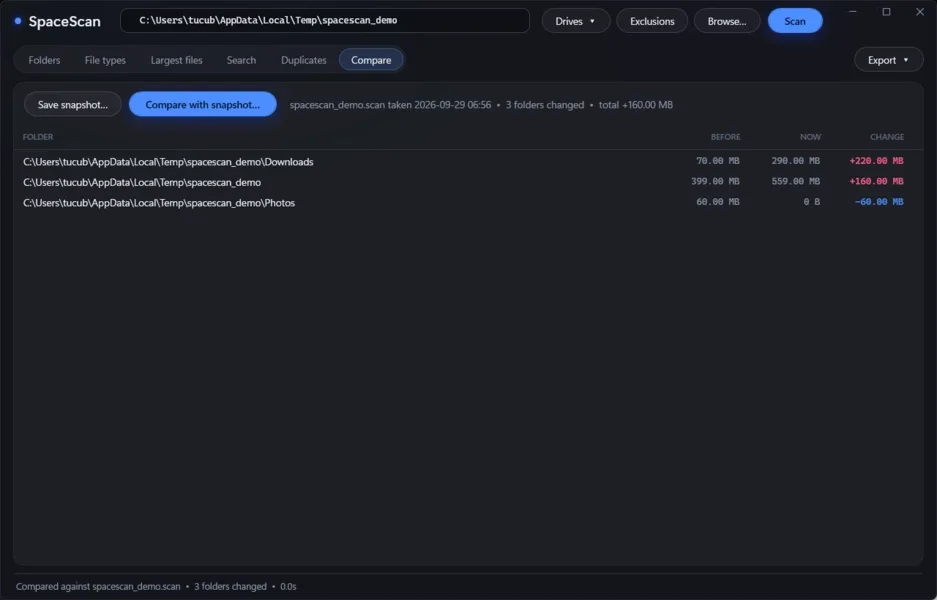
On NTFS volumes it goes straight to the Master File Table rather than walking the directory tree, which is where the speed comes from. Administrator rights are requested only when a scan requires them, since reading the MFT needs them. The installer is per-user and asks for no UAC prompt. Every scan is saved automatically, so an earlier one stays around to compare against.
What the results show
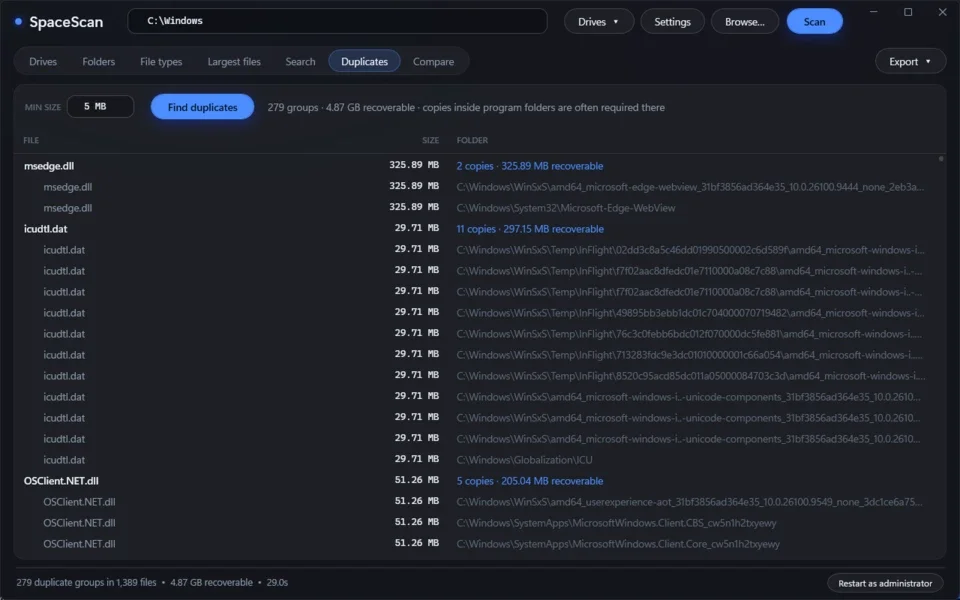
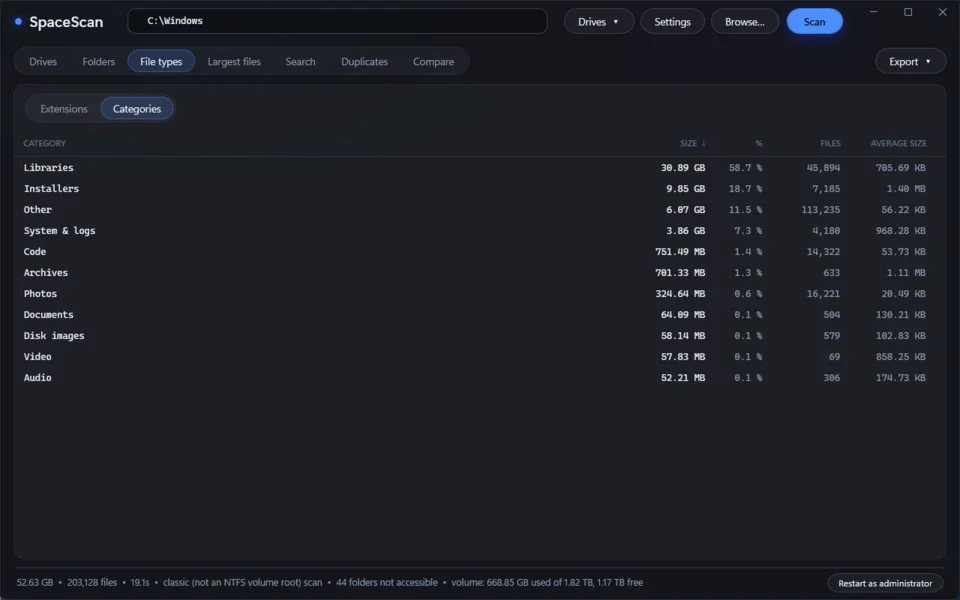
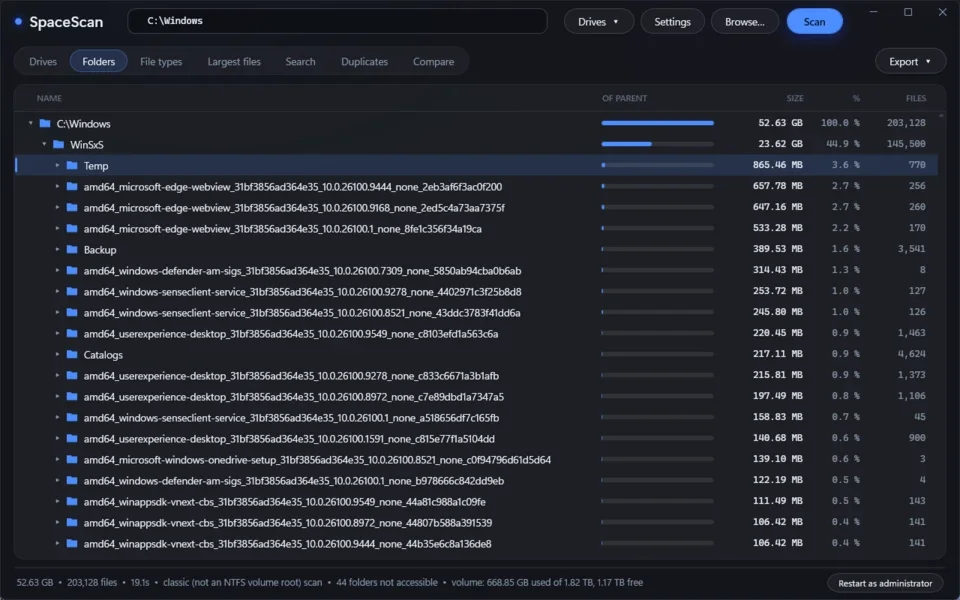
You get a folder tree with size bars, percentages and file counts, plus a list of the largest files. File types and the same totals are also grouped into categories. A duplicate finder shows the space that would be recovered. Search works by name, size or age, and exclusion rules keep chosen paths out of the results.
Acting on results
Delete, copy and move work from the results directly, on several items at once. A command line runs scheduled reports. Results export to HTML and CSV. The right-click menu in Explorer and File Labs reaches the same tools.
Download files
9b20dfdfba4809677cbb71e1ff45ef66c954c689c16ae5ab0d8c007a9ae1e572
No digital signature3e666756d348ed3d465b472e95cdb6ee6baf822acdbf90bdf0d1f0a1533ce1c2
No digital signatureSystem requirements
Available on:
Minimum OS:
Windows XP or later
Additional information
Developer
Latest release
Size
Category
File type
SHA-256
9b20dfdfba4809677cbb71e1ff45ef66c954c689c16ae5ab0d8c007a9ae1e572





