
SpaceSniffer 2.2.0.27 for Windows
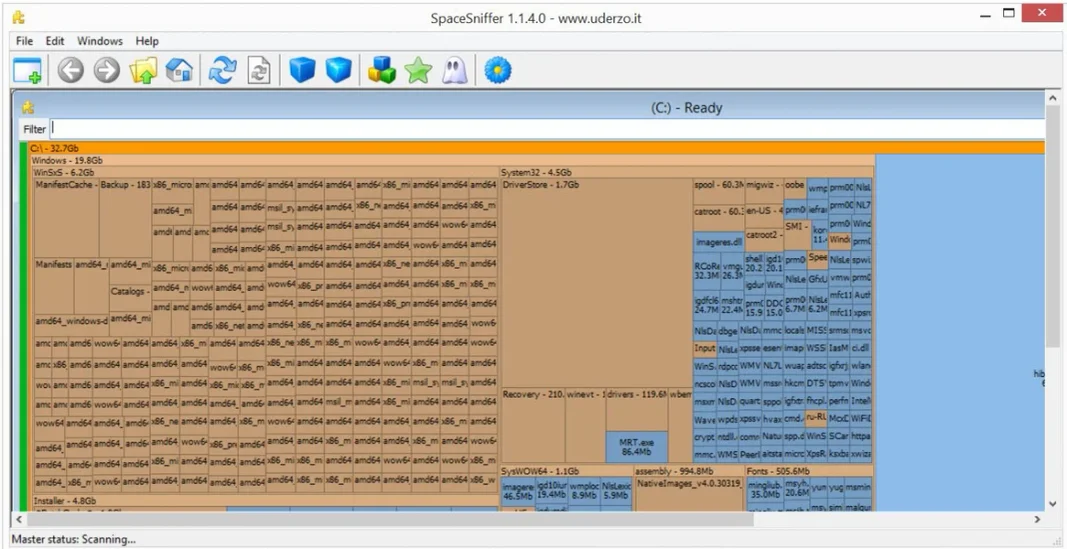
Shows disk usage as nested blocks in a live Treemap view
Screenshots
Description
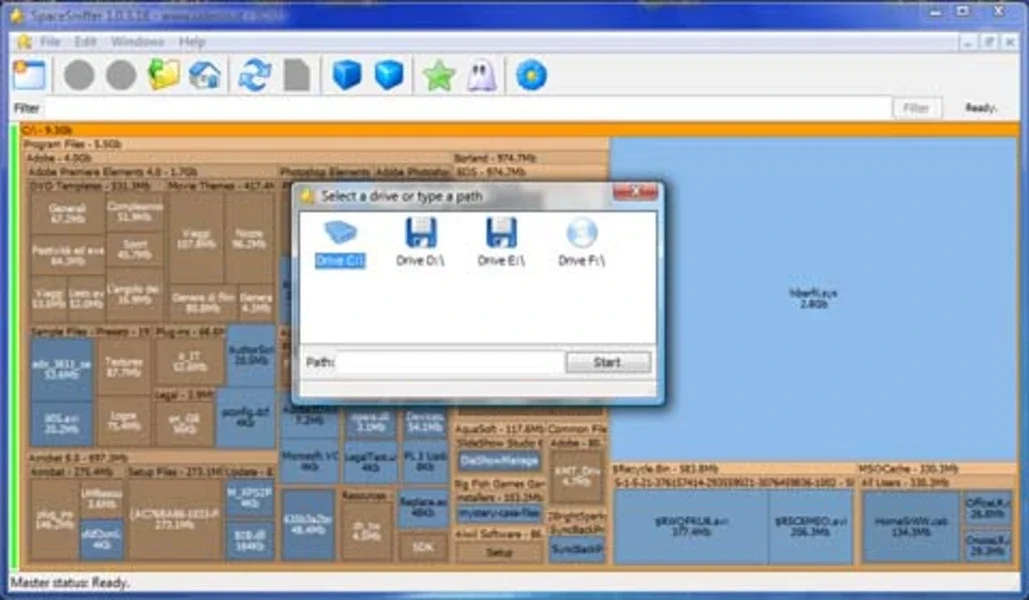
SpaceSniffer shows your files and folders as nested blocks in a Treemap layout instead of a list view. The blocks shift and grow in real time while the scan runs, so you watch the disk fill in as it is read. Clicking a block opens that folder; double-clicking zooms in.
It is a portable freeware utility for Windows that requires no installation. A filtering system lets you isolate or exclude file types using syntax such as pipes, and you can also filter by file age. Files can be organized by color through a tagging system, with shortcuts like CTRL+1 for red tags.
The interface can look dated and cluttered when complex filters are used. Flickering data during a live scan may overwhelm some users, and the keyboard shortcuts have a slight learning curve. There is no modern-style delete confirmation when managing files from the view.
Download files
4fcaec94e52b19d3a53350546879e9d9798aeb5515372b40e021754bf3145a19
e5974a9dae1ae77d333d35c48415015b9337c3e17b0b480f8d4277a73414dc08
174960dc30454904ed7574557456ce8109940dbb159a43cb0565efa5a5dba873
80e1f9ddc6d764d37f626d96411e205a62c75f88c6828d688dbafb0b8ea70d3b
156c45cb53a283d0b919ca8b1e0faf3b967c896b8a580b962e493a27c7f465c2
System requirements
Available on:
Minimum OS:
Windows 7 or later
Additional information
Developer
Latest release
Size
Category
File type
SHA-256
4fcaec94e52b19d3a53350546879e9d9798aeb5515372b40e021754bf3145a19





