
Stream Catcher 2 for Windows
Captures screen video, stills, system sound and web images
Screenshots
Description
Stream Catcher records what happens on a PC screen or pulls still images off a web page. It is a Windows capture tool with four capture types.
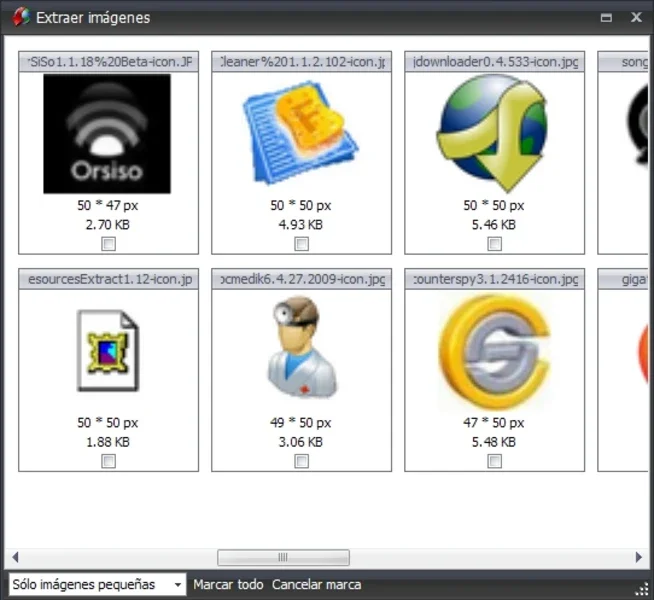
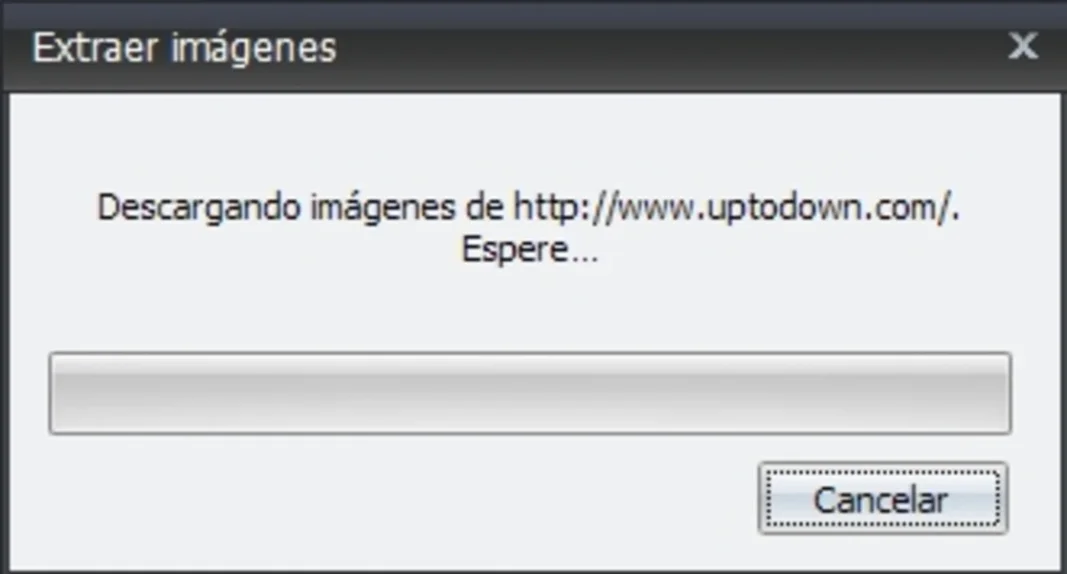
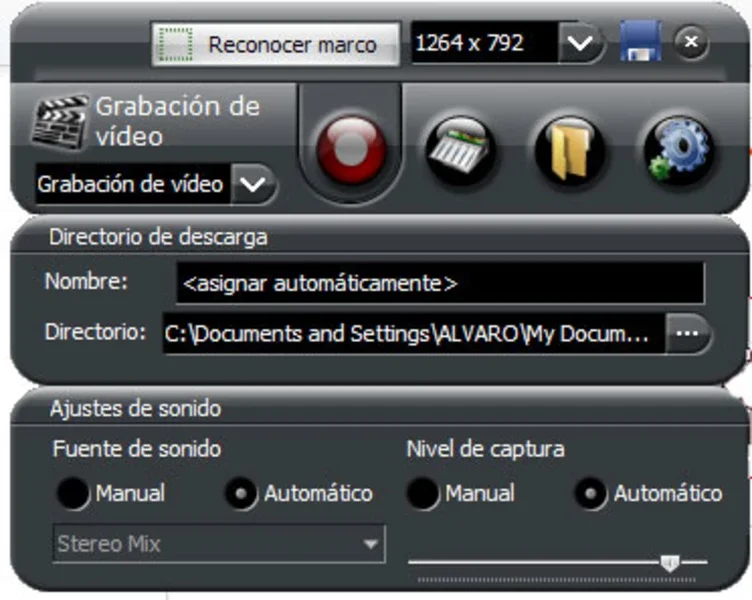
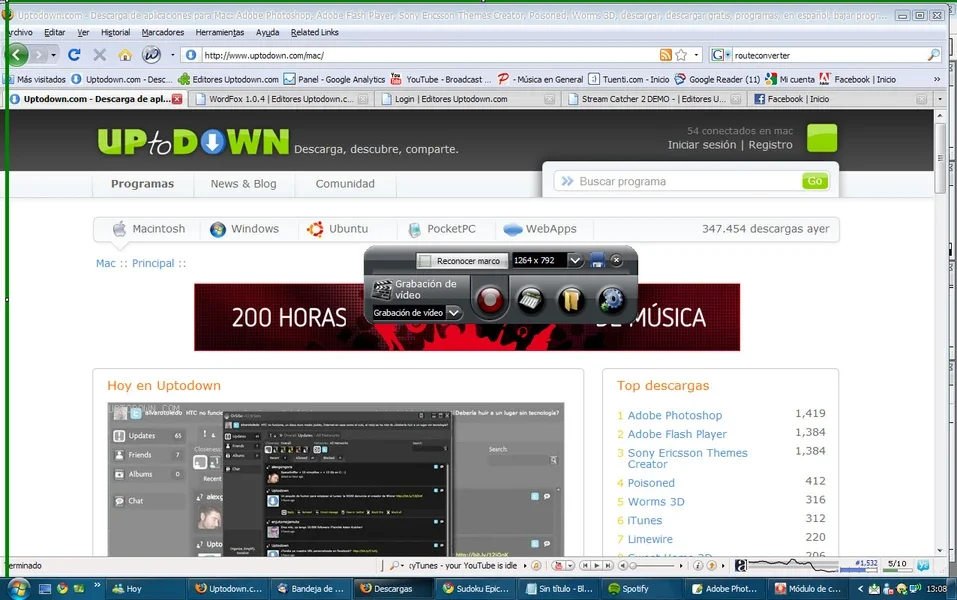
Video recording mode takes in everything happening on the desktop. A selection area lets you pick which region gets recorded, so you can frame a single window instead of the whole screen. That covers tutorials about a program and recordings of streaming video. Screenshot mode works on single frames: you set an adjustable selection area for a particular region, or grab the current dialog box, the active window, or the full screen. Image extraction goes the other way. You insert the address, and within a few seconds the program shows all the images on the web at that URL, and you can download them.
Sound recording mode records anything that sounds on the PC. You set the sound source and the capture level yourself. The latest version is 2. Data Becker España publishes it as a proprietary program, and a trial is available.
Download files
f8df6df2bd630b3872eae941c603a2c2ba2cdedc9faa12c9cfcfab1e5f395387
No digital signatureSystem requirements
Available on:
Additional information
Developer
Latest release
Size
Category
File type
SHA-256
f8df6df2bd630b3872eae941c603a2c2ba2cdedc9faa12c9cfcfab1e5f395387