
SyncBack Touch 1.7.3.0 for Windows
Syncs files across devices and backs them up automatically
Screenshots
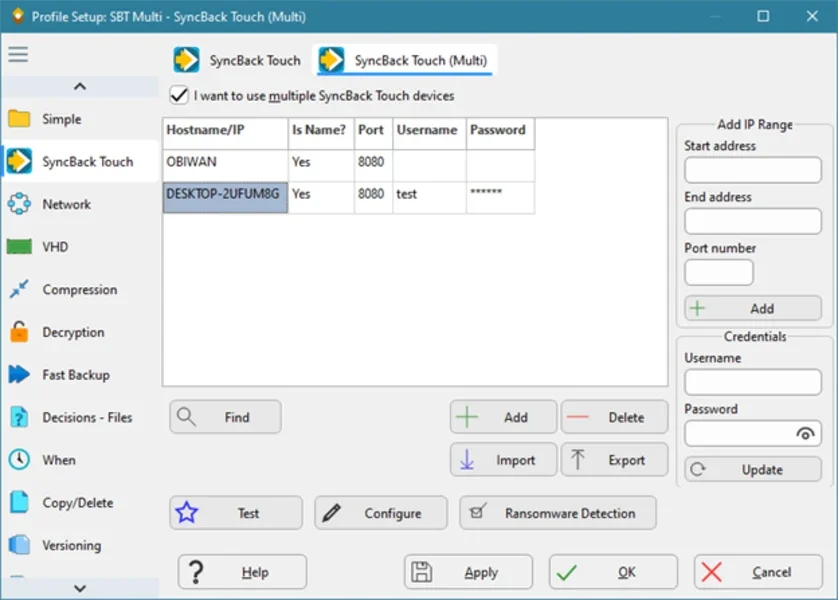
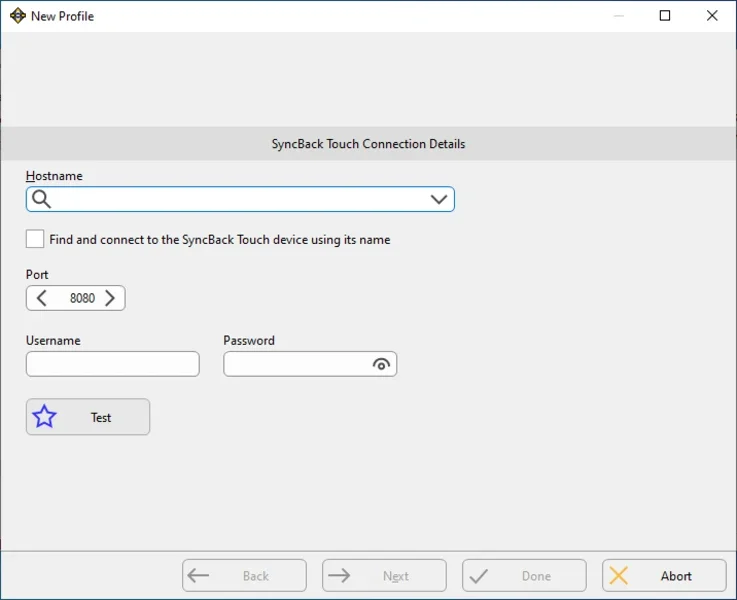
Description
SyncBack Touch syncs multiple devices and makes automatic backups. It is free.
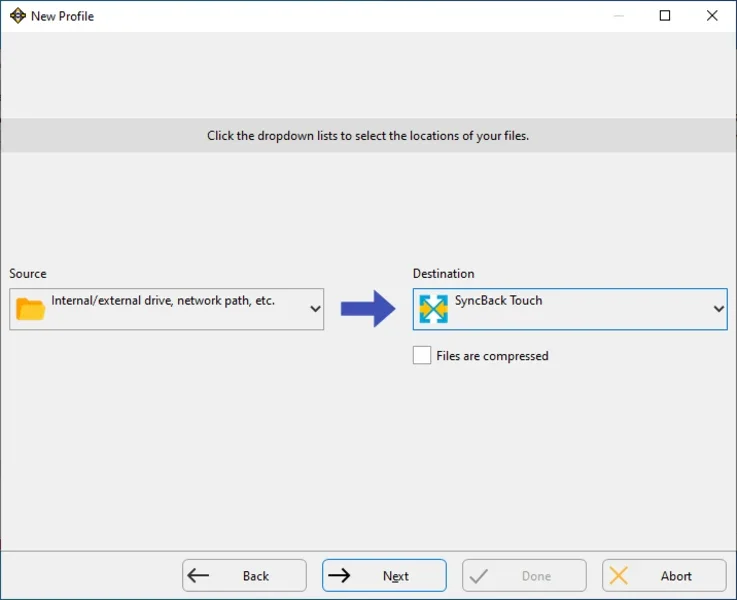
SyncBack Touch needs SyncBackPro or SyncBackSE already installed on another computer before it works. That installation is what enables remote access to files on other devices. Backups require that setup. Backed-up material is stored on a chosen computer or server, and the app works with the same user profile on each device. For photos on an Android device or documents on a PC, you install the app on those devices. The program can access files remotely over a network, and it can act as an FTP server. As an FTP server it offers the same features. The article says it is more intuitive and easy to use than FTP.
SyncBack Touch runs on Windows.
Download files
477c16e56749df437dc470a1ef15f82125f024d9c83ce66207e23866e43a0007
Signed by 2BrightSparks Pte. Ltd. · valid until May 12, 2023System requirements
Available on:
Minimum OS:
Windows XP or later
Additional information
Developer
Latest release
Size
File type
SHA-256
477c16e56749df437dc470a1ef15f82125f024d9c83ce66207e23866e43a0007