
SyncDroid 1.2.5 for Windows
Copies Android phone data to a PC over USB as a backup
Screenshots
Description
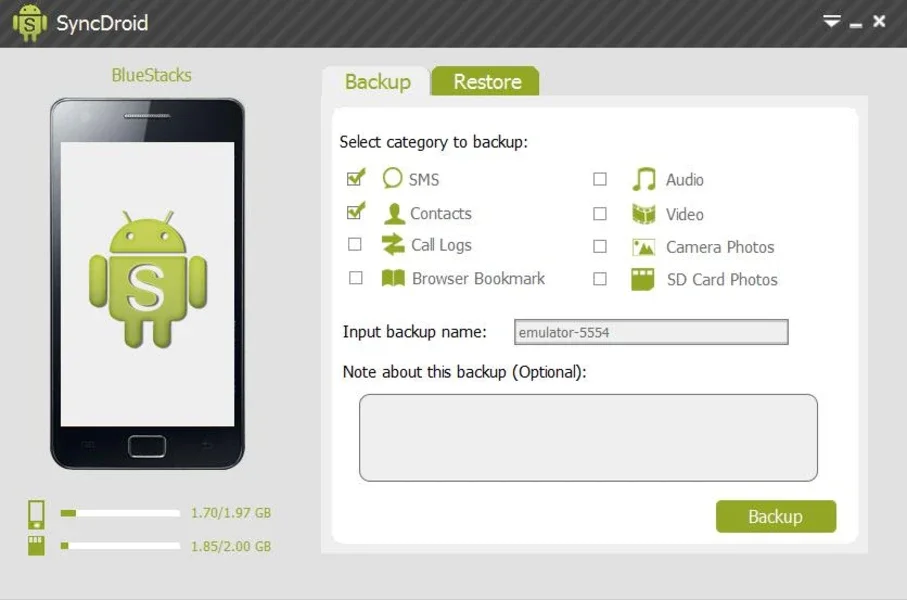
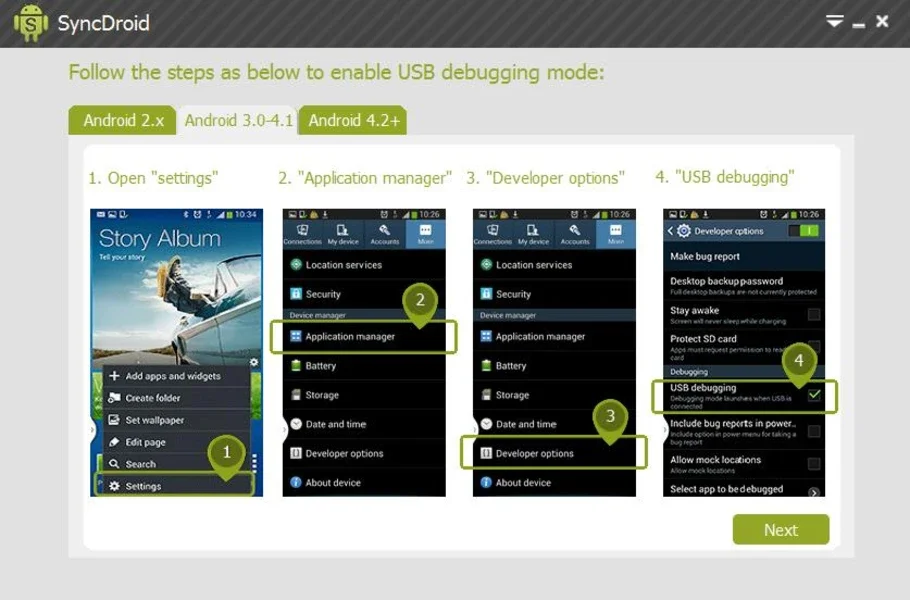
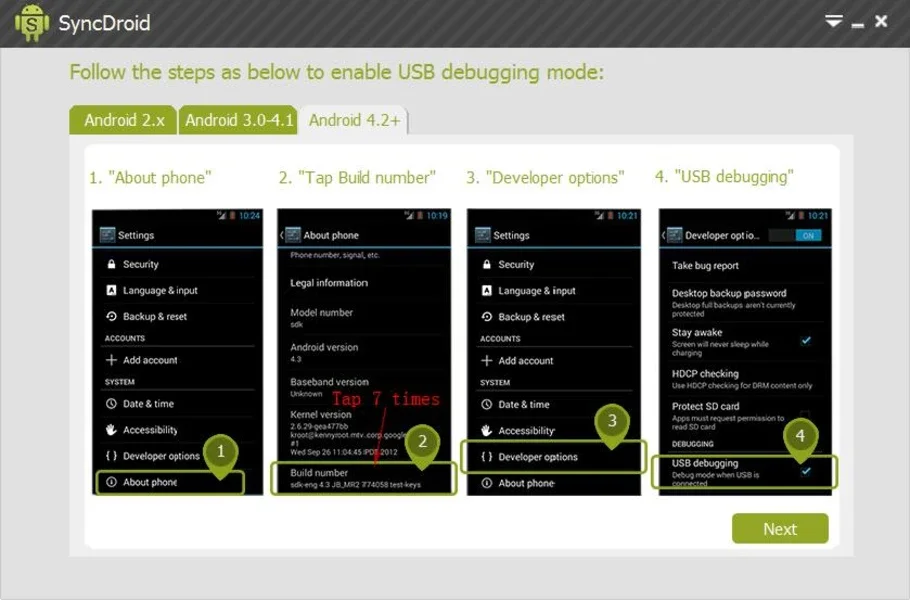
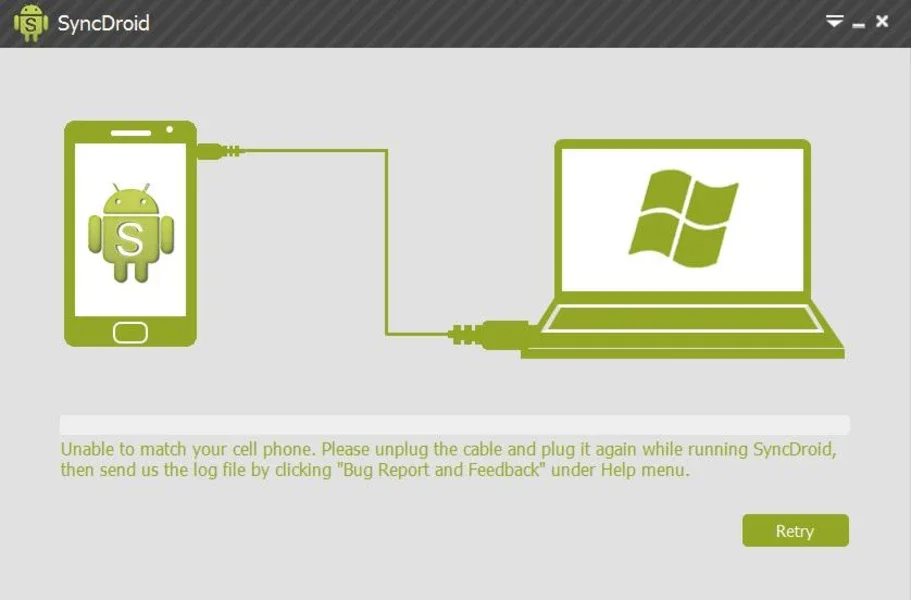
Connect an Android phone or tablet to a PC with a USB cable and SyncDroid copies what is on it to the computer. Nothing has to be installed on the phone. Once the connection is made, it detects all the content on the device.
You decide which content gets copied. The address book, texts and call log are each available, and so is browser history. Multimedia comes from both internal memory and the SD card, videos and photos included. Messages held by third-party chat apps are covered too, WhatsApp among them. What lands on the PC works as a backup, and the program can put the phone back to an earlier state from it.
Samsung, Sony, HTC, Asus and Motorola are among the brands and models it works with. SyncDroid is free. There is also an official app that syncs data without a desktop computer.
Download files
75de4c8bc45bbcc91d7a713ff58985630412a0b6f5f9fcc67b4e2ea54b3c4a40
Signed by JunTu Software Inc. · valid until Mar 21, 20146a3adcbf83dae37703eaef55ffff0405b64df61e5f4e42017292ec41a76d4613
Signed by JunTu Software Inc. · valid until Apr 16, 20164cc5fc6ef619fafbeb519a97ef26d1f659048f9dc09f67a89d776e1b60eeb4d4
31463db14be531b15b0533c4b4d13d64d0b70c1e7754723e8caf95ddaed3f643
24d2ef819fe2466d07beac73656055ad1baf76def40c320a00d3106213d0f4bc
System requirements
Available on:
Minimum OS:
Windows Windows 8 or later
Additional information
Developer
Latest release
Size
Category
File type
SHA-256
75de4c8bc45bbcc91d7a713ff58985630412a0b6f5f9fcc67b4e2ea54b3c4a40