
TikTok LIVE Studio 1.39.6 for Windows
Official TikTok app for streaming live from a PC
Screenshots
Description
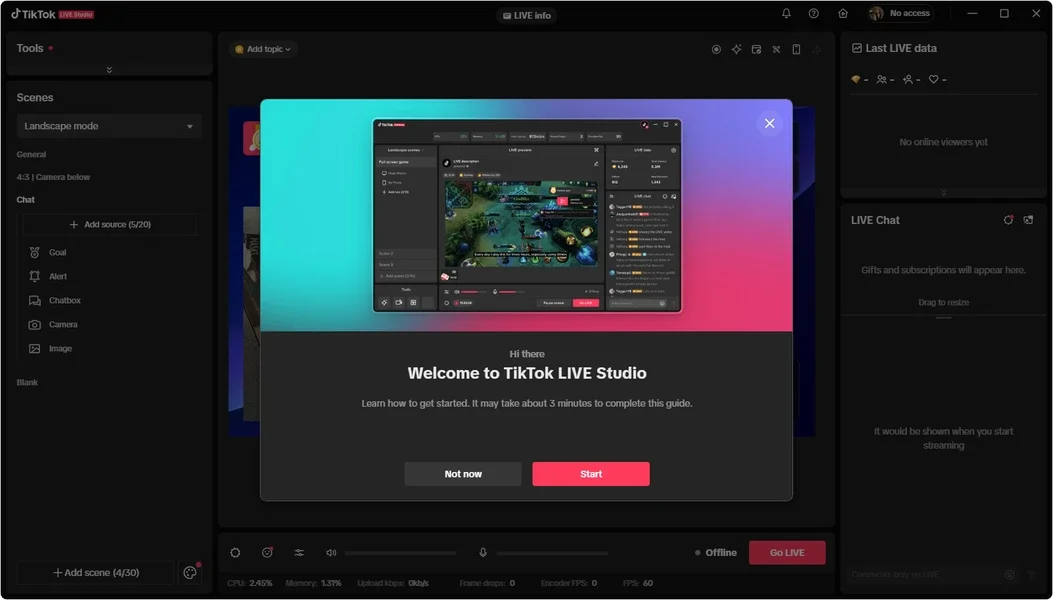
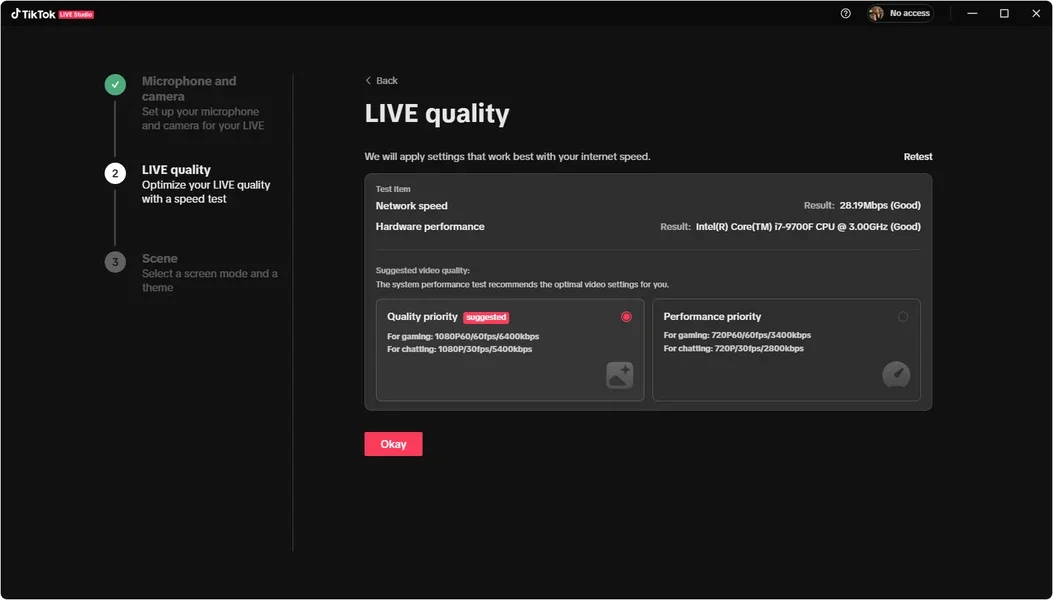
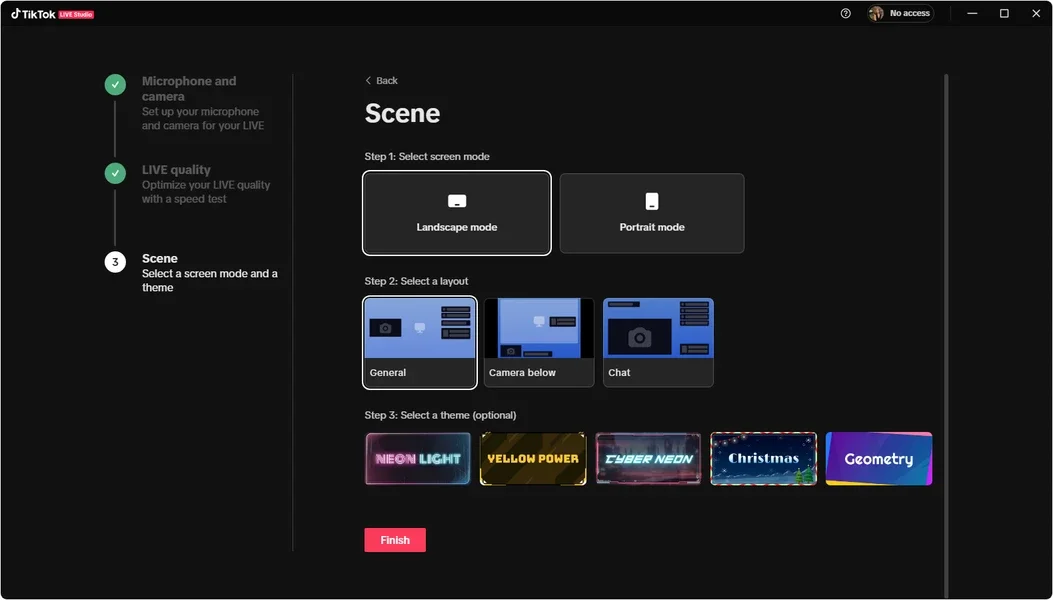
TikTok LIVE Studio is an official TikTok application for streaming live from a PC. Setup starts with picking a camera and a main microphone. Once those are in place, the app will test your Internet speed and PC performance, which tells you what the connection and machine can handle before anyone sees a frame. Logging in takes a registered TikTok account, entered by email address, Google account, Facebook account, or phone number, and the login has to be linked to a TikTok account. No account yet means you can make one inside the app in under a minute. Installation to a fully configured, stream-ready state takes no more than five minutes, and clicking Go Live is what starts the stream.
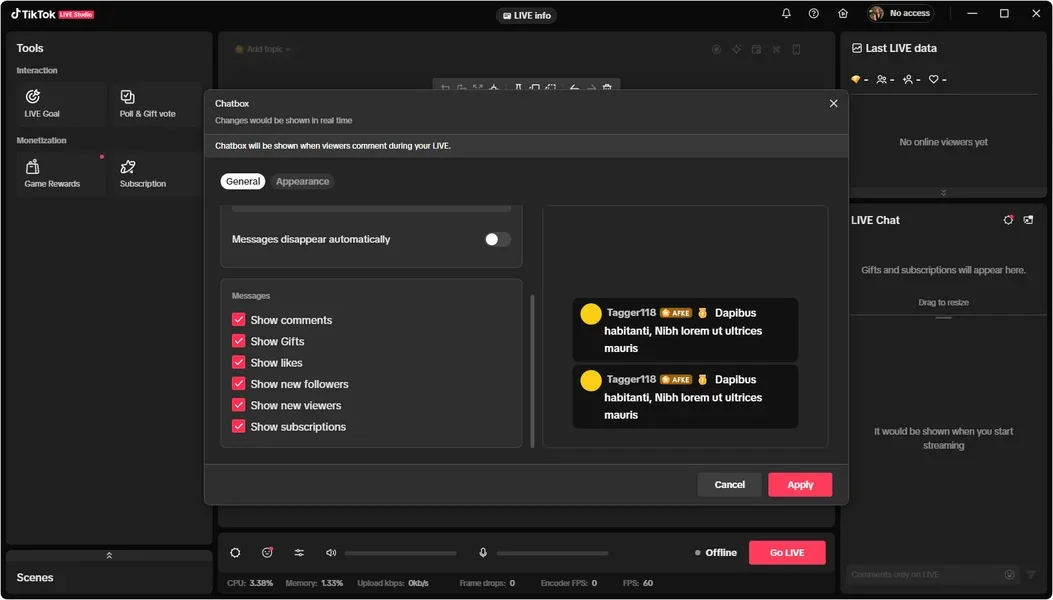
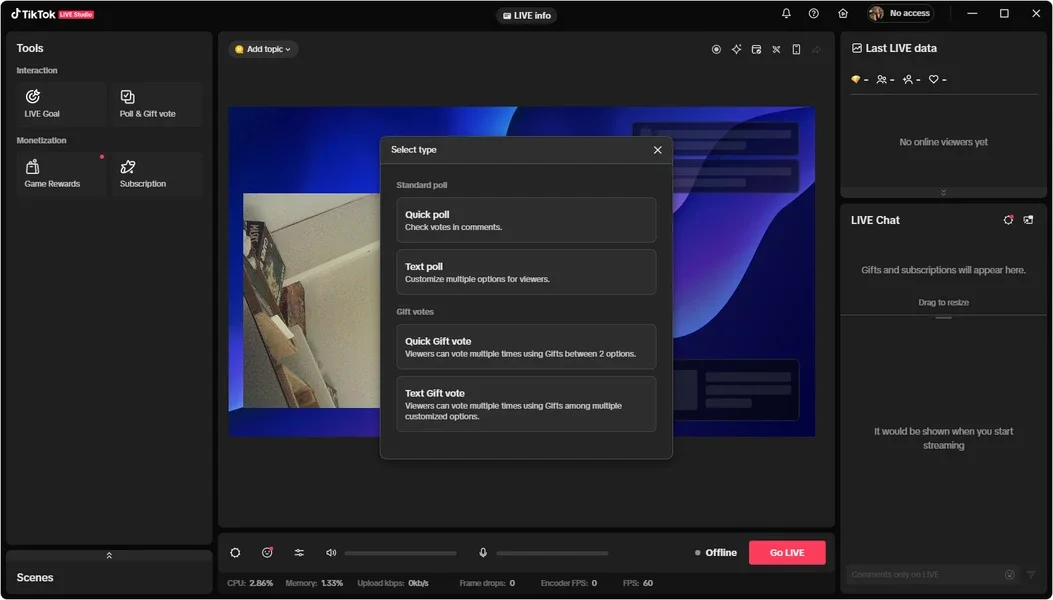
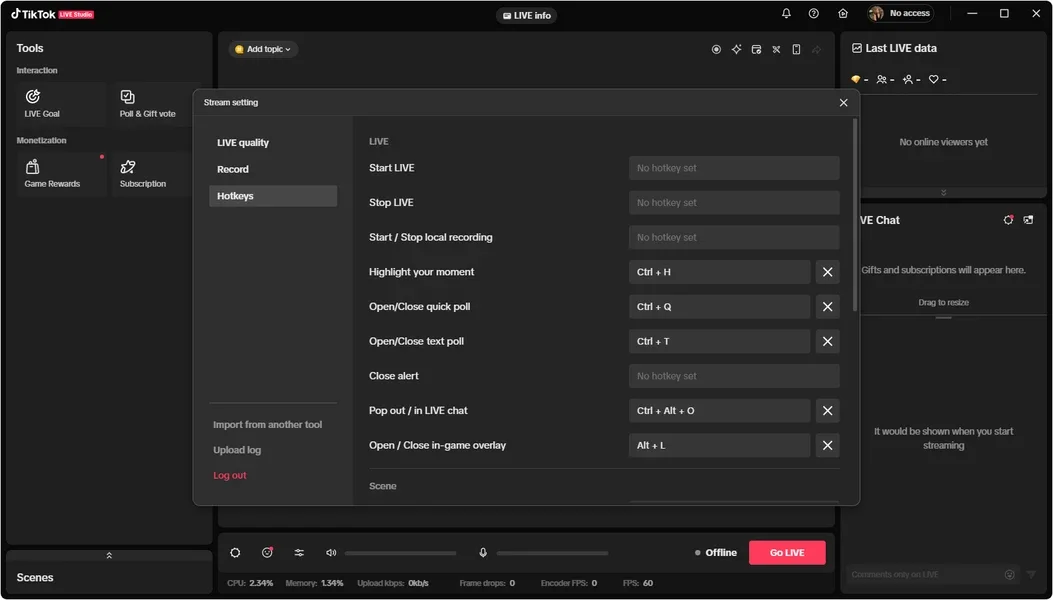
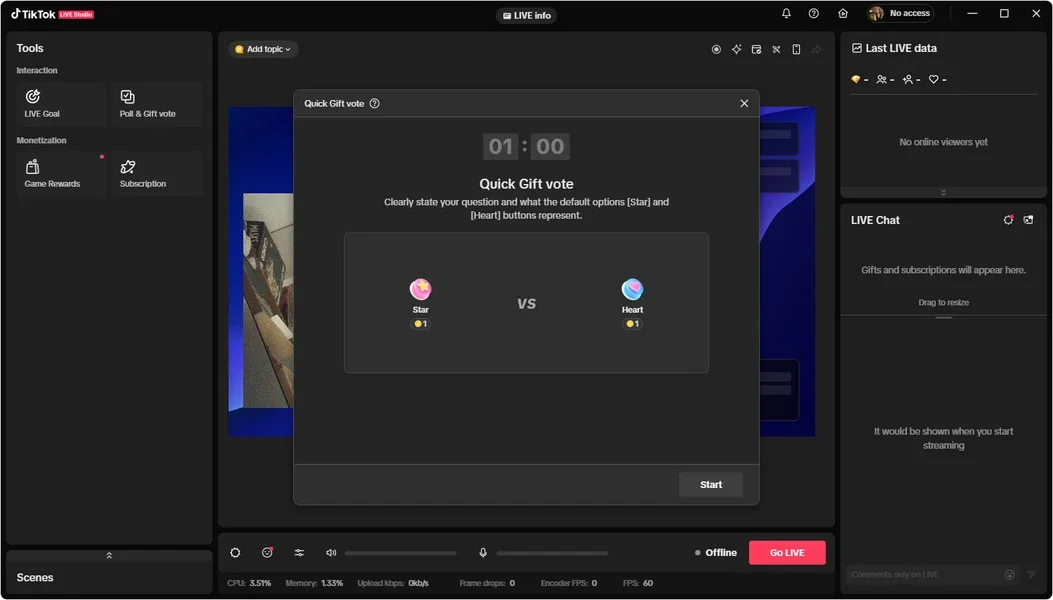
The chat box resizes in real time and sits wherever you put it. Widgets you can add include a LIVE goal, treasure boxes, and quick polls. An interactive tutorial of under three minutes walks through the on-screen streaming options.
A livestream needs at least 1000 TikTok followers, a security requirement. Anyone who cannot go live can request access through a form in the app.
Download files
f993ac107328a20ea010871fd0c4d1eee22842799b7bd88b2bec533bfe4248c6
Signed by TikTok Pte. Ltd. · valid until Apr 9, 202712149de8f9c0720f73413e0e211a160d195975c3fdf4871a5887221f6305ebef
Signed by TikTok Pte. Ltd. · valid until Apr 9, 20273c9031e2166fbe66244e4f9c8fa187775417112756781c273a4a13c898262b1f
c014013a8e0a1cd0a7f2bf1c956307037e199287eb84cfdc35ead14fef6ee265
96f7fa512b80b7533e6cf23e59f54576f6e883d5784b0ffa96ae85678dc66762
System requirements
Available on:
Additional information
Developer
Latest release
Size
Category
File type
SHA-256
f993ac107328a20ea010871fd0c4d1eee22842799b7bd88b2bec533bfe4248c6