
ToolRocket Capture Screen Recorder for Windows
Records and screenshots in seconds, with drawing tools built in
Screenshots
Description
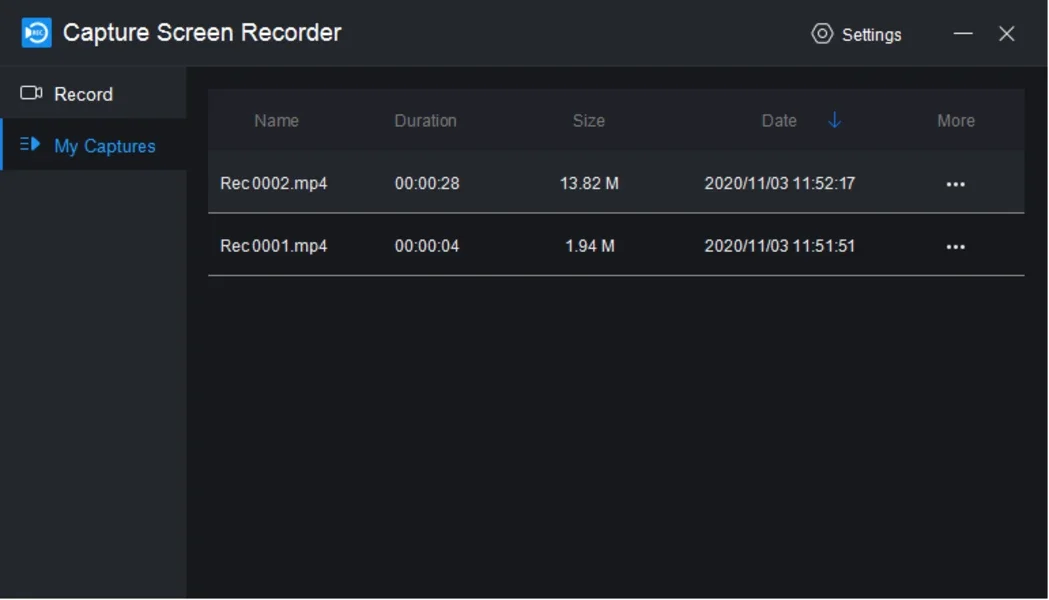
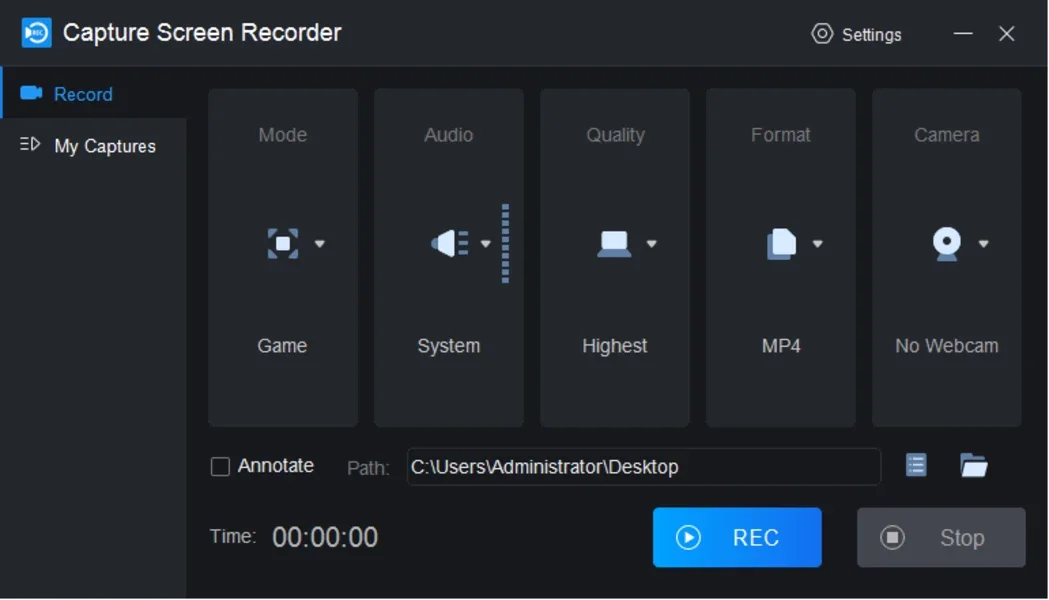
Drag with the mouse to mark out the area you want, and ToolRocket Capture Screen Recorder starts capturing video or still images from there. Captures take seconds.
The program is built for video work on Windows. Audio and video stay fully in sync in the output, and a captured fragment keeps the resolution of the original, so cutting a piece out of a video costs no quality. Shapes, lines and other figures can be added to any part of the recorded material, and there are tools for cutting out specific areas. Stills are saved alongside the video, and everything lands on your PC for review later. Each function sits in a visual interface, laid out so you can see what it does rather than hunt through menus.
It runs on Windows. Version 3.1.3.1 is the current release. It is free.
Download files
0a930b5cd56d2be9d32b4a2d1f447d338f2b8953c6f0b051f7bf45635d97d7c4
Signed by Shanghai Hudun Information Technology Co., Ltd. · valid until Mar 15, 202142348b26cb85852b36086d446c159be99a7c318acca65b54726b03b4a78452c8
System requirements
Available on:
Additional information
Developer
Size
Category
File type
SHA-256
0a930b5cd56d2be9d32b4a2d1f447d338f2b8953c6f0b051f7bf45635d97d7c4