
touchHLE 0.3.0 for Windows
iOS game emulator for Windows, no BIOS or setup required
You are on macOS — this is the Windows version. See the macOS version
Screenshots
Description
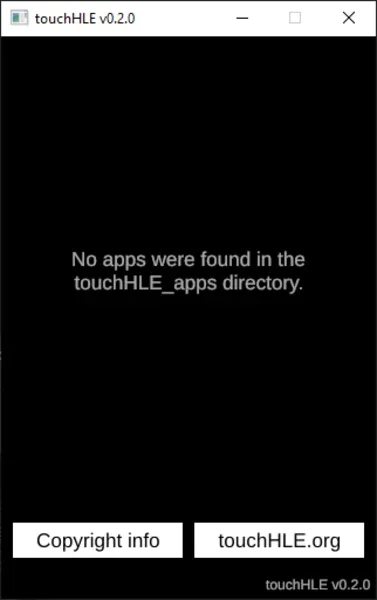
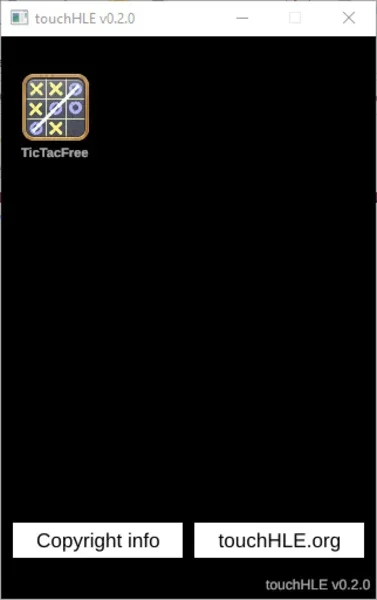
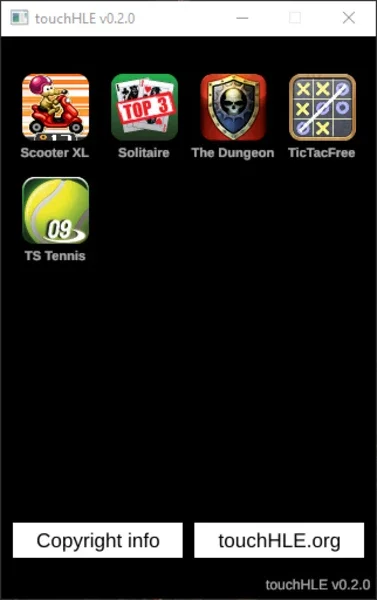
touchHLE runs iPhone OS 2.x games and apps on Windows, and it needs no BIOS or special configuration. Unzip the compressed file into a folder and double-click the .exe to start. Drag an .ipa file onto the .exe and it goes straight in. Inside that folder sits "touchHLE_apps", the only place the emulator looks for apps, so every game and app has to be saved there. Double-click an icon to run it.
Compatible titles go in that folder as .ipa or .app files. The official website has a compatibility list. Expect little from anything absent from it: those titles tend to fail outright or behave badly. Testing games confirmed on the list is the safer path. Plenty of .ipa files are on the Internet Archive.
The developers say 64-bit iOS will never be supported. Each update adds support for newer OS versions and games. If an app on the list throws an error, close the Steam or Discord overlay first, since those overlays often interfere with the program.
Download files
a8663197dcd13d8fa4dcac3ff7d105b8cf54f0161e38d5d64b2b8ebd0df5a3d7
81738b6be028bac78070b3ce204c2d0745ddb7d5a8cfac0960c1229126833e83
b3923fe0fa151ffa585c805b80d9577b1ff48060fbf512a21014ba9e34c9219d
868b58809bb28096ecc0f35c8192da0a3ba27e34f47ee0a29698f1a563cdcbb6
c170c67d47fb9296ec740b8049ae89085b64d5748b3cd624b4bee69733817cd4
System requirements
Available on:
Minimum OS:
Windows XP or later
Additional information
Developer
Latest release
Size
File type
SHA-256
a8663197dcd13d8fa4dcac3ff7d105b8cf54f0161e38d5d64b2b8ebd0df5a3d7





