
Screenshots
Description
Translumo reads the text in a part of the screen and translates it, with the result shown in an overlay window. It has optical character recognition engines built in, so text does not need to be copied and pasted by hand. The program runs on Windows and is open source.
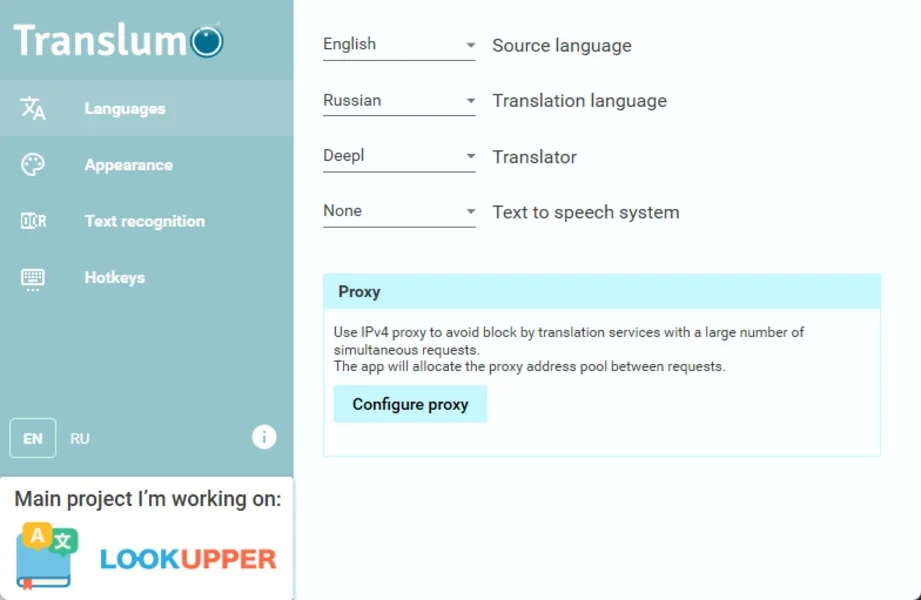
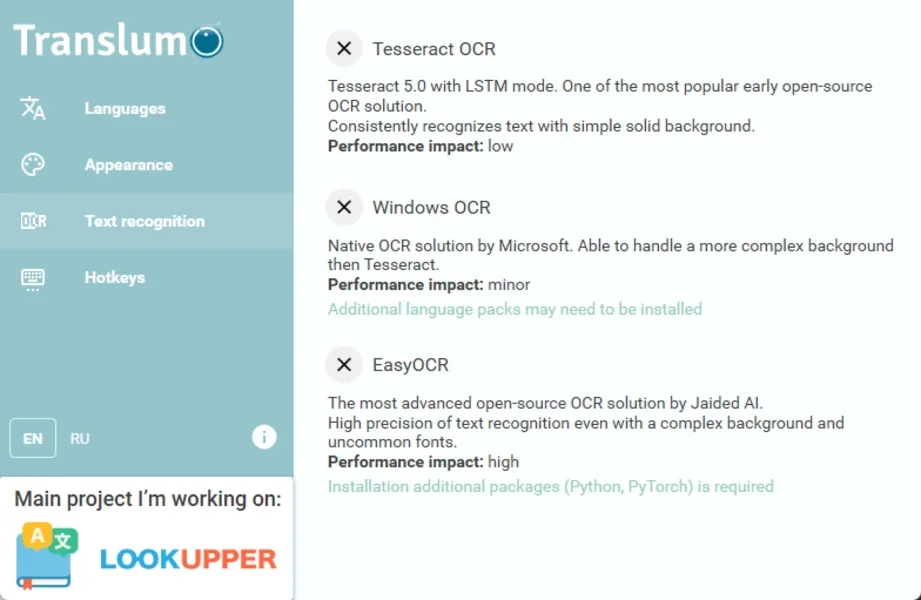
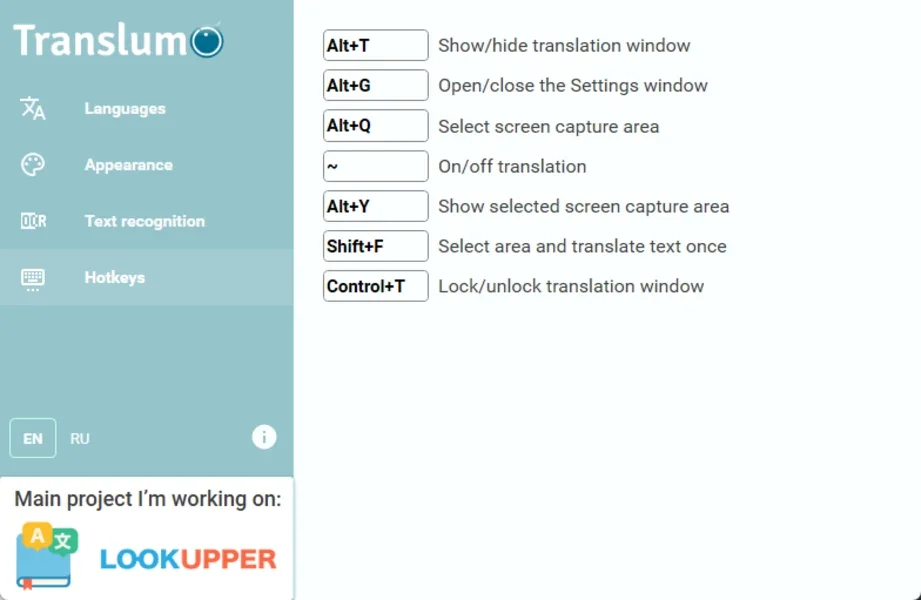
You pick the area of the screen to watch, and only that part gets translated. A smaller capture area lowers the chance of background elements being read as text and shortens processing time. You set the source language, the target language and the OCR engine. Several engines are included, and they can be combined: a machine learning model judges what each one returns and picks the best result. That helps with video games, subtitles, unusual fonts and other visual elements that are hard to read. Games on PC are the main target, but other apps that show text work too, including video with subtitles, web pages, ordinary programs and static content. The translation stays overlaid while you keep playing.
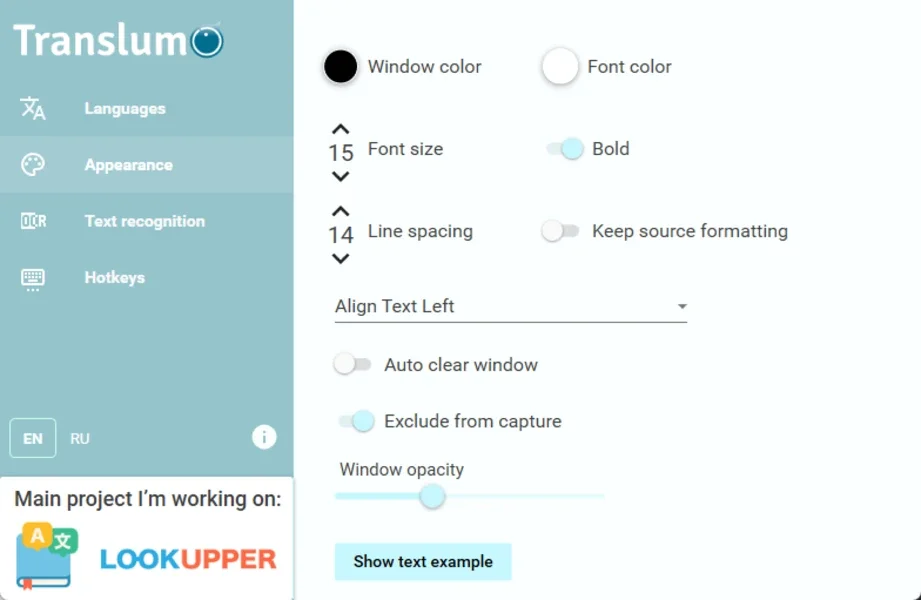
OCR can make mistakes, especially with difficult fonts. The overlay is where the translated text appears, and it remains on screen as you go.
Download files
System requirements
Available on:
Minimum OS:
Windows XP or later
Additional information
Developer
Latest release
Size
File type
SHA-256
e4217a38d68f54f443655db9948f42dde4cbe44bef42122b4108e86c0b61cf5c





