TransMac 15.5 for Windows
Opens Mac disks and DMG files on a Windows PC
Screenshots
Description
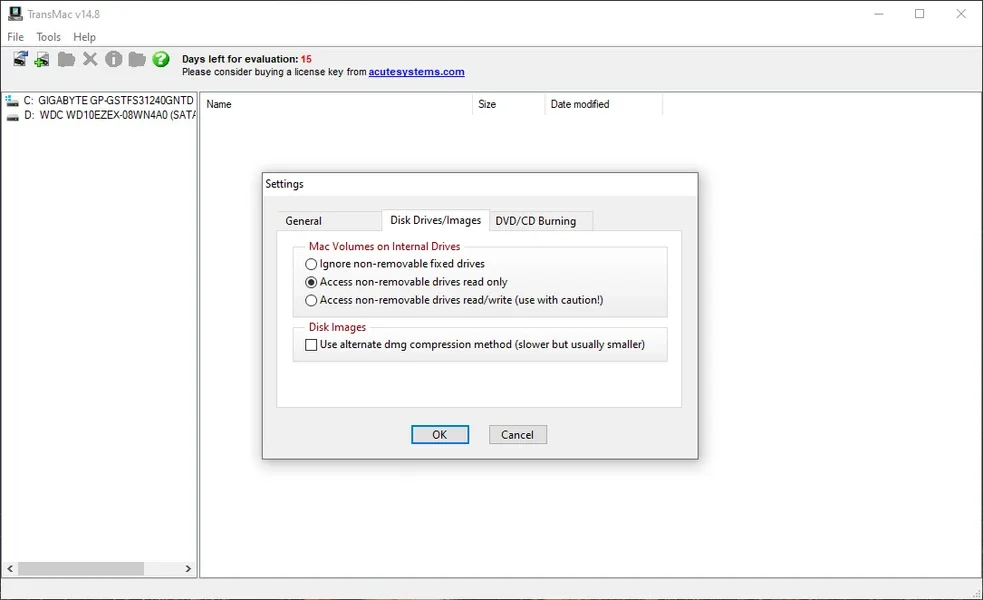
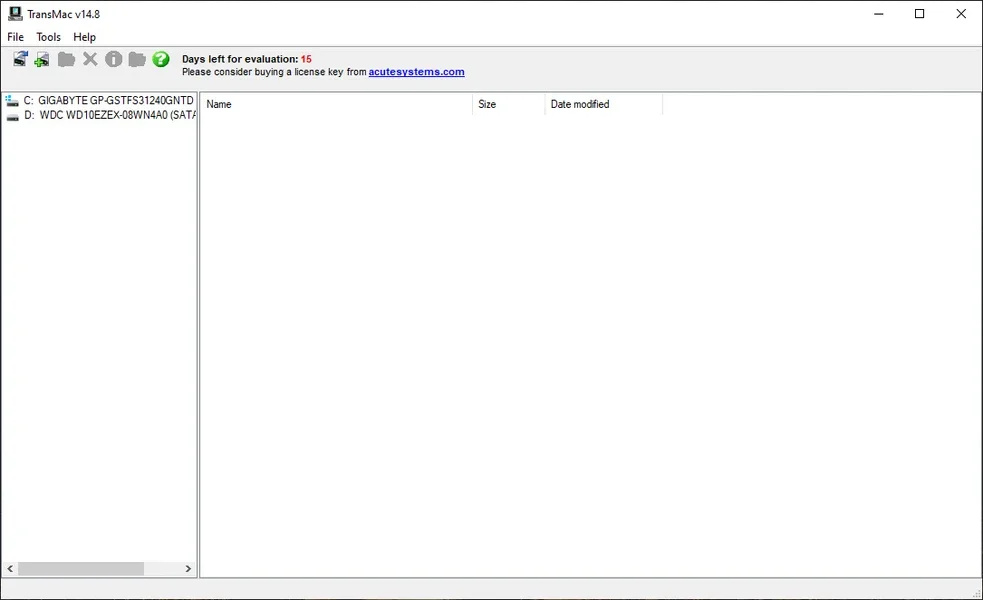
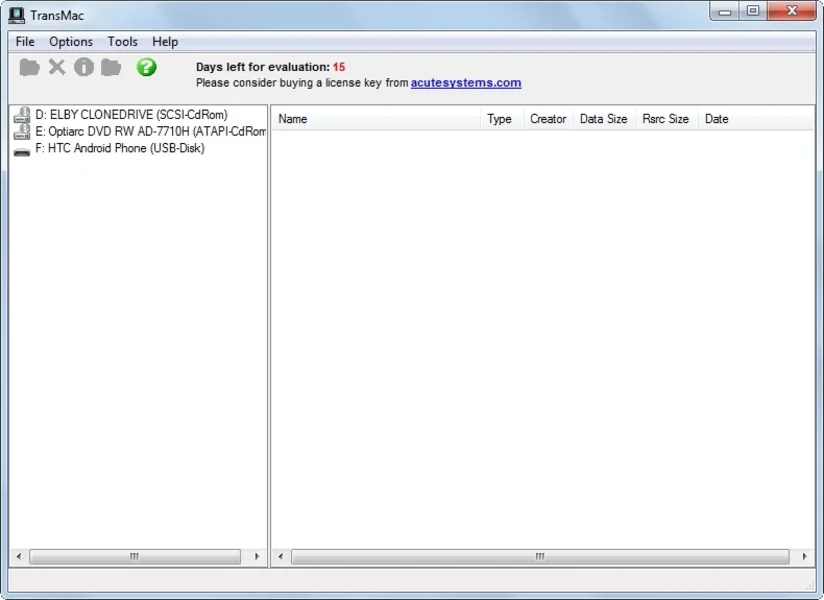
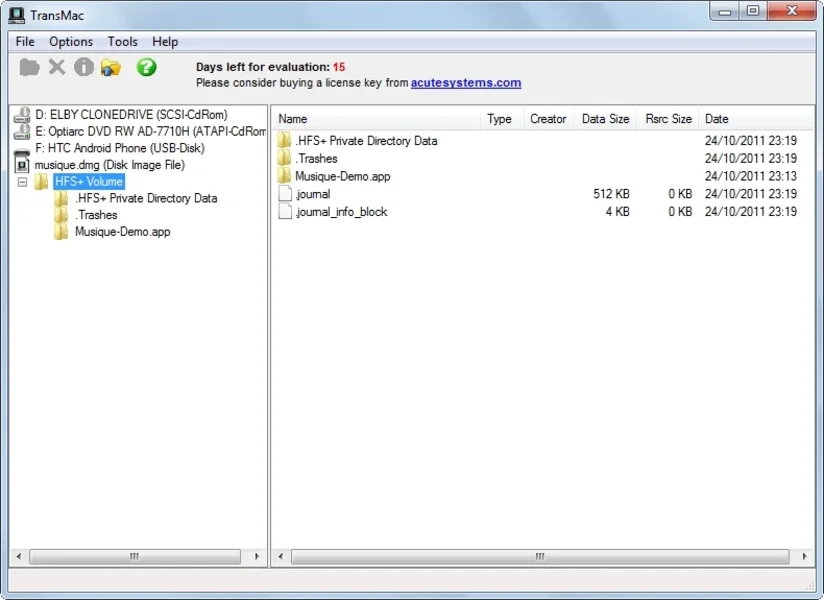
Plug in a Mac drive and TransMac picks it up on its own, no setup step needed. The disk has to be formatted in APFS, HFS, or HFSLo, otherwise its contents stay out of reach.
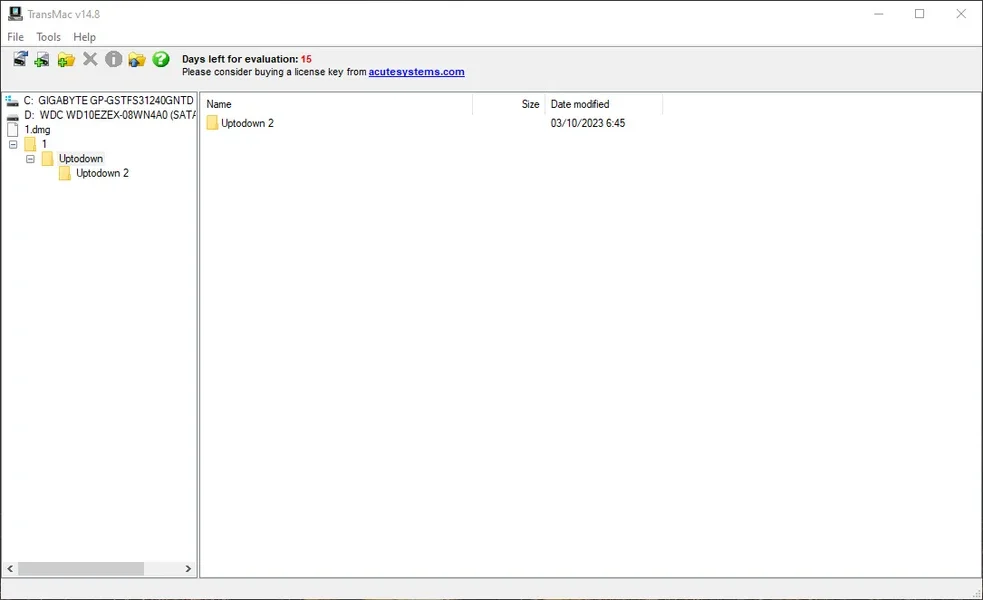
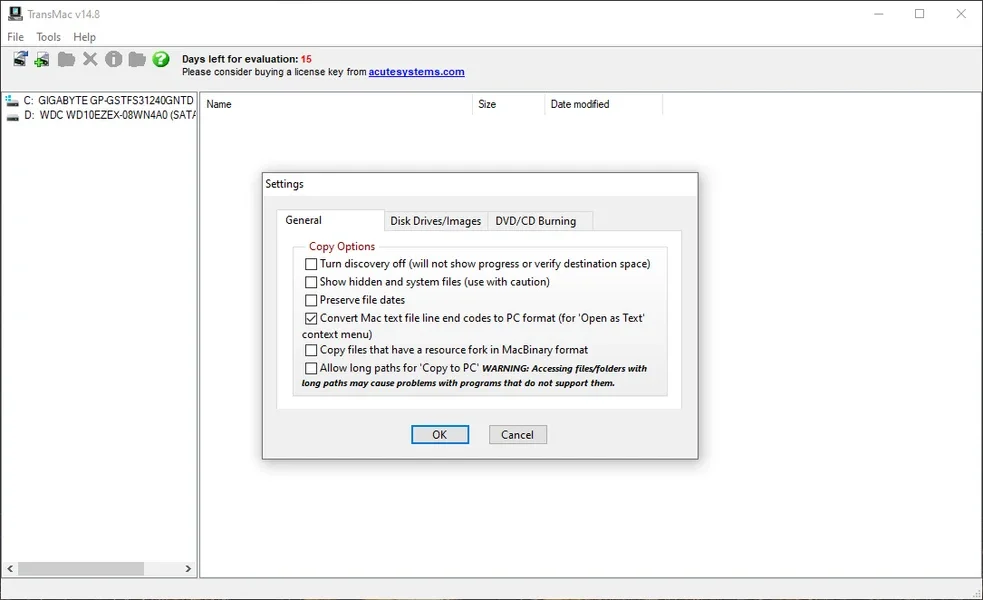
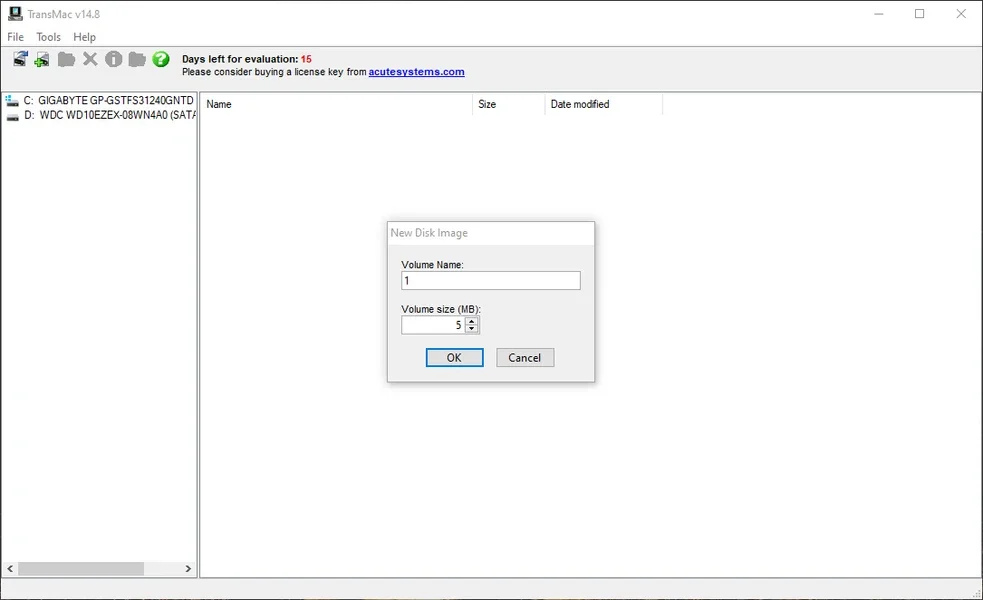
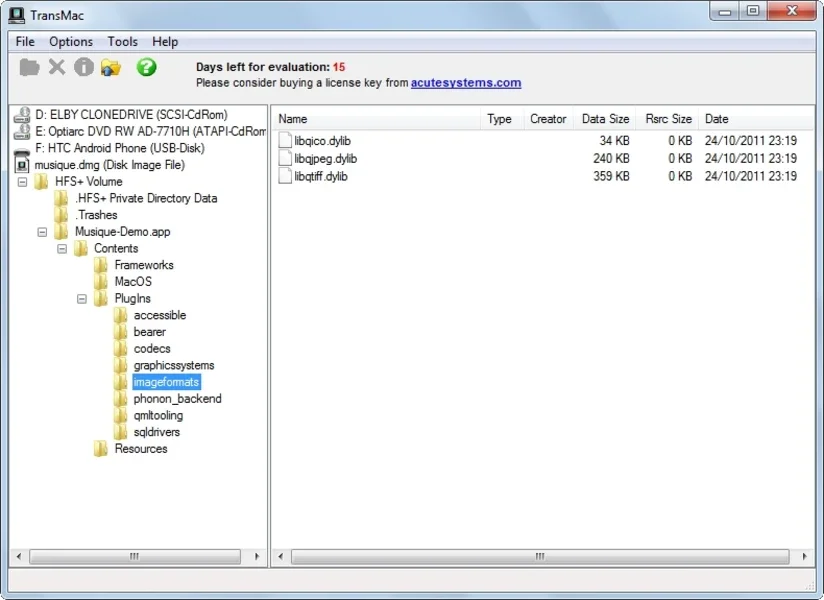
Once the drive is recognized, you can browse the Mac disks and files from the Windows desktop. That covers hard drives, flash drives, CD/DVD/Blu-ray media, high-density floppy disks, and DMG files. DMG files open straight from Windows Explorer if you right-click one and choose the TransMac shortcut. You can look through the contents but not install anything from them onto the Windows computer. Burning works the other way: TransMac can write a disc that a Mac will accept, on DVD or Blu-ray, and it can fill a disc with the contents of files and devices you have browsed. It also builds ISO images, saves images from disks and flash drives, and restores them later. DMG files can be created directly, without a Mac in the loop.
The program is lightweight and takes up 5 MB after installation.
Download files
79b3484b6f3aa8994ca8e6c53be569bbd9bf54583282d1b934c4c4f724439237
5347a43dc9acc77d69cbb2d7b6c810a5149491565a3d30afe167d28749c71e78
684d77bee672ffbb7922ed7b99da8b4c72136d0a3604aab3f948f7e550e78f65
9cd47fd46582a7b2e55bcecdc87b63568836286e065d6402ffad86c7b9bcd3cc
2c12042a6c7e061a2646b797907422a6a786d34150452312210de82dbfb1f30b
System requirements
Available on:
Minimum OS:
Windows Windows 7 or later
Additional information
Developer
Latest release
Size
Category
File type
SHA-256
79b3484b6f3aa8994ca8e6c53be569bbd9bf54583282d1b934c4c4f724439237





