
TreeSize 9.9 for Windows
Shows how much disk space each folder takes up on Windows
Screenshots
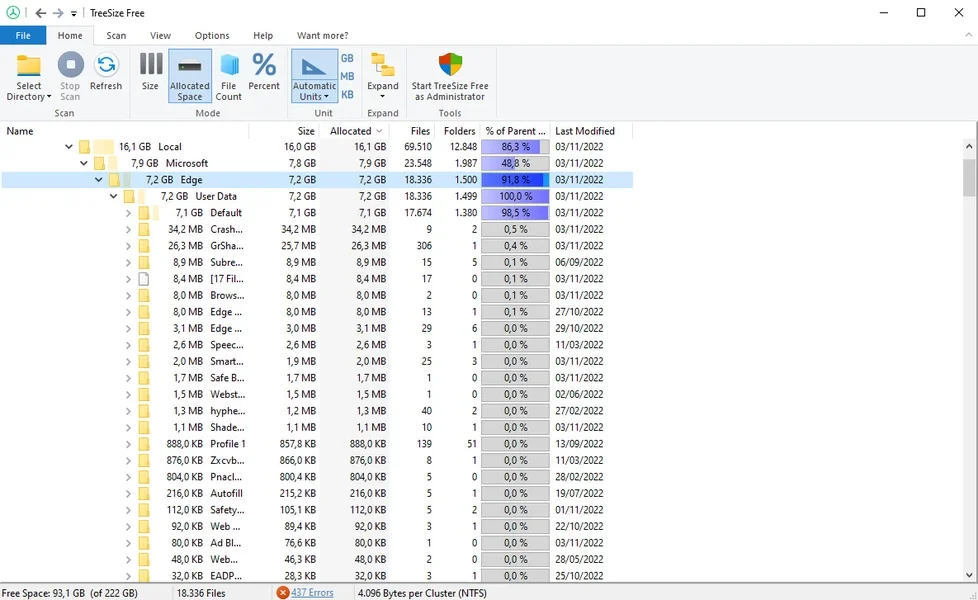
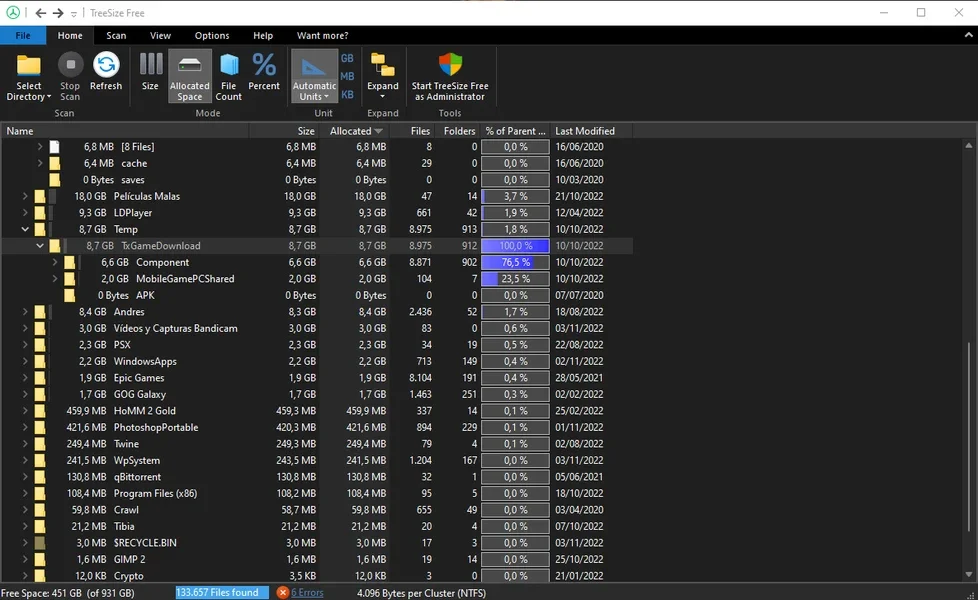
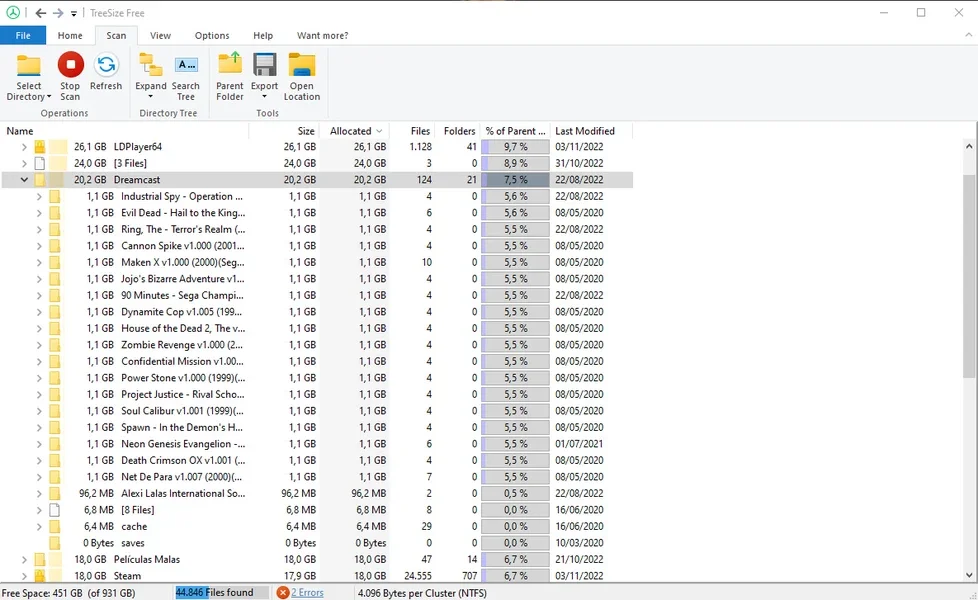
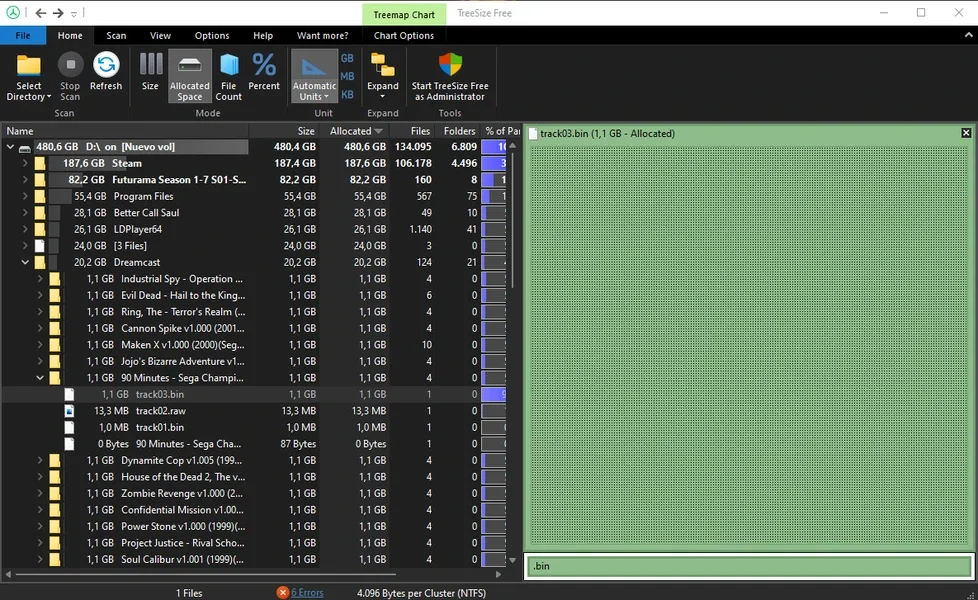
Description
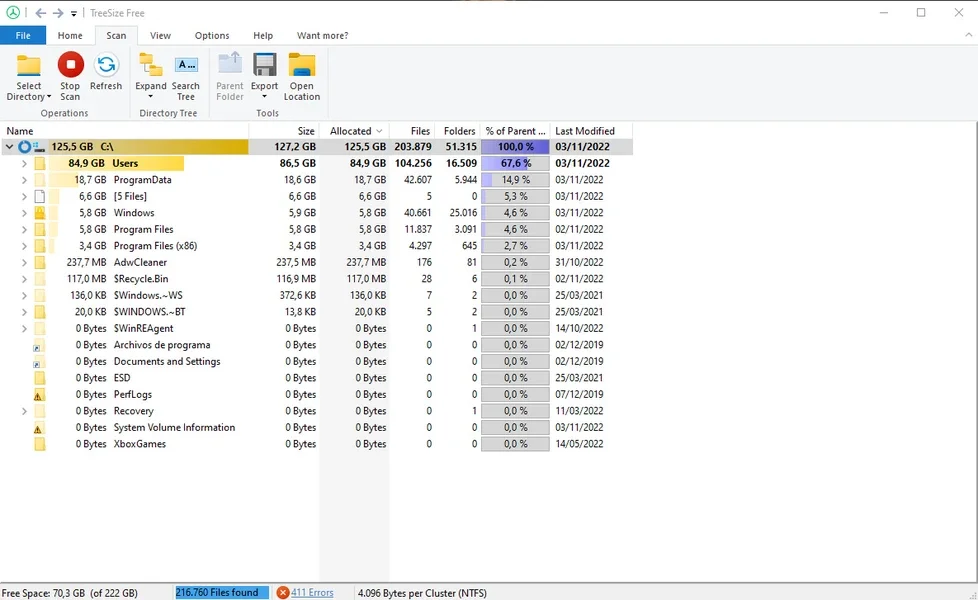
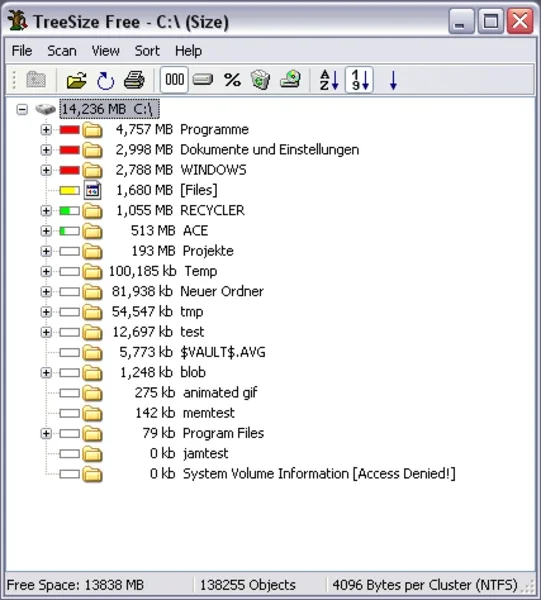
TreeSize shows how much space each folder on your hard disks occupies. Start it up, go to the Scan tab, and point it at a hard disk. A scan runs from a few seconds to several minutes, the time varying with the disk's capacity and how much of it is in use. Leave the program running and don't change the disk contents while it works.
After the scan
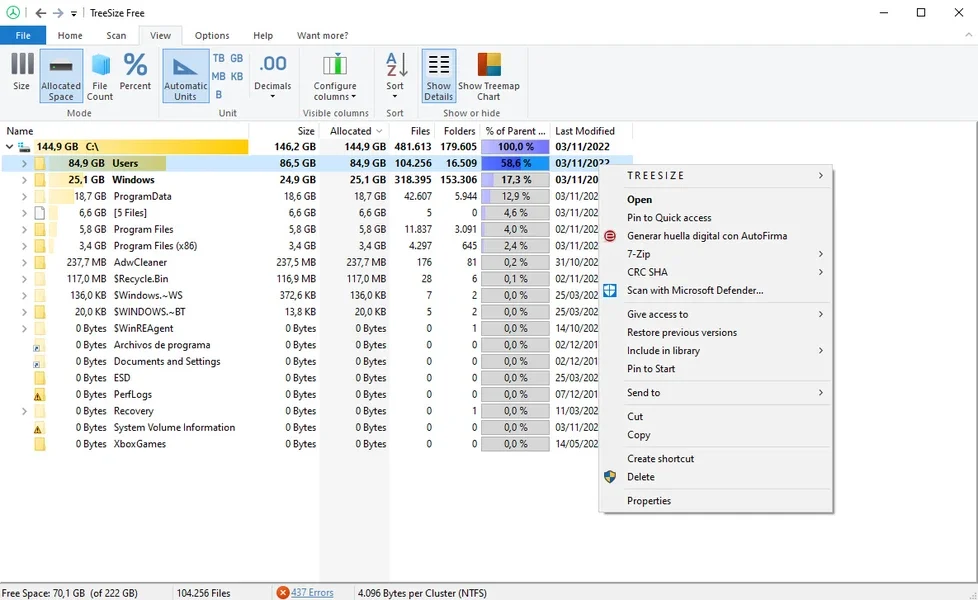
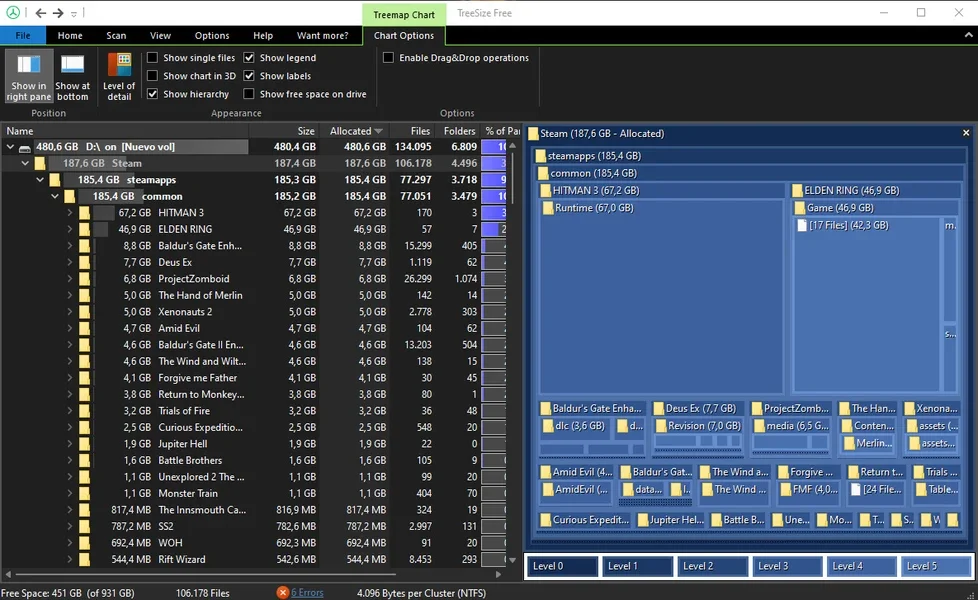
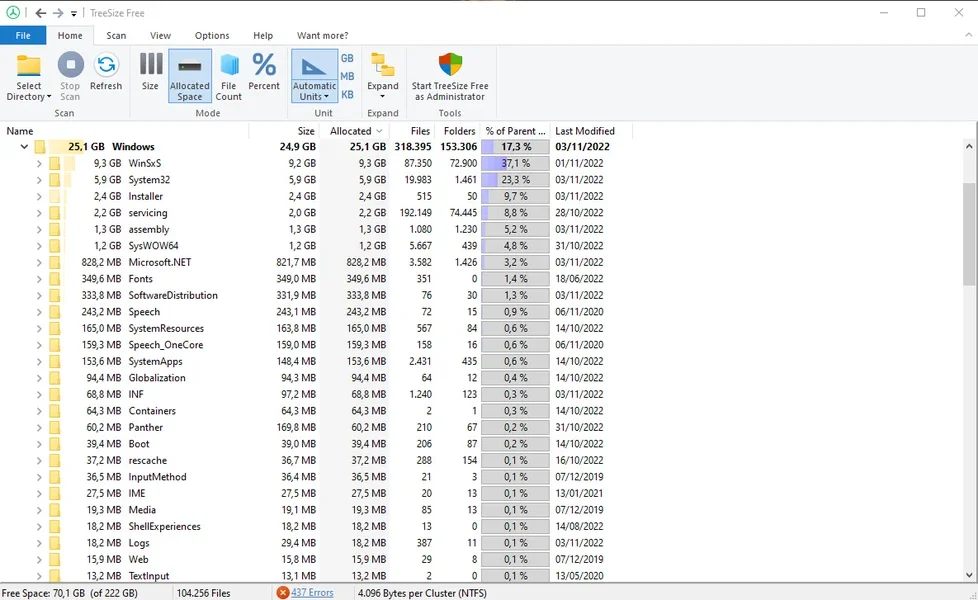
Once the scan finishes, you see how disk space is distributed. Click a directory and its subfolders appear with the space each one occupies. By default, directories are sorted in descending order, largest folder first. Several visualization options show the distribution in different ways. Right-click a directory or a group of files to delete, copy, paste or compress them. Actions run right from the program interface, so you don't leave it to manage files.
Download files
2c0bcc7969675aade800df21132c536eaffadedceb100a8eefe6b57d72f4524f
Signed by JAM Software GmbH · valid until Aug 31, 20278005e320671b67a2f72ac2b0b3b70853e55fa4a764c762a3a026ef4f4cde5319
Signed by JAM Software GmbH · valid until Aug 31, 202730ea3f14661f8f0bd757ff4e0a6b4f6ff0344c16ad831a4a9ad957ac5ba9a61a
Signed by JAM Software GmbH · valid until Aug 31, 202765cc4570ea74ce6b8488b51a90ee0f2e2b775e5ebe5d5786097a51775eecb571
Signed by JAM Software GmbH · valid until Jul 31, 20266b45800f418595001607af353dbdb8e8ee09150040b16cb6f8135b78ed4b8f39
Signed by JAM Software GmbH · valid until Jul 31, 2026System requirements
Available on:
Additional information
Developer
Latest release
Size
Category
File type
SHA-256
2c0bcc7969675aade800df21132c536eaffadedceb100a8eefe6b57d72f4524f





