
UEFITool A76 for Windows
Opens BIOS and UEFI motherboard update files so you can inspect and modify them
You are on macOS — this is the Windows version. See the macOS version
Screenshots
Description
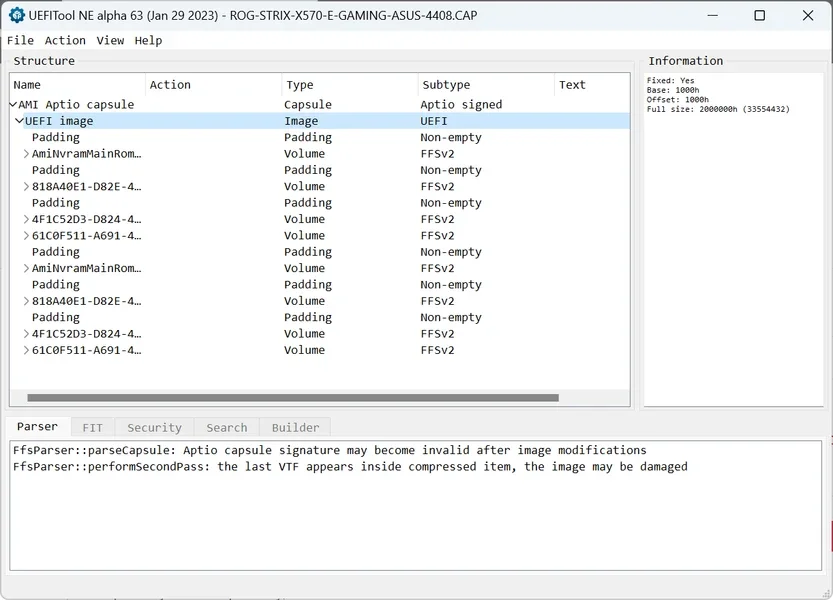
UEFITool opens a motherboard update file so you can see how it is put together. The files are often called BIOS, but most current computers use UEFI, short for Unified Extensible Firmware Interface. UEFI brings more motherboard settings and improvements such as mouse navigation of menus.
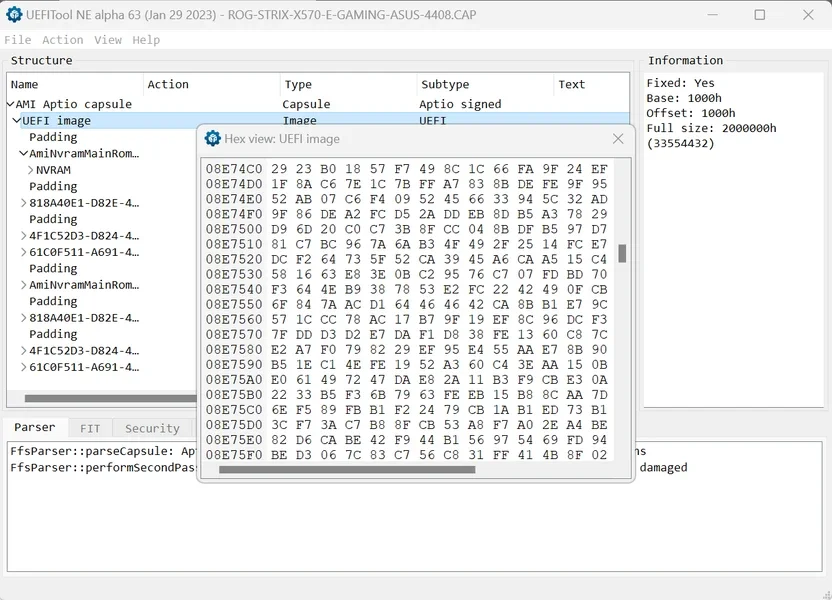
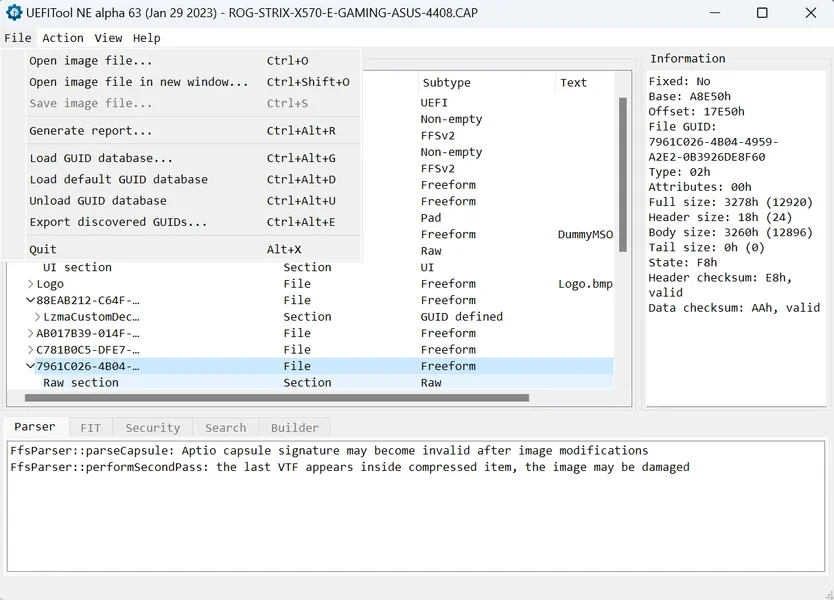
The program lets you look through the whole image and reach every bit of code behind it in hexadecimal. If something needs changing, the program lets you edit the image. You can also check the image's integrity before flashing it. Be careful: flashing a file you have modified incorrectly can leave you without a working motherboard, or force you to use recovery mode to flash the original firmware from scratch. Encrypted motherboard images exist too, and UEFITool cannot open those. The tool UEFITool is built on has aged, so a few motherboard firmware files may not work.
It runs on Windows and is free under the BSD 2-Clause license.
Download files
f4272cb065bdb30aa20e8a384d4a25c5f0741ad3b9cd6fc74f73b2ce495f107c
c10db134e76f31c2e0a15674ee9725ca7091145d3be7157f369bd7515cb24c2c
a78de357b9525a1fae763aee6b0f6c4cf8472aa2cb1edfe93682b37bb94845b7
32bfaa7e1a840af3ab6921524097eed59cb6a108a0051e23e9bca766e7d01e8b
4b74eda11188cb34a16336af527837c8cdbc9ac2dcfc5e77ccc211981c07f4e0
System requirements
Available on:
Minimum OS:
Windows XP or later
Additional information
Developer
Latest release
Size
Category
File type
SHA-256
f4272cb065bdb30aa20e8a384d4a25c5f0741ad3b9cd6fc74f73b2ce495f107c





