
UkeySoft Screen Recorder 8.0.0 for Windows
SHA-256 listed
Records screen, video and audio on Windows with annotations
You are on macOS — this is the Windows version. See the macOS version
All ages
Age rating
Screenshots
Description
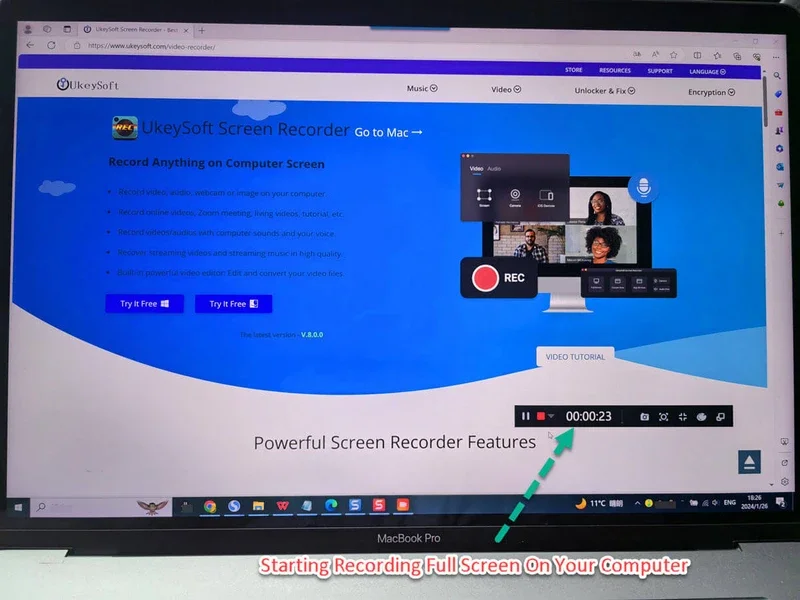
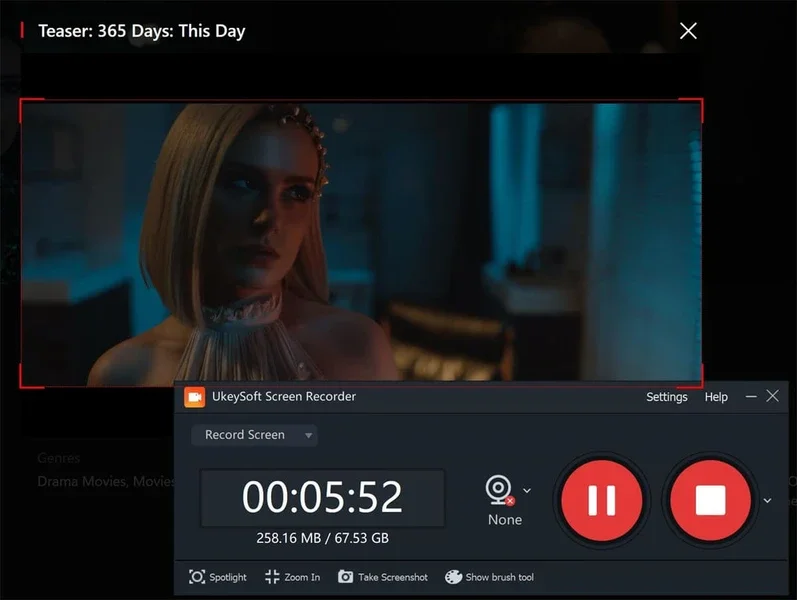
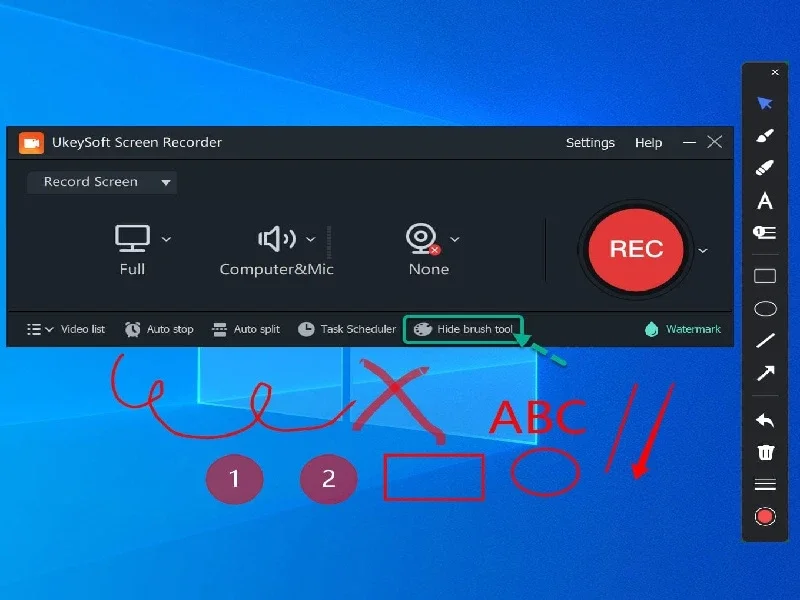
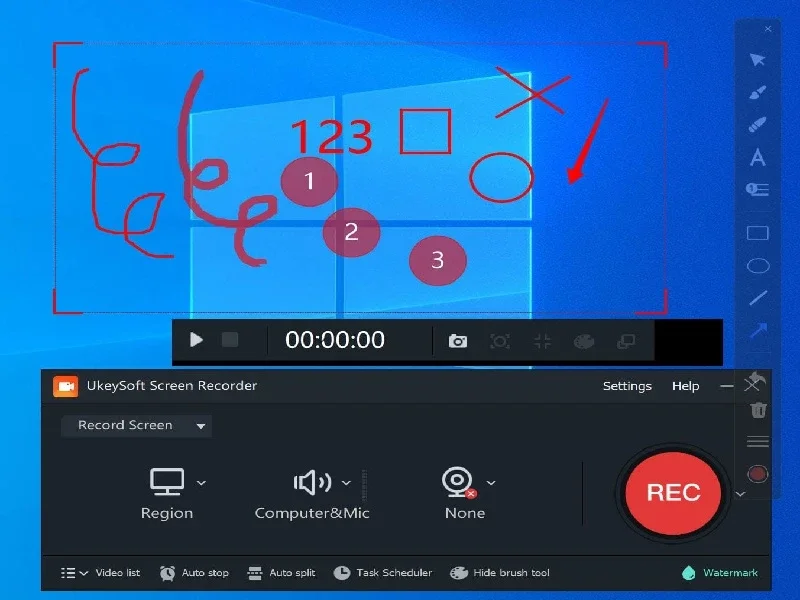
Open UkeySoft Screen Recorder and choose Screen Recorder. Pick the full screen or draw a custom area, then decide whether to capture system sound, a microphone, or both. Click REC to start; while it runs you can add annotations on the fly. There is a built-in editor, converter and annotation tool.
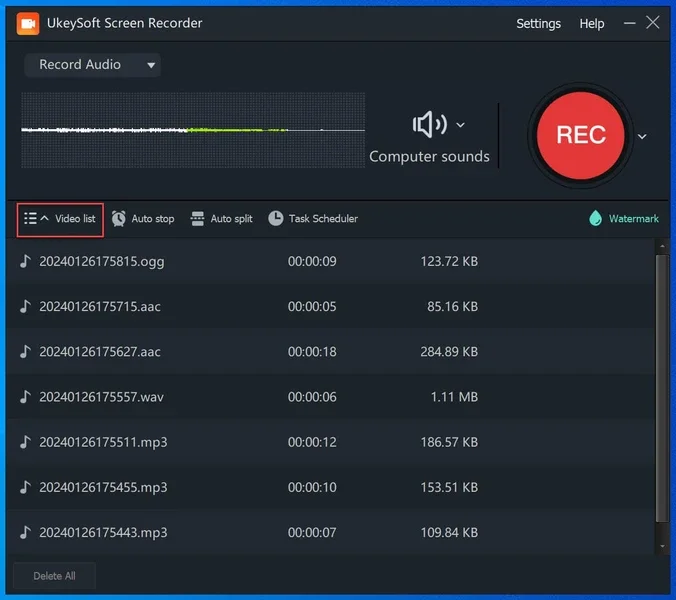
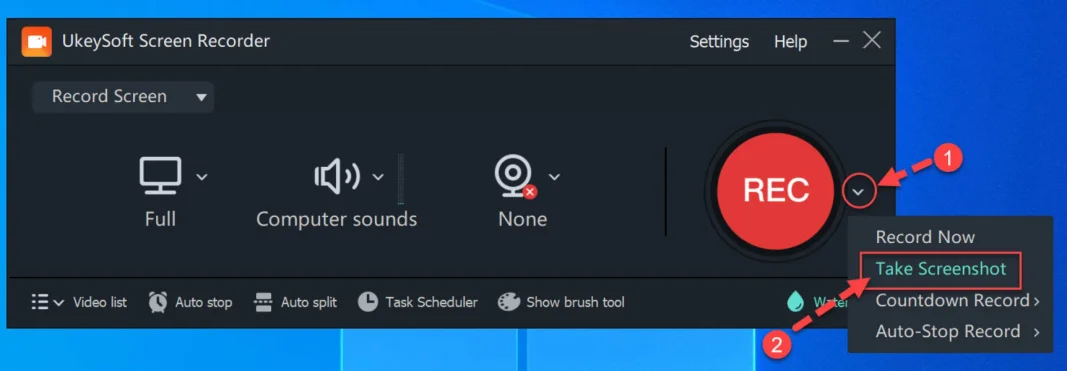
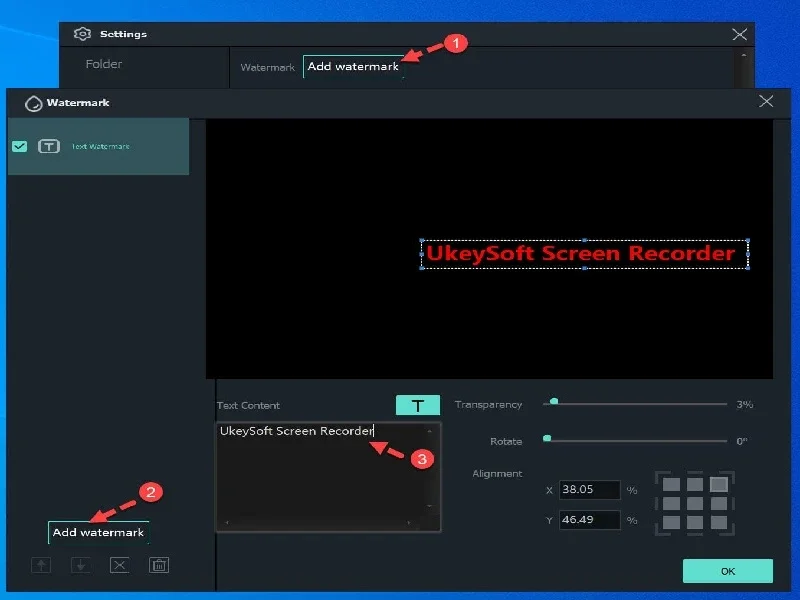
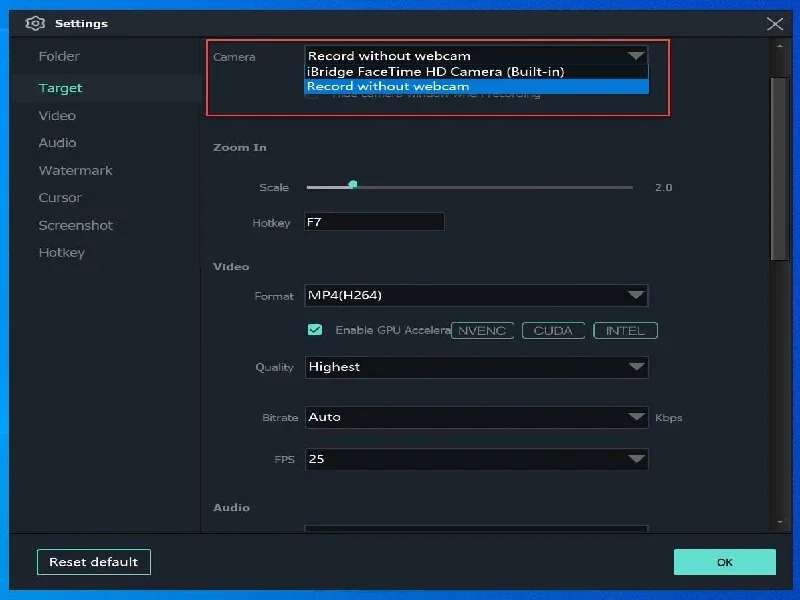
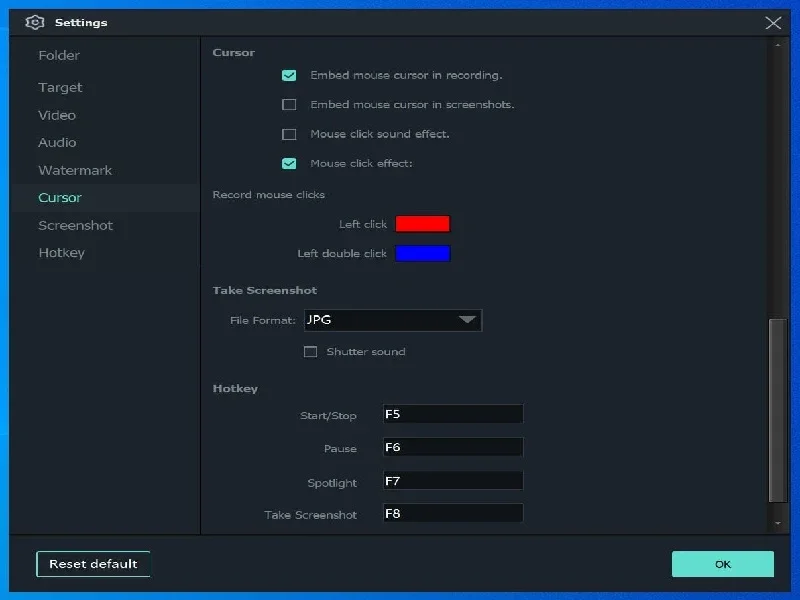
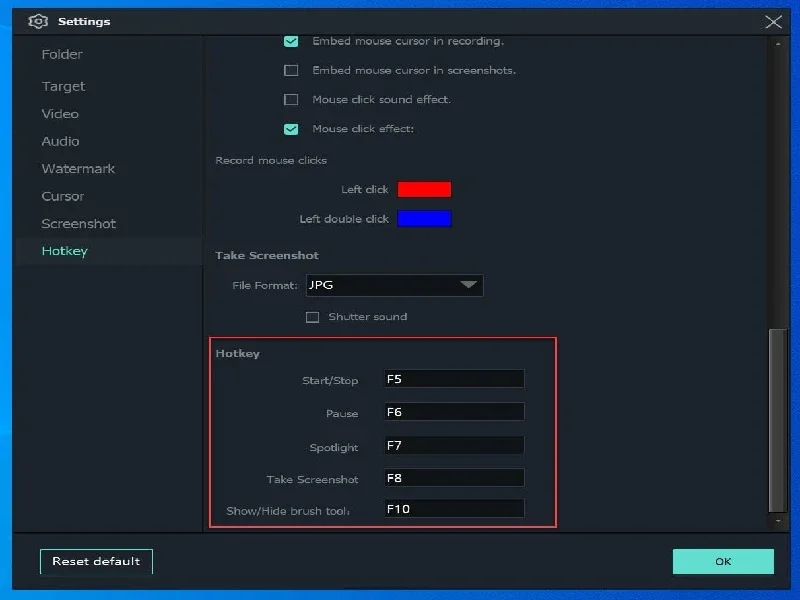
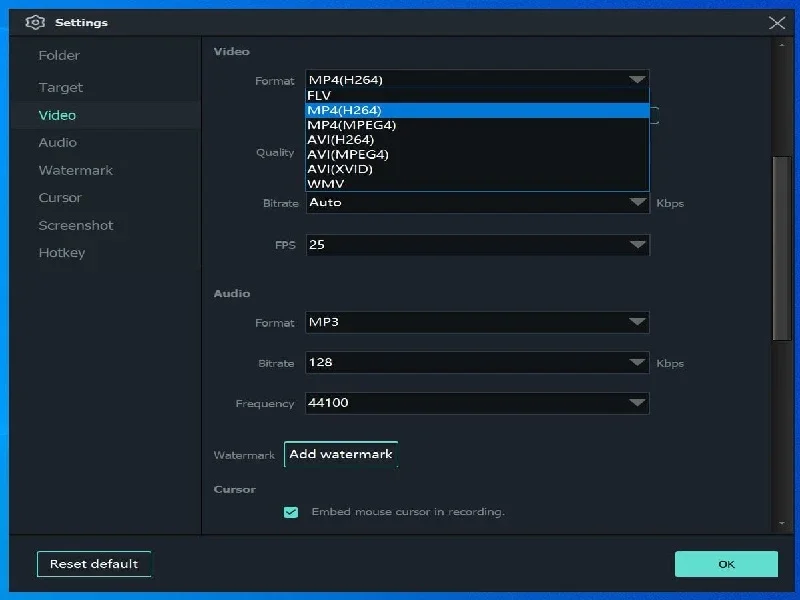
The program records online videos, meetings, streaming audio, gameplay and live streams. Output settings live in a settings window, where you set video quality, codec, bitrate and format. Recordings save as MP4, MOV, AVI, MP3, WAC or M4A. Screenshots are taken with shortcut hotkeys. It runs on Windows.
Download files
File8.0.0EXE
Version8.0.0
ReleasedFeb 12, 2025
Size217.4 MB
SHA-256
Get
8049ca278ff43150dcc1c331a0408f8e2711c905202d5776e9b1d190d437b018
Signed by Guang Dong Ji Tong Zhi Neng Ke Ji You Xian Gong Si · valid until Sep 19, 2024Fileukeysoft-screen-recorder-1.0.exeEXE
Version1.0
ReleasedAug 31, 2020
Size49.6 MB
SHA-256
Get
54e1c9c820b6b84bddccbaa08ca02eebc31c2bb6094617b7a6acb8245ca84c97
System requirements
Available on:
Additional information
Developer
Latest release
8.0.0 · Feb 12, 2025
Size
217.4 MB
Category
File type
EXE
SHA-256
8049ca278ff43150dcc1c331a0408f8e2711c905202d5776e9b1d190d437b018
Digital signature
Signed by Guang Dong Ji Tong Zhi Neng Ke Ji You Xian Gong Si · valid until Sep 19, 2024