
Ultracopier 3.1.0.7 for Windows
Replaces Windows file copy dialogs with pause, speed limits, and progress
You are on macOS — this is the Windows version. See the macOS version
Screenshots
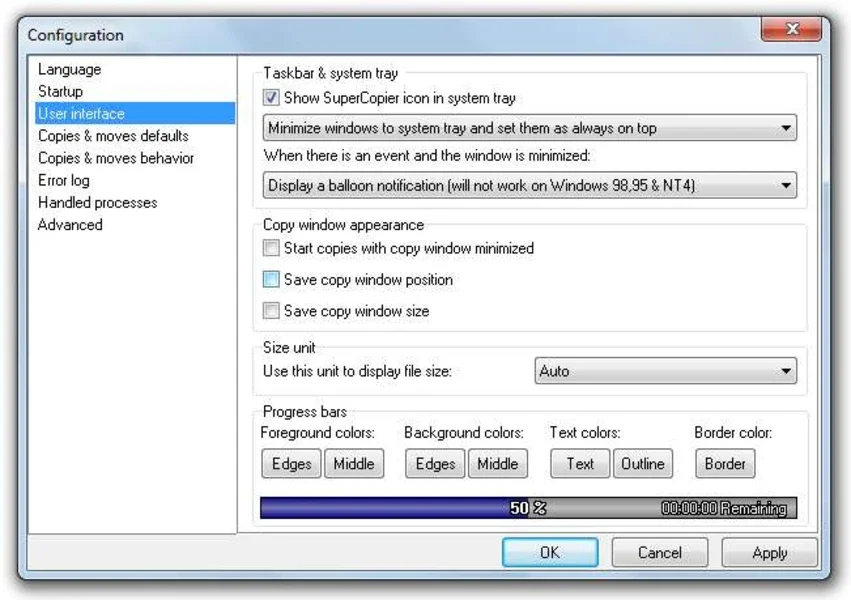
Description
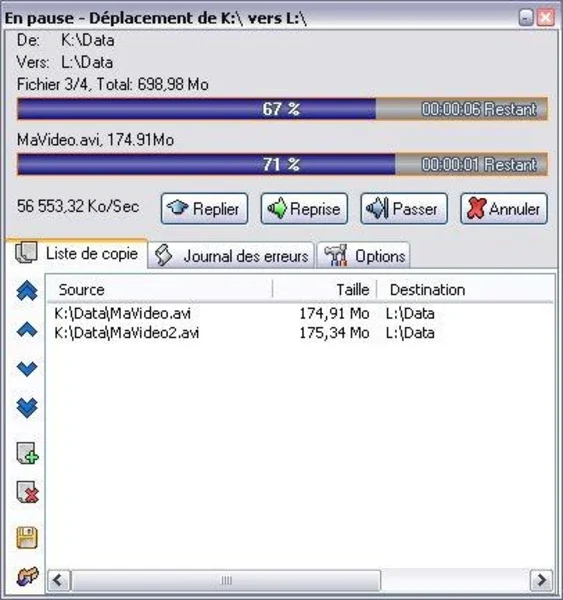
You copy or move files as usual, but Ultracopier handles the transfer instead of the Windows dialog. It also runs from its own icon. The program replaces the default copy and move dialogs, though standard Windows copy/paste remains. Large files and many folders are its normal workload. Lists of files to copy or move can be built, and you can edit a list while that transfer is already running.
Control over the transfer
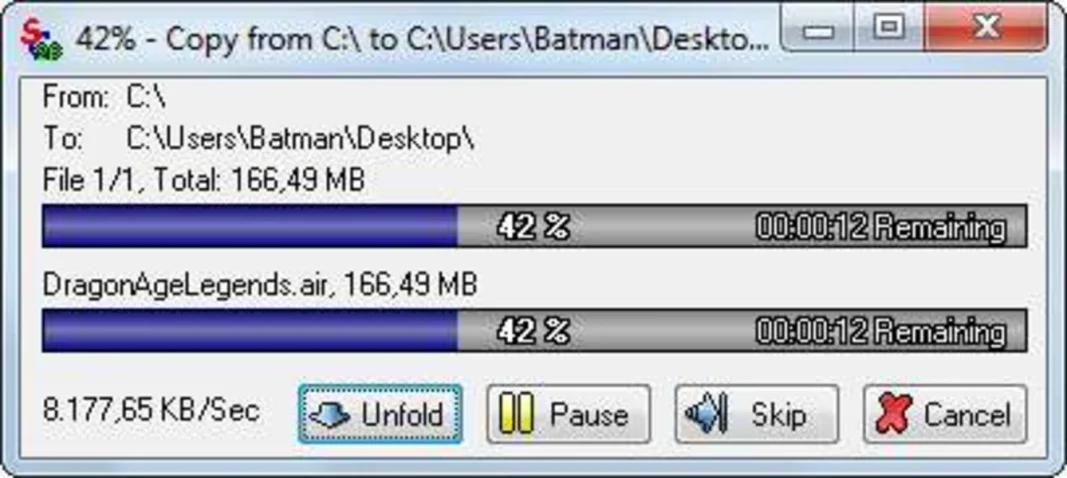
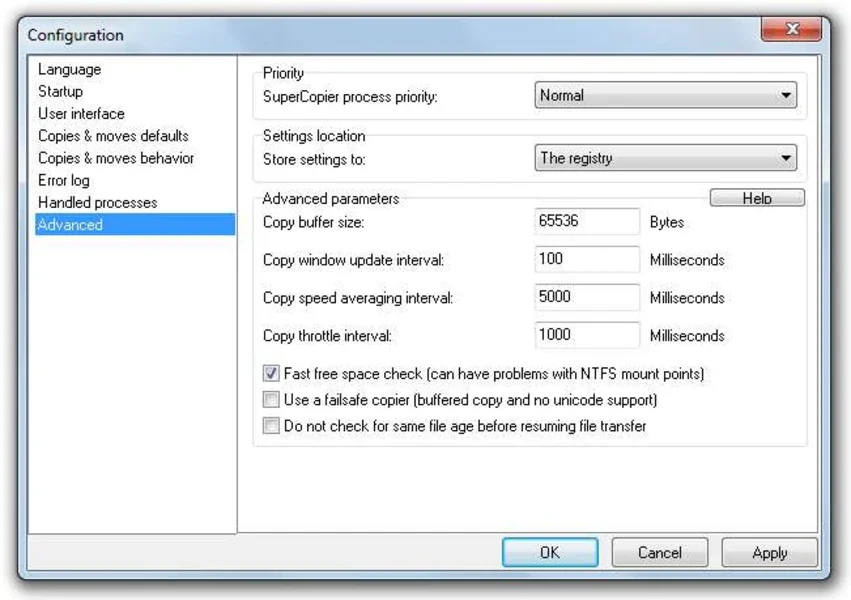
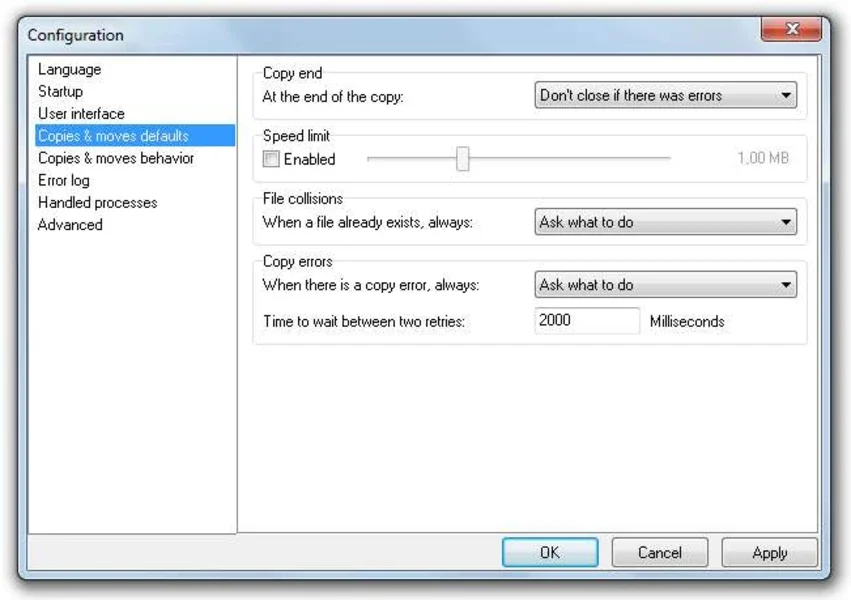
A play/pause button stops the transfer and picks it up again from where it stopped. Speed can be limited. Completion is shown as a percentage, and the speed rate is displayed. Error and collision handling is built in, with resume on error. A complete settings menu changes the program's behavior, and some interface details can be customized. The interface itself would not win any design prize.
Versions and licensing
- 32-bit, 64-bit, and portable versions are available.
- Free and open source, under the GPL license.
- Can be uninstalled if you are not happy with it.
- Written in Delphi, with code that has been around a long time.
- The ultracopier project is a more modern alternative.
Download files
5448104fcbc6731dfd270b351e22a1d034b1c09ee083804776fcfa1b1340e95f
No digital signaturef1437e440180de288c1ae4be2c9efd4f1a74a95803d47943be77e41fa5b7fe57
No digital signaturef6cacddd2f3e96f576096c386d80149fd2a50c50b74a18629ae19271b749aa4e
No digital signature6d995d08668cbf0ff90cc23bf13fd31de0d971d7340aa4891045f9b93fb4f0ea
No digital signaturec2a6b60bdff5d6457f698e2bb73df9b786fdab733bf8c7f2d86ac01cca25eb0f
No digital signatureSystem requirements
Available on:
Minimum OS:
Windows XP or later
Additional information
Developer
Latest release
Size
Category
File type
SHA-256
5448104fcbc6731dfd270b351e22a1d034b1c09ee083804776fcfa1b1340e95f





