Universal ADB Drivers 1.0 for Windows
Installs Android USB drivers so Windows recognizes your phone
Screenshots
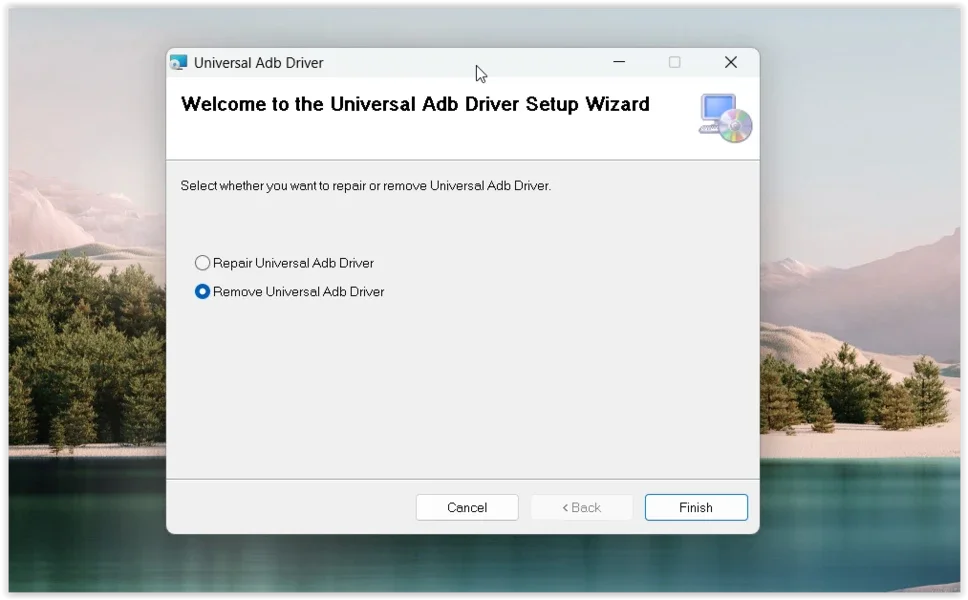
Description
Universal ADB Drivers gets Windows to see a connected Android phone without your having to hunt down the manufacturer's own software. It's built for the moment when Device Manager shows an unknown device and console commands go nowhere.
Turn on USB debugging in developer options first; without it the connection won't work properly, and installing the program alone won't get you the most out of it. With debugging enabled, it reads the hardware signature of whatever is plugged in and recognizes it right away. It works on a modified form of Google's official protocol, the changes made by Koushik Dutta. Rather than sending you off to browse external folders, it works out which resources the system is missing and adds them itself. Menus full of obsolete options aren't part of the design; the process is automated from start to finish. The stated figure is 99% coverage of phones built on Qualcomm, MediaTek, or Exynos chips. It installs a codec pack on the computer as part of the job.
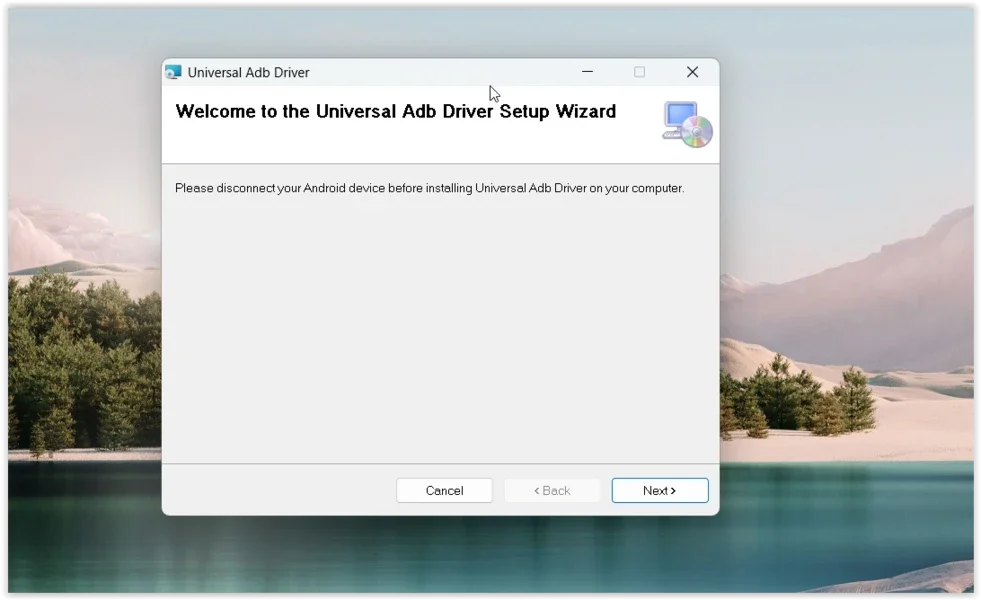
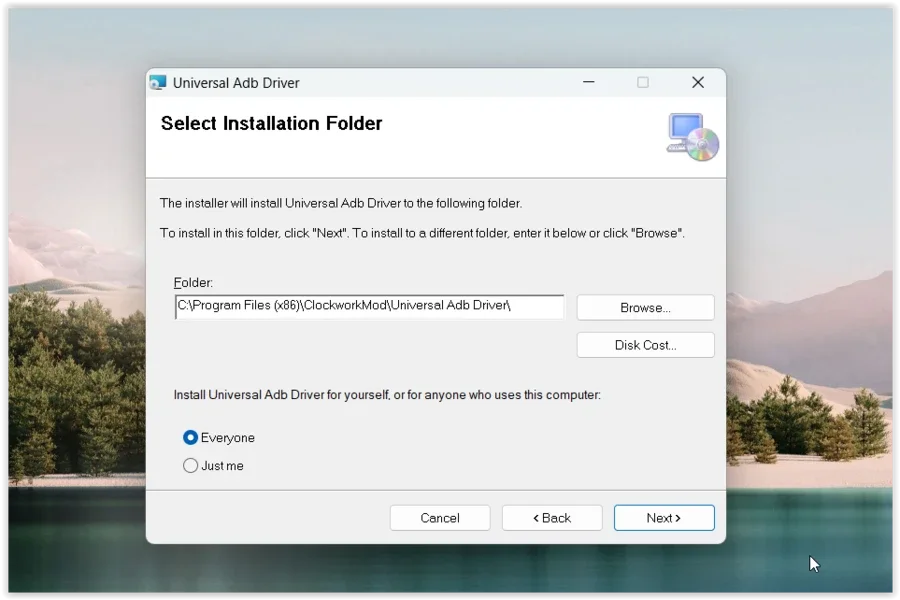
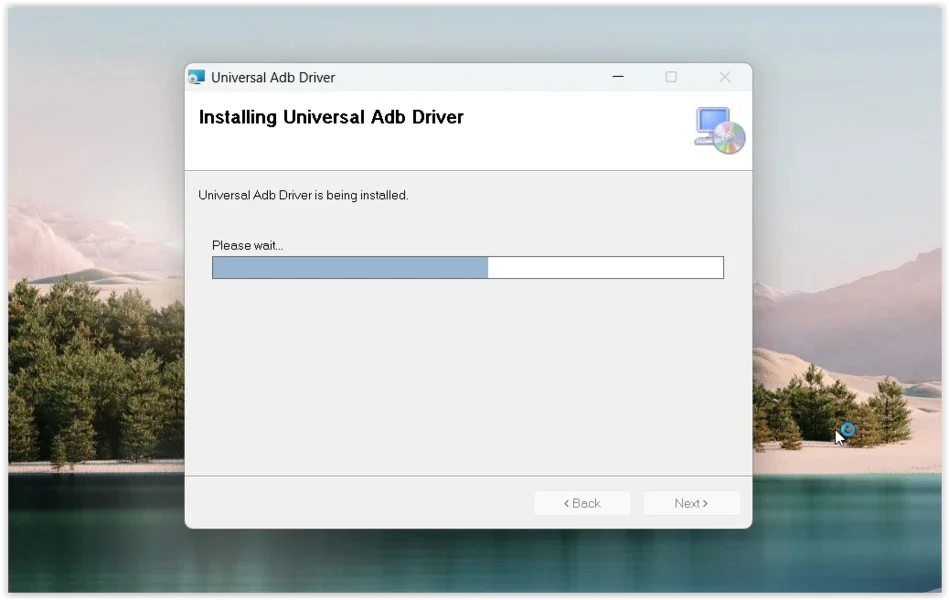
The download is a single executable of barely 16 MB. Open the installer and a clean, functional window appears, finishing the installation in a few moments. It runs on Windows.
Download files
4e77e303bba6cf84588bdb6da91f7a875d406f7930cbe9f4d2aae0b643c0c928
No digital signatureSystem requirements
Available on:
Minimum OS:
Windows XP or later
Additional information
Developer
Latest release
Size
File type
SHA-256
4e77e303bba6cf84588bdb6da91f7a875d406f7930cbe9f4d2aae0b643c0c928





