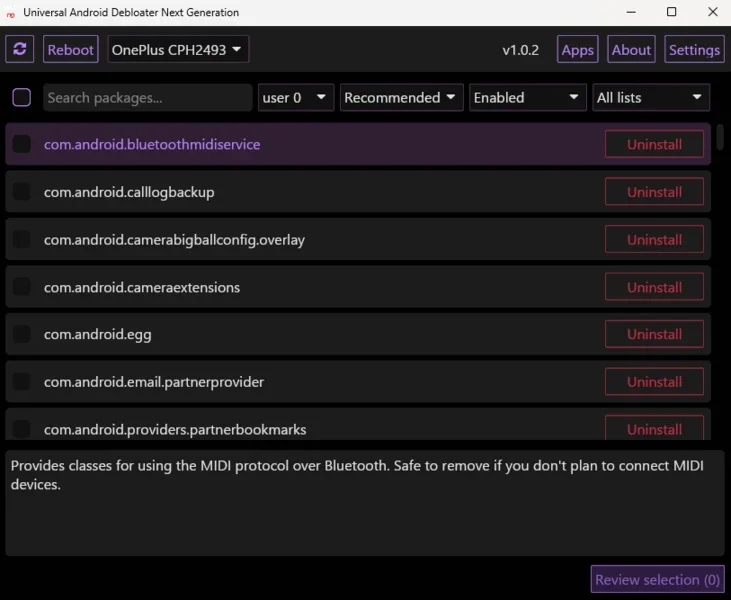

Universal Android Debloater GUI 0.5.1 for Windows
Removes unwanted system apps from Android devices
Screenshots
Description
Universal Android Debloater GUI takes system apps you don't need off an Android device. Manufacturers install these apps by default, and they are often called bloatware. Removing them frees storage space, and cutting the ones that use resources can improve battery life.
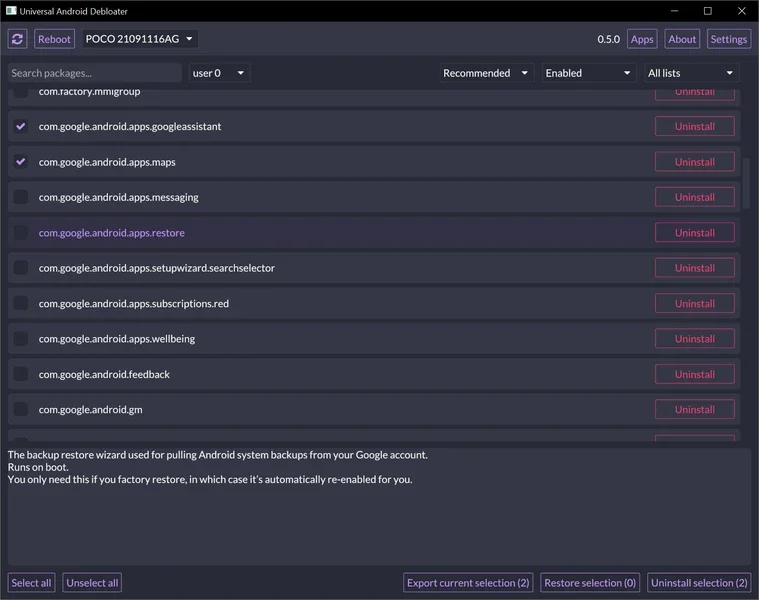
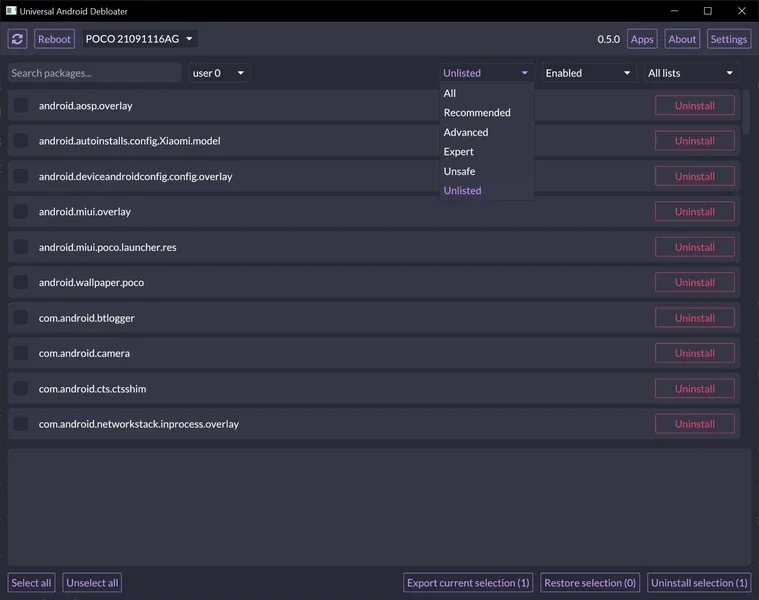
Your phone or tablet connects to the computer over USB. On the phone, USB Debugging has to be turned on in Developer Settings, and the computer needs ADB installed. Once connected, the program gives access to every app included on the device. Each app comes with a brief note on what it is for, so you can tell a calendar service from a carrier tool. It also states whether removing that particular app is safe. You tick the apps you want gone, then remove them. Some system apps can only be deleted with root permissions; the rest go without. The tool runs on Windows, Linux, and macOS.
It is free, under GPL 3.0, by W1nst0n. Current version 0.5.1.
Download files
91c7d32b8f2b021748e4dd0a6bfb7fee6c9882ae1ae2a0f62042381726c992b5
No digital signature166d4b074870e194b17c507d11f92e4348cf0b7c756b3f829311acbd87e96fe6
No digital signatureSystem requirements
Additional information
Developer
Latest release
Size
Category
File type
SHA-256
91c7d32b8f2b021748e4dd0a6bfb7fee6c9882ae1ae2a0f62042381726c992b5