
VirtualDVD 9.4.0.0 for Windows
Mounts disc images as virtual DVD and Blu-ray drives on Windows
Screenshots
Description
VirtualDVD emulates DVD and Blu-ray discs on a Windows PC. You mount a disc image and its contents show up as if they came from a physical drive, so the disc's files are read the same way.
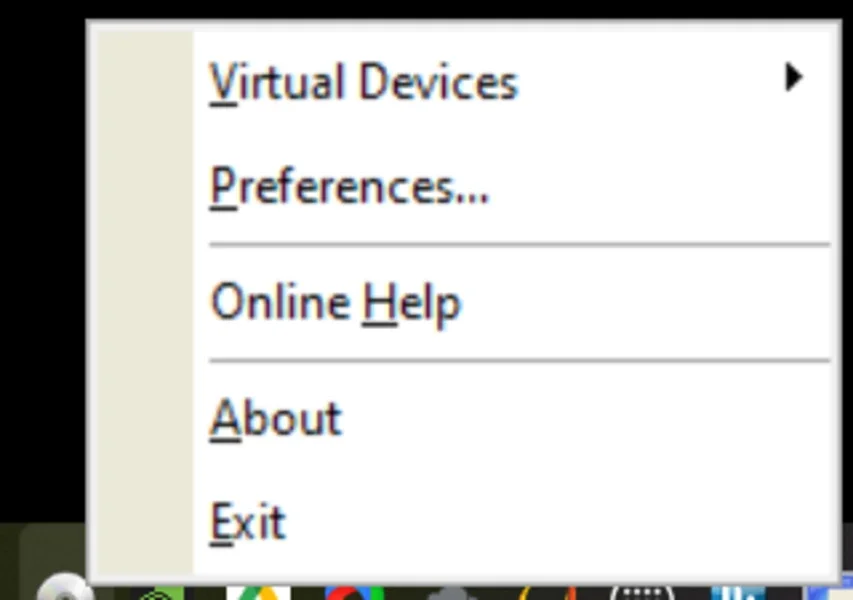
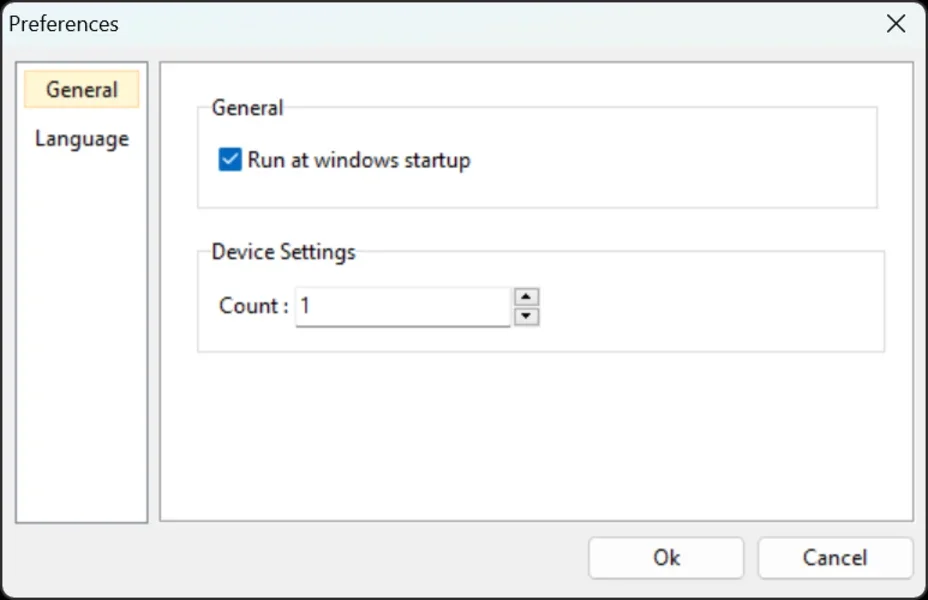
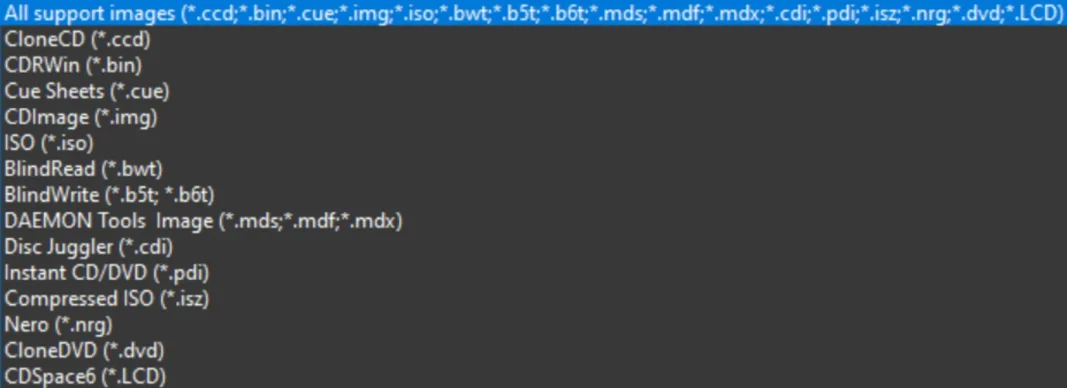
The app sits in the taskbar, and you manage everything from its icon there. To mount an ISO, right-click the icon, open "Virtual Devices," and pick the target drive. Under "Mount image" you locate the image file in your storage, and once you select it, it mounts automatically. From the taskbar icon you also choose how many virtual storage units to have; the app creates one virtual drive by default on first install, and you can create up to 24. Formats it mounts include ISO (.iso), compressed ISO (.isz), CDRWin (.bin), Cue Sheets (.cue), Nero Burning ROM (.nrg), CloneCD (.ccd), CloneDVD (.dvd), Disk Juggler (.cdi), Instant CD/DVD (.pdi), CDSpace6 (.lcd), CDImage (.img), BlindRead (.bwt), BlindWrite (.b5t, .b6t), and DAEMON Tools images (.mds, .mdf, .mdx). It also lets you assemble disc images without a physical reader.
The app runs on Windows. It is free to download.
Download files
65d84725b0f754b057ff1b5fdfc65586883a16a08c9b72cc21347c1a3f9ea40d
Signed by OORT Inc. · valid until May 21, 2024System requirements
Available on:
Minimum OS:
Windows XP or later
Additional information
Developer
Latest release
Size
Category
File type
SHA-256
65d84725b0f754b057ff1b5fdfc65586883a16a08c9b72cc21347c1a3f9ea40d





