
Screenshots
Description
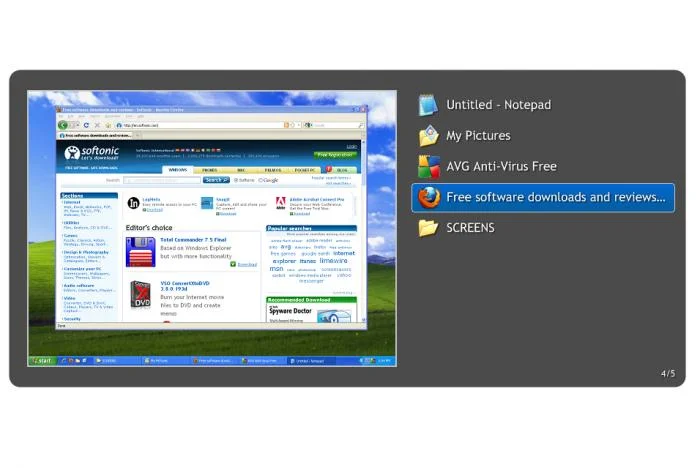
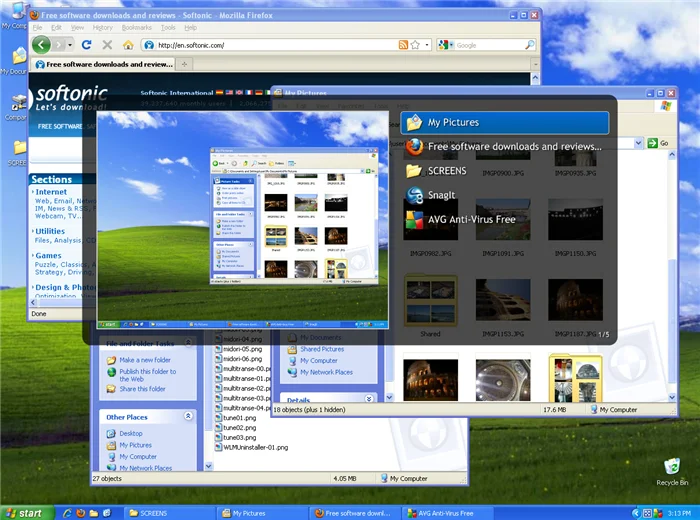
Pressing Alt-Tab brings up VistaSwitcher instead of the standard Windows task switcher. It shows a box listing every running task by name, with a preview snapshot of each. As you move through the list, the snapshot changes to match the task you are on.
- Hold Alt and press Tab, use the Up and Down Arrow keys, or run the mouse pointer up and down the list to move between tasks.
- Release Alt or click a task to switch to it.
- Mouse and keyboard shortcuts both work for browsing running applications and open windows.
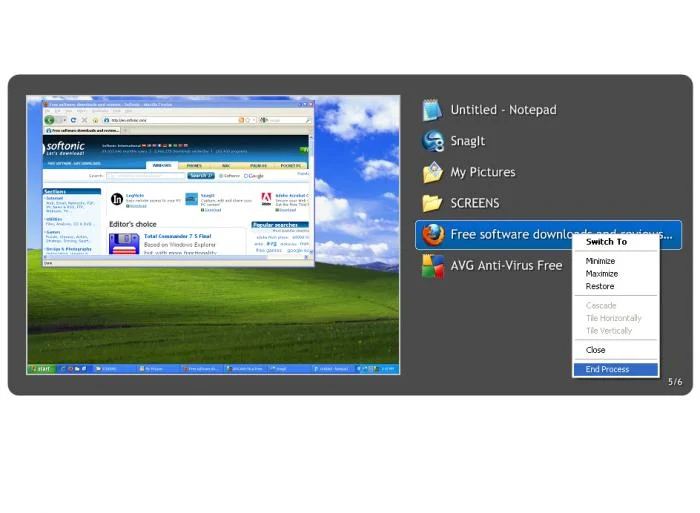
- A single click switches to a task, minimizes, maximizes, restores the main window, or closes the process.
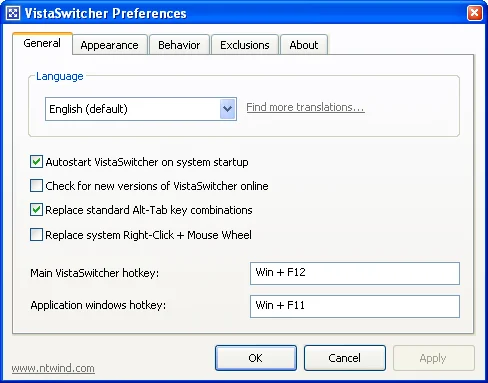
The preferences window lets you change appearance details, performance, position, and the look of the previews.
Download files
File1.1.5EXE
Version1.1.5
ReleasedSep 2, 2024
Size516.1 KB
SHA-256
Get
d55c17bc7d5d9a999ef8f65502a93b6bd354af7d9a99d1625c05c2e5c8141474
Signed by Alexander Avdonin · valid until Mar 21, 2015Filevistaswitcher-1.1.3.exeEXE
Version1.1.3
ReleasedMay 14, 2010
Size358.2 KB
SHA-256
Get
794a1abb0a366cf932187fd142ece29047ca337cdc7da9d69a02d4c9fe014c98
System requirements
Available on:
Additional information
Developer
Latest release
1.1.5 · Sep 2, 2024
Size
516.1 KB
File type
EXE
SHA-256
d55c17bc7d5d9a999ef8f65502a93b6bd354af7d9a99d1625c05c2e5c8141474
Digital signature
Signed by Alexander Avdonin · valid until Mar 21, 2015





