
webOS Dev Manager 1.99.21 for Windows
Manage LG webOS TVs from a Windows PC
Screenshots
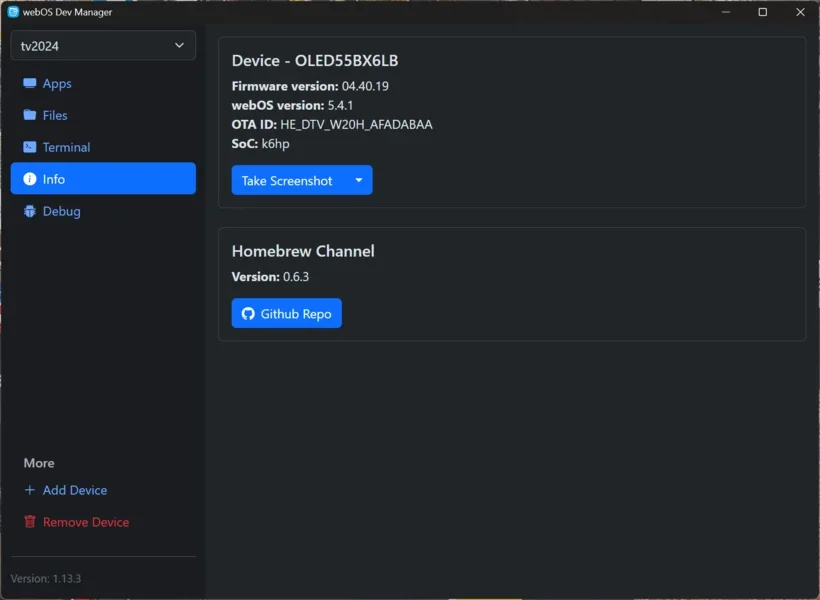
Description
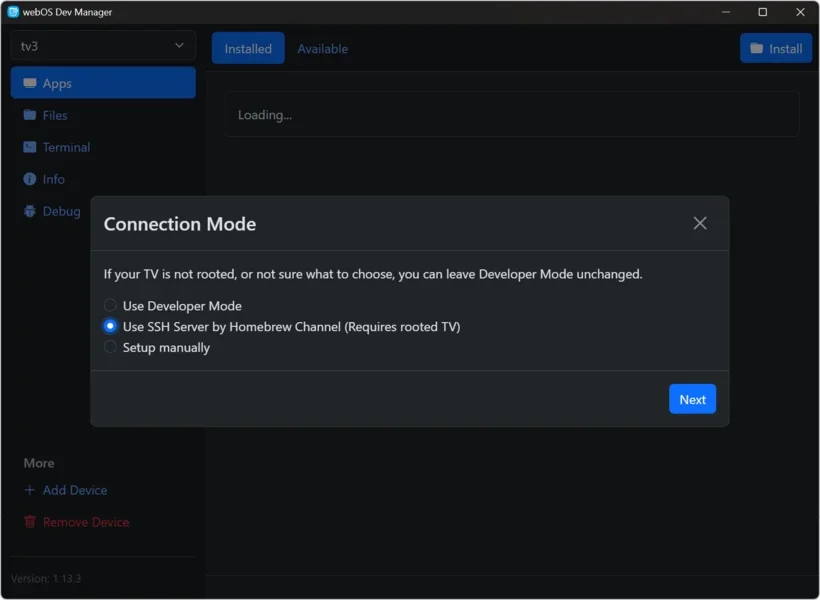
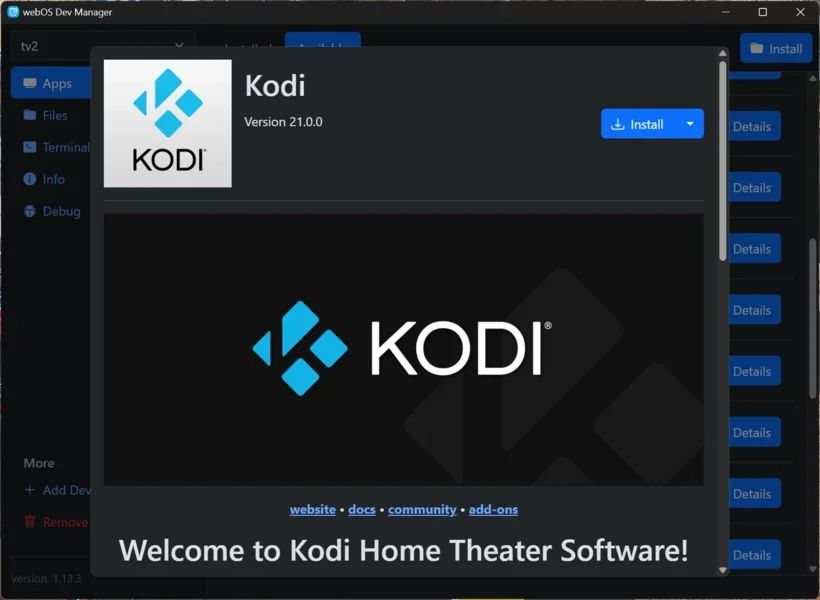
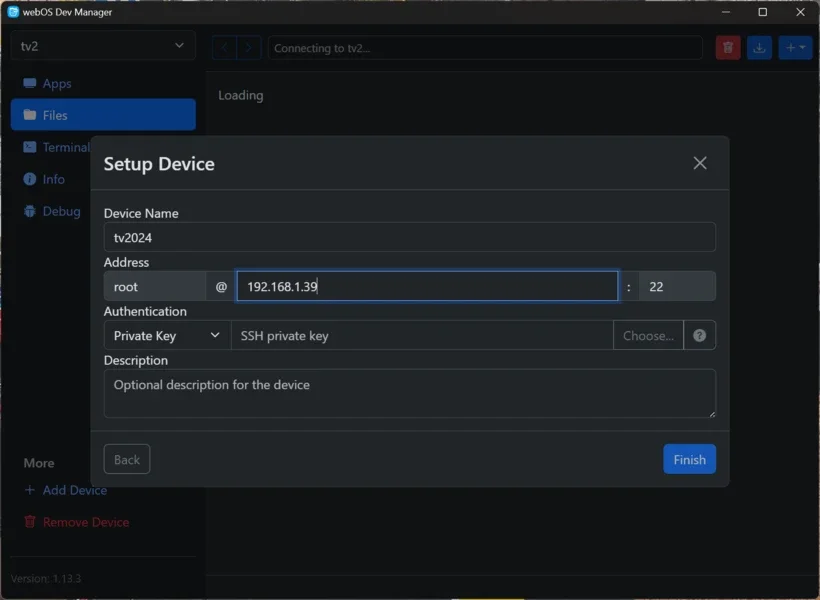
webOS Dev Manager lets you deploy apps straight to a connected device once configuration is done. It manages LG webOS Smart TVs from a Windows PC and connects them over local networks. Pairing a TV can be done several ways, including SSH connections that need specific configuration.
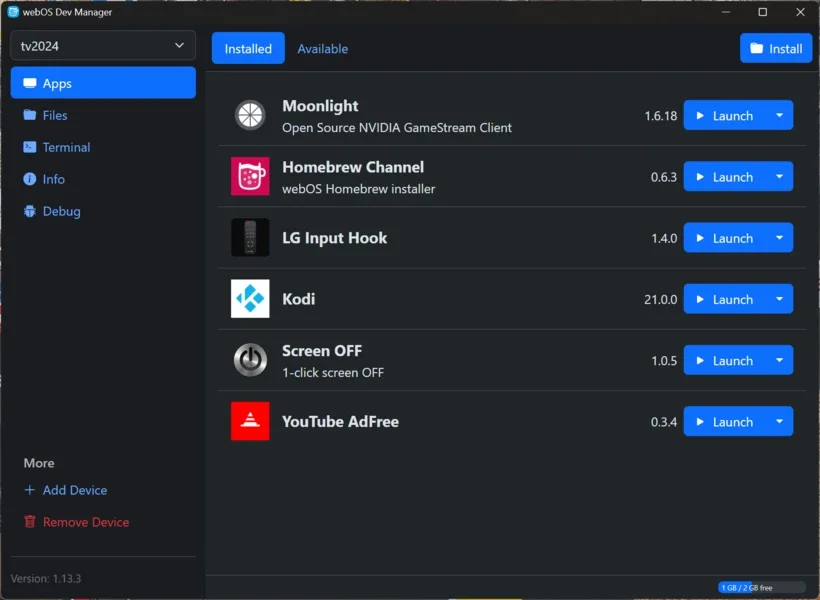
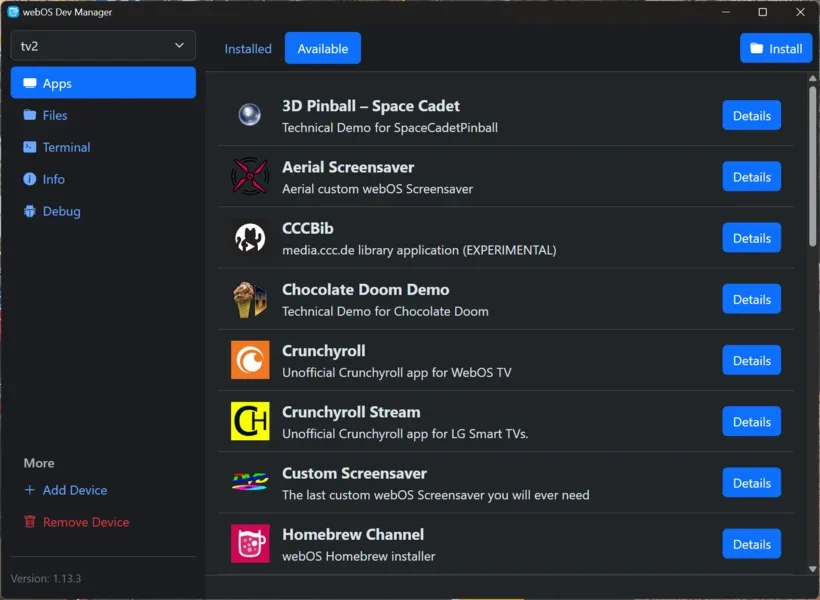
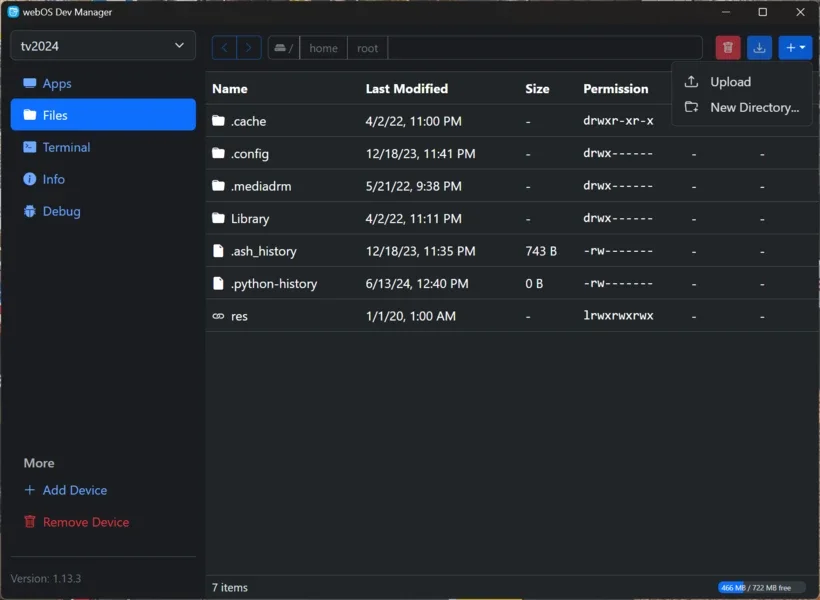
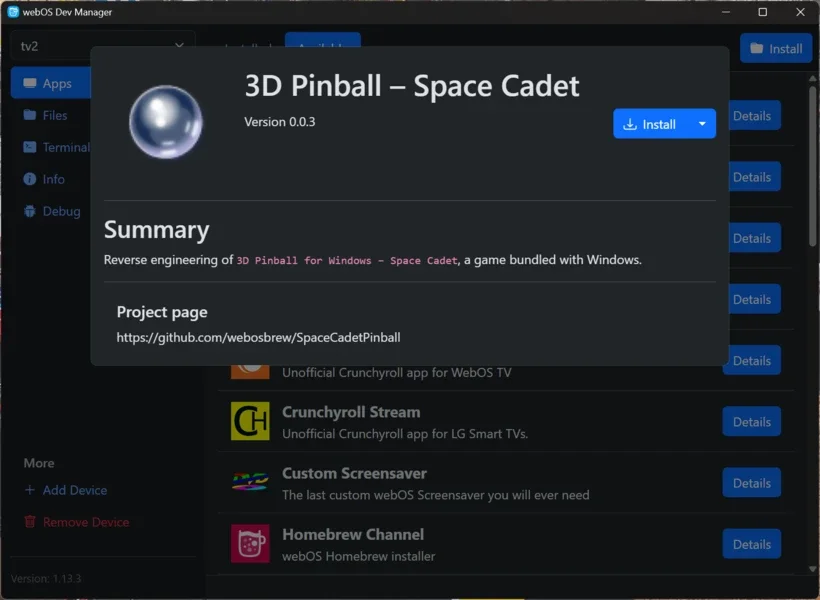
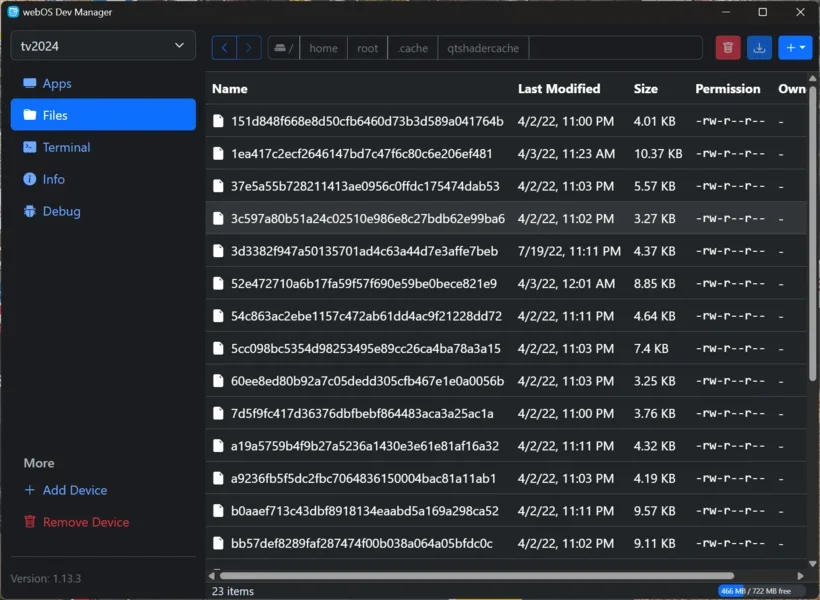
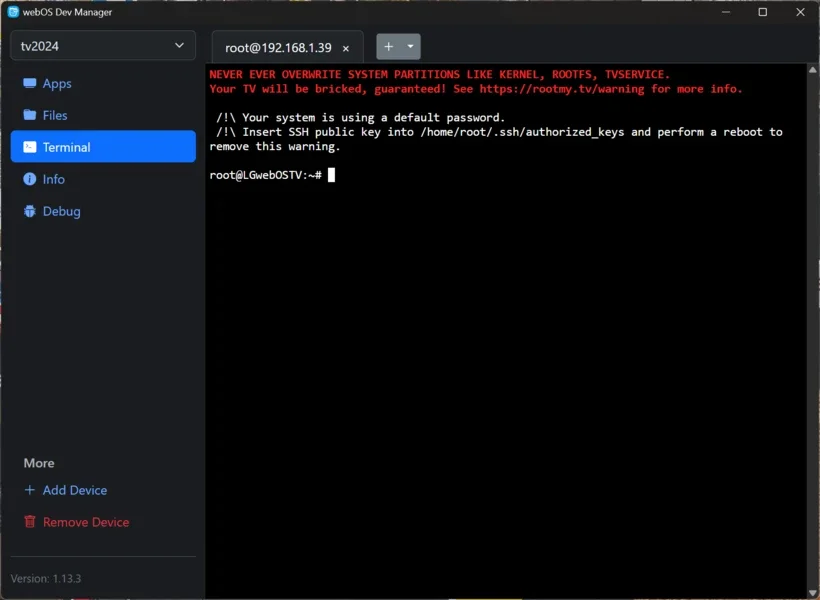
Installing and removing apps is quick, and packages can go in through developer mode. The file explorer reaches the TV's internal memory, a terminal runs commands on it, and logging tools respond efficiently. Debugging sessions are handled in the same place, alongside log viewing and device monitoring.
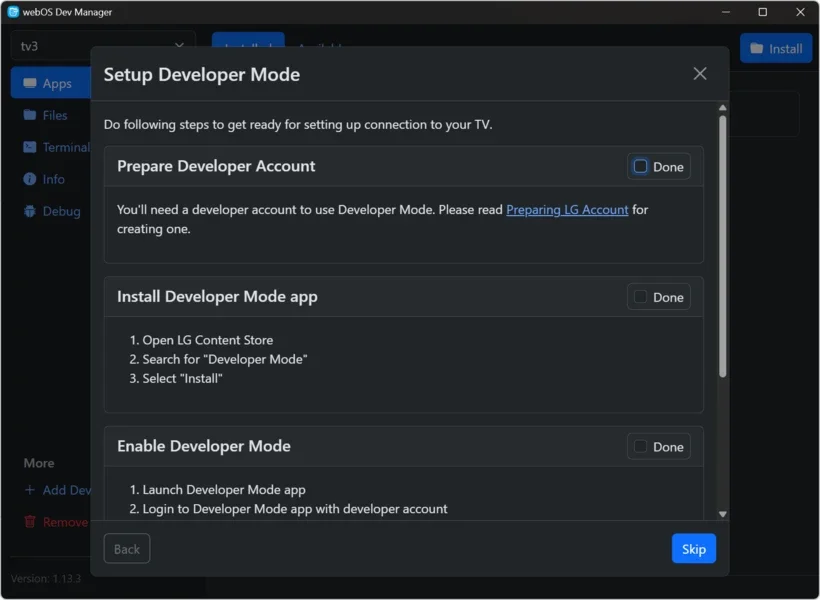
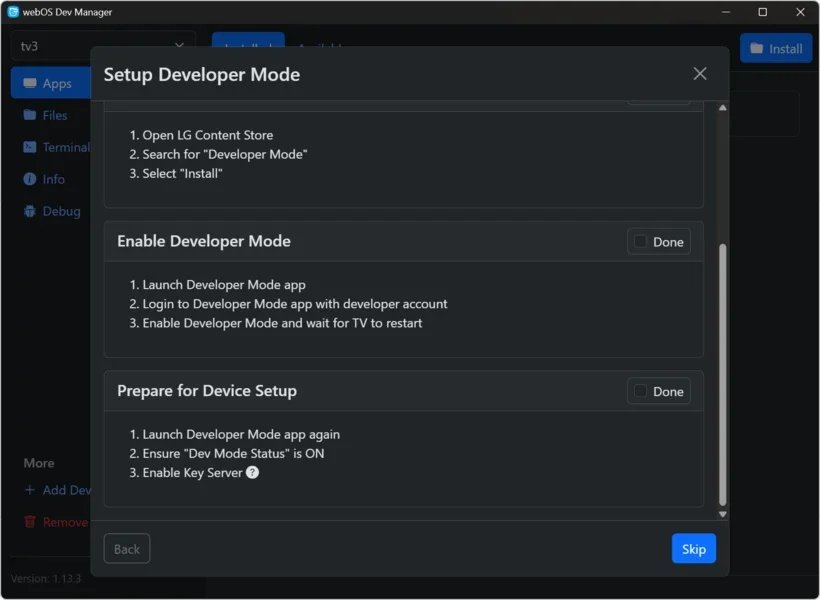
The interface is clean and functional, favoring clarity over decorative detail. WebOS Dev Manager keeps device lists, installed apps and deployment controls in a logical arrangement. Local network connections are stable, though interruptions can happen depending on network stability. Developer mode setup and IP configuration often call for outside guides, and the documentation can feel thin for first-time users. It is free, on Windows.
Download files
8dab4ef7876bcb78a92d15e9d59836278e2365a32584b6af4c8501299bcff78d
No digital signature1b4de388a1c6eb03c902bb6d36bdcd717b4737660326ed1876c97fa8148049b7
No digital signaturecef00cdb9b45f4613b2f5d4a72ac97f7b717506eb618fe849207b23165b6d701
No digital signature5e8d5245219184ee645a6db445dd6cb6e5eccadba2555b1125f0eb7033596f3f
906e947dafb76c1eebb1ddb5142c7ebb5c0699d930f55a95b9916a40755d1459
System requirements
Available on:
Additional information
Developer
Latest release
Size
Category
File type
SHA-256
8dab4ef7876bcb78a92d15e9d59836278e2365a32584b6af4c8501299bcff78d