
WinBin2Iso 6.79.0.0 for Windows
Converts BIN disc images to ISO with a portable EXE, no install needed
Screenshots
Description
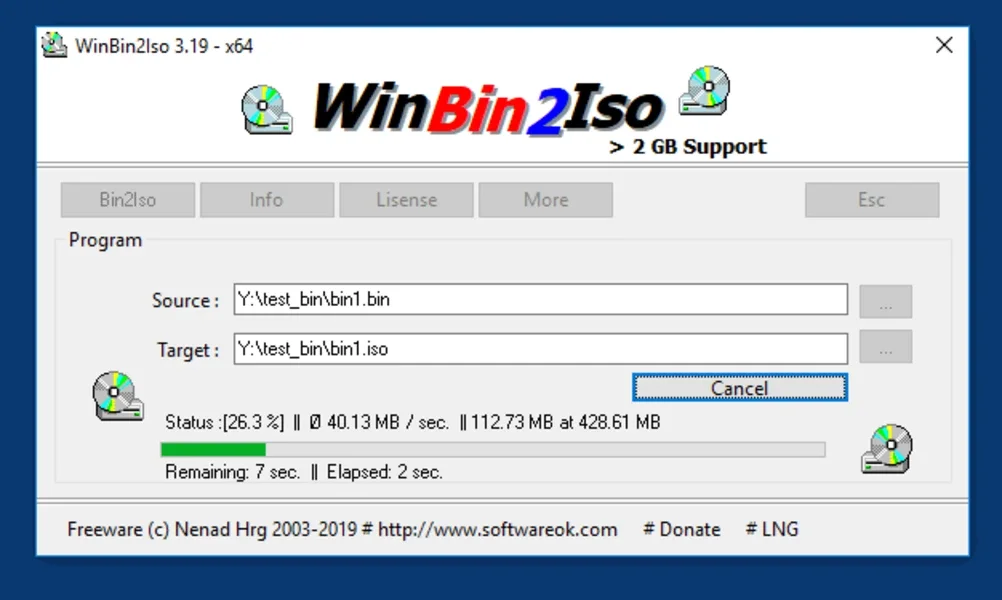
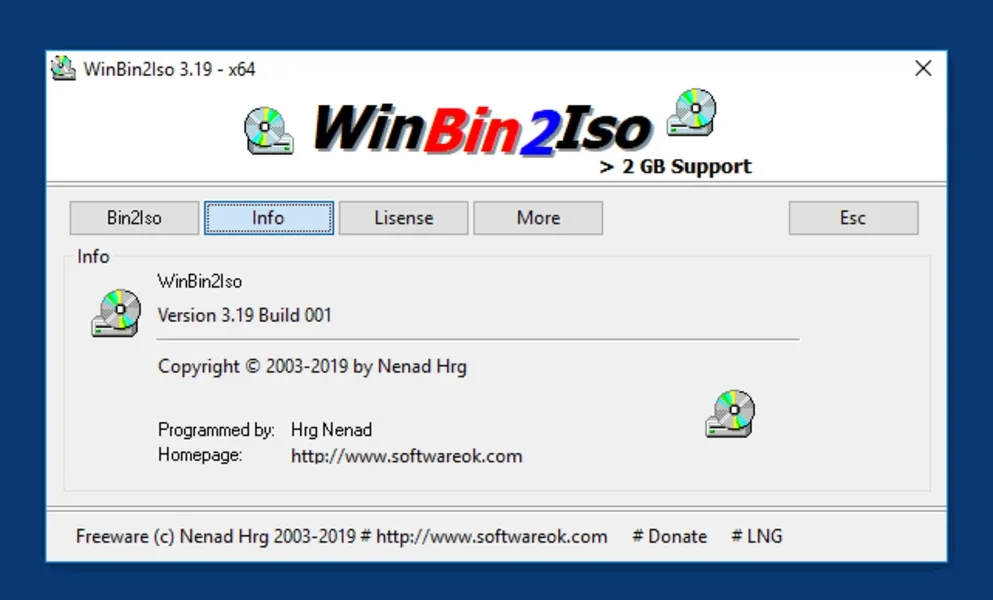
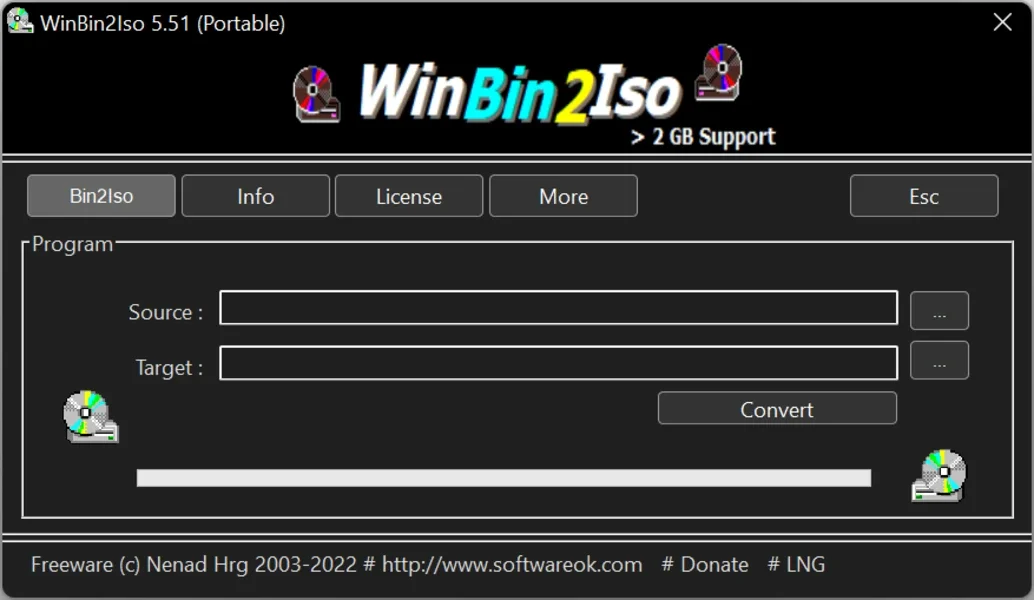
Download the WinBin2Iso EXE file and run it. There is no installation step, so the tool goes wherever you put the file. You pick the BIN file you want to convert, and it writes an ISO.
The point of the conversion is mounting. An ISO image can be mounted directly on Windows 10, Windows 11, and Linux distributions, which saves you from burning it to a disc first. BIN files were traditionally used for burning content to discs, so a BIN on its own is less convenient on a modern machine. WinBin2Iso handles files larger than 2 GB, which covers most disc images you are likely to come across. It uses very few resources while it works, so it runs fine alongside whatever else is open.
The program is free of charge. This version is portable and needs no installation.
Download files
65c60e10a16f022410723ee720ca8b543930e5f663647503116480177856d14a
039a63413b731fe43ca3ac68e8f33c41387c9c77dfe564b1da9dffd6c79c68ba
6e754e4e37863c6b80491c4f3bfdd68c74b90178670b861cfa38325fc5b39693
9e99f7742101d1132789f2fa1e055689b1bfd9677f8d3acc259bb9ba8486f04d
41d69d942dbd22843c63c26193b78f5d884aa06ac011039f04f80716acf785c2
System requirements
Available on:
Minimum OS:
Windows XP or later
Additional information
Developer
Latest release
Size
Category
File type
SHA-256
65c60e10a16f022410723ee720ca8b543930e5f663647503116480177856d14a





