
Manage MikroTik RouterOS devices from a graphical client
You are on macOS — this is the Windows version. See the macOS version
Screenshots
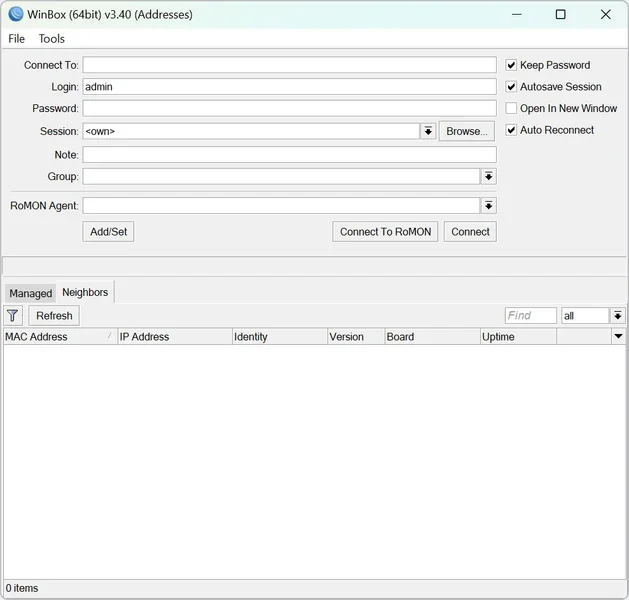
Description
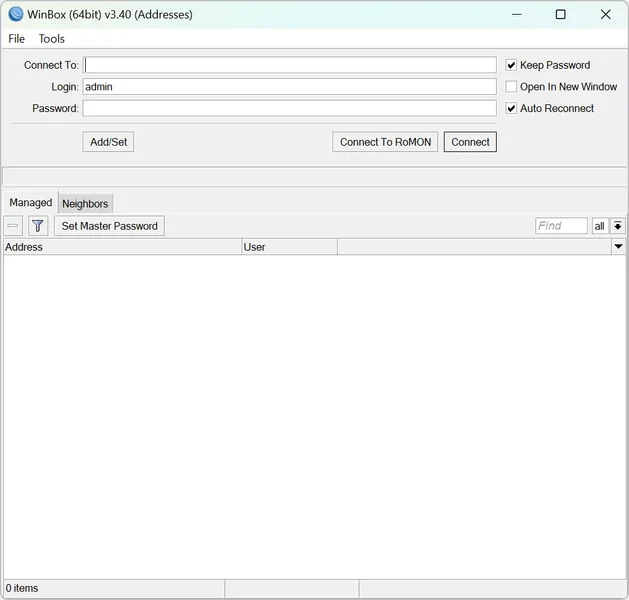
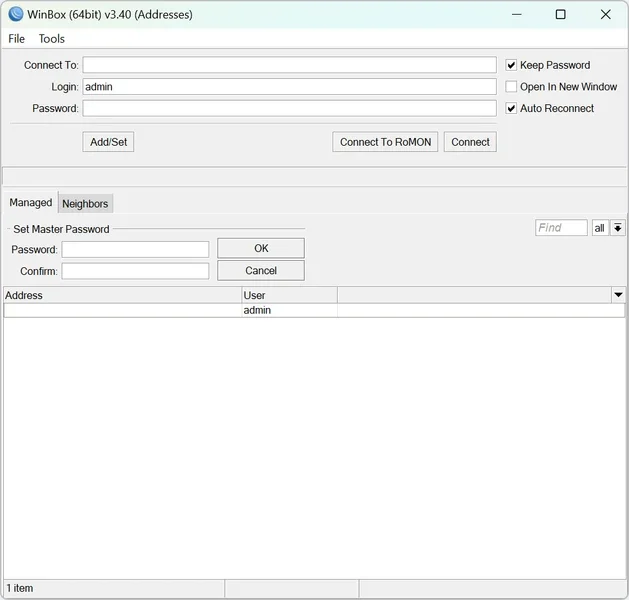
WinBox connects to MikroTik RouterOS devices so you can manage them from a graphical interface instead of the command line. Connections run over IP address or MAC address, and local or remote devices both work. Traffic and performance charts update in real time.
- Configure firewalls, VLANs and VPNs
- Adjust routing tables and manage wireless interfaces
- Apply changes without rebooting the router
- Transfer files by drag and drop, for firmware updates and backup exports
The client stays lightweight and stable through long configuration sessions, though very large setups can slow responsiveness a little. Communication is encrypted with AES-based encryption and requires user authentication. Recent RouterOS updates brought more reliable DHCPv6 and SNMP monitoring, bridge performance gains in VLAN-heavy infrastructures, and refinements to PPPoE servers. WinBox runs natively on Windows and on macOS and Linux through Wine.
Download files
c98c23f4d7e9e3c68264a79967e59ede8defc86e4c7af3c7eae05d071ea867fd
dcbd052c4c90808ea8eb416a40352930e1fd19a17d0e5e87ef27419c42844353
f2dc282abe7e1b8f63b13b2ba6a893b6d1c16671e2c8f8a6a5a9d3956f36100b
0935c09b84fe90de350a4fde9b7ee1ed15c17d552ca5af6c2f3252a8a04c50b3
3201236cc21b19a2889066d2faea9dd4ccf0a4e54c895d747388451a20bbd752
System requirements
Available on:
Additional information
Developer
Latest release
Size
File type
SHA-256
c98c23f4d7e9e3c68264a79967e59ede8defc86e4c7af3c7eae05d071ea867fd