
Windows Subsystem for Android (WSA) 2407.40000.4.0 for Windows
Runs Android apps on Windows 11 with ADB access and sideloading
Screenshots
Description
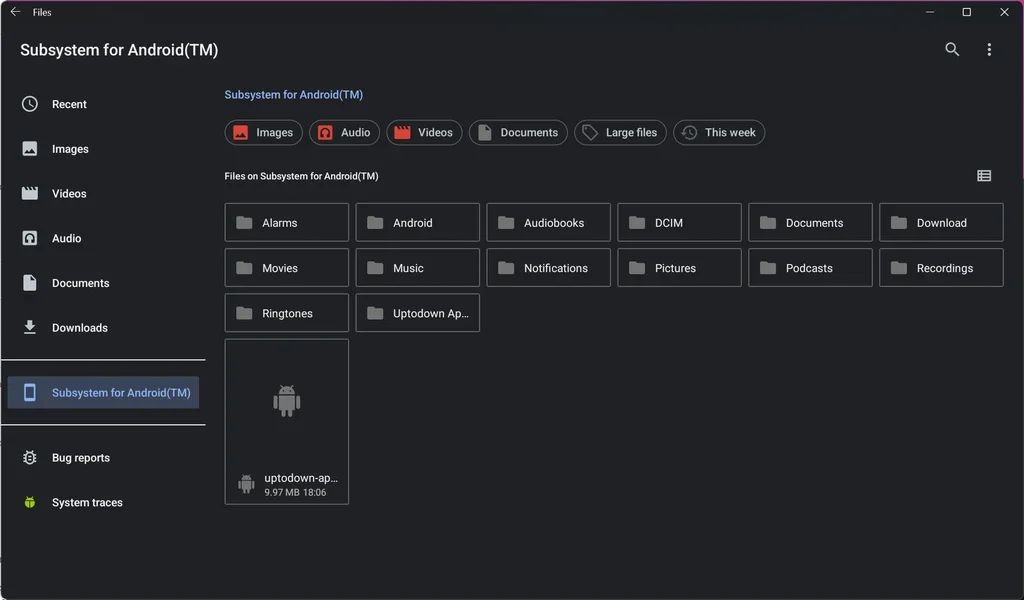
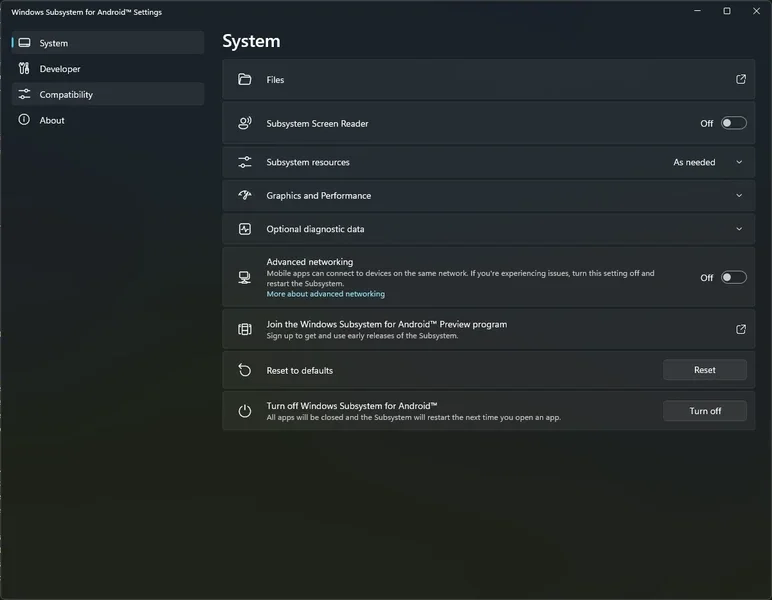
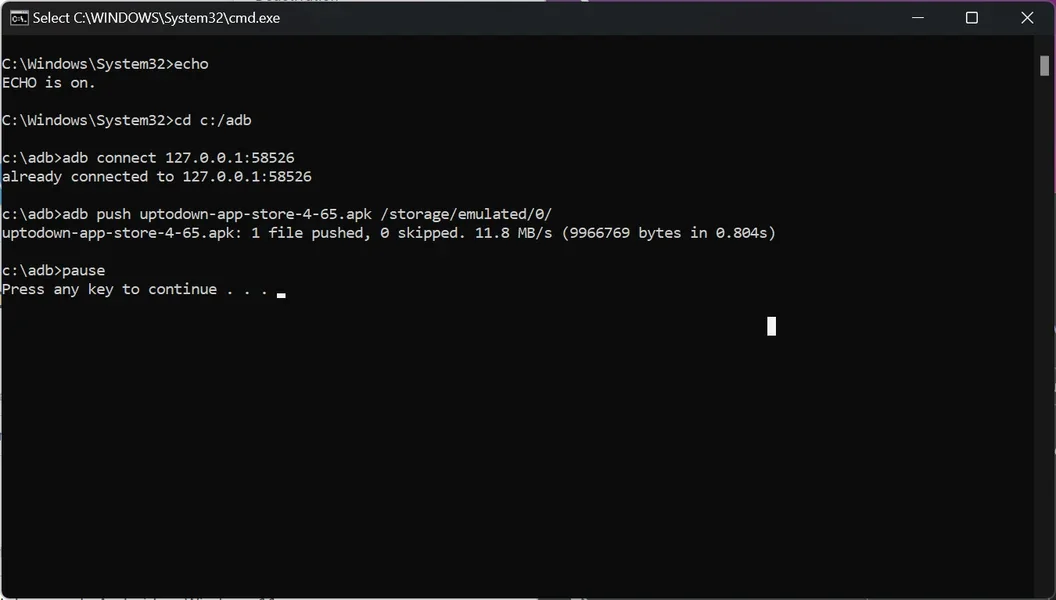
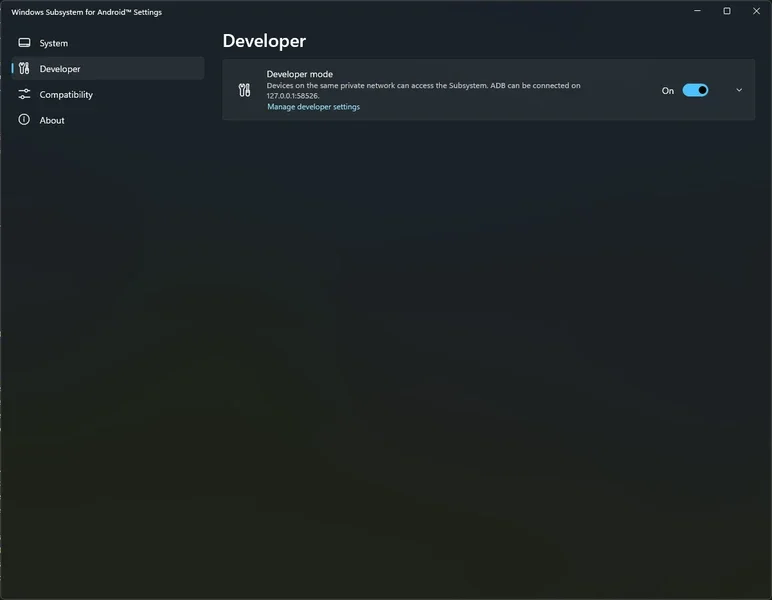
Windows Subsystem for Android is Microsoft's own way to run Android software on a Windows 11 machine, and the part worth knowing first is developer mode. Turn it on in the WSA settings and ADB commands can reach the Android installation at 127.0.0.1:58526, the loopback address tied to that install. That gives you a direct line into the system rather than a graphical workaround.
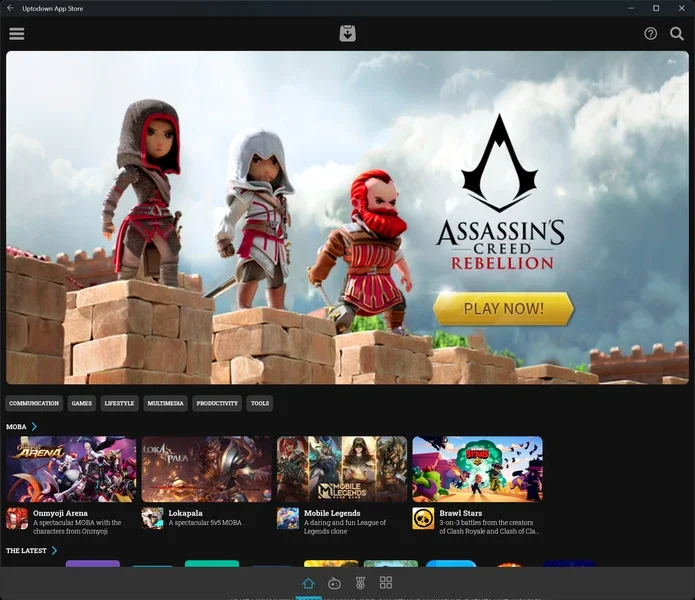
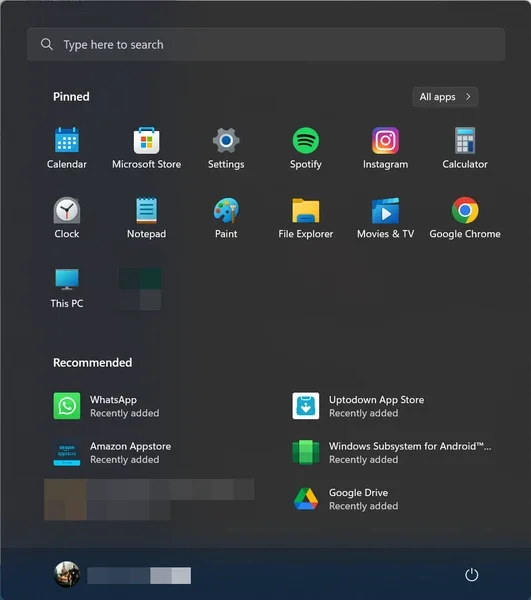
One quirk after WSA is in place: you can dig through the internal memory of the Android emulation, but no app store comes with it. A store is what you need before anything installs. The Amazon App Store is available from the Microsoft Store, though plenty of apps simply aren't carried there.
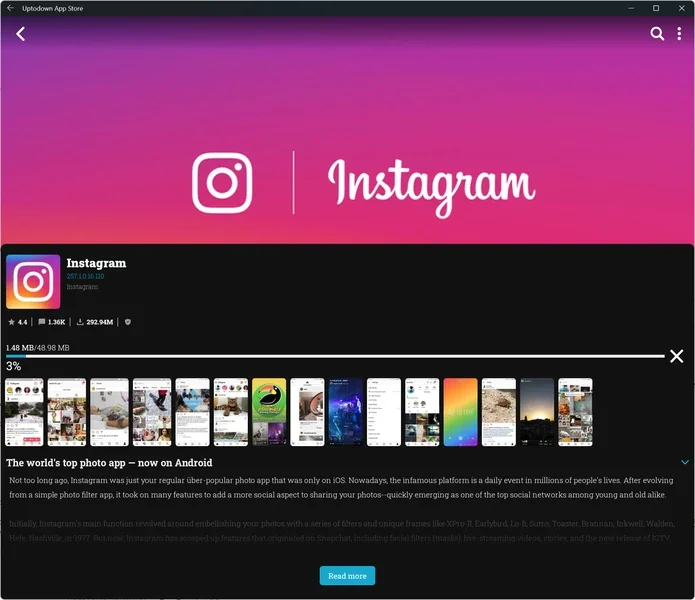
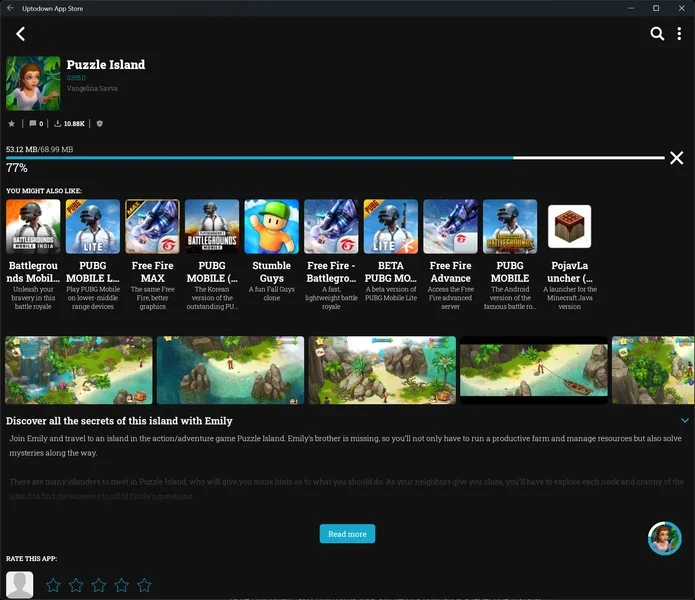
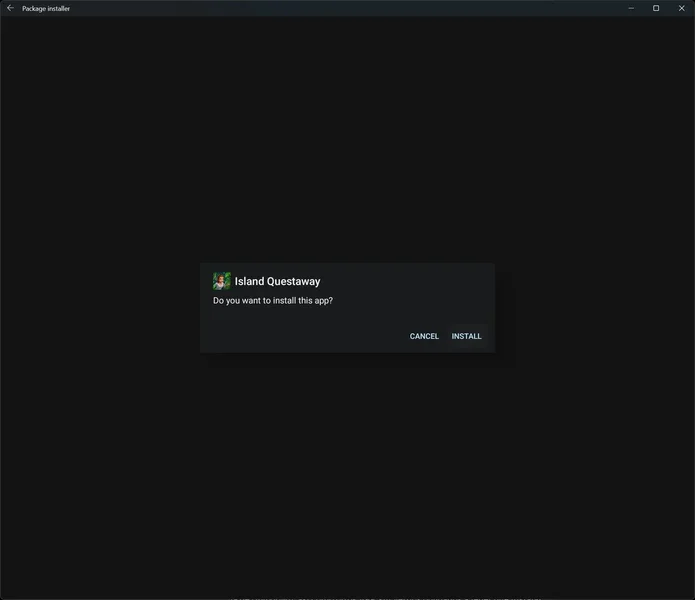
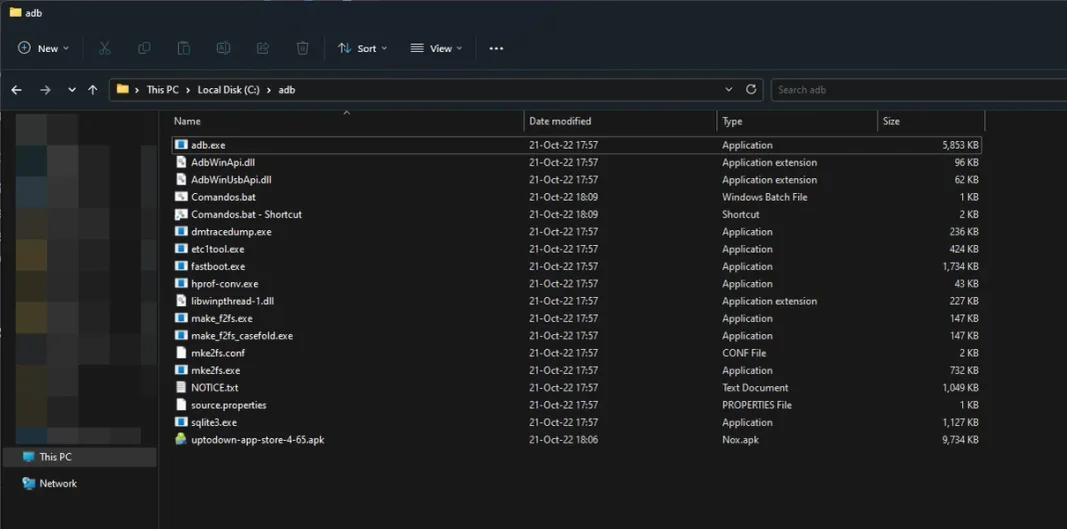
For the rest, gather every APK into a single folder and write a .bat file with the given content. Run it and all the Android apps it points to go in, social networks and games included. APK Installer or Chrome can also be installed so you can pull APKs down from other sources.
The whole thing is free and the current build is 2407.40000.4.0.
Download files
ca1a91cf272ec3ea1f226f0a8d7ac12669ef2148c74961ae04e90167d6792b92
Signed by Microsoft Corporation · valid until Dec 9, 2024657cb894b49b6331b6bbf81709b0f403cc03ca4106ffb49bac5395dc1724932f
4d9e7a45f6c8b6bc11895bdde96e69d3b3cc021344a897134b257f6700ddf4d3
18d562f5bb06b5ac30c71e10b9fc5bbdaa94d07c6b72e8d0ea1fcb390b0729fa
893f69dcbedce4fb7a45bd24ca21456db027167b1f29a0f04fb89f783b6749d3
System requirements
Available on:
Additional information
Developer
Latest release
Size
File type
SHA-256
ca1a91cf272ec3ea1f226f0a8d7ac12669ef2148c74961ae04e90167d6792b92





