
XWindows Dock 2.0.3 for Windows
SHA-256 listed
Shortcuts bar with file, gallery and program launchers
All ages
Age rating
Screenshots
Description
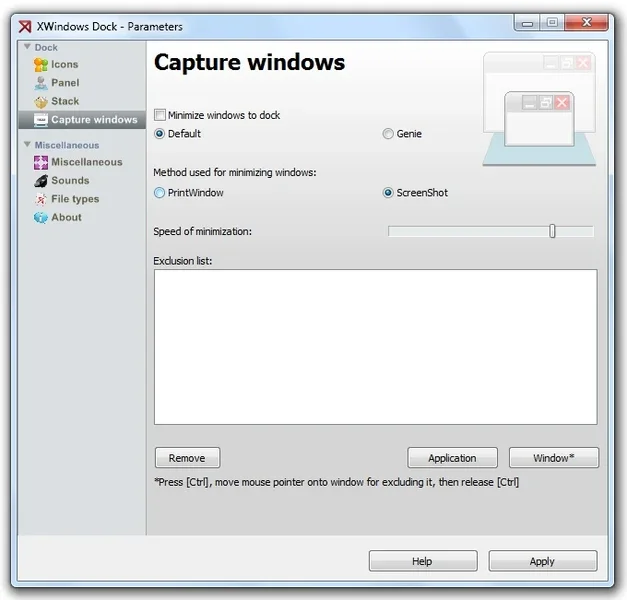
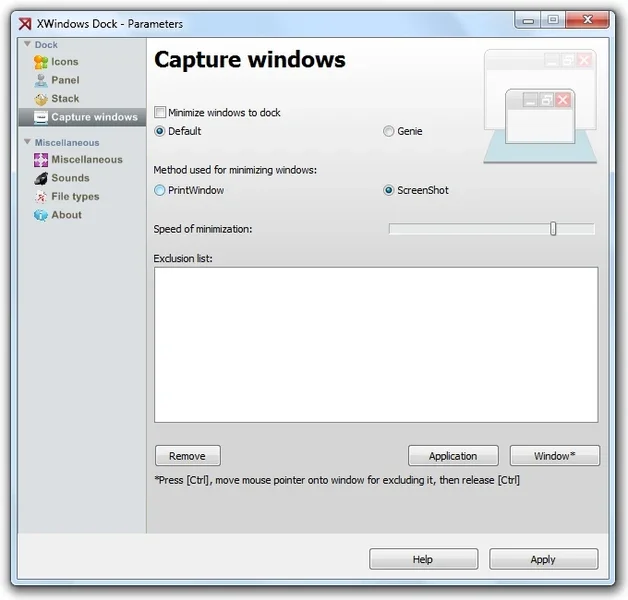
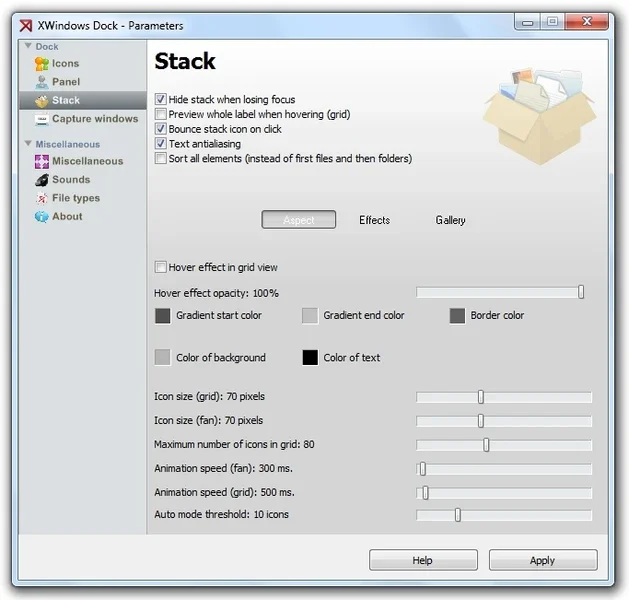
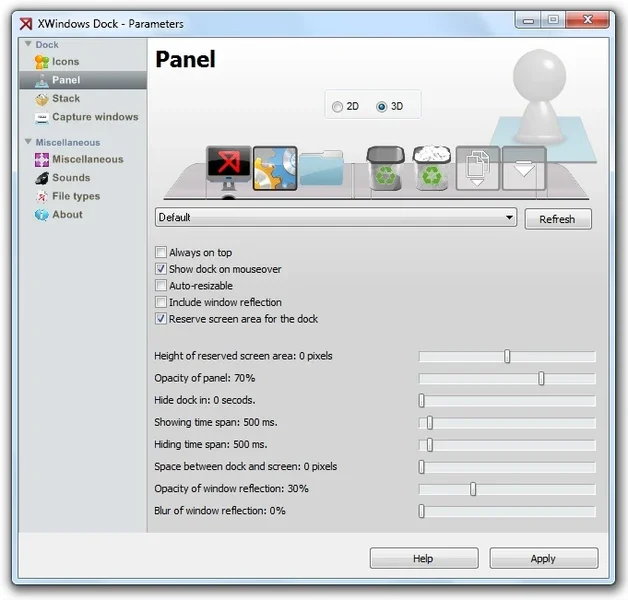
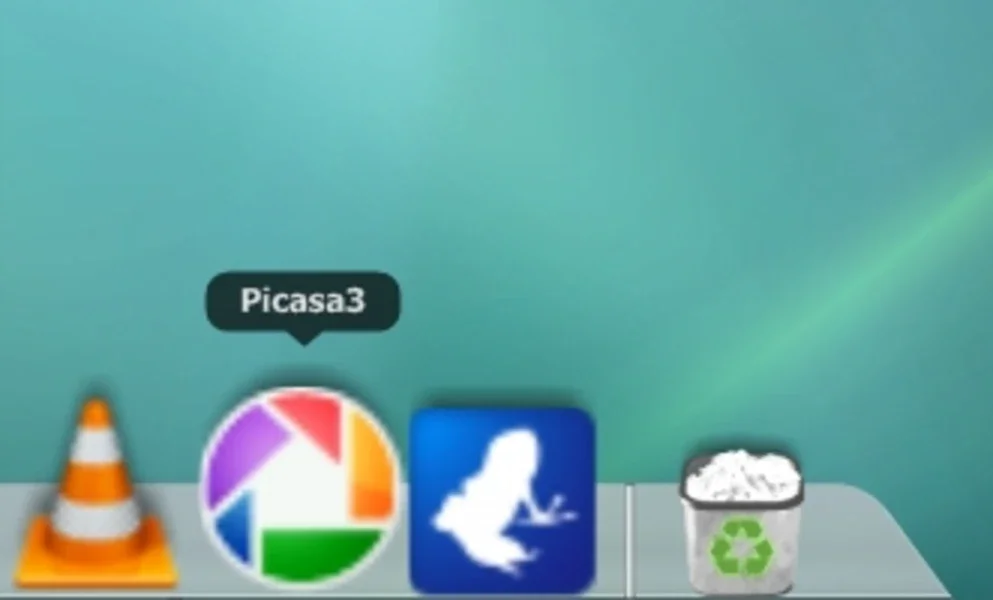
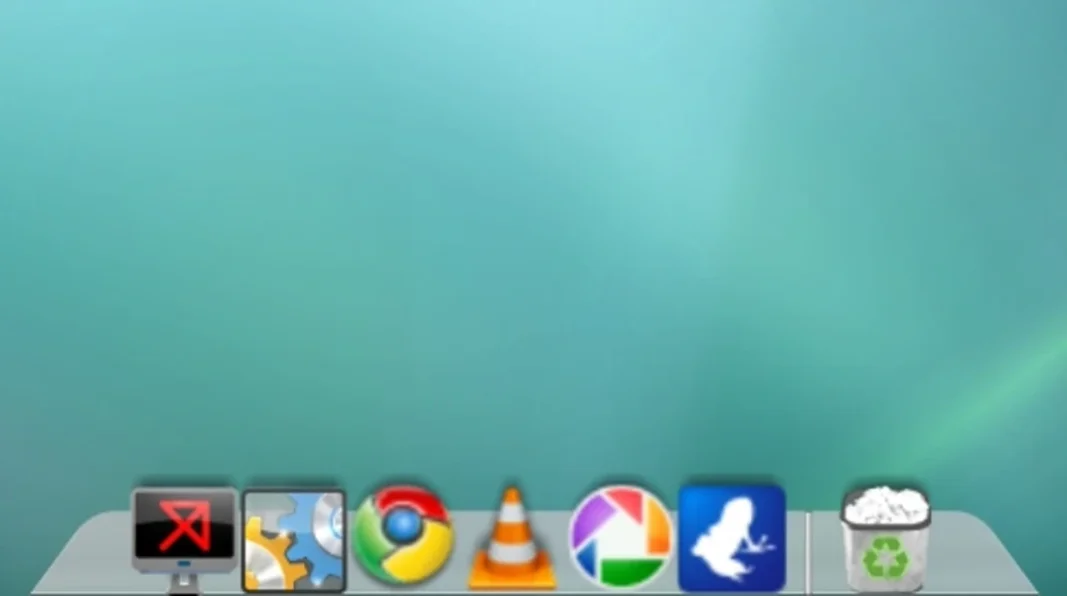
XWindows Dock puts a shortcuts bar on the desktop for programs, folders and other locations in the system. You can add many files or photo galleries to the bar as well. Shortcuts to programs and folders go there too.
- The bar's size can be changed.
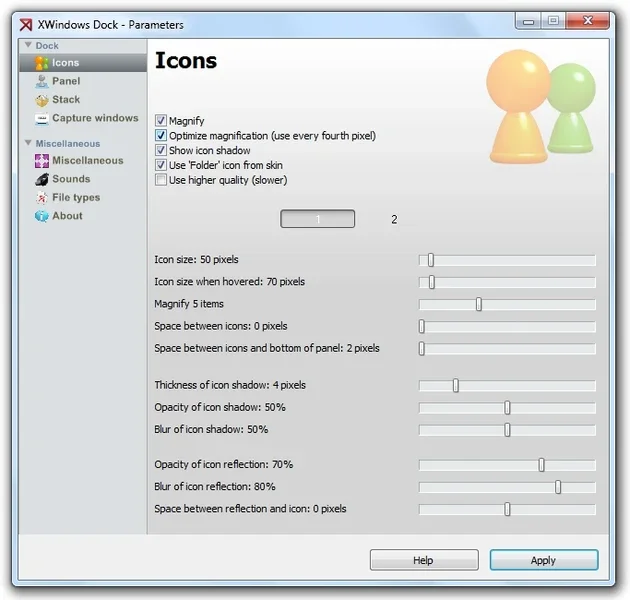
- Its appearance and functionality can be personalized.
- The layout of the icons can be changed, and separators can be added.
It uses system resources lightly, so it can run on less-powerful computers, and it gives the desktop a modern look.
Download files
File2.0.3EXE
Version2.0.3
ReleasedSep 11, 2019
Size3.3 MB
SHA-256
Get
3d715351c79cf11bd5d738a0e5e1e007de13a20847c989aca45d16907e8a2b5c
No digital signatureSystem requirements
Available on:
Minimum OS:
Windows Windows Vista or later
Additional information
Developer
Latest release
2.0.3 · Sep 11, 2019
Size
3.3 MB
File type
EXE
SHA-256
3d715351c79cf11bd5d738a0e5e1e007de13a20847c989aca45d16907e8a2b5c
Digital signature
No digital signature





