
XYplorer 28.50.0300 for Windows
Tabbed file manager that runs from a USB stick and replaces Explorer
Screenshots
Description
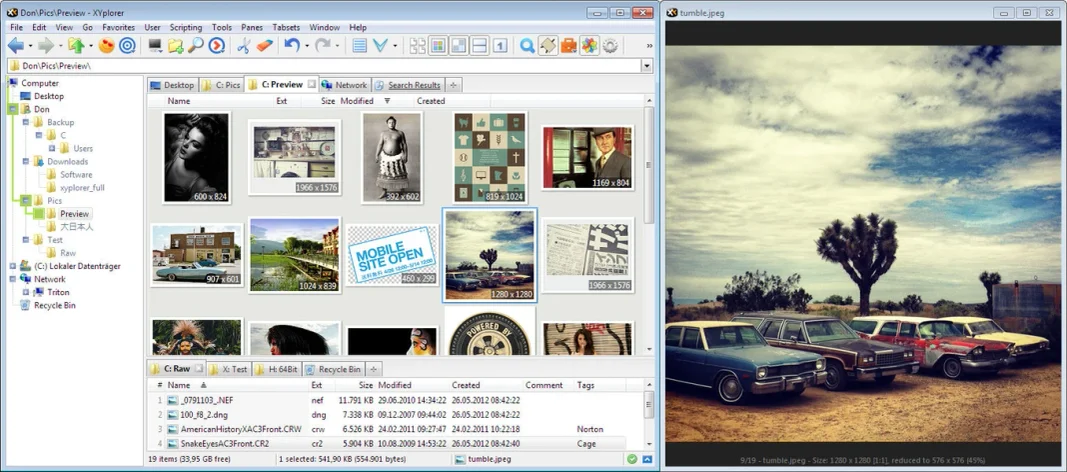
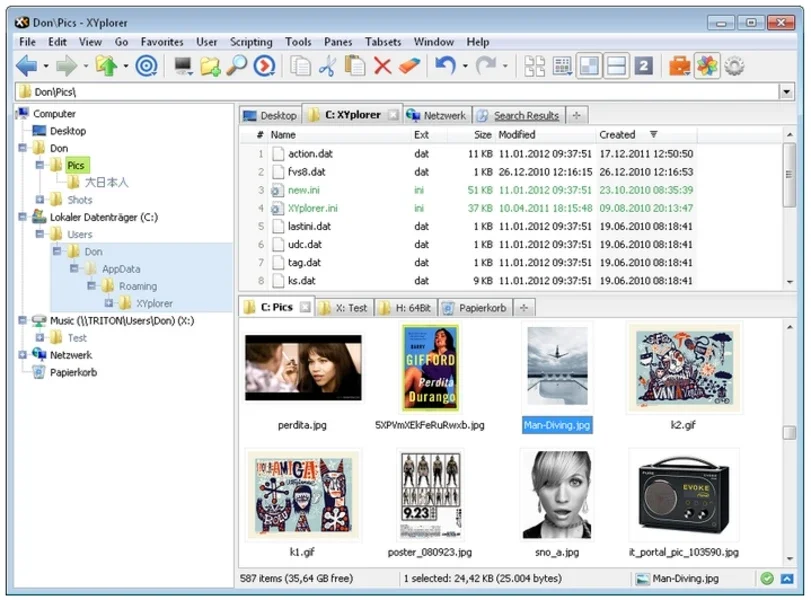
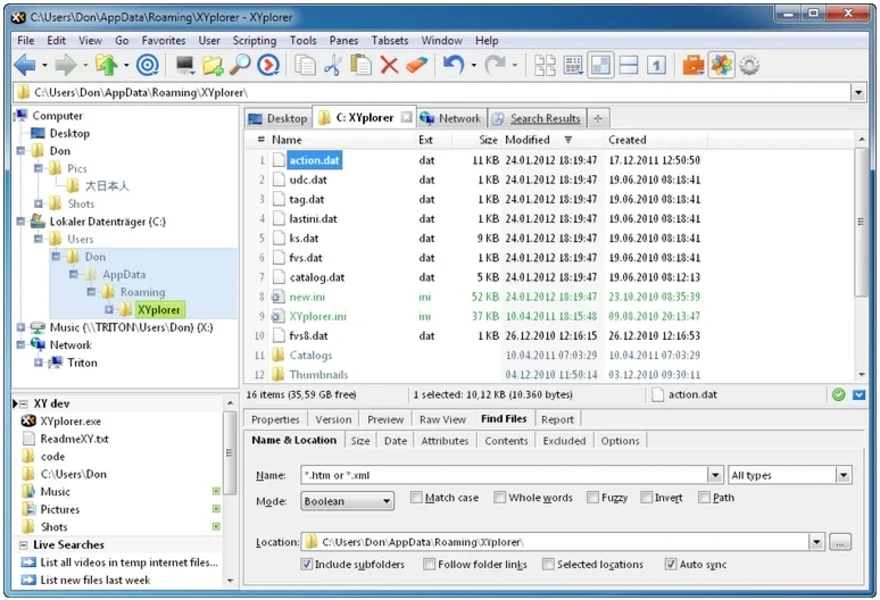
XYplorer is a file manager for Windows that takes over the job of Windows Explorer and adds functions and interface changes on top. Folders open as tabs in one window rather than filling the taskbar with separate windows, and those tabs can be dragged, renamed, hidden, and locked. The Move and Copy dialogs are where it differs most from Explorer. A context menu command swaps the selected file's contents for those of the file sitting in the clipboard, and the address bar takes folders, files, URLs, and search terms.
You can stay in the program to search: type "?" between the location and the pattern and it looks without calling the Windows search tool. Several features can ignore diacritics, accents on letters included, if you turn that on: Find Files, Visual Filters, Color Filters, Spot and Jump, and Type Ahead Find.
Hotkeys for common copy and move operations can be configured. Highlighted Groups is a display style that highlights each group of files according to the sorted column. The whole thing is fully portable and runs from a USB stick.
Download files
ef28e58a5b520323b5c29b62d435ab4fd6523813b016d33c1e825508c77a2958
bde247af65f50bc6e750f383ff5a739a46ea27e005a7a29bc996b9a257129ae9
a2e7f0fe865b495224e2ec1c1243a10fd754104b010b4339686049ceeb1d82b7
d602eb04286b579b5fa988a0c245479703b3a4ee3671e653f84520e3306edab6
15366a095aec22084b8076f72198a11fcf99d24c494e69f9bcefd05aef089f3d
System requirements
Available on:
Additional information
Developer
Latest release
Size
Category
File type
SHA-256
ef28e58a5b520323b5c29b62d435ab4fd6523813b016d33c1e825508c77a2958





