
Zer0 0.25.1.30 for Windows
Erases the files you select so they can't be recovered
Screenshots
Description
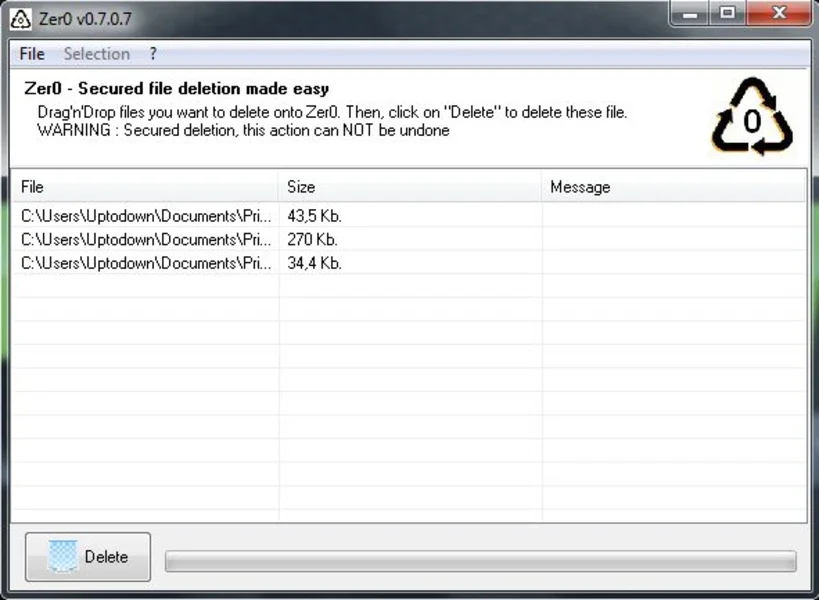
Zer0 permanently deletes the files you choose, so that recovery tools have nothing to work with. Deleting a file does not always remove it completely, and sending it to the trash does not necessarily delete it at that moment. The computer simply treats the space the file occupied as free to overwrite, which leaves it open to being read again.
- You pick the files you want to delete.
- The deletion takes a couple of seconds.
- Third-party file recovery is blocked.
The aim is to stop the files from coming back, even with a special program, and to do it with a high level of security. Until that space is overwritten, tools built for the job can still pull a deleted file back out. No way of getting back a file erased by Zer0 has been reported so far. It runs on Windows, is free, and the current version is 0.25.1.
Download files
f584542741d53490c361e2a0f115529ab8118f06f284f3cb5751c63231435c0f
Signed by KC SOFTWARES SASU · valid until Apr 5, 2024f584542741d53490c361e2a0f115529ab8118f06f284f3cb5751c63231435c0f
Signed by KC SOFTWARES SASU · valid until Apr 5, 2024e31f40359090847c7831a2f6b310b09d93f29acf9ce052d9aca4dc026c20e287
9a6d7c730bbf58fc969b9363c0265402f9ad5ac04bd809db0cfbbd138f9bff74
dde92c1fa2e1d6cfd2aa179a1426c869dc193f960958792201d5a8776917a104
System requirements
Available on:
Minimum OS:
Windows Windows 10 or later
Additional information
Developer
Latest release
Size
Category
File type
SHA-256
f584542741d53490c361e2a0f115529ab8118f06f284f3cb5751c63231435c0f





