Android Box Remote Control
Galaxy studio appsContains ads · In-app purchases
- EveryoneAge rating
- ToolsCategory
- Oct 30, 2026Updated
- FreePrice
Links to the official Google Play listing of in.remotify.www.freeviewremotecontrols7070r. Last checked on Nov 19, 2026.
Screenshots

About this app
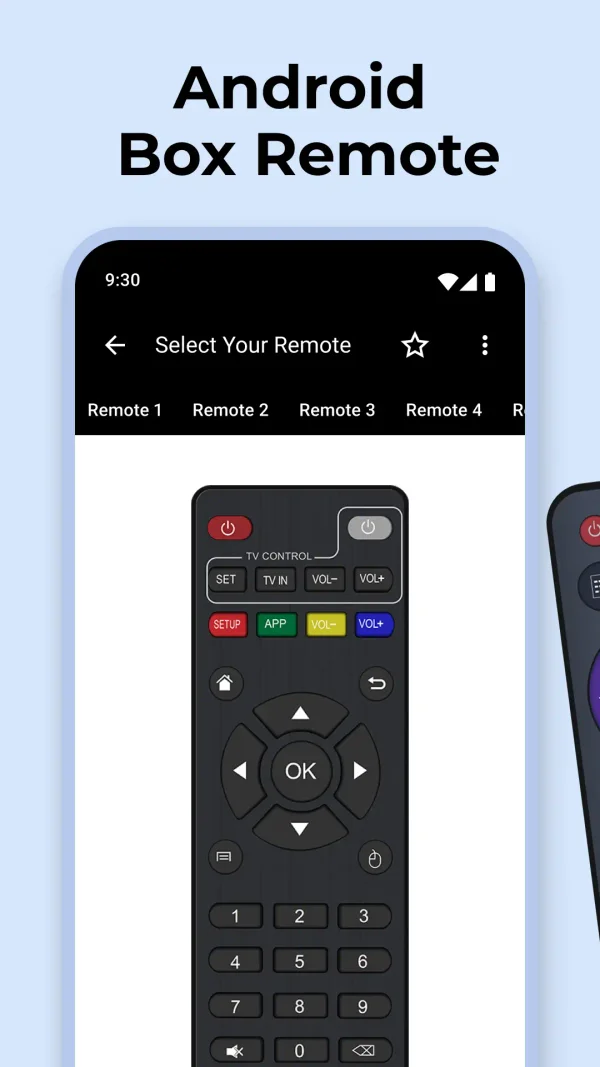
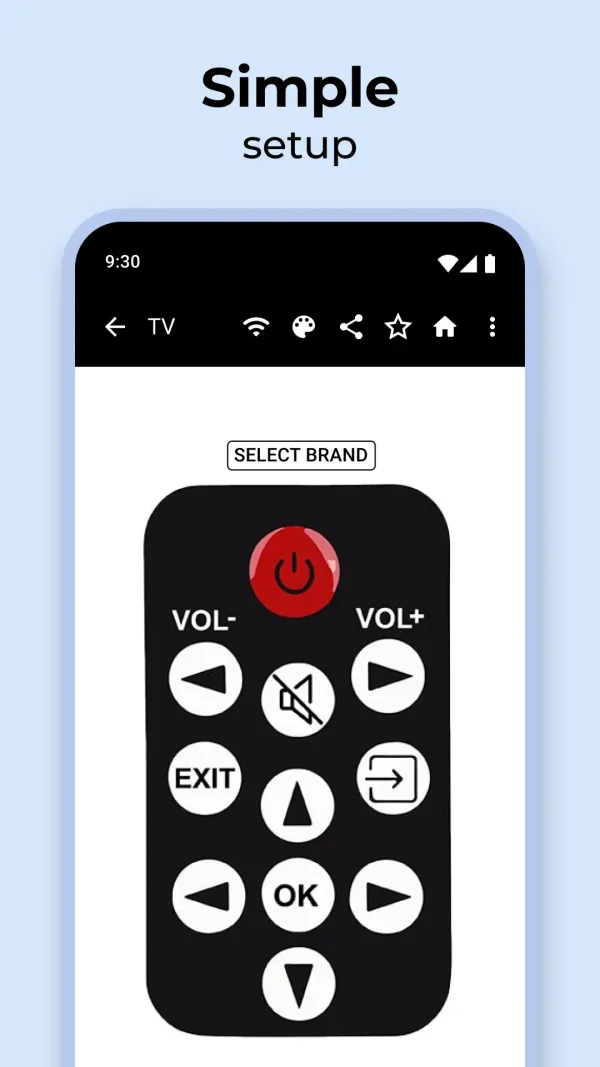
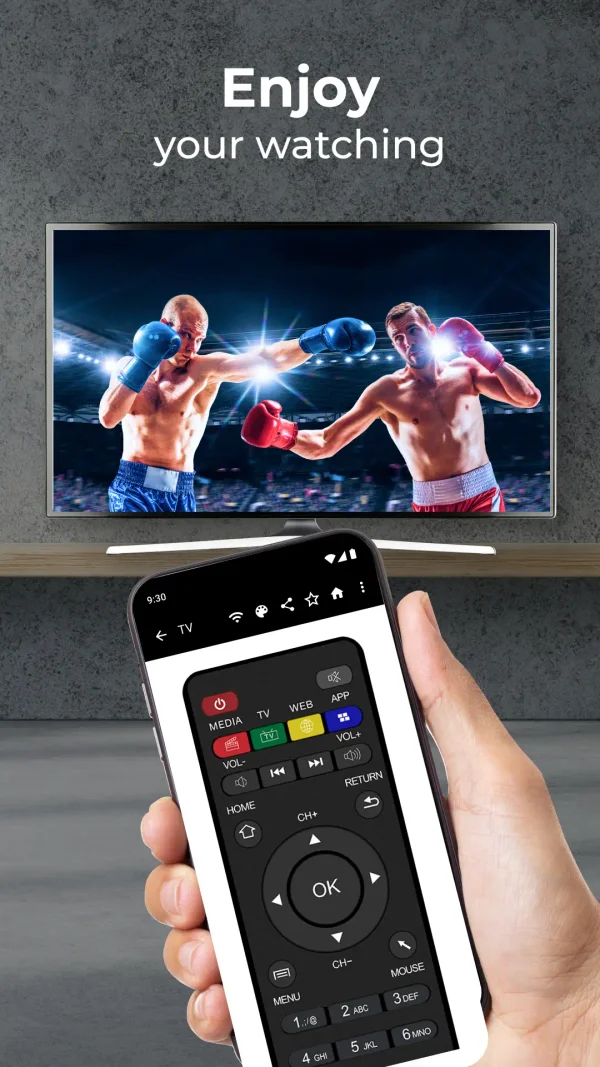
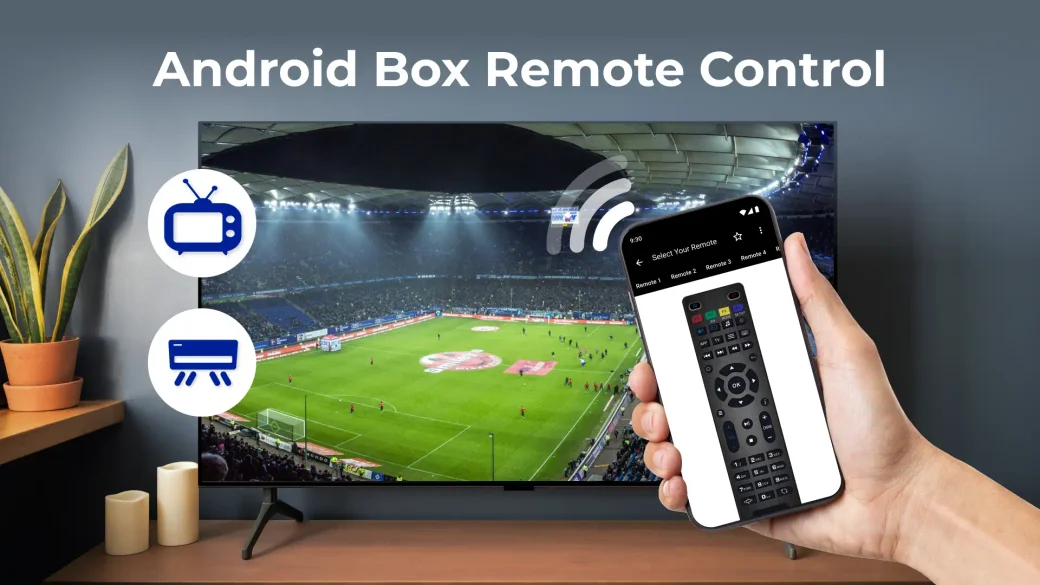
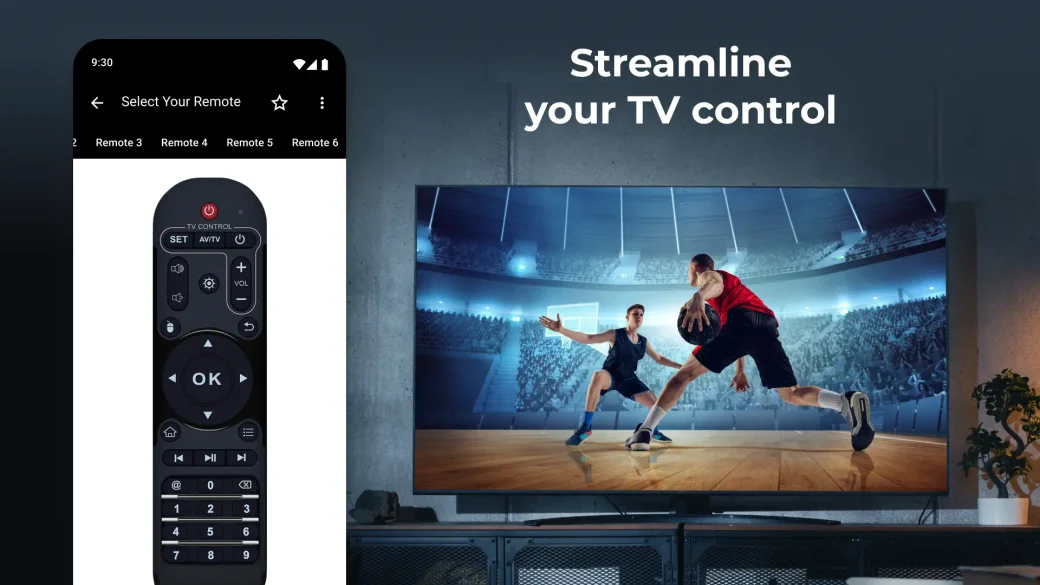
It allows to control Android Box Remote with your smart phone
This app is not affiliated with any third party.
Android Box Remote Control Fantastic tool for controlling your entertainment!📺📱🛜
No more frustration of searching for the remote!
Why Choose Android Box Remote?
📺 Easy Control: Android Box Remote – Box Remote makes your Android device fully controllable. The lean back TV platform interface allows it to be easily maneuvered through your favorite shows, programs, and settings using our easy, intuitive interface that takes you where you want to go with just a few clicks.
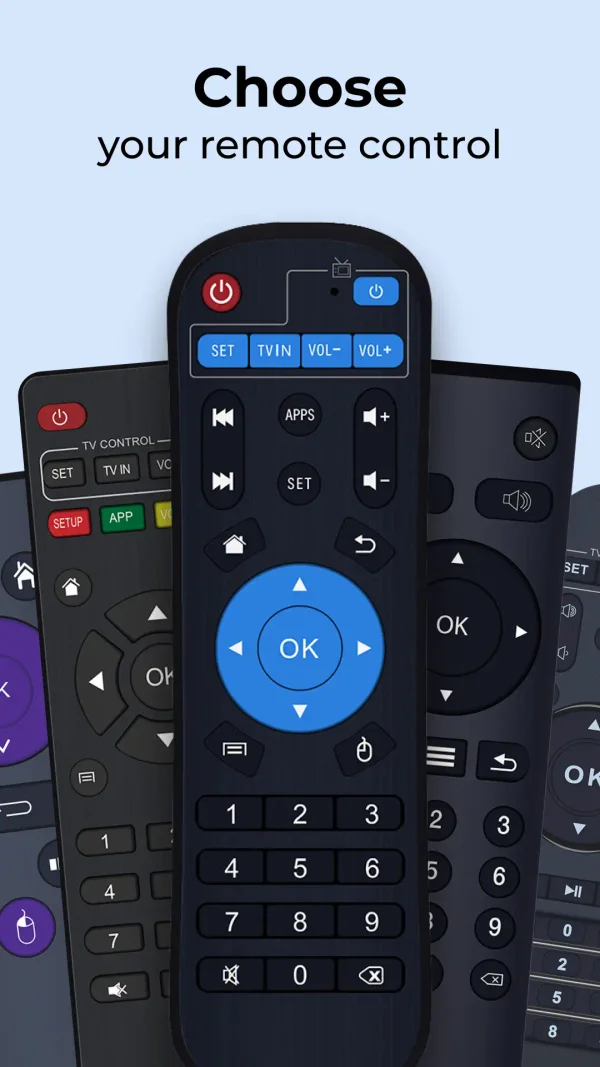
📺 Universal Compatibility: Our app is designed in such a way that it works flawlessly with virtually any Android device. Our app is just as well designed to work with an Android remote from some other brand or a generic box, guaranteeing smooth operation and compatibility.
📺 Zero Setup Required: No self-installation or anything like that is needed; just download Android Box Remote Control App. That's it, and you are ready to go. This Android remote type was all about quick and easy access to your entertainment.
📺 Noble and User-Friendly Design: The Android Box Remote Control is functional and good-looking. Our sleek design is minimalist, making it the perfect companion for your TV.
📺 Infrared Compatibility: The App is compatible with infrared sensors in devices. This helps your android remote work great without any extra equipment or setting. Also, you will be able to use it without any extra equipment or setting up complex connections.
Key Features of Android Box Remote Control:
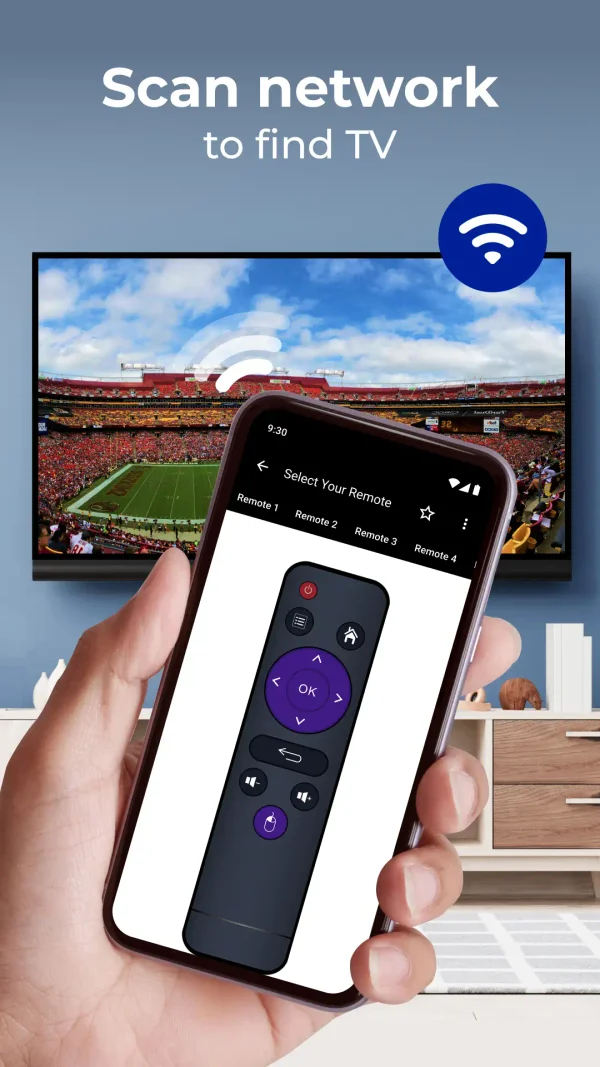
Instant Connection: download the app and the app is ready for action, no pairing or software setting configurations; open the app, and here you go with your smart TV, controlled with your new Android remote.
Easy Navigation: Moving on to navigating through TV channels and increasing or decreasing volume, one can even switch apps without much hassle. The power is right at your touch with the Android remote.
Stylish and Useful Interface: The App has a cool looking functional interface, so using your Android remote is going to be hassle-free and enjoyable.
NO Hardware is Required: Well, as long as you have an infrared sensor on your phone. The Android remote app spares you the potential expense, trouble, and hassle of trying to make this work with other gadgets or methods.
Getting Started:
Download the App: Download the Box Remote app compatible with Android from the Play store.
Open and Use: Open the App and just start using your Android remote—no setup required.
Enjoy Seamless Control: Enjoy a smooth and comfortable full Control of your Android device right from your smartphone.
Disclaimer :
Please, take note that your phone must have an infrared sensor because this app works with the Android Box Remote Control app. This app is not the official Android Box Remote App; it is developed to give you a much greater user experience.
Take Control Today!
Don't let a lost or broken remote ruin your TV time. Easy navigation with unmatched controls and better control touch—all in one simple app.
Android Box Remote Control Fantastic tool for controlling your entertainment!📺📱🛜
Enjoy Your Android Experience with Box Remote!
A perfect solution to experience seamless TV. In case you have misplaced your remote or need an easier way to navigate your Android box, this is an Android Remote application that makes things easy for you.No more frustration of searching for the remote!
Why Choose Android Box Remote?
📺 Easy Control: Android Box Remote – Box Remote makes your Android device fully controllable. The lean back TV platform interface allows it to be easily maneuvered through your favorite shows, programs, and settings using our easy, intuitive interface that takes you where you want to go with just a few clicks.
📺 Universal Compatibility: Our app is designed in such a way that it works flawlessly with virtually any Android device. Our app is just as well designed to work with an Android remote from some other brand or a generic box, guaranteeing smooth operation and compatibility.
📺 Zero Setup Required: No self-installation or anything like that is needed; just download Android Box Remote Control App. That's it, and you are ready to go. This Android remote type was all about quick and easy access to your entertainment.
📺 Noble and User-Friendly Design: The Android Box Remote Control is functional and good-looking. Our sleek design is minimalist, making it the perfect companion for your TV.
📺 Infrared Compatibility: The App is compatible with infrared sensors in devices. This helps your android remote work great without any extra equipment or setting. Also, you will be able to use it without any extra equipment or setting up complex connections.
Key Features of Android Box Remote Control:
Instant Connection: download the app and the app is ready for action, no pairing or software setting configurations; open the app, and here you go with your smart TV, controlled with your new Android remote.
Easy Navigation: Moving on to navigating through TV channels and increasing or decreasing volume, one can even switch apps without much hassle. The power is right at your touch with the Android remote.
Stylish and Useful Interface: The App has a cool looking functional interface, so using your Android remote is going to be hassle-free and enjoyable.
NO Hardware is Required: Well, as long as you have an infrared sensor on your phone. The Android remote app spares you the potential expense, trouble, and hassle of trying to make this work with other gadgets or methods.
Getting Started:
Download the App: Download the Box Remote app compatible with Android from the Play store.
Open and Use: Open the App and just start using your Android remote—no setup required.
Enjoy Seamless Control: Enjoy a smooth and comfortable full Control of your Android device right from your smartphone.
Disclaimer :
Please, take note that your phone must have an infrared sensor because this app works with the Android Box Remote Control app. This app is not the official Android Box Remote App; it is developed to give you a much greater user experience.
Take Control Today!
Don't let a lost or broken remote ruin your TV time. Easy navigation with unmatched controls and better control touch—all in one simple app.
Data safety
What Galaxy studio apps declares on Google Play about the data this app collects and shares.
- This app may share these data types with third partiesDevice or other IDs
- No data collectedLearn more about how developers declare collection
- Data is encrypted in transit
- Data can’t be deleted
What’s new
Version 11.1.1 · Oct 30, 2026
New Remotes Added
High-Definition Graphics
Support 100+ Languages
UI Improvements
Many More....
Developer contact
- Websitegalaxystudioapps.me
- Emailsupport.androidtvbox@galaxystudioapps.me
- Privacy policygalaxystudioapps.me
- Address8 The Grn Ste 4184 Dover, DE 19901-3618 United States
Information
- Offered by
- Galaxy studio apps
- Category
- Tools
- Version
- 11.1.1
- Updated
- Oct 30, 2026
- Released
- May 8, 2019
- Requires
- Android 6.0 or later
- Age rating
- Everyone
- Price
- Free
- In-app purchases
- $0.49 - $99.99 per item
- Package name
- in.remotify.www.freeviewremotecontrols7070r
Similar apps
-
 Smart Connect
Productivity
-
 ASUS Router
Tools
-
 spacedesk - Display for PC+Mac
Productivity
-
 Amazon Fire TV
Tools
-
 Universal Remote for Smart TV
Tools
-
 SmartThings
Lifestyle
-
 AlfredCamera Home Security app
House & Home
-
 Roku Remote (Official)
Entertainment
-
 Xiaomi Home
Lifestyle
-
 AirDroid: File & Remote Access
Tools
-
 AirMirror: Remote control
Tools
-
 VIDAA Smart TV
Tools