SmartThings
Samsung Electronics Co., Ltd.- EveryoneAge rating
- LifestyleCategory
- Nov 17, 2026Updated
- FreePrice
Links to the official Google Play listing of com.samsung.android.oneconnect. Last checked on Nov 18, 2026.
Screenshots
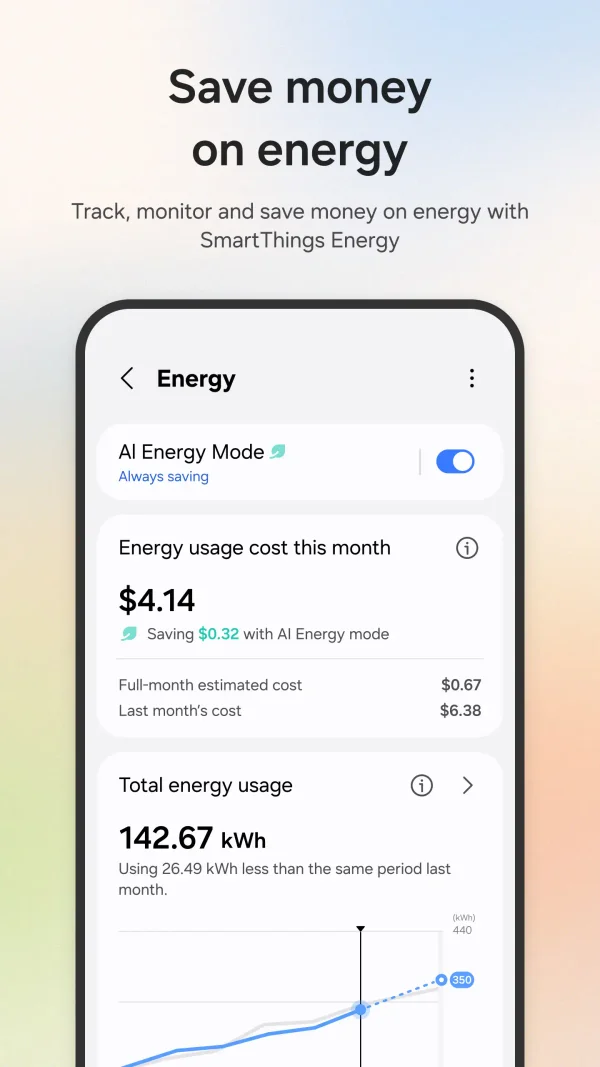
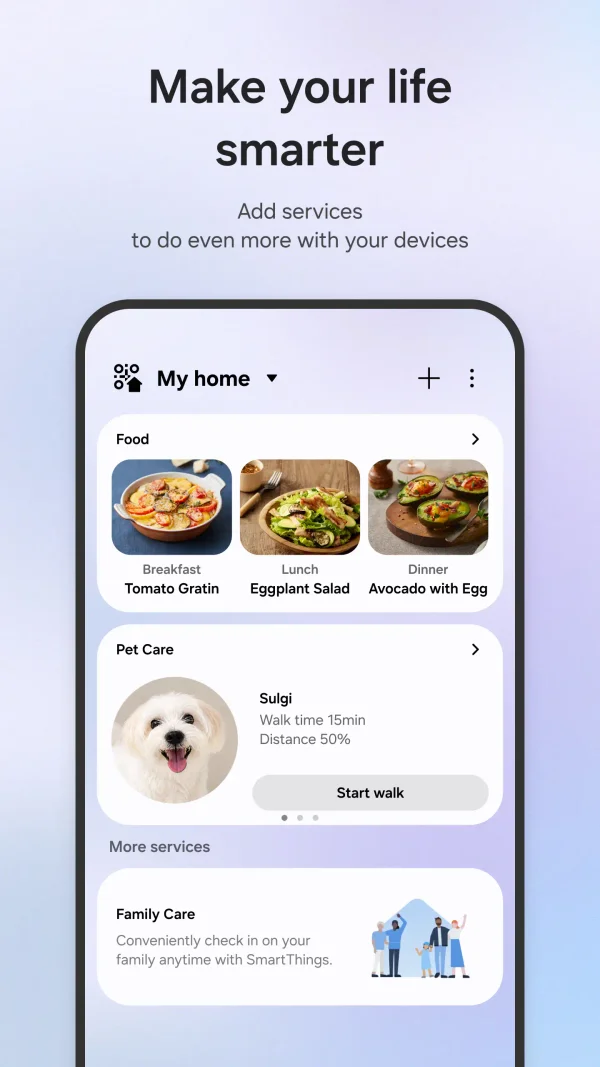
About this app
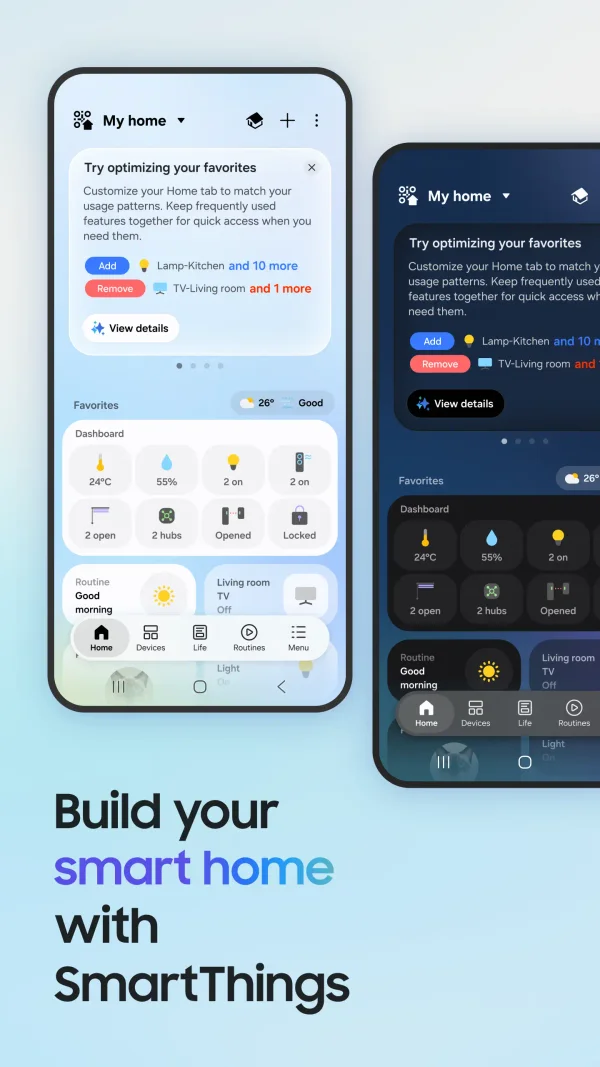
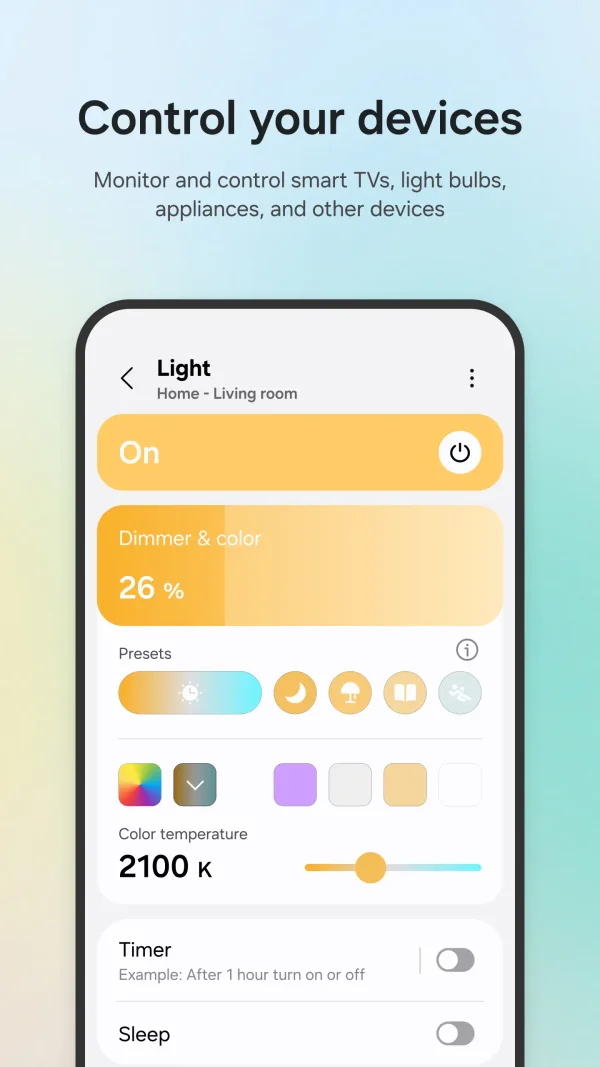
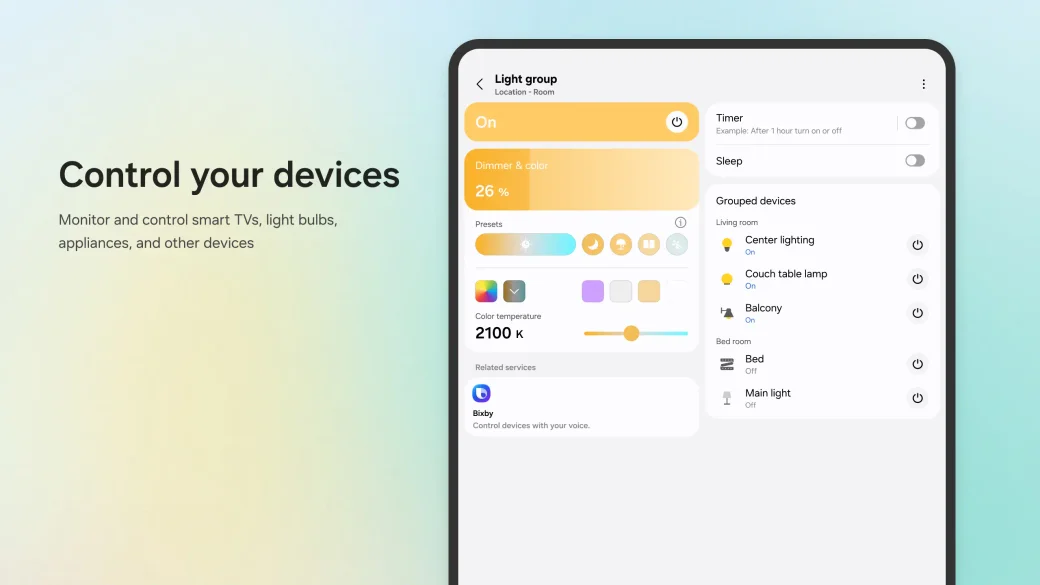
Control your Samsung Smart TVs, appliances, and SmartThings-compatible devices
Quickly and easily connect and control your smart home devices through SmartThings.
SmartThings is compatible with 100s of smart home brands. So, you can control all of your smart home gadgets in one place, including your Samsung Smart TV and smart home appliances.
With SmartThings, you can connect, monitor and control multiple smart home devices quicker and easier. Connect your Samsung smart TVs, smart appliances, smart speakers and brands like Ring, Nest and Philips Hue - all from one app.
Then control your smart devices using voice assistants including Alexa, Bixby and Google Assistant
[Key Features]
- Control and check in on your home from wherever you are
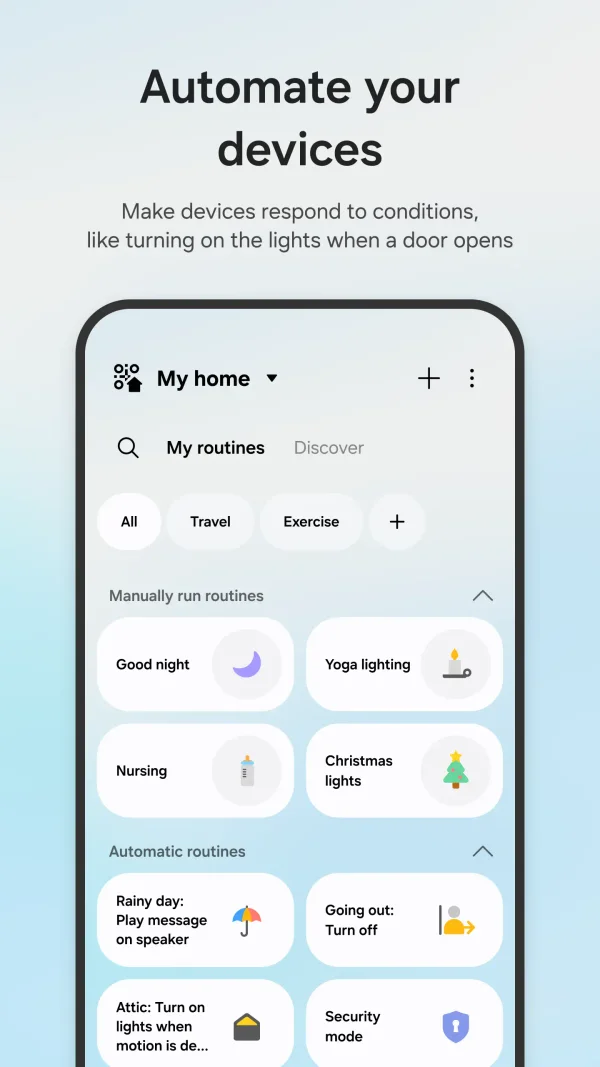
- Build routines that are set on time, weather, and device status, so your home runs smoothly in the background
- Allow shared control by giving access to other users
- Receive status updates about your devices with automated notifications
※ SmartThings is optimized for Samsung smartphones. Some features may be limited when used with other vendors' smartphones.
※ Some features may not be available in all countries.
※ You can also install SmartThings on Wear OS-based watches.
※ SmartThings for Wear OS is only available when the watch is connected to a mobile phone. You can get a quick access to routine run and device control by adding SmartThings tile on your watch. We provide SmartThings complications that allow you to enter SmartThings app service directly from watchface.
[App requirements]
Some mobile devices may not be supported.
- Memory size : 3GB over
※ App permissions
The following permissions are required for the app. You can use the app without optional permissions, but some functions may be limited.
[Optional access permissions]
• Location : Used to locate your devices, create routines based on your location, and scan for nearby devices using Wi-Fi
• Nearby devices : (Android 12 ↑) Used to scan for nearby devices using Bluetooth Low Energy (BLE)
• Notifications : (Android 13 ↑) Used to provide notifications about SmartThings devices and features
• Camera : Used to scan QR codes so you can easily add members and devices to SmartThings
• Microphone : Used to add certain devices to SmartThings using high-frequency sounds
• Files and media : (Android 12) Used to save data and share content
• Photos and videos : (Android 13 ↑) Used to play photos and videos on SmartThings devices
• Music and audio : (Android 13 ↑) Used to play sound and video on SmartThings devices
• Phone : (Android 12 ↑) Used to make calls on smart speakers
• Contacts : (Android 12 ↑) Used to get phone numbers of your contacts to send text message notifications
• Physical activity : (Android 12 ↑) Used to detect when you start pet walks
[Wear OS Optional access permissions]
• Nearby devices : (Wear OS 3.5 ↑) Used to scan for nearby devices using Bluetooth Low Energy (BLE)
• Notifications : (Wear OS 4.0 ↑) Used to provide notifications about SmartThings devices and features
• Microphone: Communicate with nearby devices using a microphone and speaker
Data safety
What Samsung Electronics Co., Ltd. declares on Google Play about the data this app collects and shares.
- This app may share these data types with third partiesPersonal info and Device or other IDs
- This app may collect these data typesLocation, Personal info and 5 others
- Data is encrypted in transit
- You can request that data be deleted
What’s new
Nov 17, 2026
SmartThings is getting even better.
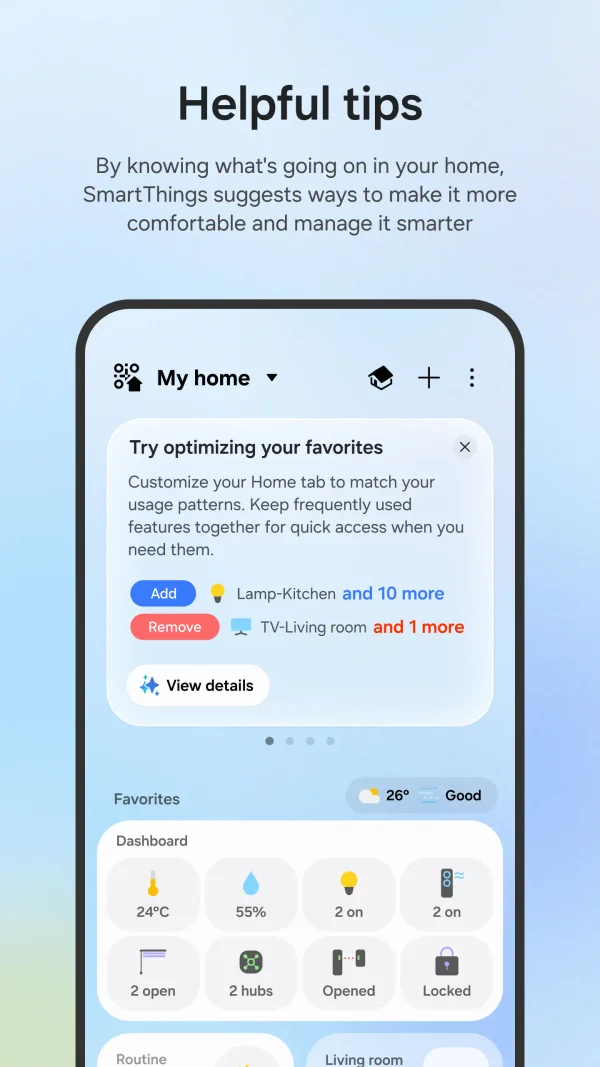
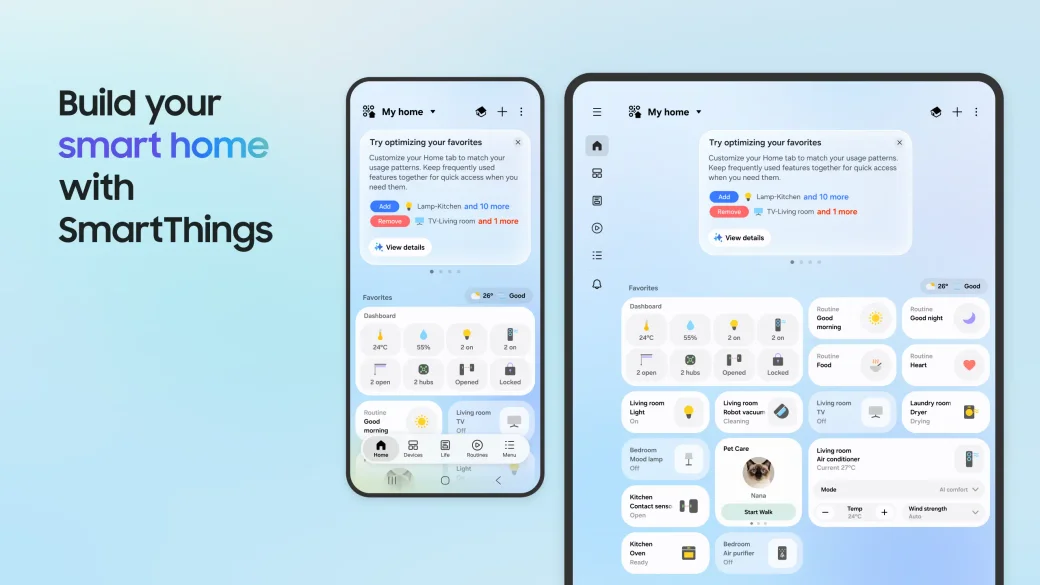
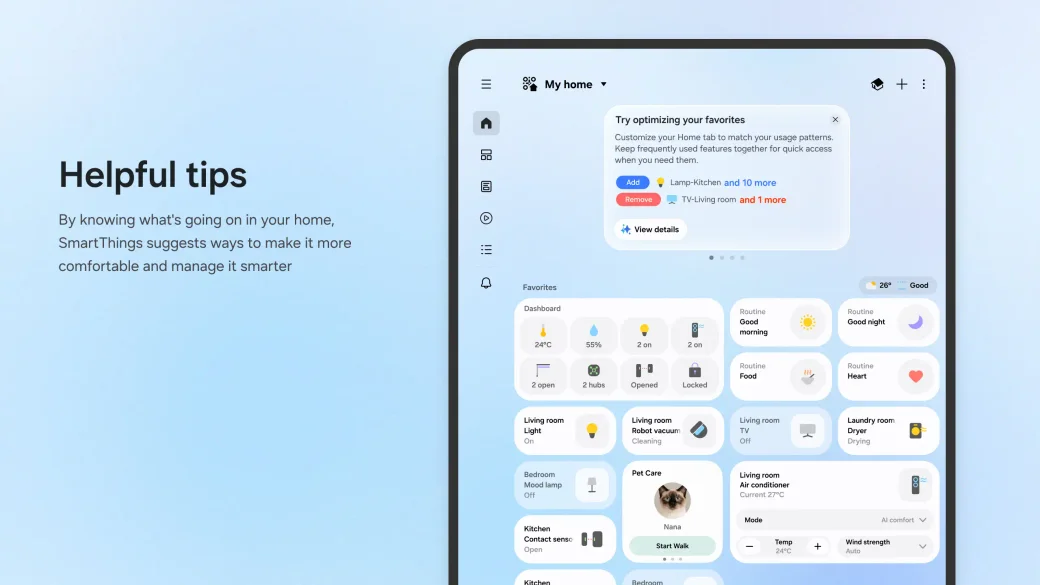
- Redesigned Home tab: Access your most-used features and key info right from the Home screen.
- Faster hub-connected device control: Devices connected to your hub respond faster when your phone and hub are on the same Wi-Fi.
- Offline device diagnostics: Check and recover offline devices from one dedicated screen.
- Routine Insights: See your top 3 most-used Routines and recent activity.
Developer contact
- Websitehelp.content.samsung.com
- Emailnoreply.sec@samsung.com
- Privacy policysmartthings.com
- Address대한민국 16677 경기도 수원시 영통구 삼성로 129 (매탄동)
Information
- Offered by
- Samsung Electronics Co., Ltd.
- Category
- Lifestyle
- Updated
- Nov 17, 2026
- Released
- Apr 18, 2017
- Age rating
- Everyone
- Price
- Free
- Package name
- com.samsung.android.oneconnect
Similar apps
-
 Samsung Browser
Communication
-
 Galaxy Wearable
Tools
-
 SmartLife: Smart Living
Lifestyle
-
 Clock
Tools
-
 Clock
Tools
-
 Speedtest Internet & WiFi Test
Tools
-
 Cast for Chromecast & TV Cast
Tools
-
 Smart Connect
Productivity
-
 Samsung Calendar
Productivity
-
 Samsung My Files
Tools
-
 Device Care
Tools
-
 Samsung Notes
Productivity