Auto Clicker AG- Automatic Tap
Bright ProspectIn-app purchases
- EveryoneAge rating
- ToolsCategory
- Oct 20, 2026Updated
- FreePrice
Links to the official Google Play listing of com.tapassistant.autoclicker. Last checked on Nov 20, 2026.

Screenshots
About this app
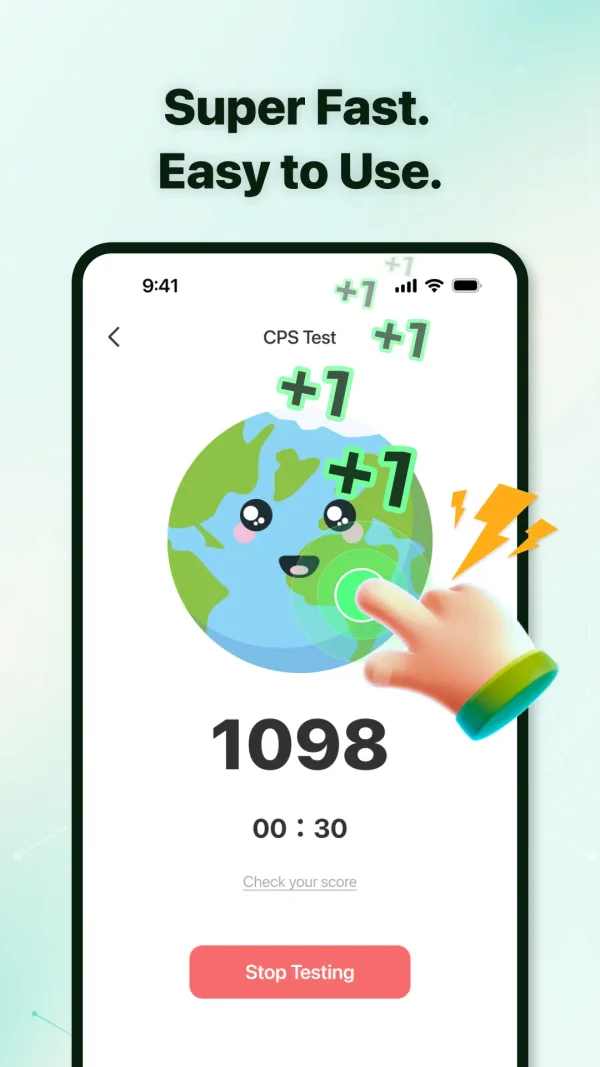
Auto Clicker automate with speed.
AG Auto Clicker is a user-controlled automation tool that helps automate repetitive on-screen actions such as taps, swipes, and long presses on Android devices.
All automation features are manually configured and explicitly initiated by the user. The app only functions after the user has voluntarily granted and enabled the required Accessibility permission, and automation runs strictly according to the user's settings.
Key Capabilities
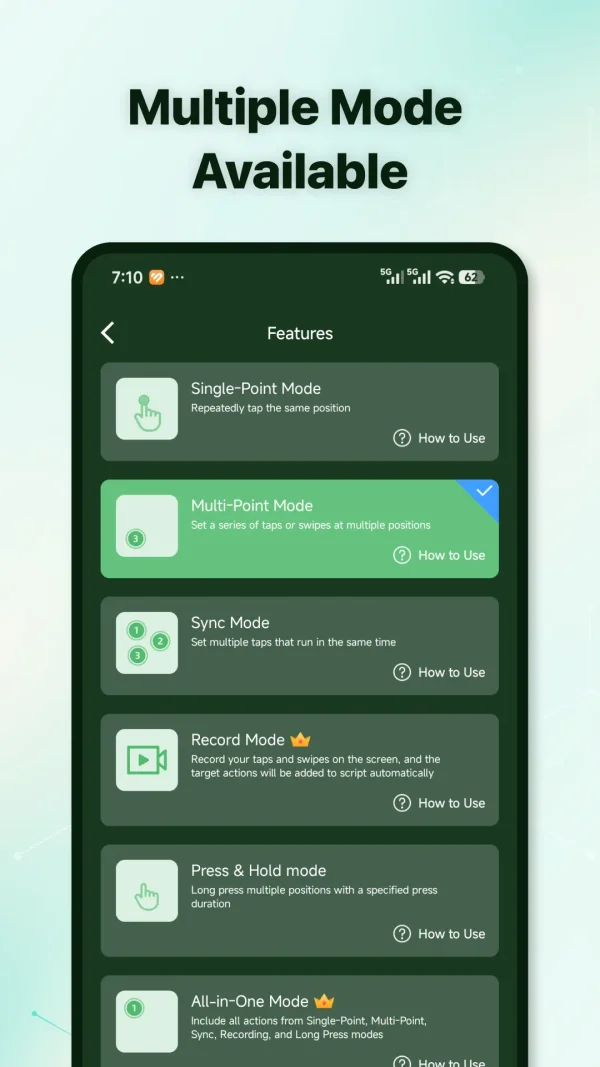
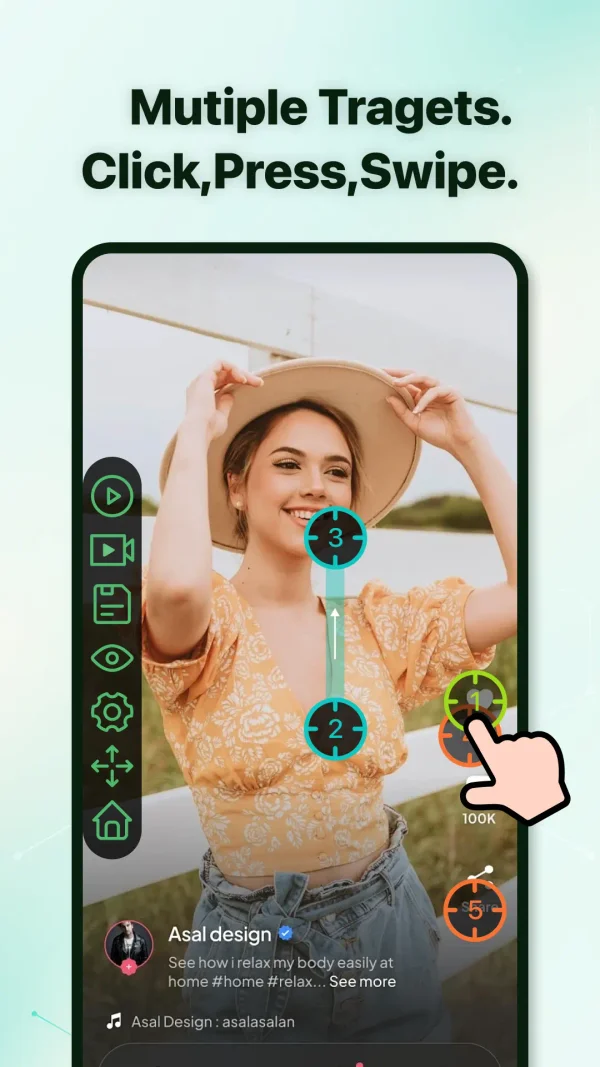
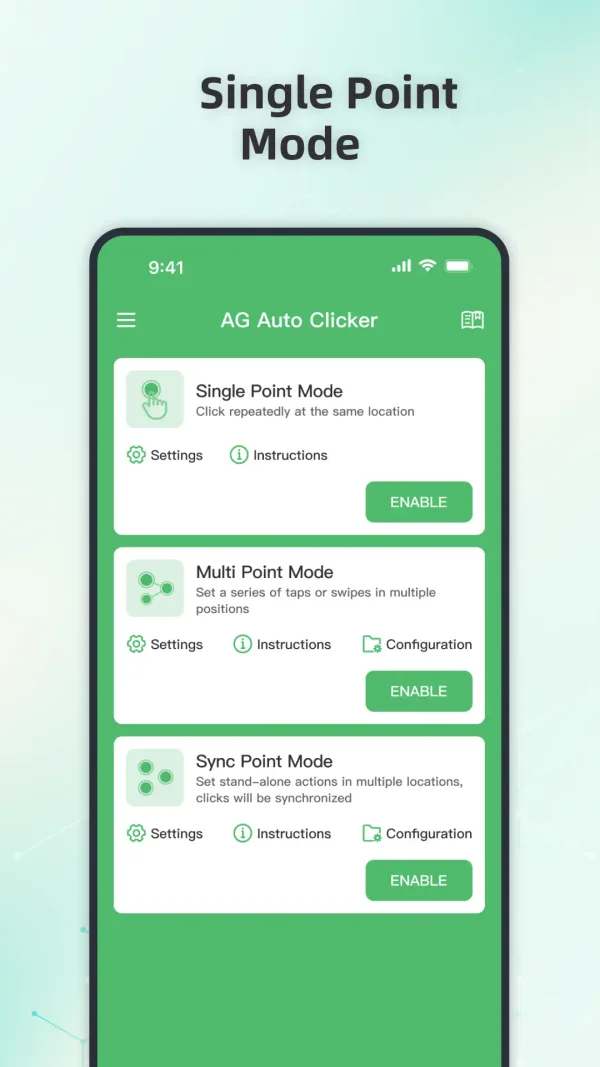
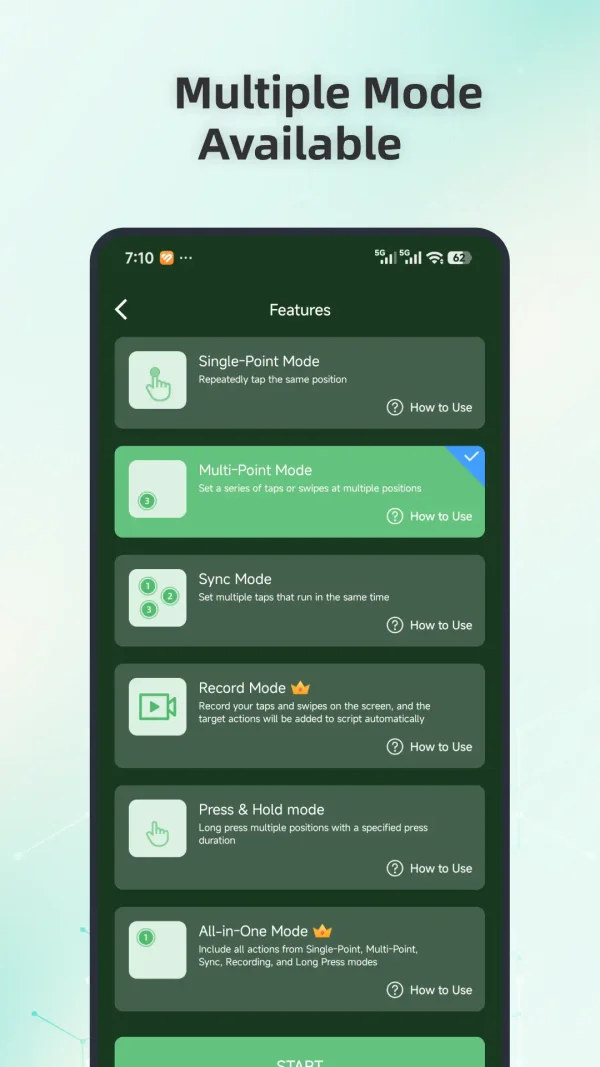
✅ Multi-Point & Multi-Touch Automation
Create sequences of taps or swipes that run in sync or in order, fully defined by the user.
✅ Synchronous Clicking
Trigger multiple click points simultaneously for user-defined tasks that require coordinated input.
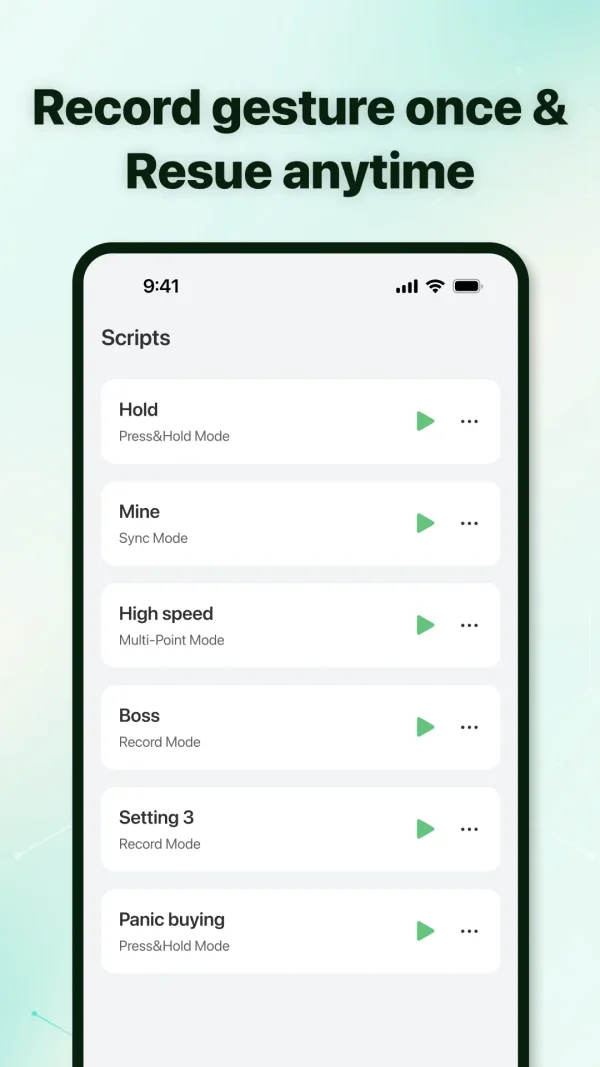
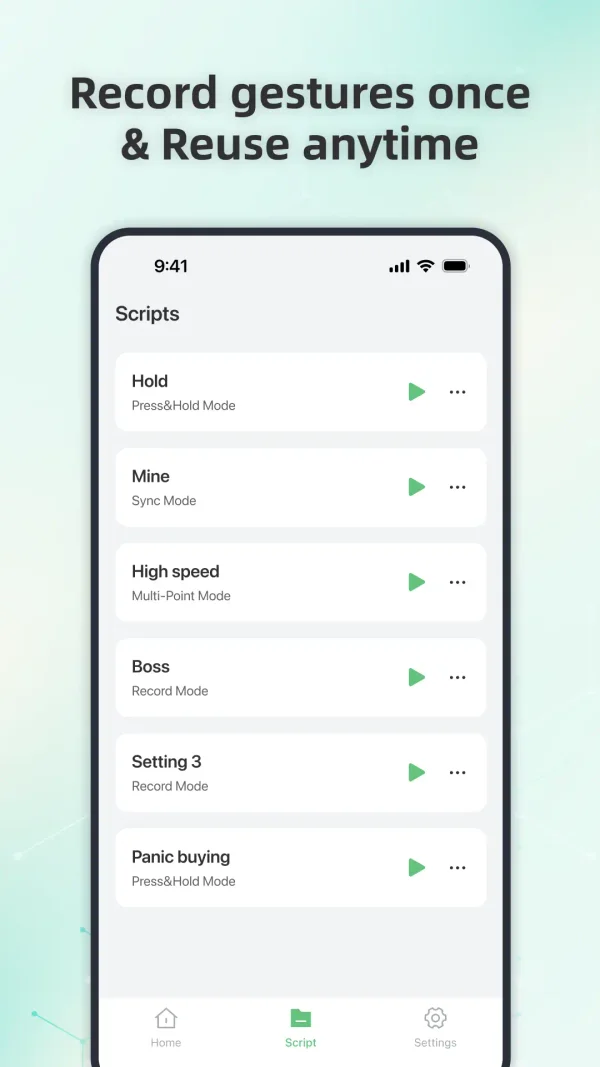
✅ Record & Playback
Record on-screen gestures and replay them as configured by the user for personal automation scenarios.
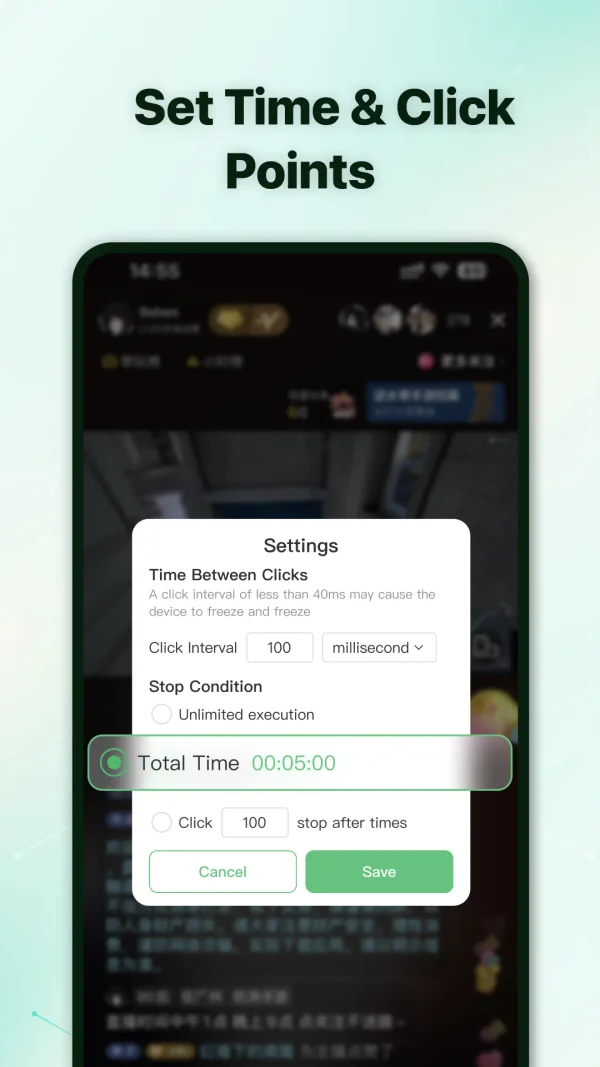
✅ Scheduled Start & Interval Control
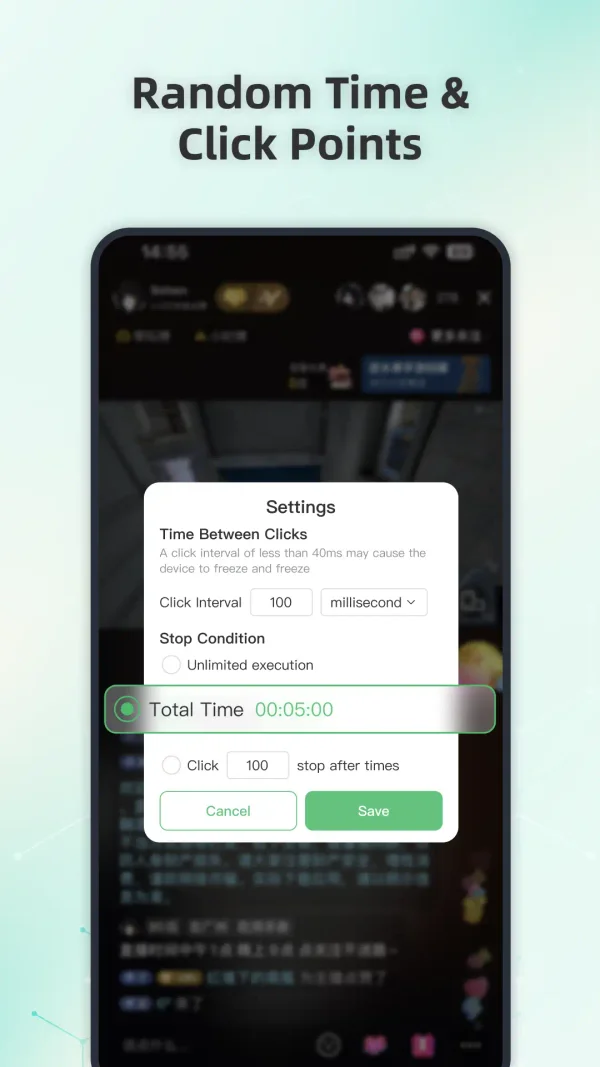
Set a delayed start time and customize click intervals with precise timing control.
✅ Floating Control Panel
Start or stop automation at any time using an adjustable floating control overlay.
AG Auto Clicker does not perform actions without user configuration and does not bypass system restrictions, security mechanisms, or third-party protections.
Accessibility Service Declaration
AG Auto Clicker uses the Android Accessibility Service solely to enable user-approved automation features such as tapping, swiping, and long pressing.
Accessibility permission is optional and disabled by default
Features are available only after the user manually enables the permission
The app does not access, collect, or store:
Usernames or passwords
Account credentials
Personal or sensitive user data
The app does not perform background actions without user awareness
The app does not communicate with third-party services through Accessibility APIs
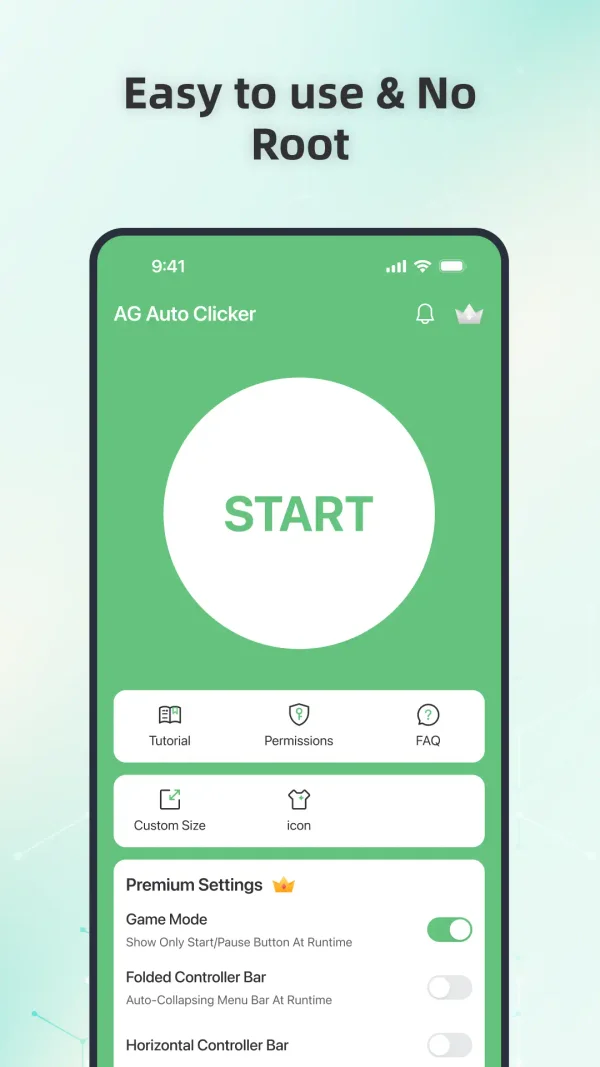
No ROOT access is required. Compatible with Android 12 and above.
Data safety
What Bright Prospect declares on Google Play about the data this app collects and shares.
- This app may share these data types with third partiesLocation, App activity and 2 others
- This app may collect these data typesLocation, App activity and 2 others
- Data is encrypted in transit
- Data can’t be deleted
What’s new
Version 1.5.8 · Oct 20, 2026
Fixed known bugs and improved overall stability
Optimized parts of the app interface for a better experience
Developer contact
- Websiteagclicker.com
- EmailLDQ_feedback@outlook.com
- Privacy policyagclicker.com
- Address8 Cantello Ave Hammondville NSW 2170 Australia
Information
- Offered by
- Bright Prospect
- Category
- Tools
- Version
- 1.5.8
- Updated
- Oct 20, 2026
- Released
- May 11, 2023
- Requires
- Android 8.0 or later
- Age rating
- Everyone
- Price
- Free
- In-app purchases
- $0.99 - $69.99 per item
- Package name
- com.tapassistant.autoclicker
Similar apps
-
 Auto Clicker - Automatic tap
Tools
-
 Auto Clicker: Auto Tapper
Tools
-
 ZArchiver
Tools
-
 Color Widgets, Theme: iWidgets
Lifestyle
-
 Screen Recorder Video Recorder
Tools
-
 Wallpapers HD - Backgrounds 4K
Personalization
-
 Opera GX: Gaming Browser
Communication
-
 Wifi password all in one
Tools
-
 Multiple Accounts: Dual Space
Tools
-
 Phonk Music - Song Remix Radio
Music & Audio
-
 Screen Recorder - AX Recorder
Video Players & Editors
-
 Android Accessibility Suite
Tools