Android Accessibility Suite
Google LLC- EveryoneAge rating
- ToolsCategory
- Nov 4, 2026Updated
- FreePrice
Links to the official Google Play listing of com.google.android.marvin.talkback. Last checked on Nov 20, 2026.

Screenshots
About this app
Includes TalkBack, Accessibility menu and more.
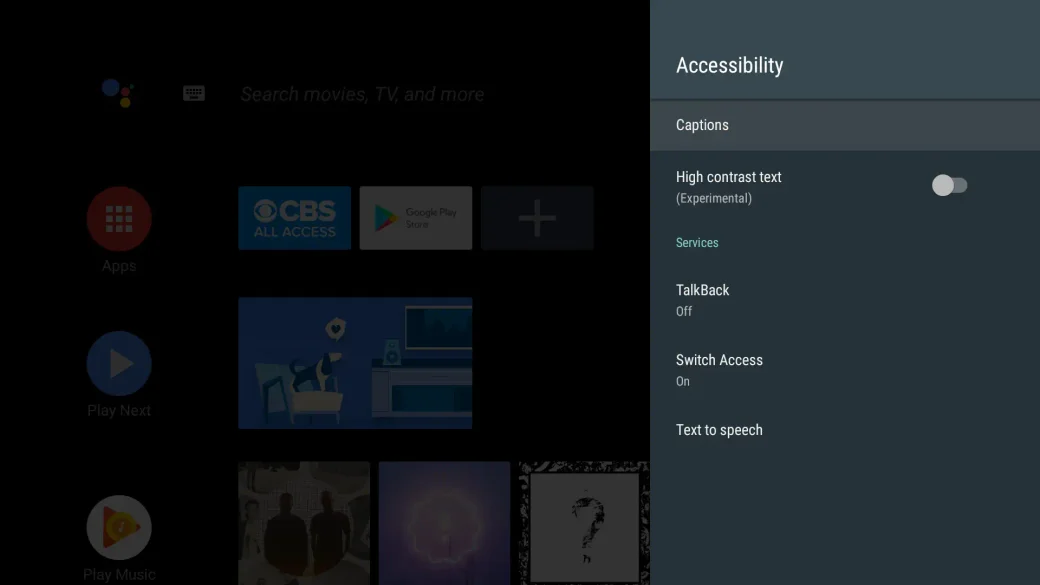
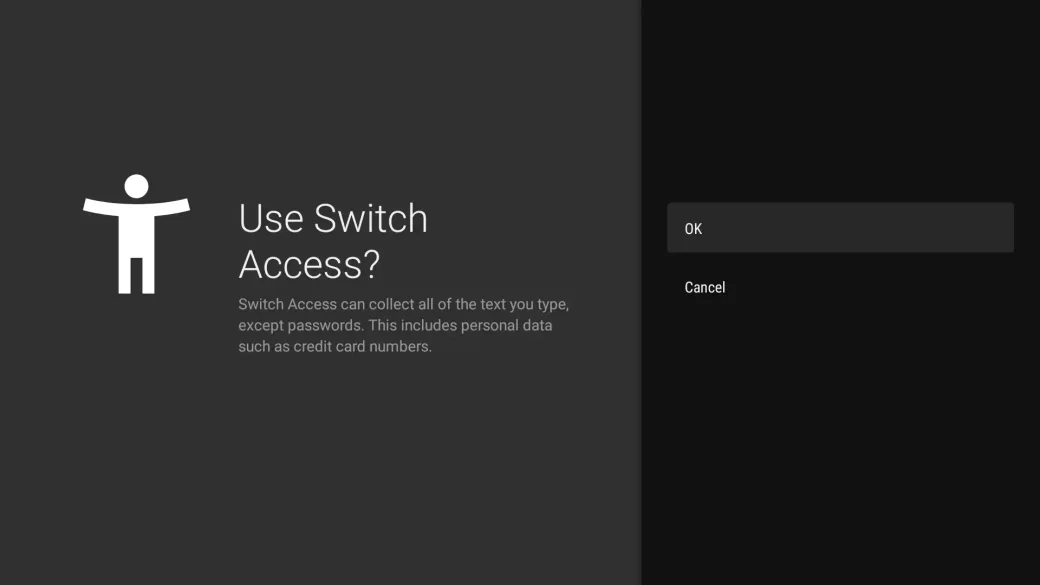
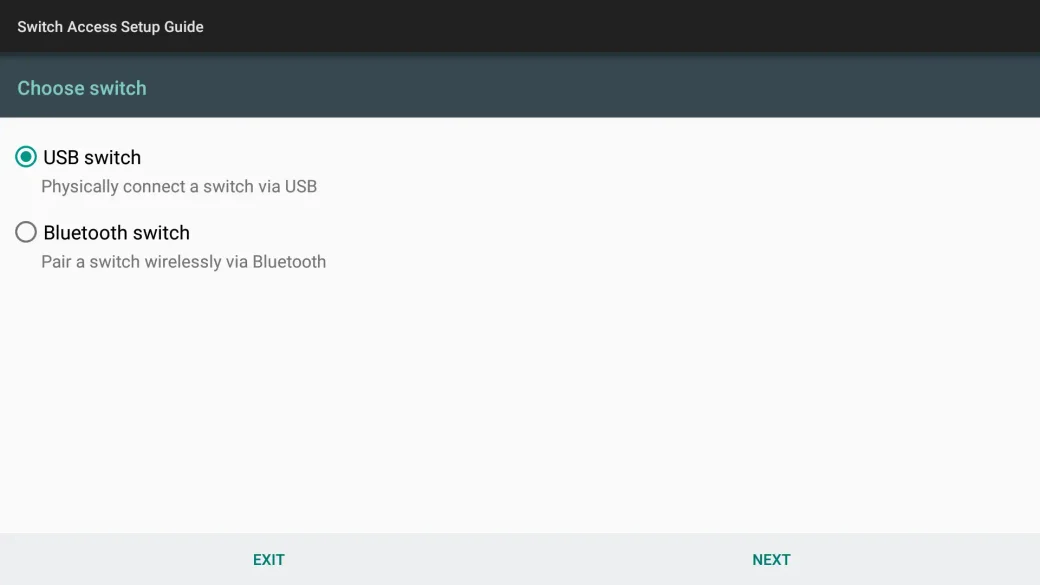
Android Accessibility Suite is a collection of accessibility apps that help you use your Android device eyes-free or with a switch device.
Android Accessibility Suite includes:
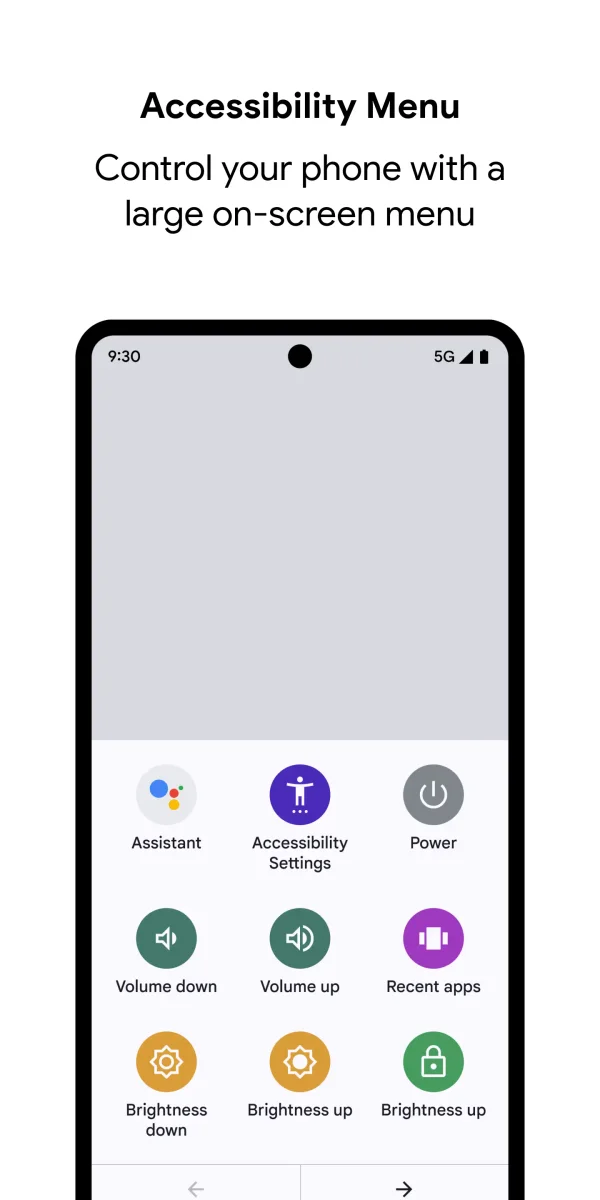
• Accessibility Menu: Use this large on-screen menu to lock your phone, control volume and brightness, take screenshots and more.
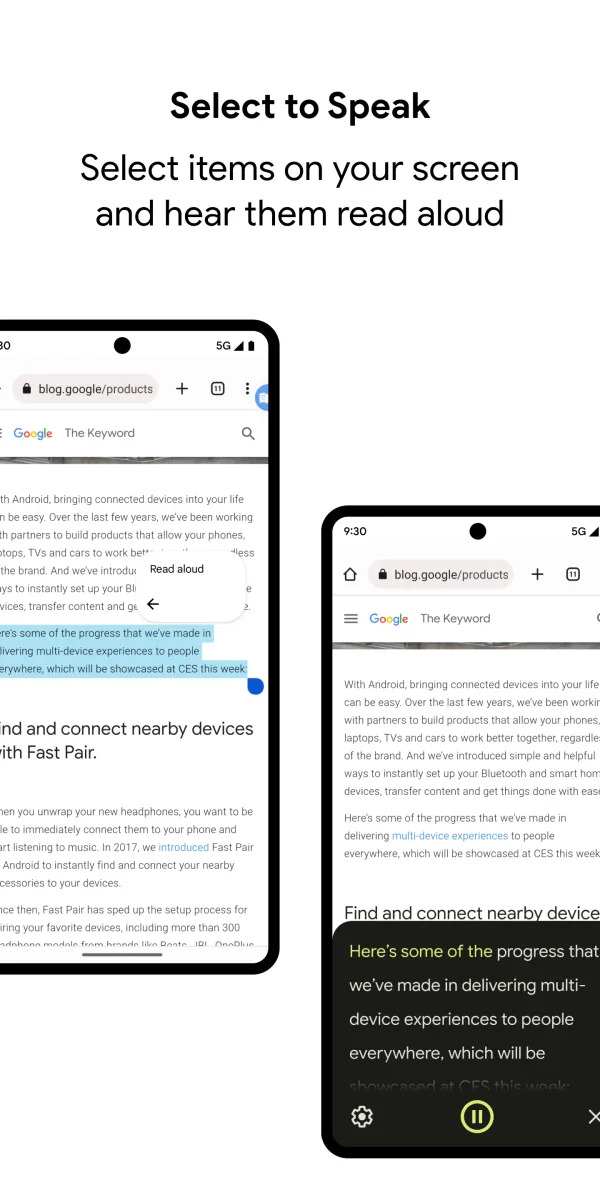
• Select to Speak: Select items on your screen and hear them read aloud.
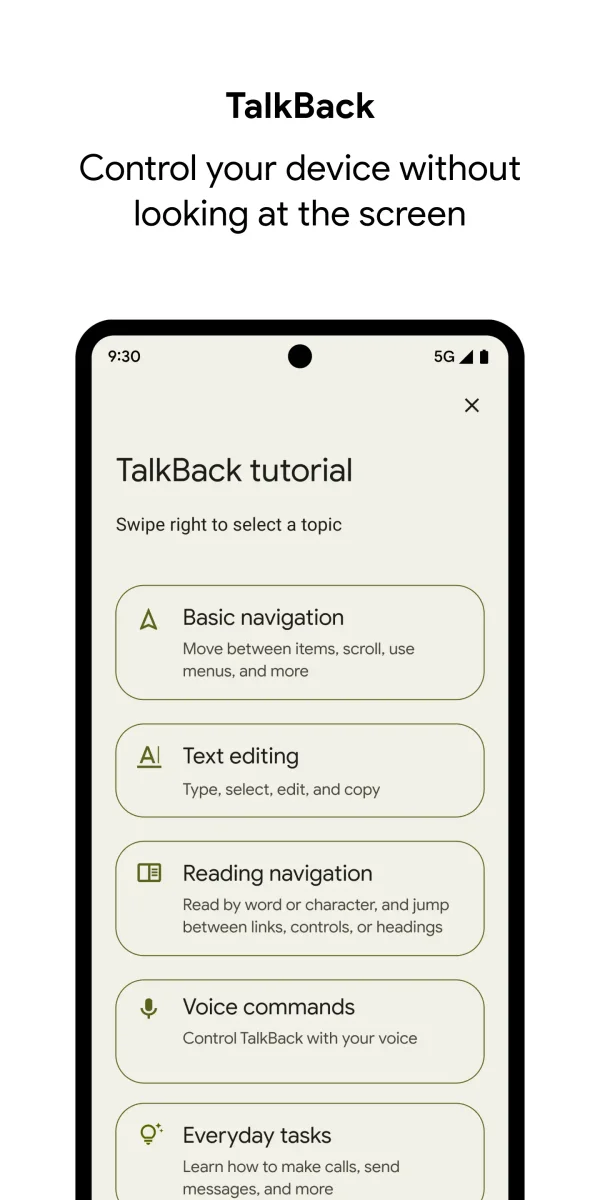
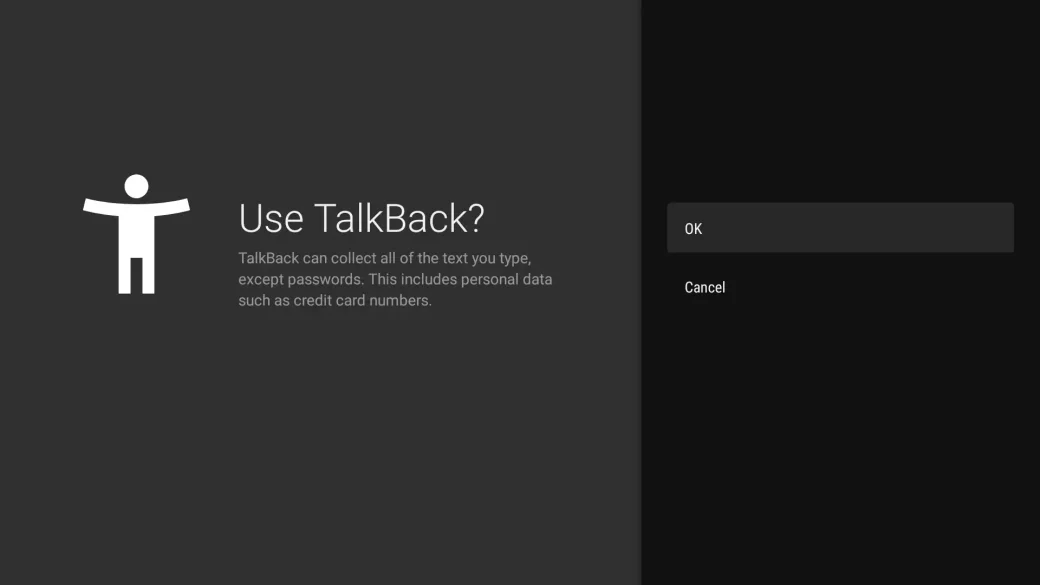
• TalkBack screen reader: Get spoken feedback, control your device with gestures and type with the on-screen braille keyboard.
To get started:
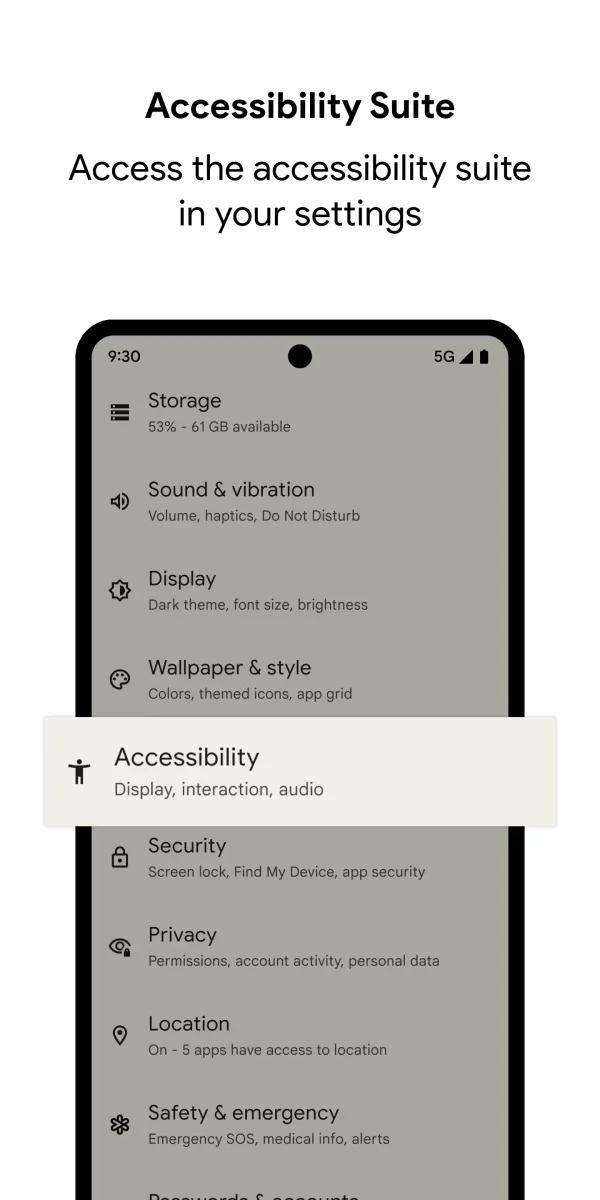
1. Open your device's Settings app.
2. Select Accessibility.
3. Select Accessibility Menu, Select to Speak or TalkBack.
Android Accessibility Suite requires Android 7 (Android N) or later. To use TalkBack for Wear, you'll need Wear OS 3.0 or later.
Permissions notice
• Phone: Android Accessibility Suite observes the phone state so that it can adapt announcements to your call status.
• Accessibility service: Because this app is an accessibility service, it can observe your actions, retrieve window content and observe text that you type.
• Notifications: When you allow this permission, TalkBack can notify you about updates.
Data safety
What Google LLC declares on Google Play about the data this app collects and shares.
- No data shared with third partiesLearn more about how developers declare sharing
- This app may collect these data typesApp activity, App info and performance, and Device or other IDs
- Data is encrypted in transit
- Data can’t be deleted
What’s new
Nov 4, 2026
TalkBack 17.1
• Improved text selection
• Voice selection within TalkBack settings
• Enhanced braille display customisation
• Improved typing experience with a physical keyboard in Chinese, Japanese, Korean and Vietnamese
• Improved keyboard interactions when using smart browse mode
• Improved overall performance
TalkBack on Wear OS 17.1
• More seamless 'Continue on phone' experience
• Enhanced display of speech output
Developer contact
- Websitedeveloper.android.com
- Emailapps-help@google.com
- Privacy policygoogle.com
- Address1600 Amphitheatre Pkwy Mountain View, CA 94043 United States
Information
- Offered by
- Google LLC
- Category
- Tools
- Updated
- Nov 4, 2026
- Age rating
- Everyone
- Price
- Free
- Package name
- com.google.android.marvin.talkback
Similar apps
-
 Gboard – the Google Keyboard
Tools
-
 Google Go
Tools
-
 Phone by Google
Tools
-
 Google Assistant Go
Tools
-
 Digital Wellbeing
Tools
-
 Samsung My Files
Tools
-
 Google Fi Wireless
Tools
-
 Device Care
Tools
-
 Quick Settings app
Productivity
-
 Speech Recognition & Synthesis
Tools
-
 Microsoft SwiftKey AI Keyboard
Personalization
-
 Gaminik: Auto Screen Translate
Tools