Galaxy Wearable
Samsung Electronics Co., Ltd.- EveryoneAge rating
- ToolsCategory
- Oct 6, 2026Updated
- FreePrice
Links to the official Google Play listing of com.samsung.android.app.watchmanager. Last checked on Nov 20, 2026.
Screenshots

About this app
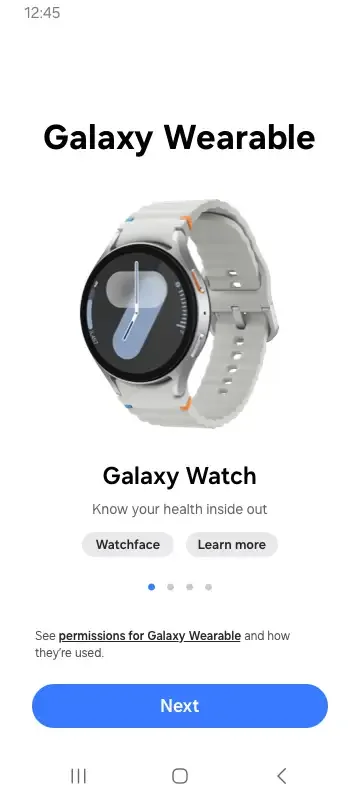
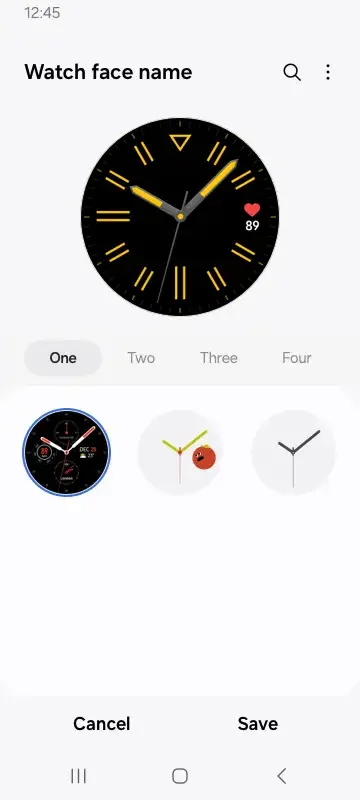
The Galaxy Wearable app manages the wearable devices and gear series to phone.
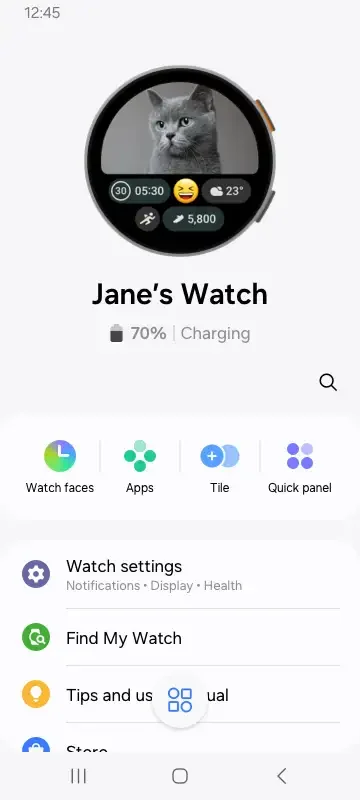
The Galaxy Wearable application connects your wearable devices to your mobile device. It also manages and monitors the wearable device features and applications you've installed through Galaxy Apps.
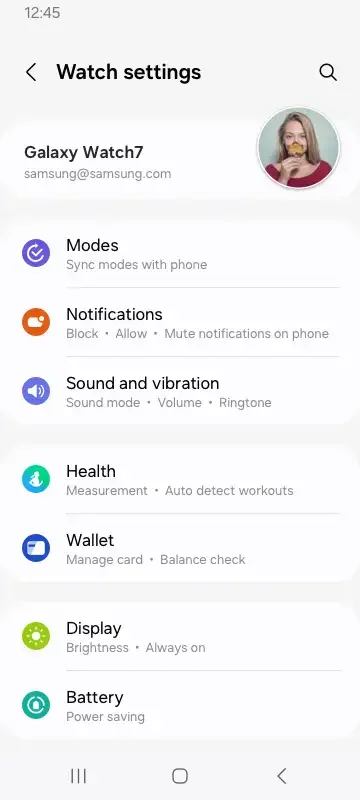
Use the Galaxy Wearable application to set up and manage the following features:
- Mobile device connection/disconnection
- Software updates
- Clock settings
- Application download and settings
- Find my Watch
- Notification type and settings, etc.
Install the Galaxy Wearable application on your mobile device, then pair your wearable devices via Bluetooth to enjoy all of its features.
※ Settings and features provided by the Galaxy Wearable application are only available when your wearable device is connected to your mobile device. Features will not work properly without a stable connection between your wearable device and your mobile device.
※ The Galaxy Wearable application does not support the Gear VR or Gear 360.
※ only for Galaxy Buds models, The Galaxy Wearable application can be used with tablets .
※ Supported devices vary depending on your region, operator, and device model.
※ Please allow the Galaxy Wearable application permissions in Android Settings so you can use all the functions in Android 6.0.
Settings > Apps > Galaxy Wearable > Permissions
※ Access permission information
The following access permissions are required to provide you with this service.
Basic features of the service can be used even if optional access permissions are not granted.
Depending on the wearable device you are connecting, the required access permissions may vary.
[Required access permissions]
- Location: To search for nearby connectable devices to connect to the Gear via Bluetooth (Android 11 or lower)
- Nearby devices: To search for nearby connectable devices to connect to the Gear via Bluetooth (Android 12 or higher)
[Optional access permissions]
* Optional permissions may be required depending on the wearable device you are connecting.
- Phone: To verify the unique identification information of devices for app updates and for installing plug-in apps
- Address book: To provide services that require account syncing by using the registered Samsung account information
- Calendar: To provide schedule syncing with the wearable device
- Call logs: To provide call log syncing with the wearable device
- SMS: To provide SMS syncing with the wearable device
Data safety
What Samsung Electronics Co., Ltd. declares on Google Play about the data this app collects and shares.
- This app may share these data types with third partiesDevice or other IDs
- No data collectedLearn more about how developers declare collection
- Data is encrypted in transit
- Data can’t be deleted
What’s new
Oct 6, 2026
- Fixed the error.
Developer contact
- Websitesamsung.com
- Emailgmanager.sec@samsung.com
- Privacy policyterms.samsungconsent.com
- Address대한민국 16677 경기도 수원시 영통구 삼성로 129 (매탄동)
Information
- Offered by
- Samsung Electronics Co., Ltd.
- Category
- Tools
- Updated
- Oct 6, 2026
- Released
- Nov 19, 2013
- Age rating
- Everyone
- Price
- Free
- Package name
- com.samsung.android.app.watchmanager
Similar apps
-
 Samsung My Files
Tools
-
 Device Care
Tools
-
 Clock
Tools
-
 Samsung Calendar
Productivity
-
 Samsung Notes
Productivity
-
 Samsung Calculator
Tools
-
 Samsung Health
Health & Fitness
-
 Mi Fitness (Xiaomi Wear)
Health & Fitness
-
 Samsung Smart Switch Mobile
Tools
-
 Samsung Members
Tools
-
 SmartThings
Lifestyle
-
 Samsung Global Goals
Education